
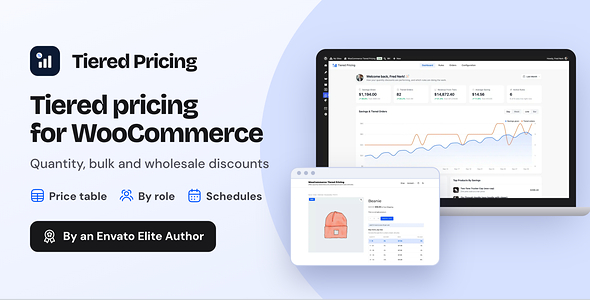
Tiered Pricing is a WooCommerce tiered pricing plugin that lowers the unit price as the quantity rises. Shoppers see the whole price ladder on the product page. The cart applies the tier price to every unit on the line.
WooCommerce sells each product at one price. There is no way to say 10 units cost $17.10 each without a plugin. This one adds the ladder, the cart logic and the reports that show what each tier earned.
It works as a WooCommerce bulk pricing plugin, a WooCommerce quantity based discount for any product and a WooCommerce wholesale pricing plugin for trade roles. One tiered pricing table for WooCommerce covers all three.
Every plan and the latest features: Tiered Pricing plugin page




Bulk deals nobody sees do not sell
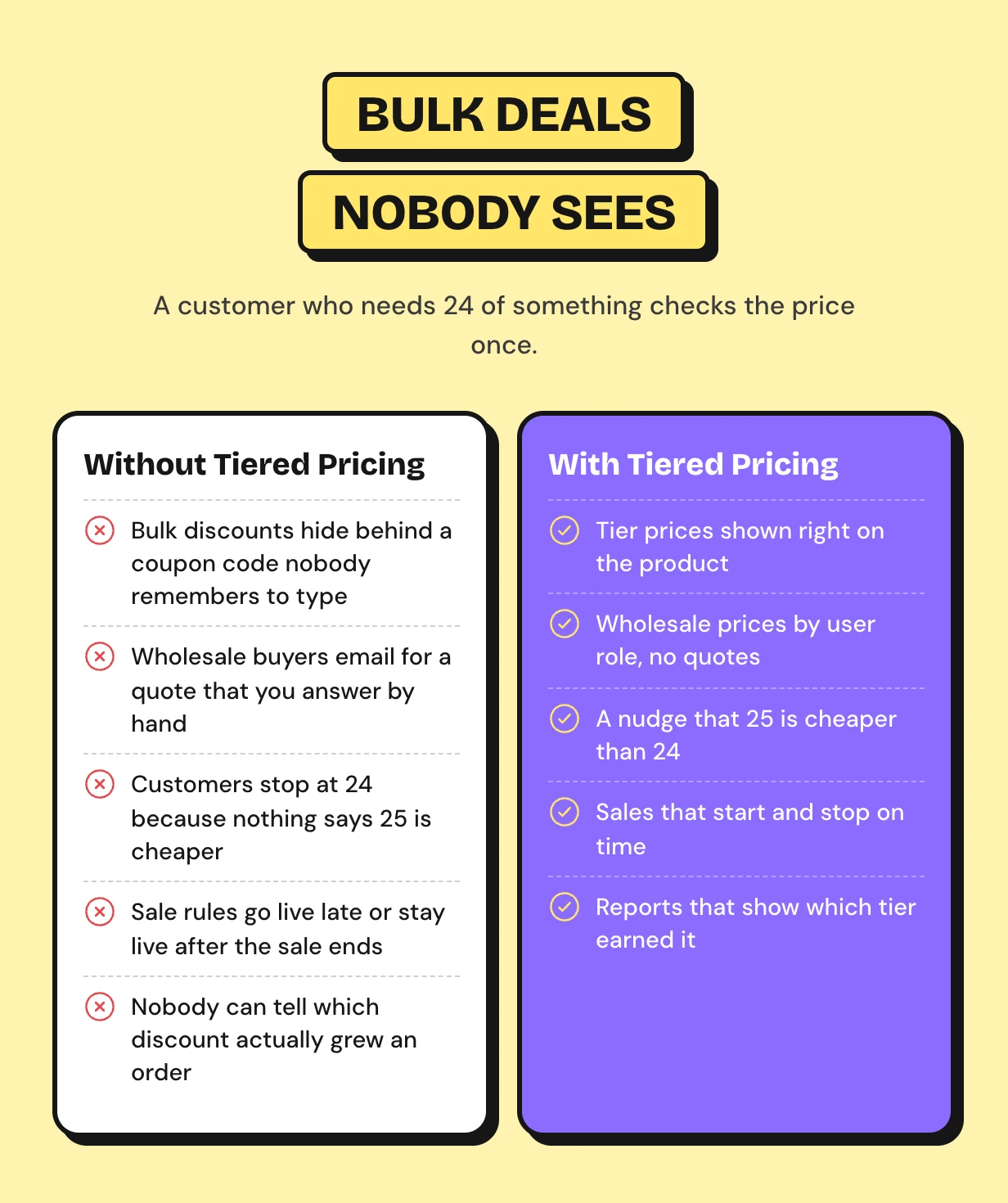
A buyer wants 30 units and sees one price. They do not know a better price exists at 25.
Bulk deals that live in a PDF or an email never reach the product page. Trade buyers ask for quotes and retail buyers order one less than they could.
How WooCommerce tiered pricing works
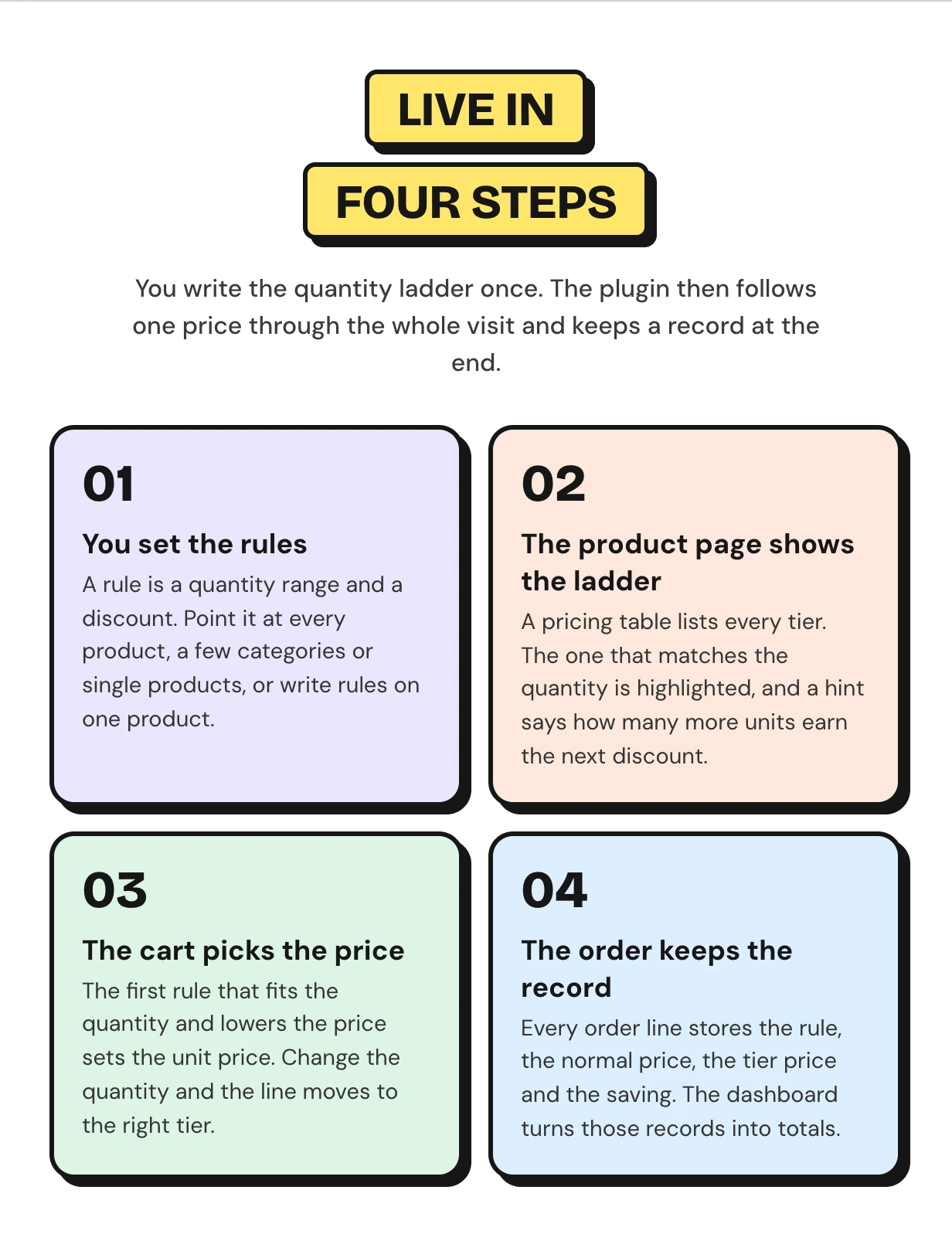
Four steps run on their own once a rule exists. The setup wizard creates your first tier and picks where the table sits.
WooCommerce tiered pricing features
Every feature below ships in this one download. It covers the price ladder, the cart and checkout and the reports that show which tier earned the order.
A WooCommerce tiered pricing table customers actually read
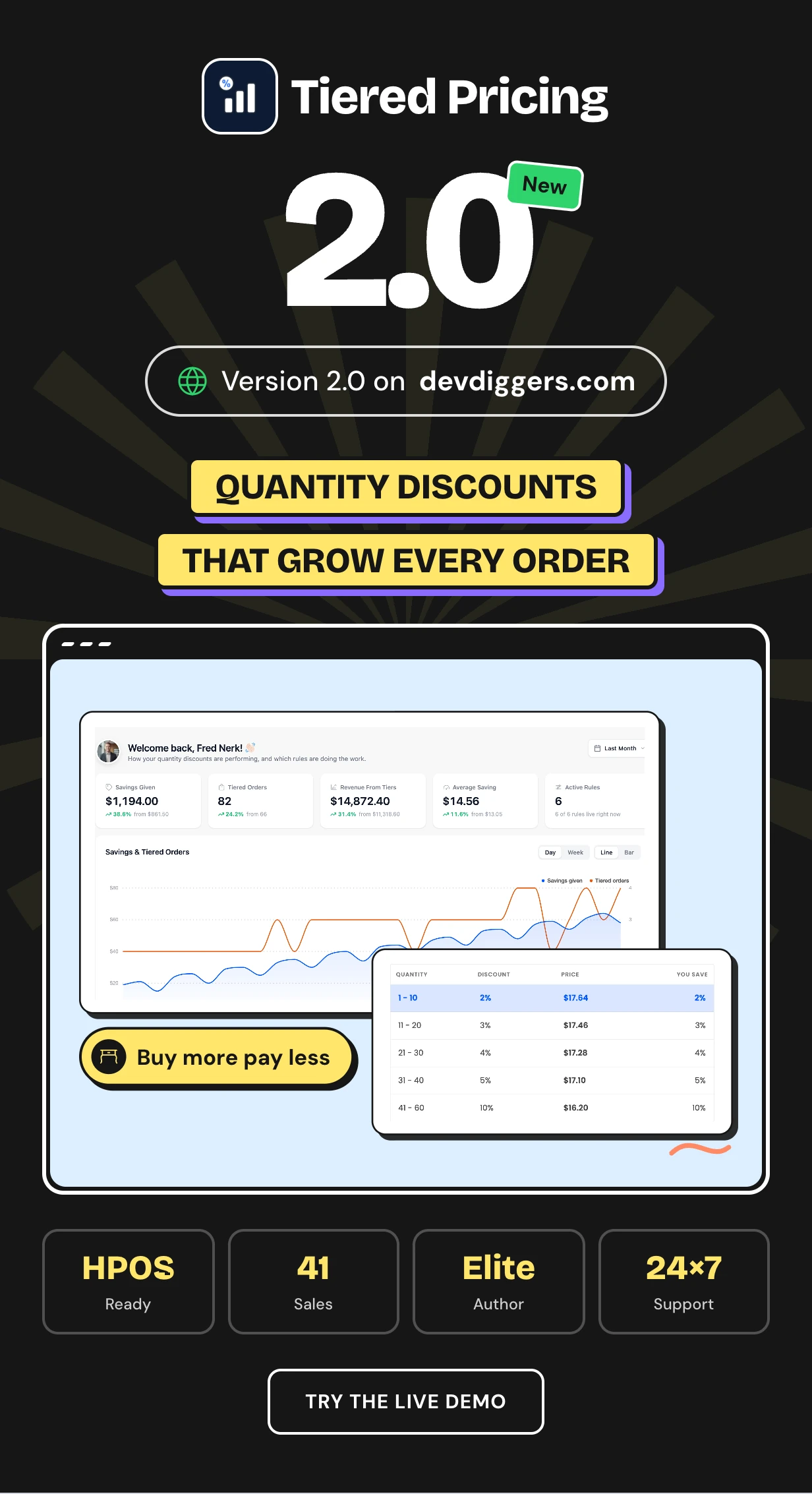
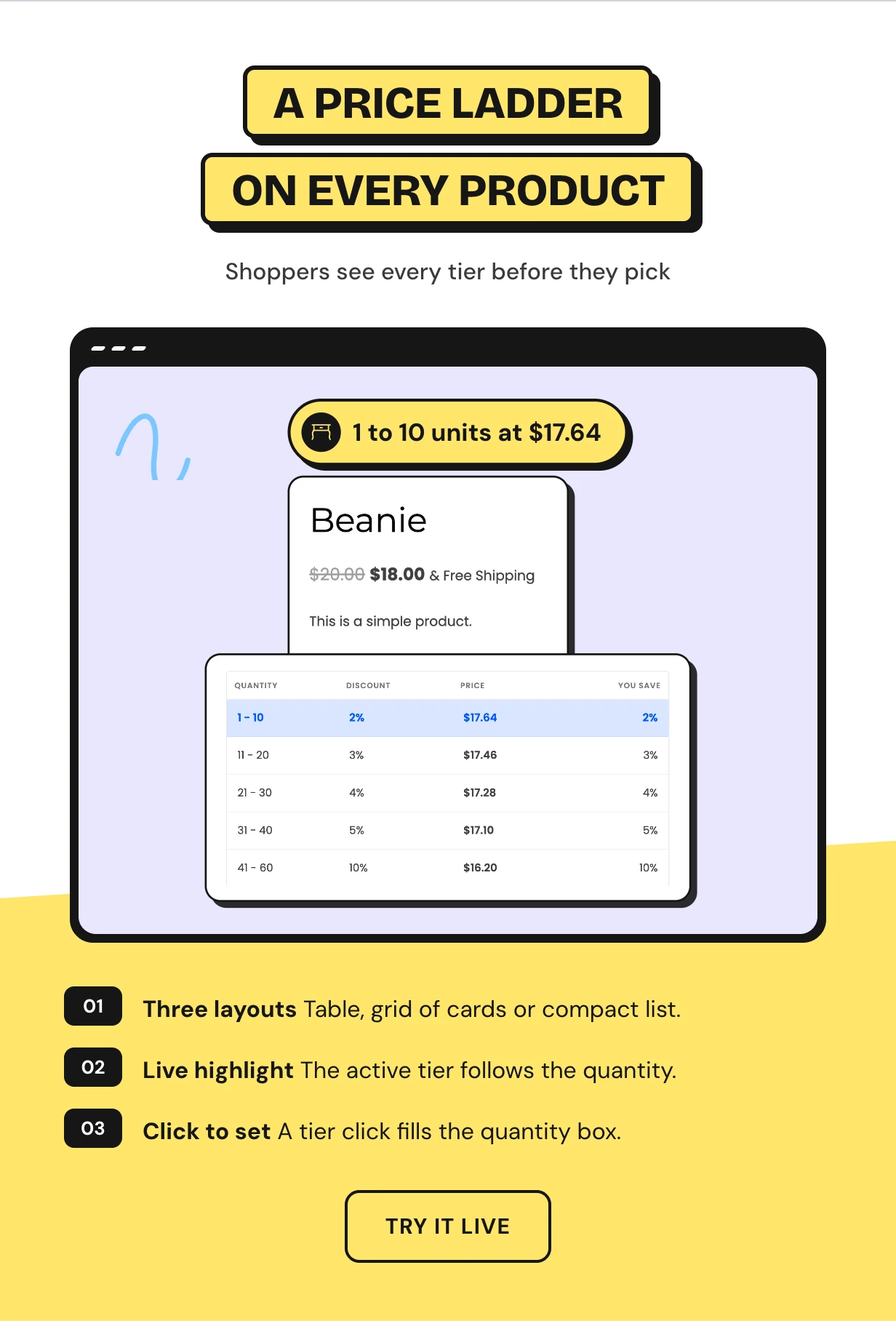
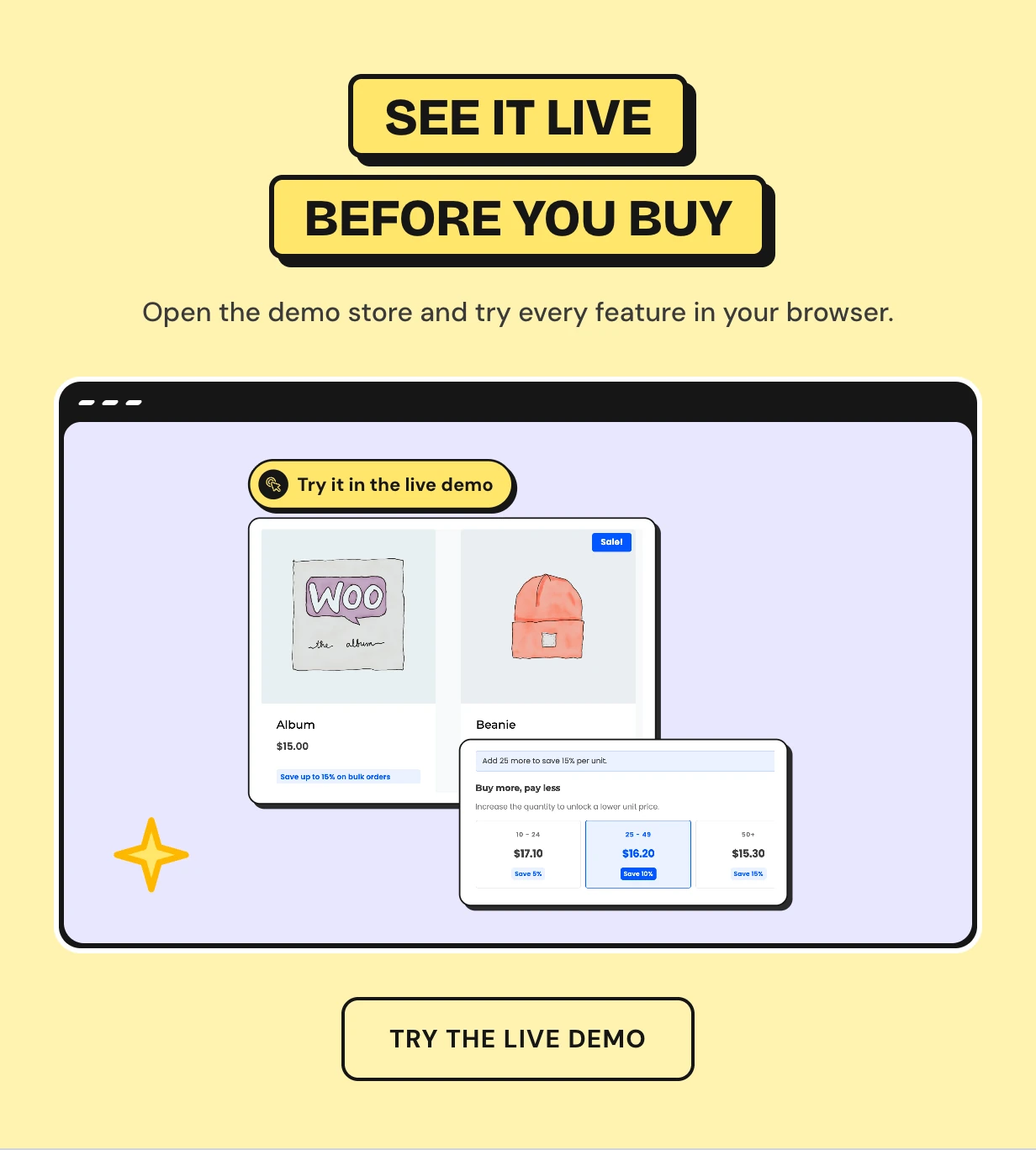
Shoppers see the whole ladder before they choose a quantity. Each row shows the range, the unit price and what the tier saves.
The tier that matches the quantity lights up as it changes. Pick a table, a grid of cards or a compact list.
WooCommerce pricing tiers for the whole store or one category
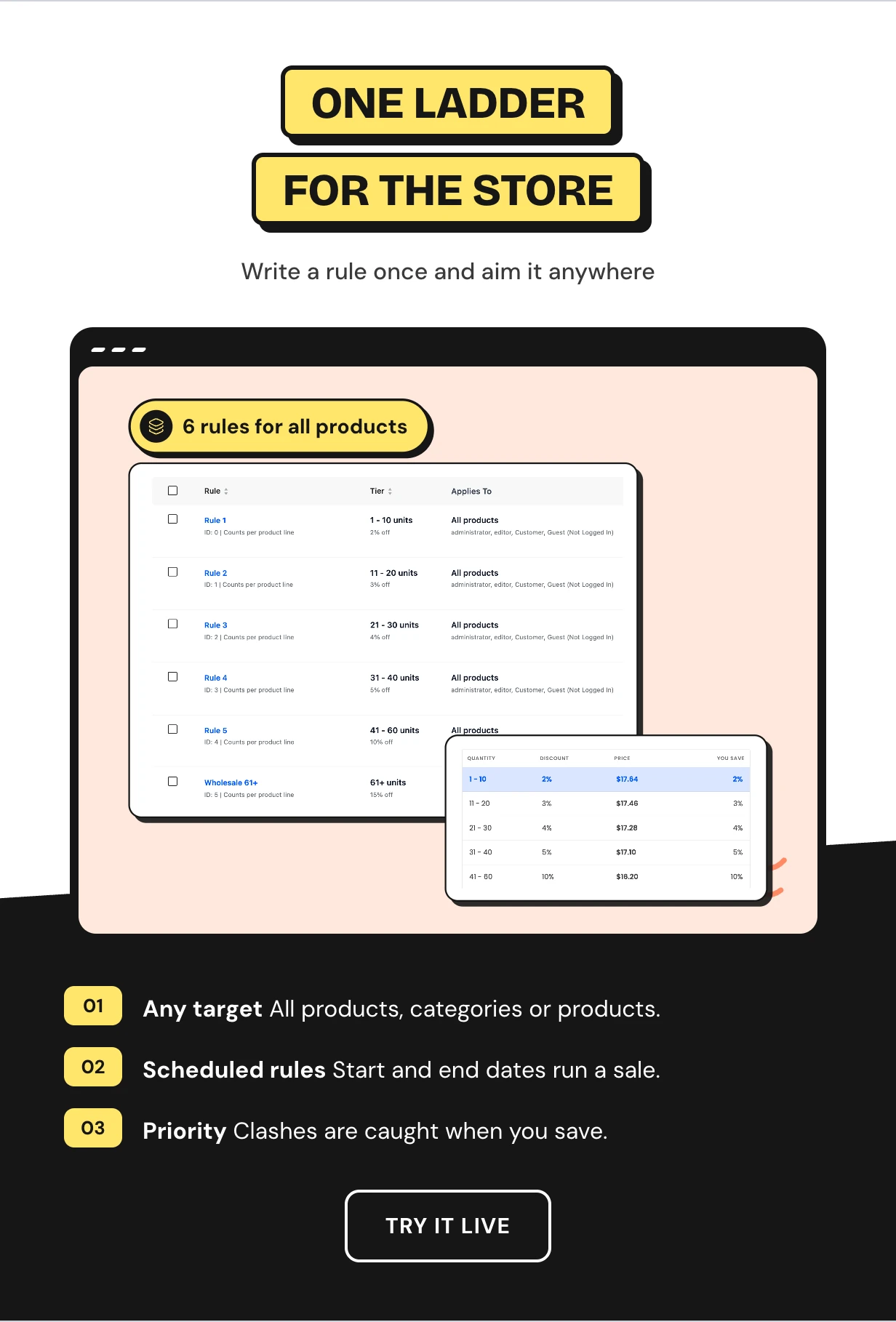
A rule is a quantity range and a discount. Aim it at all products, selected categories or selected products and add exclusions.
Give a rule start and end dates and it runs a sale on its own. When two rules match the lower priority number wins.
Percentage off and fixed discounts or a fixed unit price
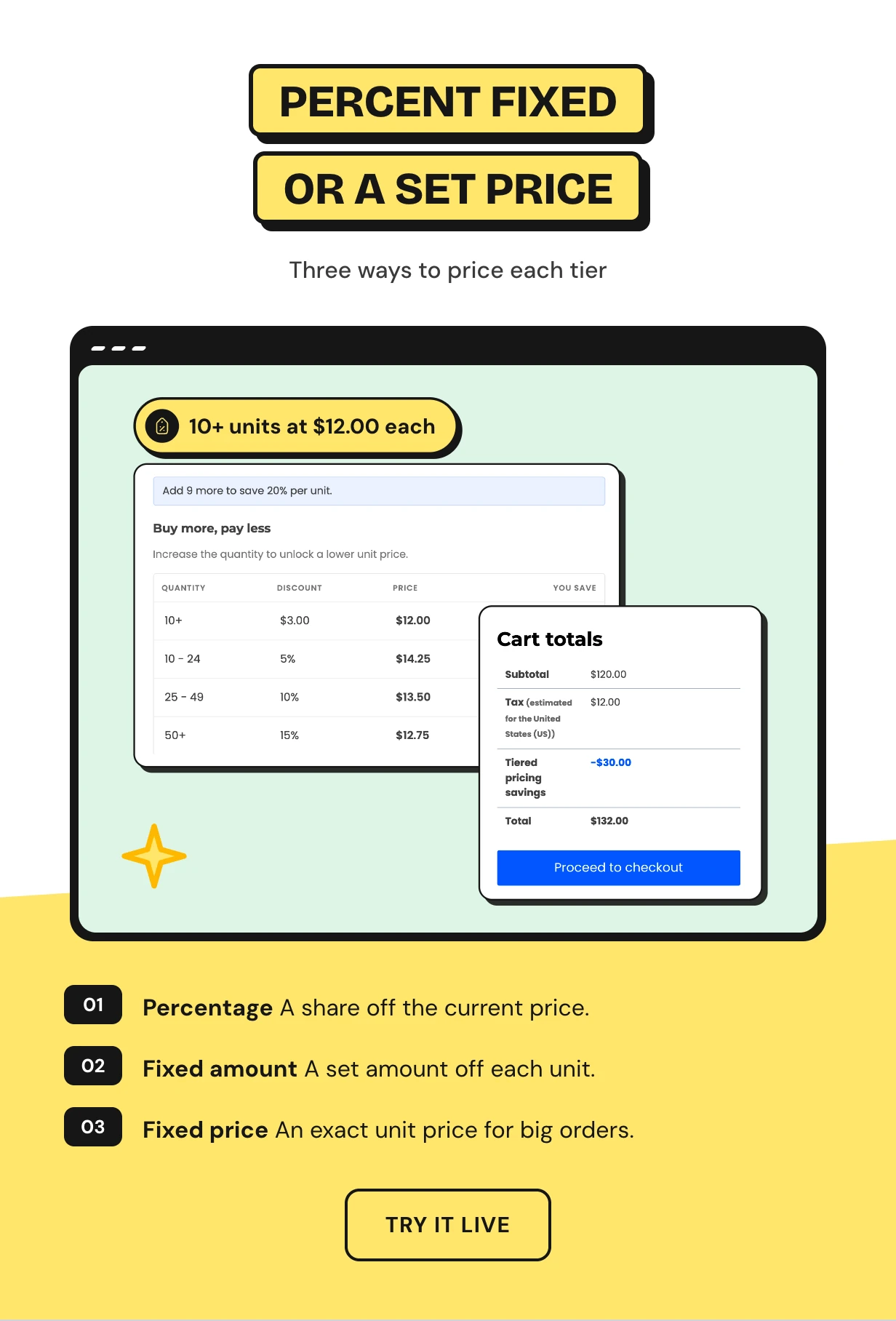
Take a percentage off, take a set amount off each unit or charge an exact unit price. Mix the three inside one ladder.
A tier applies only when it really lowers the price. On a sale product the tier starts from the sale price.
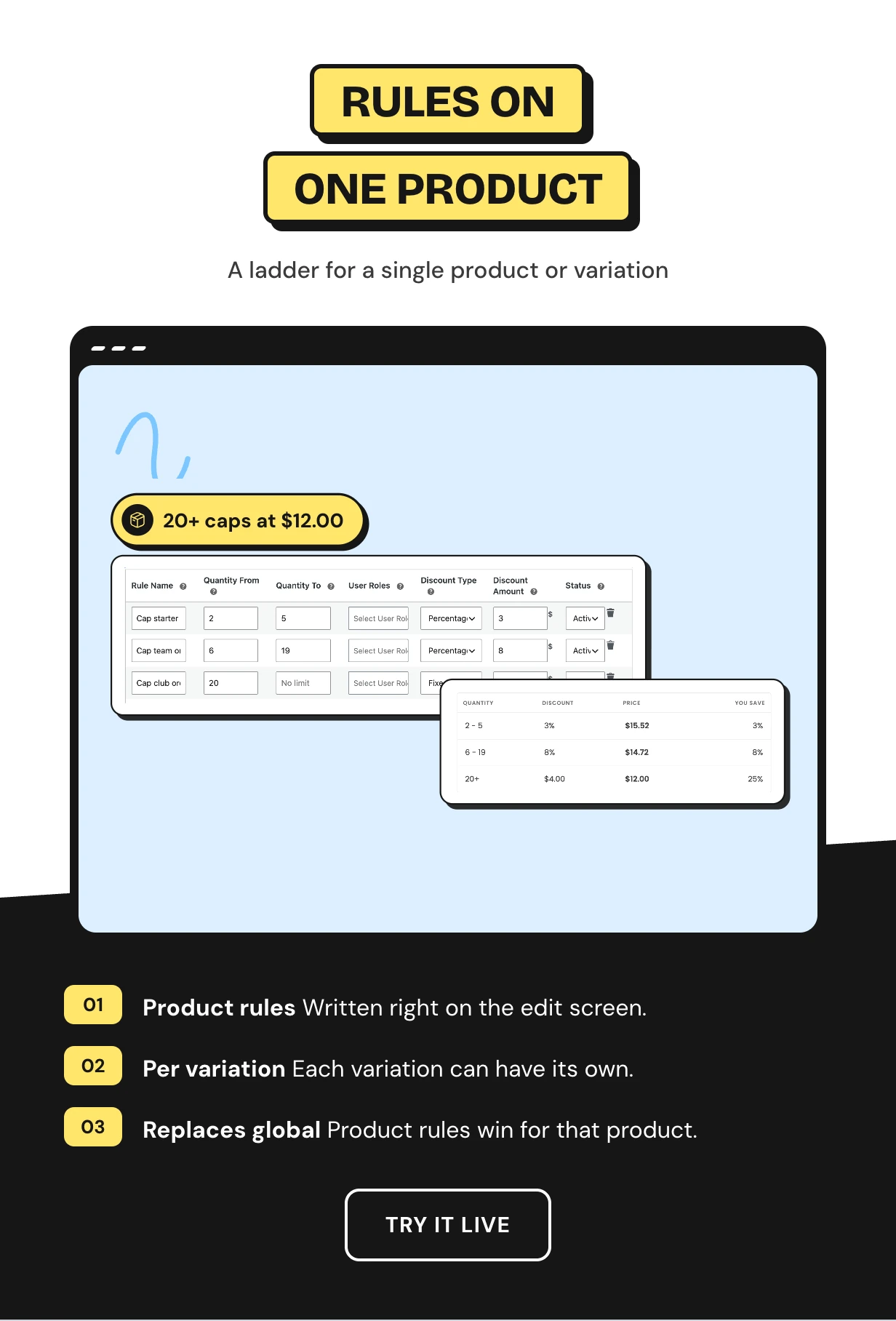
Tier price rules on a single product or variation
When a product needs its own ladder, write the rules on its edit screen. They replace the global rules for that product.
Variable products can carry a different ladder for each variation. A variation without rules shows the global ladder.
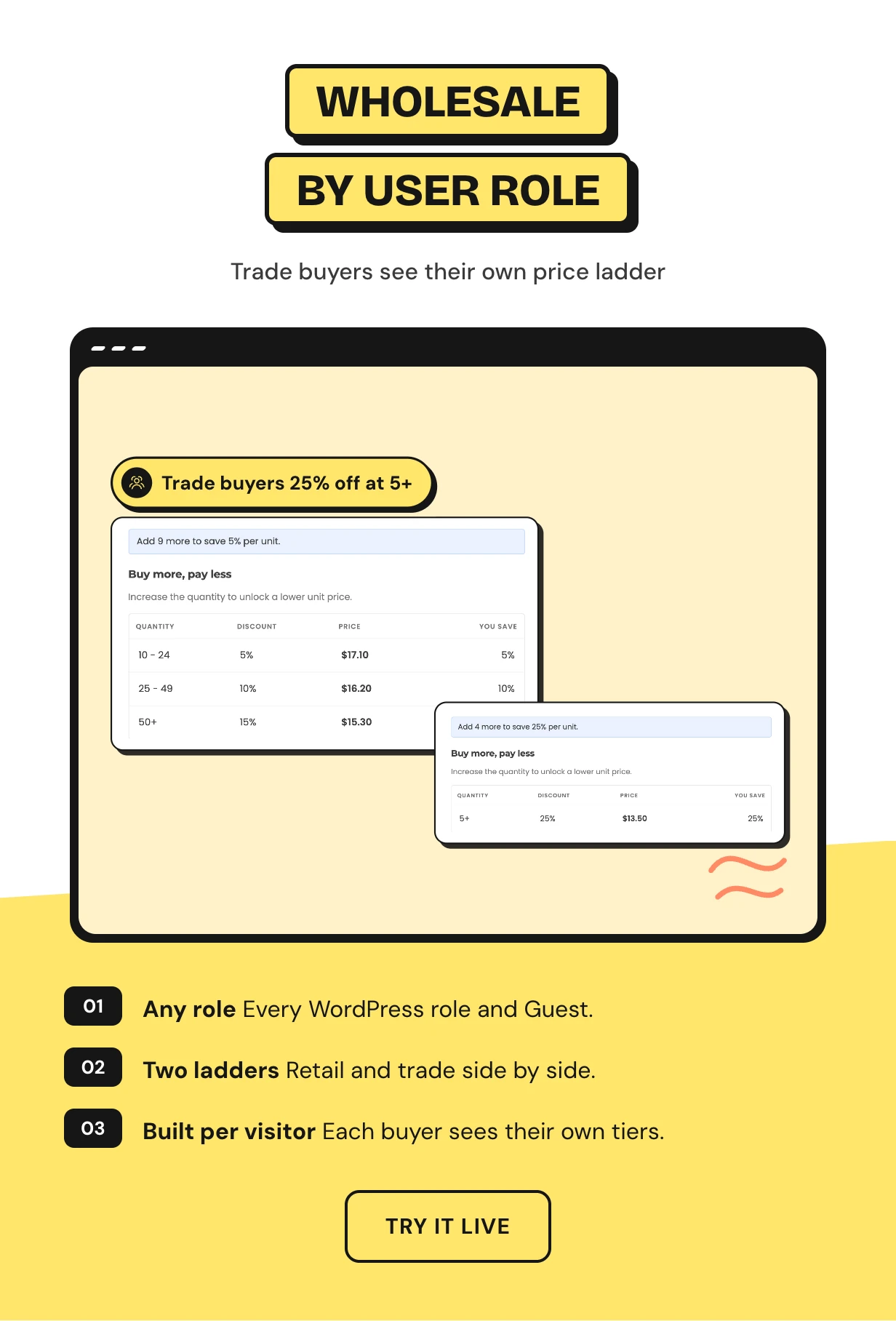
WooCommerce wholesale pricing by user role
Give wholesalers, members or any role their own ladder and keep everyone else on retail. Guests count as a role too.
The pricing table lists only the tiers that apply to the person looking at it. A lower priority number puts the trade ladder first.
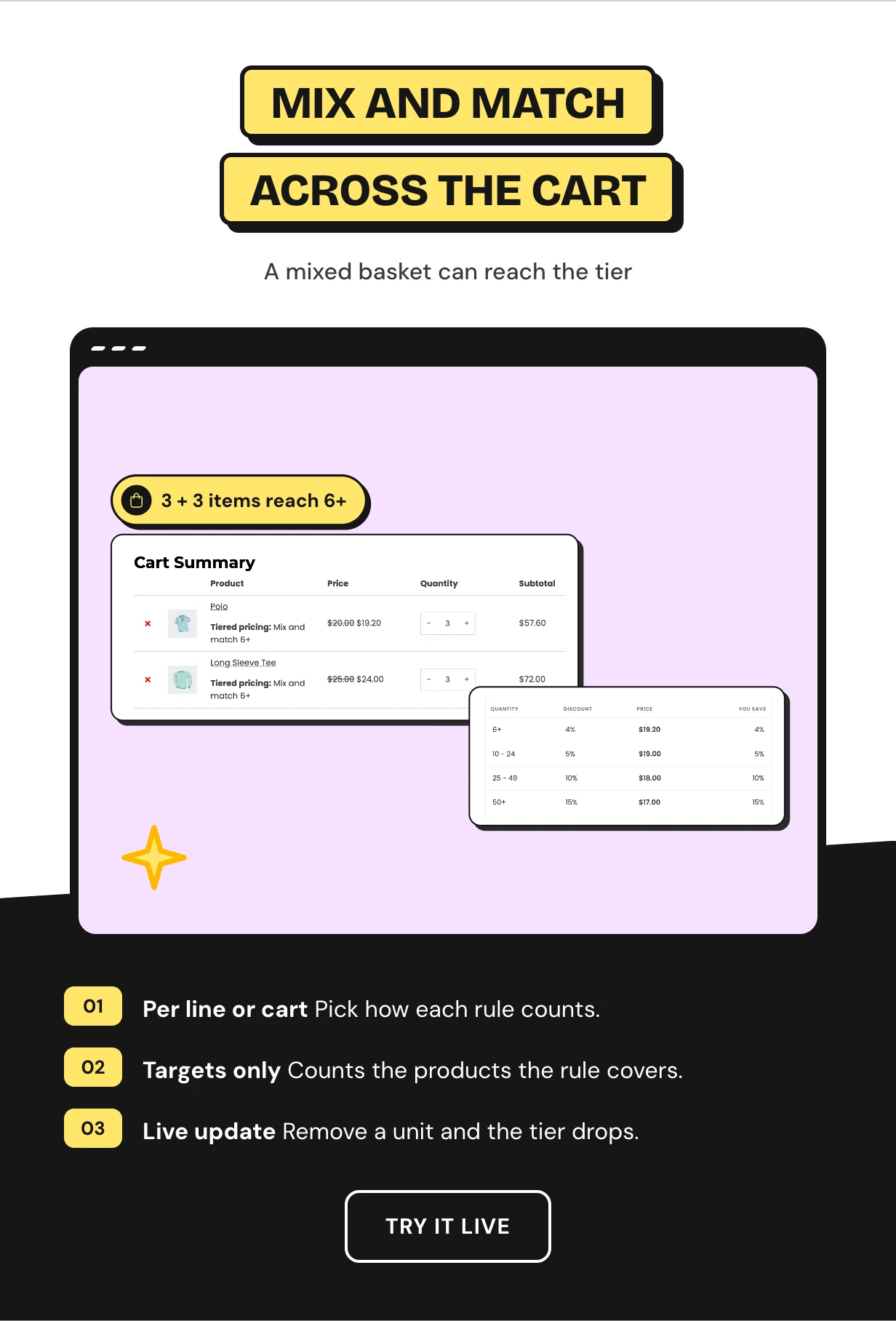
Quantity discount for a mixed basket across the cart
Count across the cart and three polos plus three tees reach the 6+ tier together. The rule adds up only the lines it targets.
A category rule counts that category and nothing else. Take one unit away and the discount goes with it.
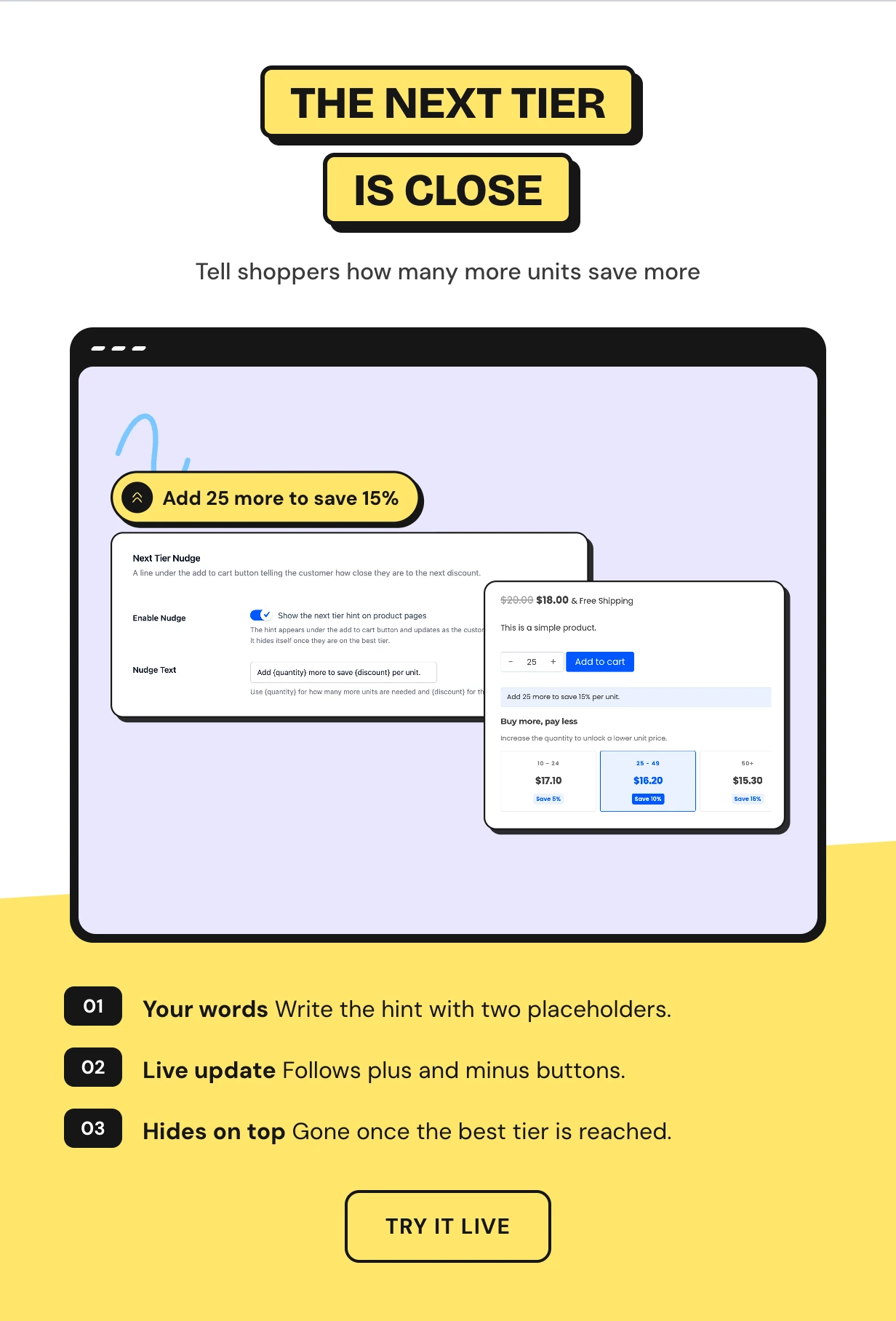
A next tier hint that nudges bigger orders
A line under Add to cart says how many more units earn the next tier. It updates as the quantity changes.
It hides itself once the shopper is on the best tier. You write the message with {quantity} and {discount} placeholders.
Bulk pricing badges on shop and category pages
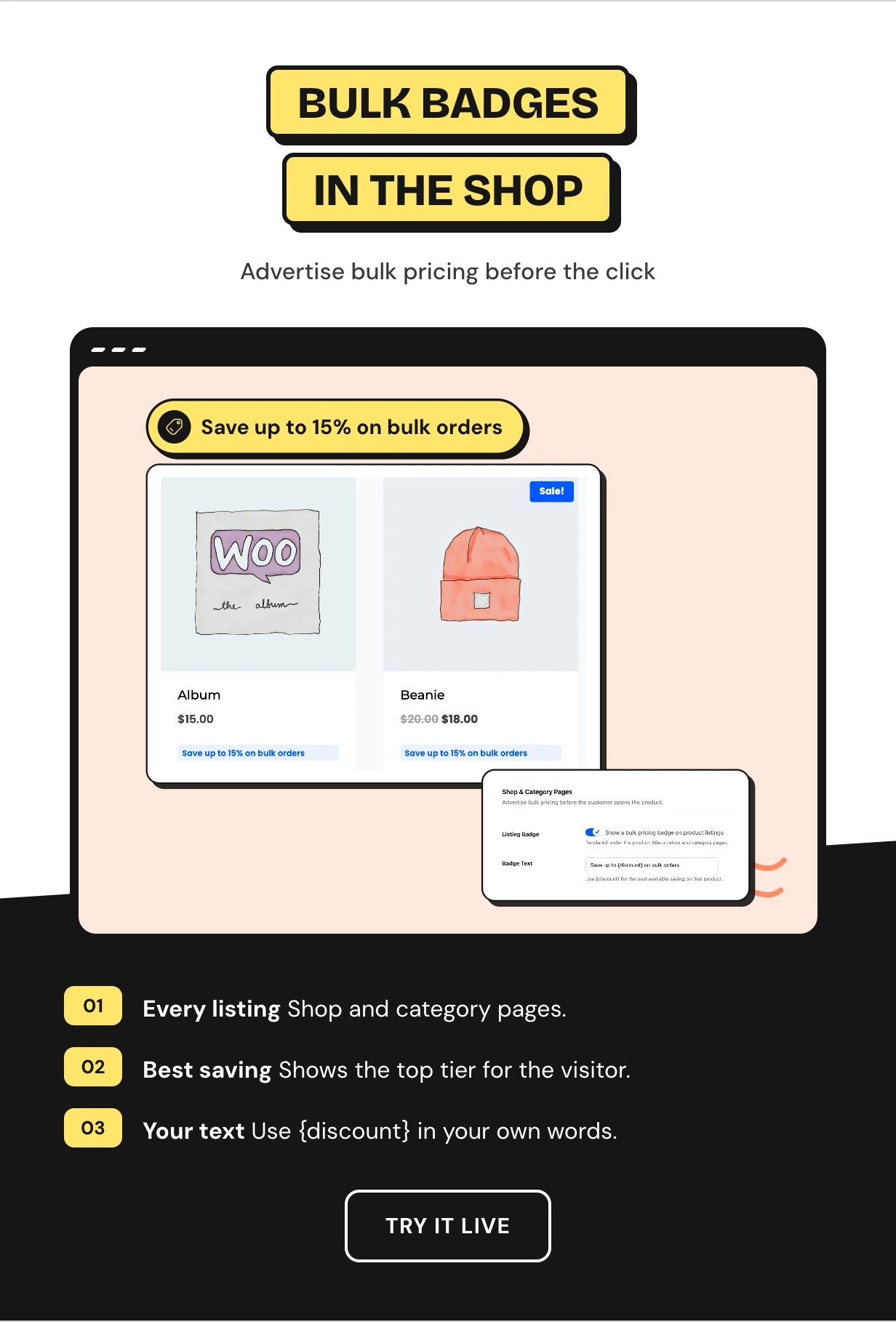
An optional badge under each product title reads Save up to 15% on bulk orders. A buyer meets the ladder before opening the product.
The badge shows the best saving for that visitor. You write the text.
WooCommerce price by quantity in the cart and checkout
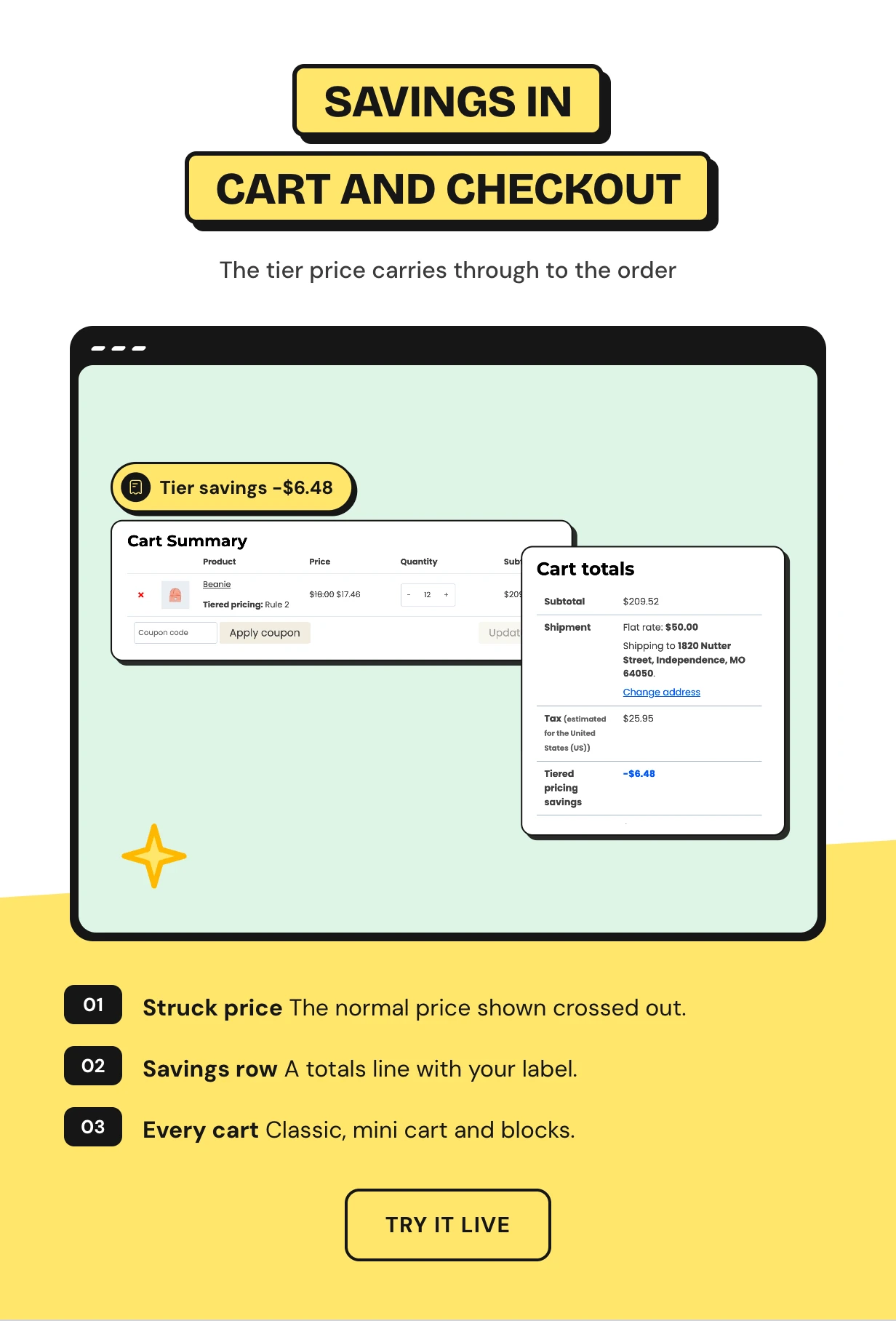
The cart shows the tier price with the normal price struck through and the rule name on the line. A savings row sits in the totals.
It works in the classic cart, the mini cart and the Cart and Checkout blocks. Tax, shipping and coupons run on the real price.
A tiered pricing dashboard with savings and revenue
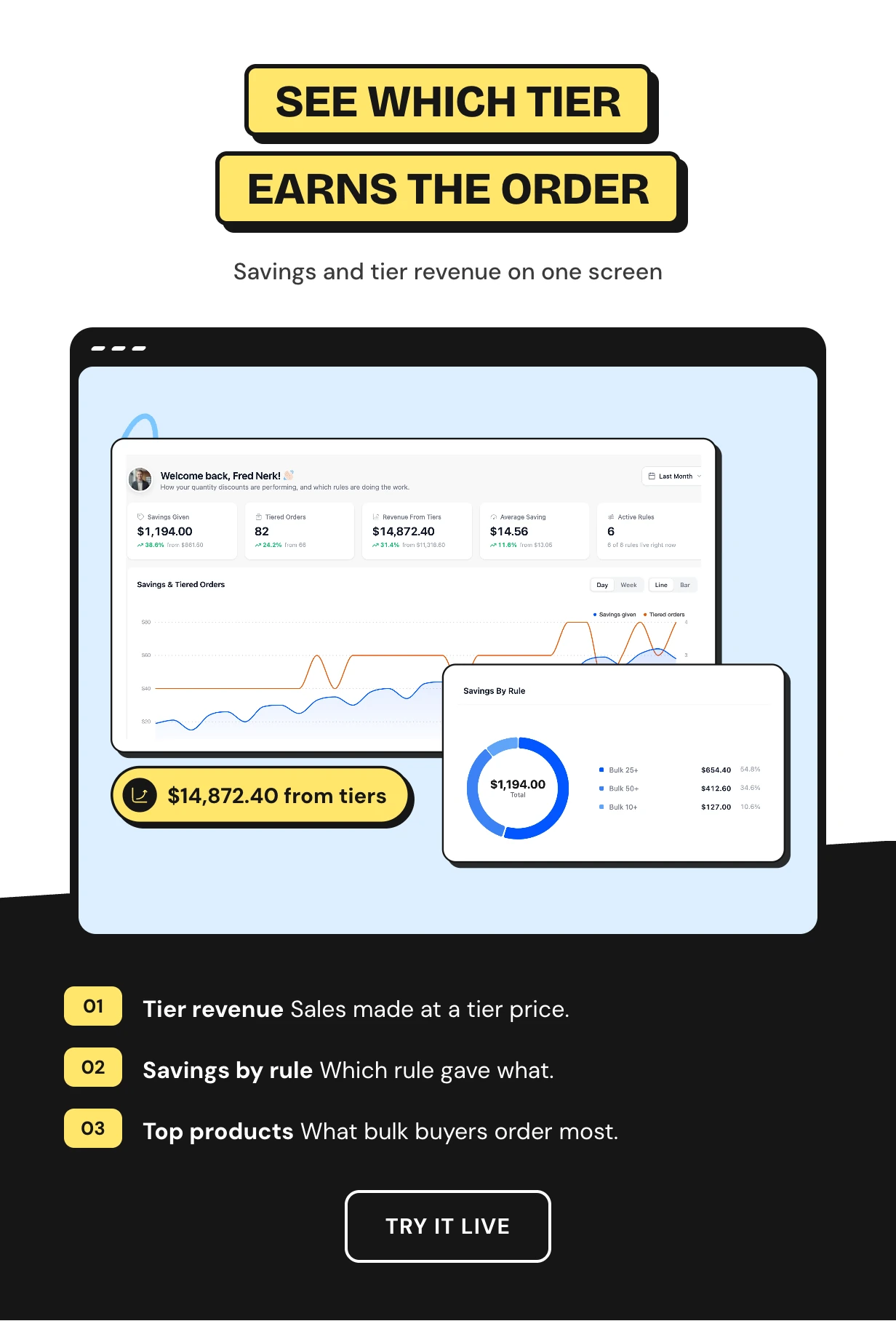
The dashboard shows savings given, tiered orders, revenue from tiers, average saving and active rules. Each is compared with the last period.
Charts split savings by rule and rank the products bulk buyers prefer.
Tiered orders with the rule behind every saving
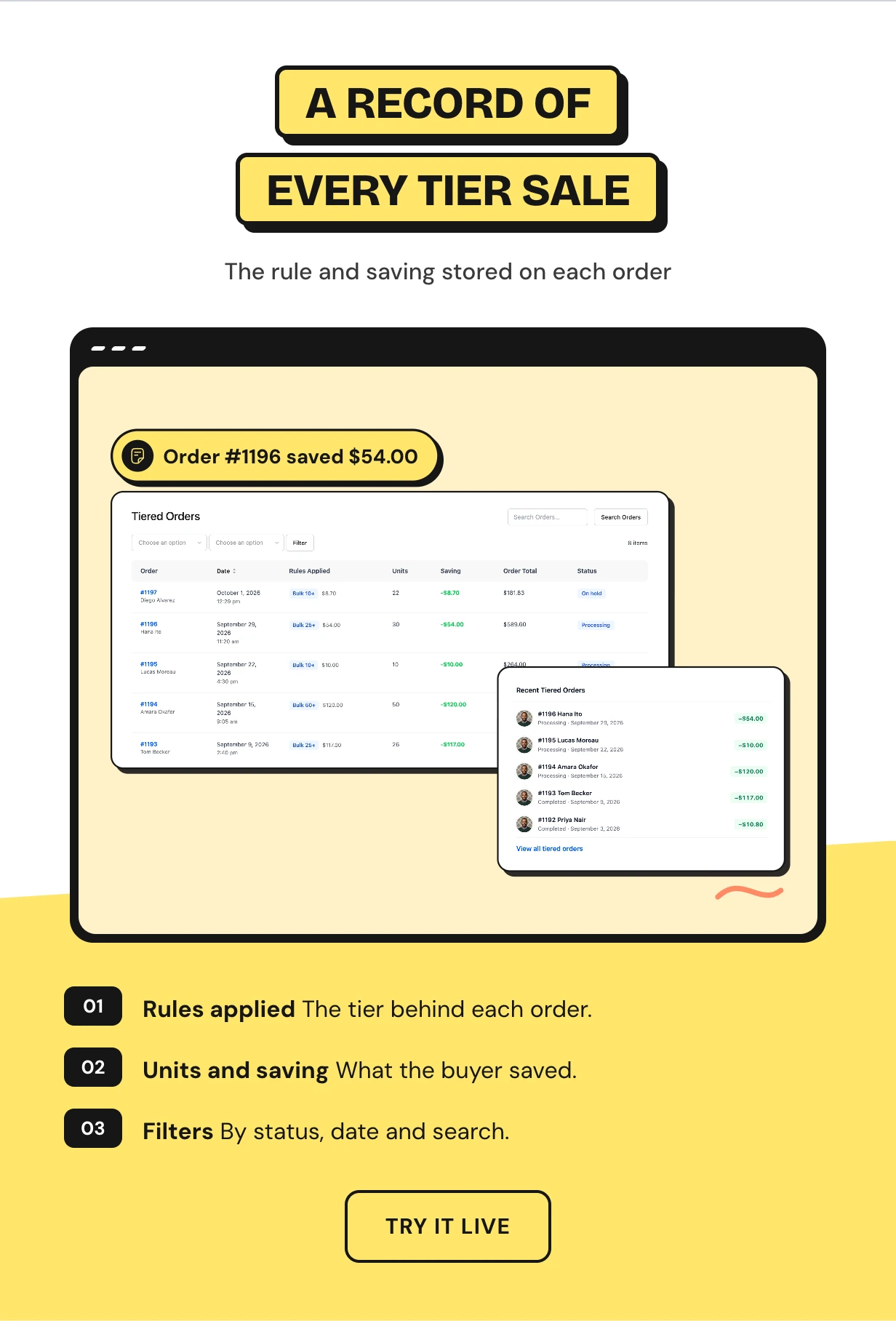
Every order line records the rule, the normal price, the tier price and the saving. Edit or delete a rule later and old orders keep their record.
The Tiered Orders screen lists them with filters by status and date.
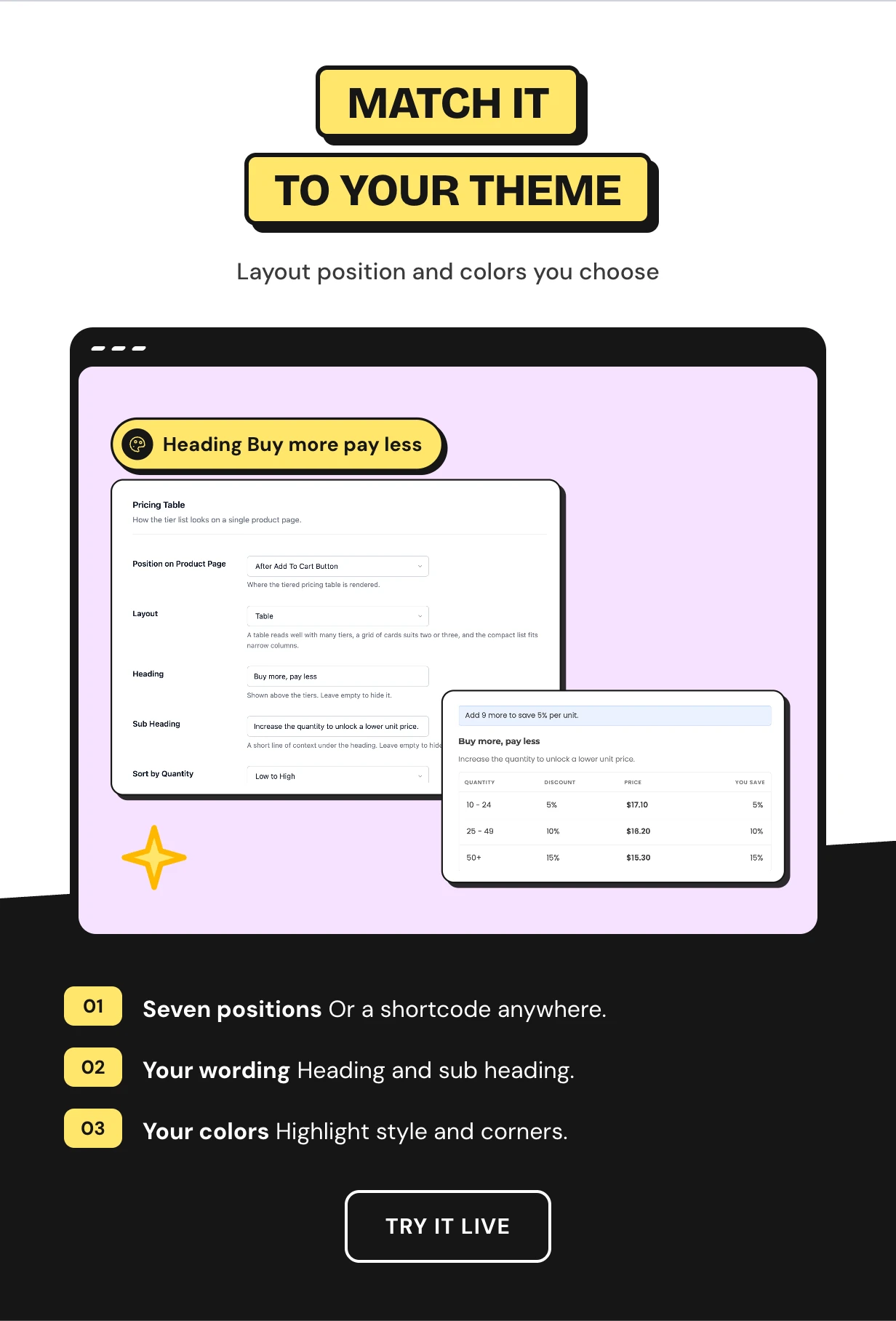
A tiered pricing table for WooCommerce that matches your theme
Choose one of seven positions on the product page or place the table with a shortcode. Write the heading and the sub heading.
Set the colors, the highlight style and the corner radius. Turn the savings column on or off.
Full feature list
Pricing rules
- Quantity ranges with open ended top tiers
- Percentage, fixed amount or fixed unit price
- All products, categories or selected products
- Store wide exclusions
- Start and end dates
- Priority with overlap checks on save
Product and role rules
- Rules on a single product
- A ladder for each variation
- Ladders by user role and for guests
- Count per product line or across the cart
Product page
- Pricing table as a table, grid or list
- Active tier highlight and click to set quantity
- Seven positions or a shortcode
- Next tier hint in your own words
- Your colors, highlight style and corners
Shop cart and checkout
- Bulk pricing badge on shop and category pages
- Struck original price and rule name in the cart
- Savings row with your label
- Classic cart, mini cart and Cart and Checkout blocks
- Coupons stack on the tier price
Reports
- Dashboard with savings, tiered orders and tier revenue
- Savings by rule and top products
- Tiered Orders screen with filters
- Rule and saving on the order edit screen
- Rules Needing Attention list
Setup and tools
- Setup wizard for the first tier
- Export and import rules as JSON
- Duplicate rules and bulk activate or deactivate
- HPOS support and translation ready
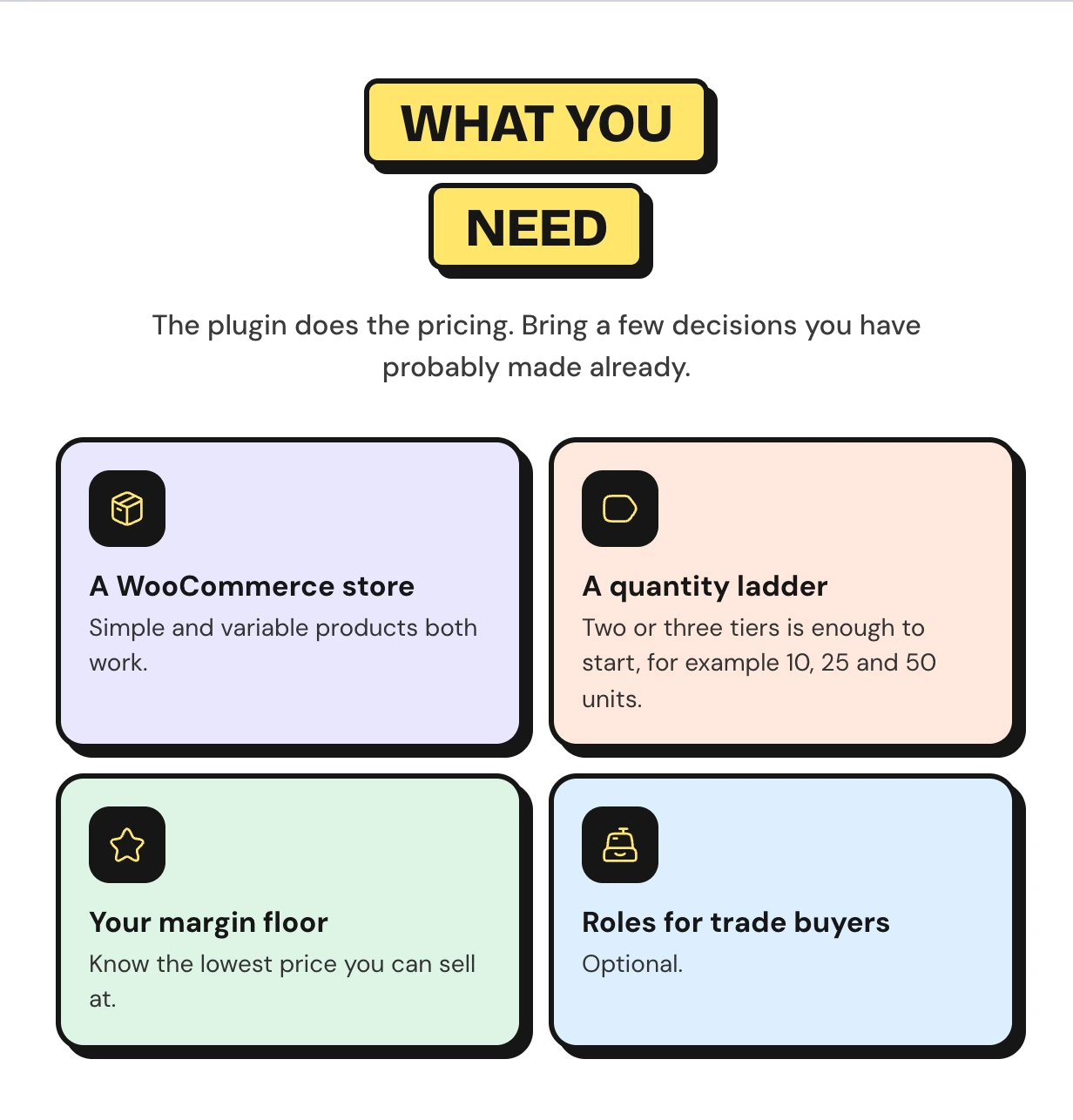
What you need for WooCommerce bulk pricing
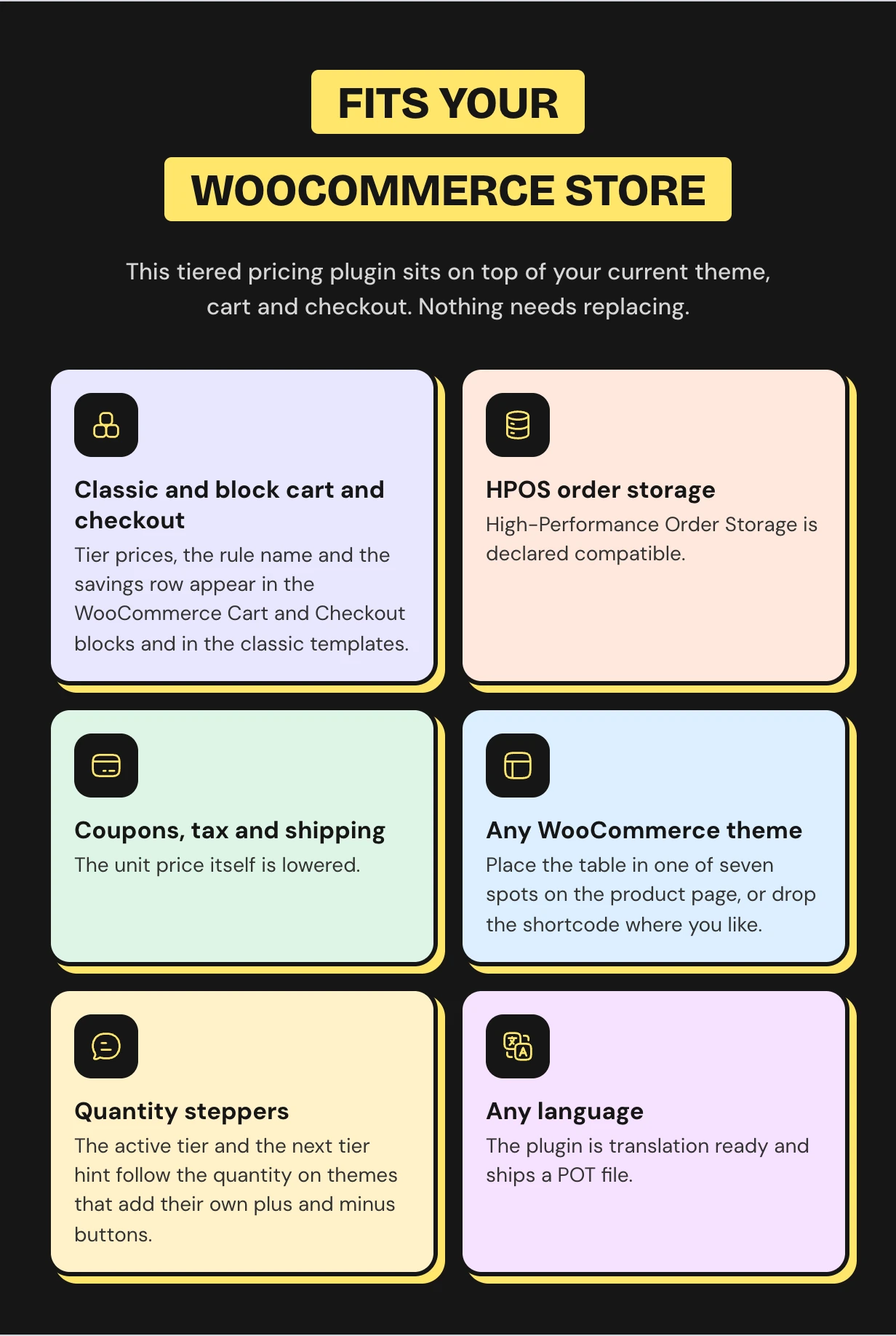
Works with the WooCommerce store you already run
The plugin sits on top of your current theme, cart and checkout. Classic and block carts, HPOS, coupons, tax and shipping all keep working.
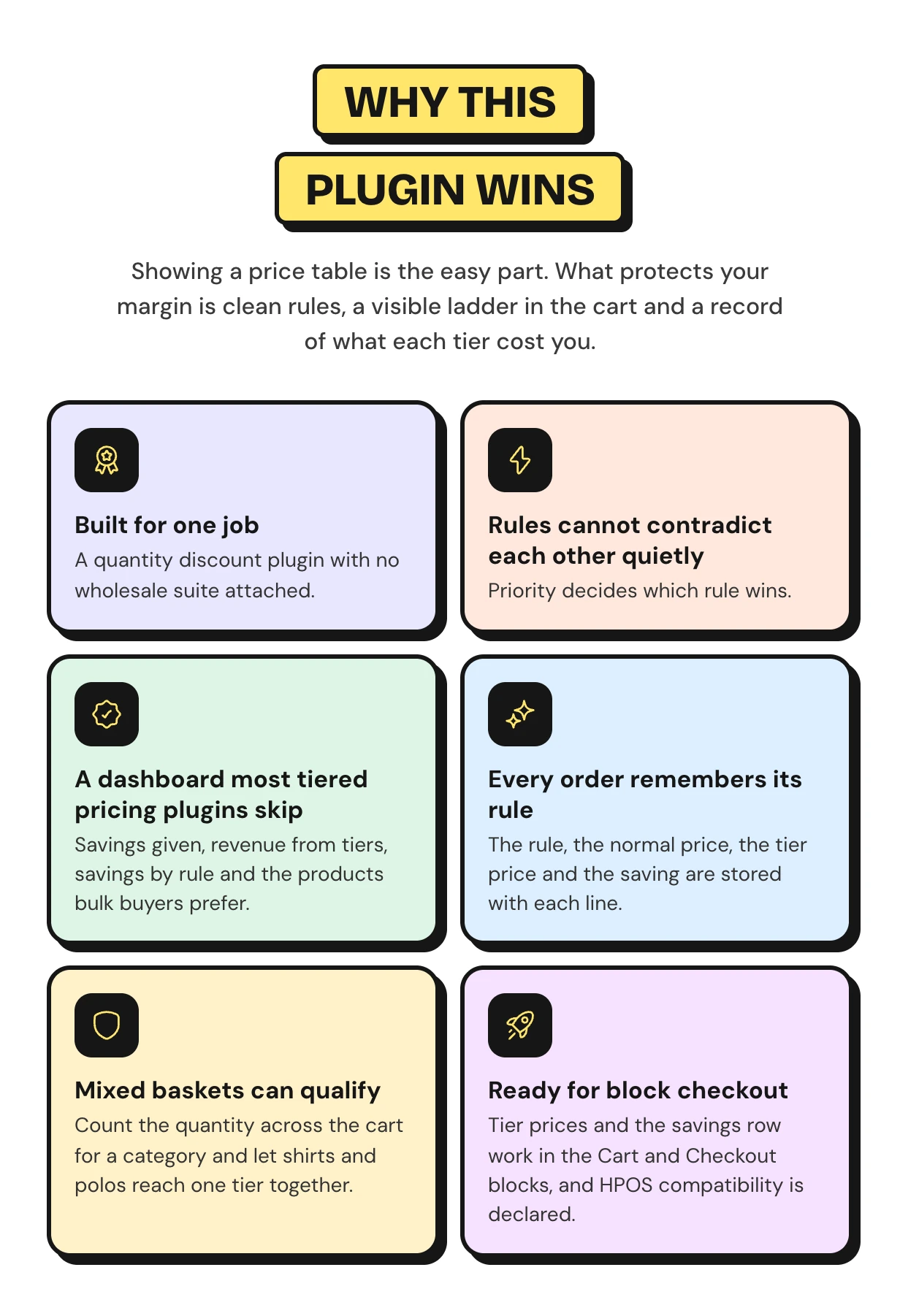
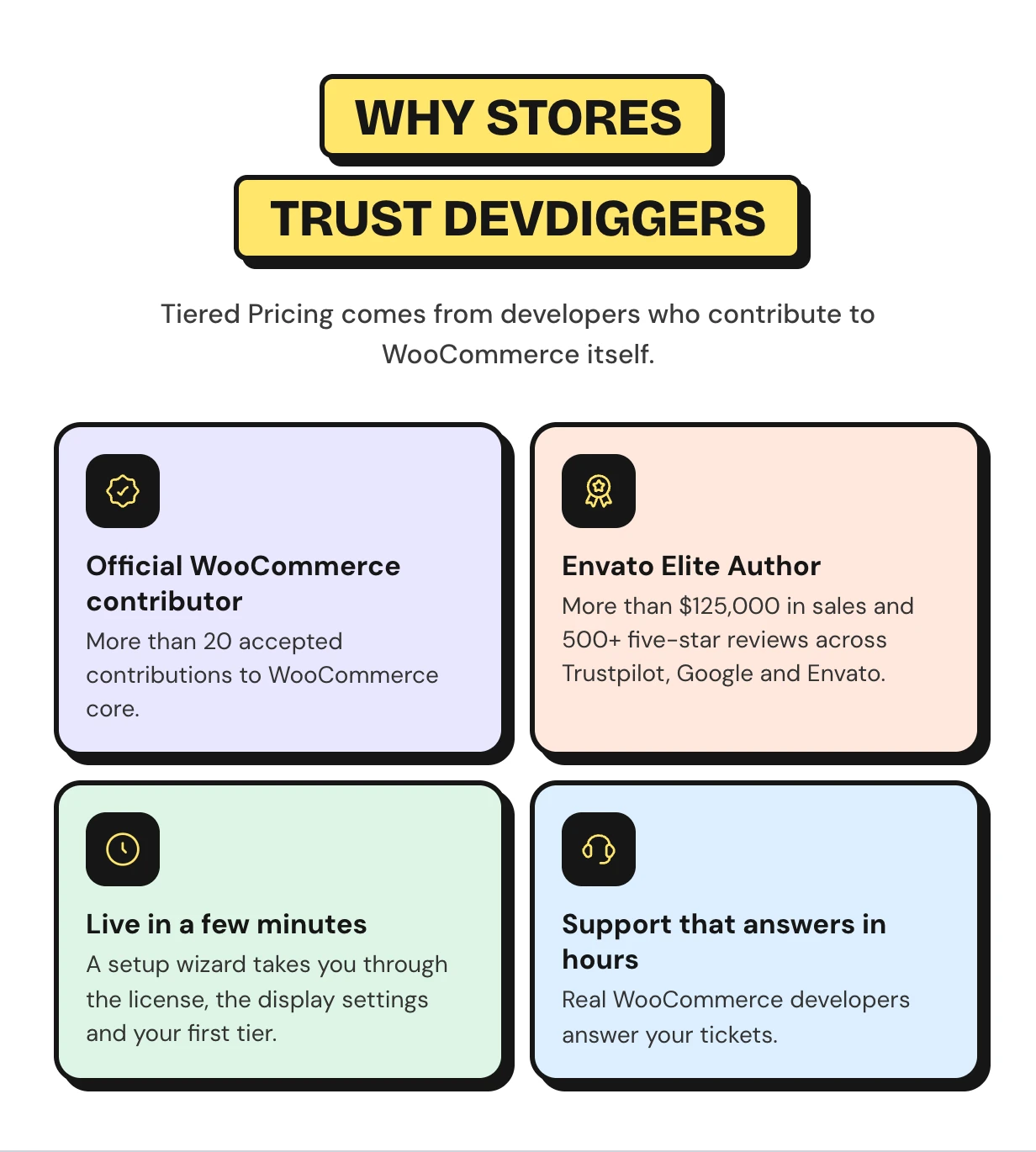
Why this WooCommerce quantity discount plugin is different
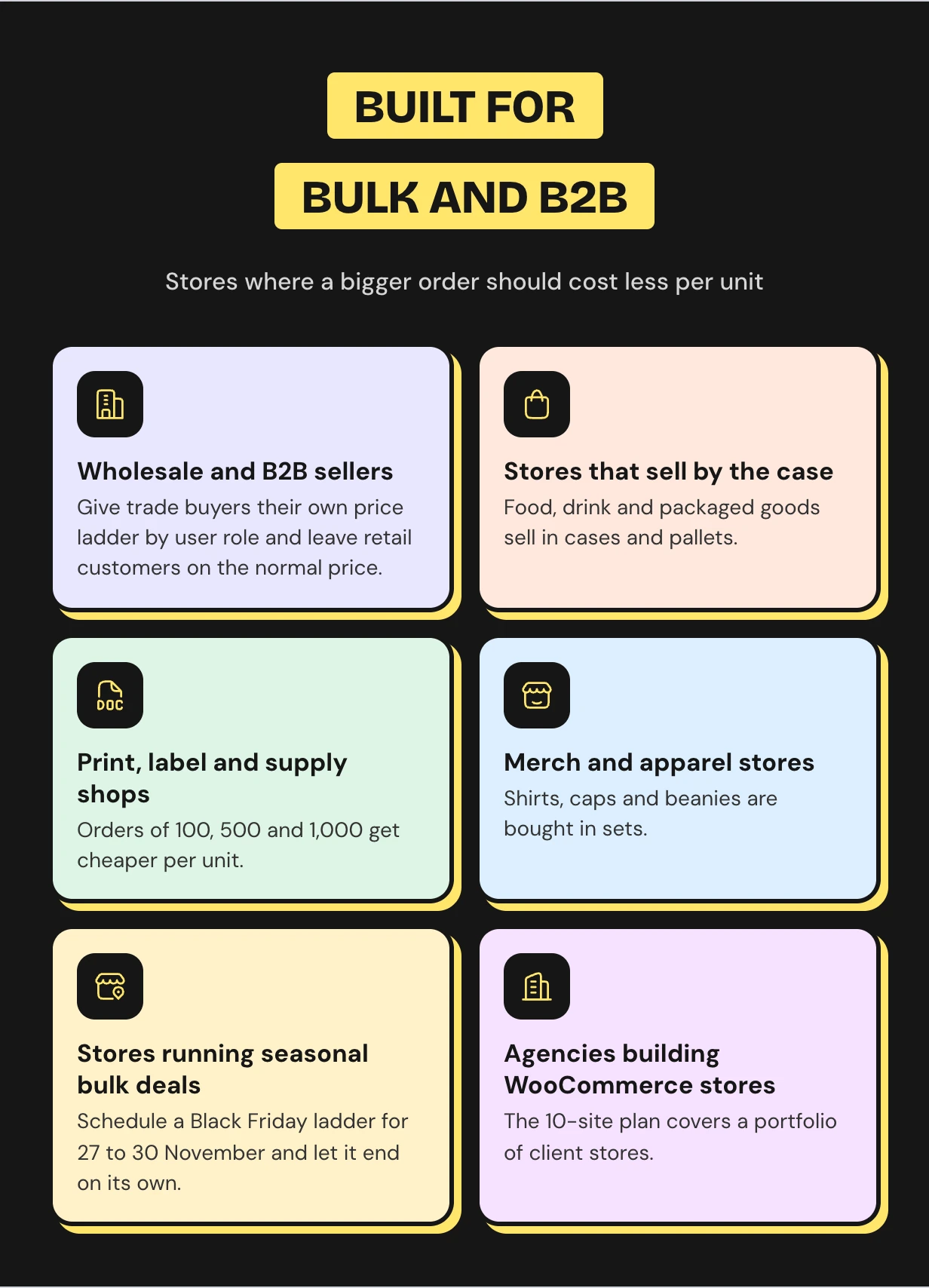
Who WooCommerce tiered pricing is for
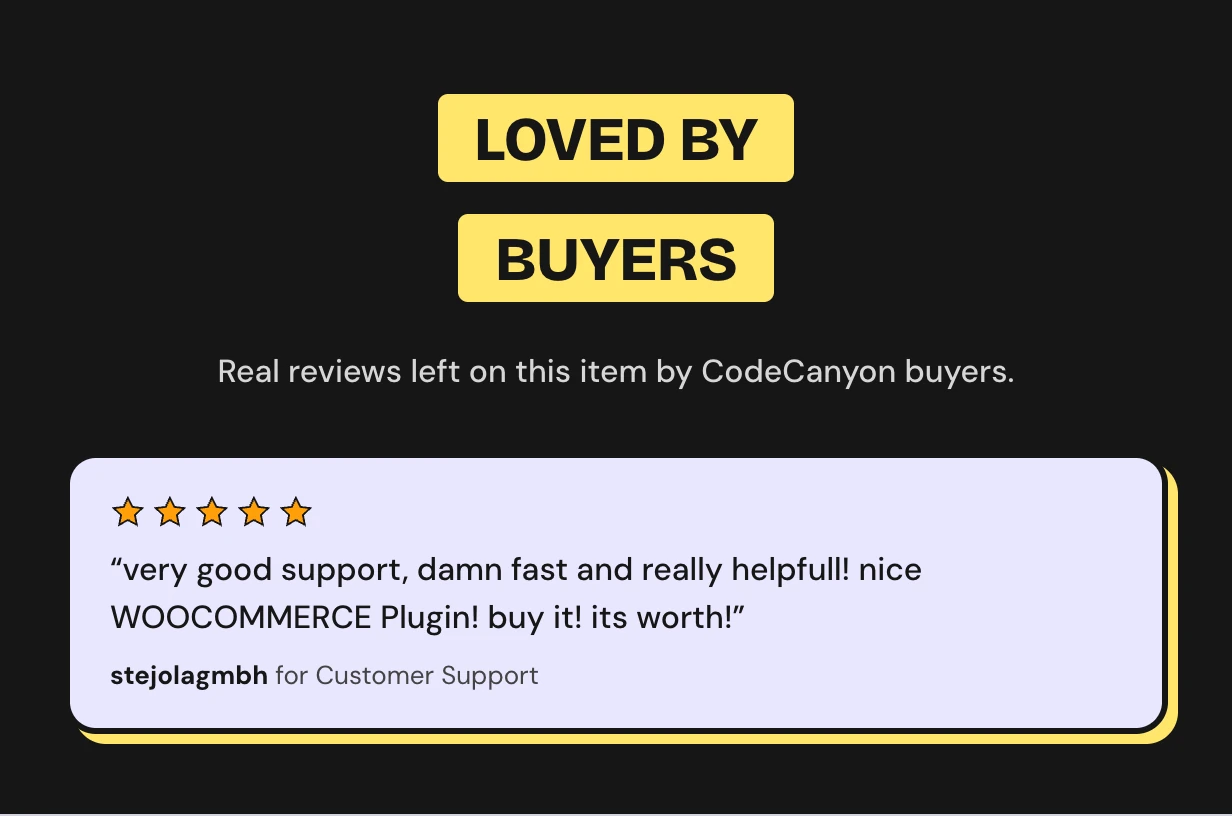
What buyers say
WooCommerce tiered pricing questions
How do I set up tiered pricing in WooCommerce?
Install the plugin and run the setup wizard. It asks where the table should sit and for your first tier. Add more tiers on the Rules screen.
Can WooCommerce change price based on quantity?
Not on its own. WooCommerce sells each product at one price. This plugin adds quantity ranges that lower the unit price in the cart.
Does the tier price apply to every unit or only the extra units?
Every unit on that cart line. If the 25 to 49 tier is 10% off, a buyer of 30 pays the tier price on all 30.
What is the difference between tiered and WooCommerce volume pricing?
The words are used loosely. This plugin works as volume pricing: once the buyer reaches a tier, one unit price applies to the whole quantity.
Can I give wholesale customers their own prices?
Yes. Pick the role on a rule and give it a lower priority number than the public ladder. Guests can be a role too.
Does it work with variable products?
Yes. A variation can carry its own ladder. The table appears once the customer picks a variation and changes with it.
Can a mixed basket of different products reach a tier?
Yes. Set Count Quantity to Across the cart. Three shirts and three polos in one category can reach a 6+ tier together.
Do coupons work with tiered prices?
Yes and the two stack. The plugin lowers the unit price and a coupon then takes its share of the tier subtotal.
Does it work with the Cart and Checkout blocks and HPOS?
Yes. Tier prices, the rule name and the savings row work in the block cart and checkout. The plugin declares HPOS compatibility.
Support and custom work
Support comes from the developers who wrote the code, usually within hours. Start with the Tiered Pricing documentation or contact our team. See every feature on the WooCommerce tiered pricing plugin page.
Need graduated pricing or a quote form for your own store? Our WooCommerce development services team builds custom Tiered Pricing features for you.
Requirements
- WordPress 6.5 or newer
- WooCommerce 9.0 or newer
Changelog
v 1.1.0
Added compatibility with latest WordPress and WooCommerce versions.
Added WooCommerce HPOS (High-Performance order storage) compatibility.
Added some new hooks in the core for customization.
Resolved other security issues.
v 1.0.1
Added compatibility with latest WordPress and WooCommerce.
Resolved security issues.
v 1.0.0
Initial Release
Download Now
LIVE PREVIEWDownload Now