
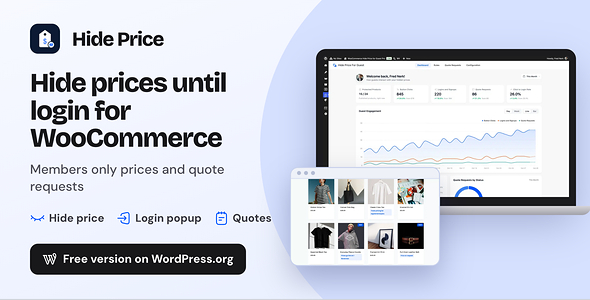
Hide Price For Guest is a WooCommerce hide price plugin that shows prices only to the buyers you choose. Guests see your message and a login, quote or custom button where the price and add to cart button used to be. Customers who log in see the real price.
WooCommerce shows every price to every visitor. A code snippet hides the number on screen but leaks it through Google, the Store API and direct cart links. This plugin closes all three.
It works as hide price until login for guests and a WooCommerce request a quote button for call for price products. WooCommerce catalog mode keeps prices public and takes orders another way.
Try it free first: Hide Price on devdiggers.com with no time limit
Every plan and the latest features: Hide Price plugin page
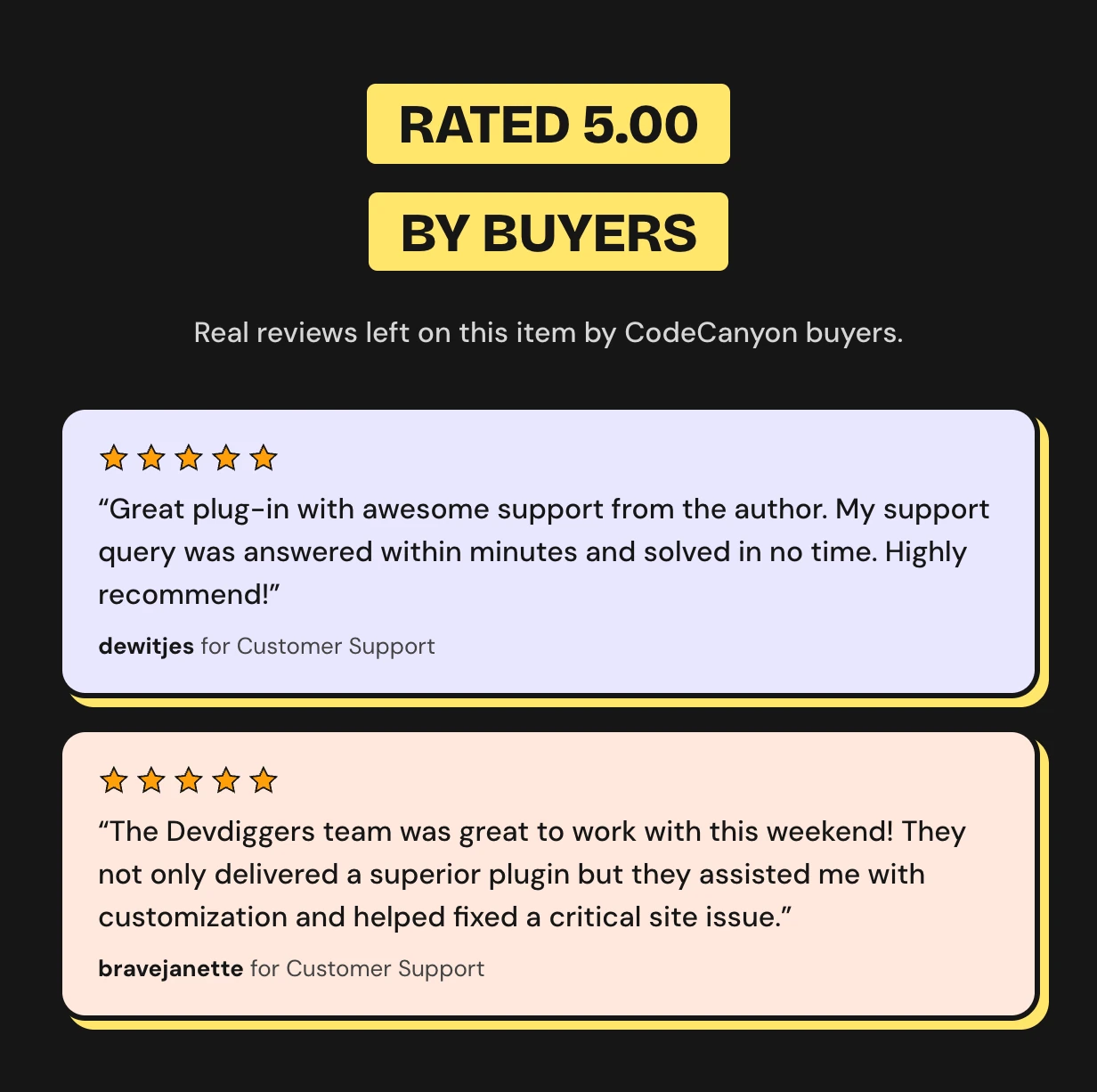
Rated 5.00 out of 5 by CodeCanyon buyers
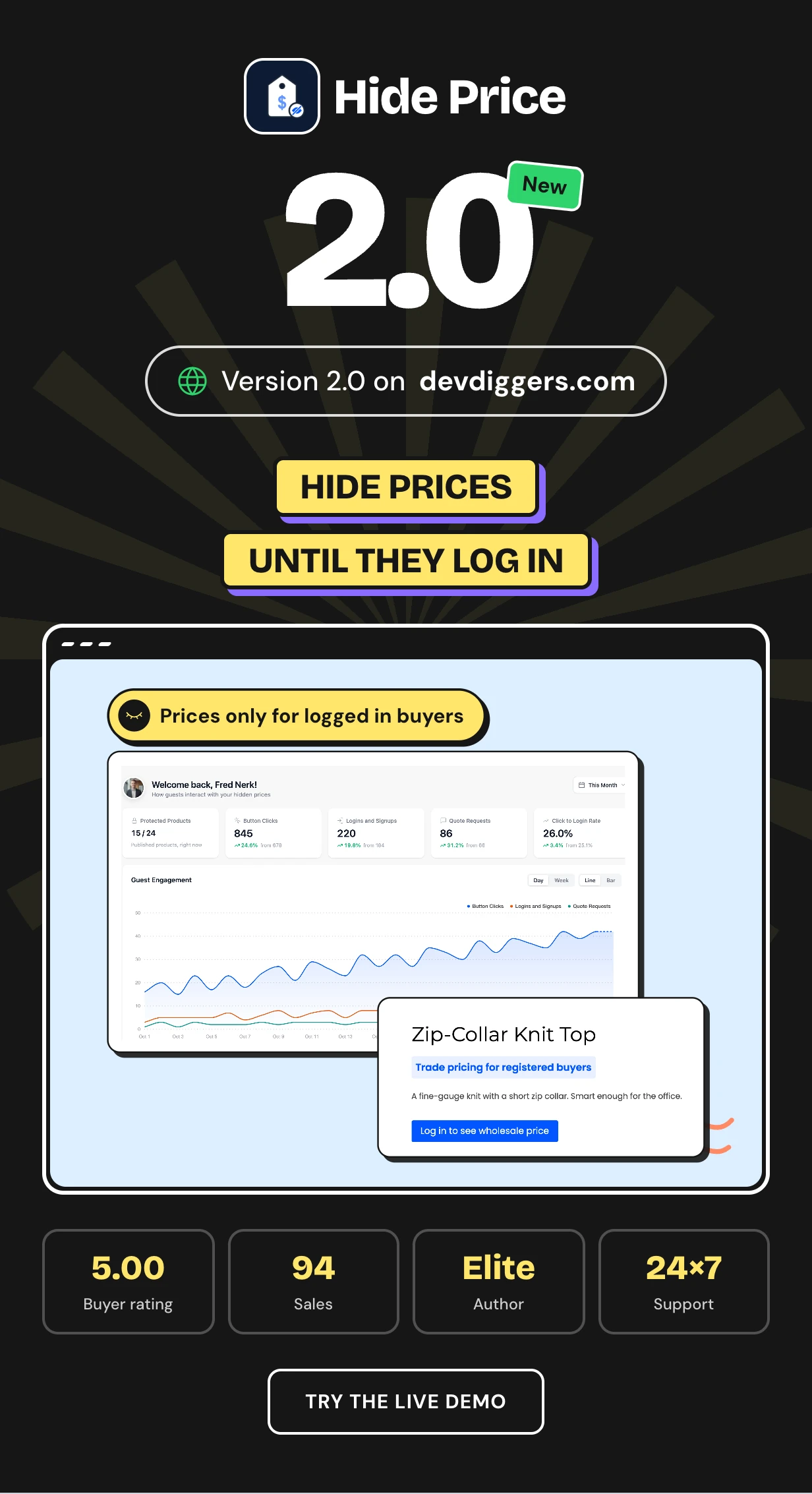





Try the free WooCommerce hide price plugin first
Hide Price for WooCommerce is free on devdiggers.com with no time limit. It hides prices and the add to cart button from guests or any role, with the same leak protection.
Install the free plugin first and see it work on your own store. When you need rules, quote requests, country rules or the conversion dashboard, Pro adds them.
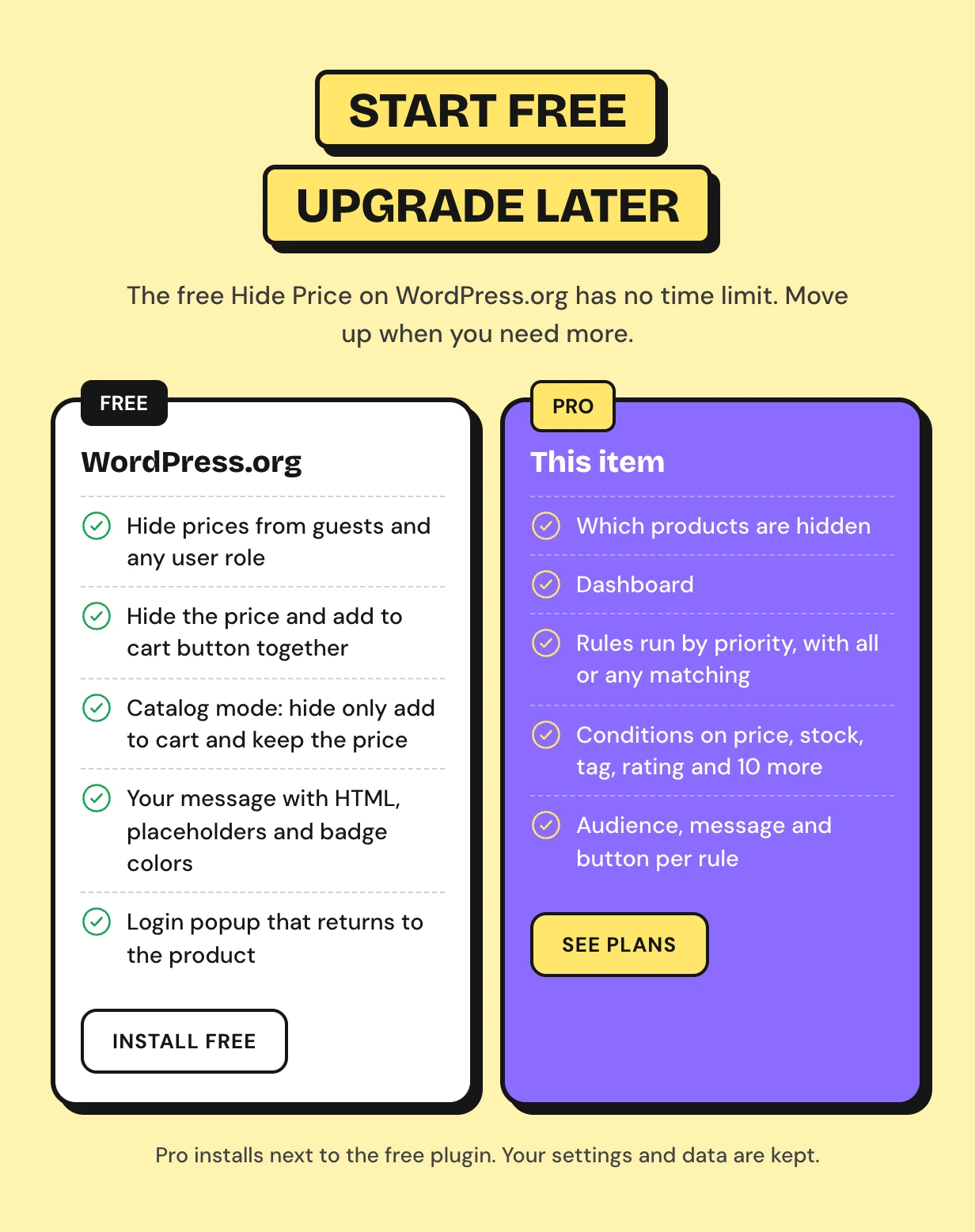
Upgrading keeps your work. Pro reads the free settings and turns them into its first rule, as the upgrade guide shows.
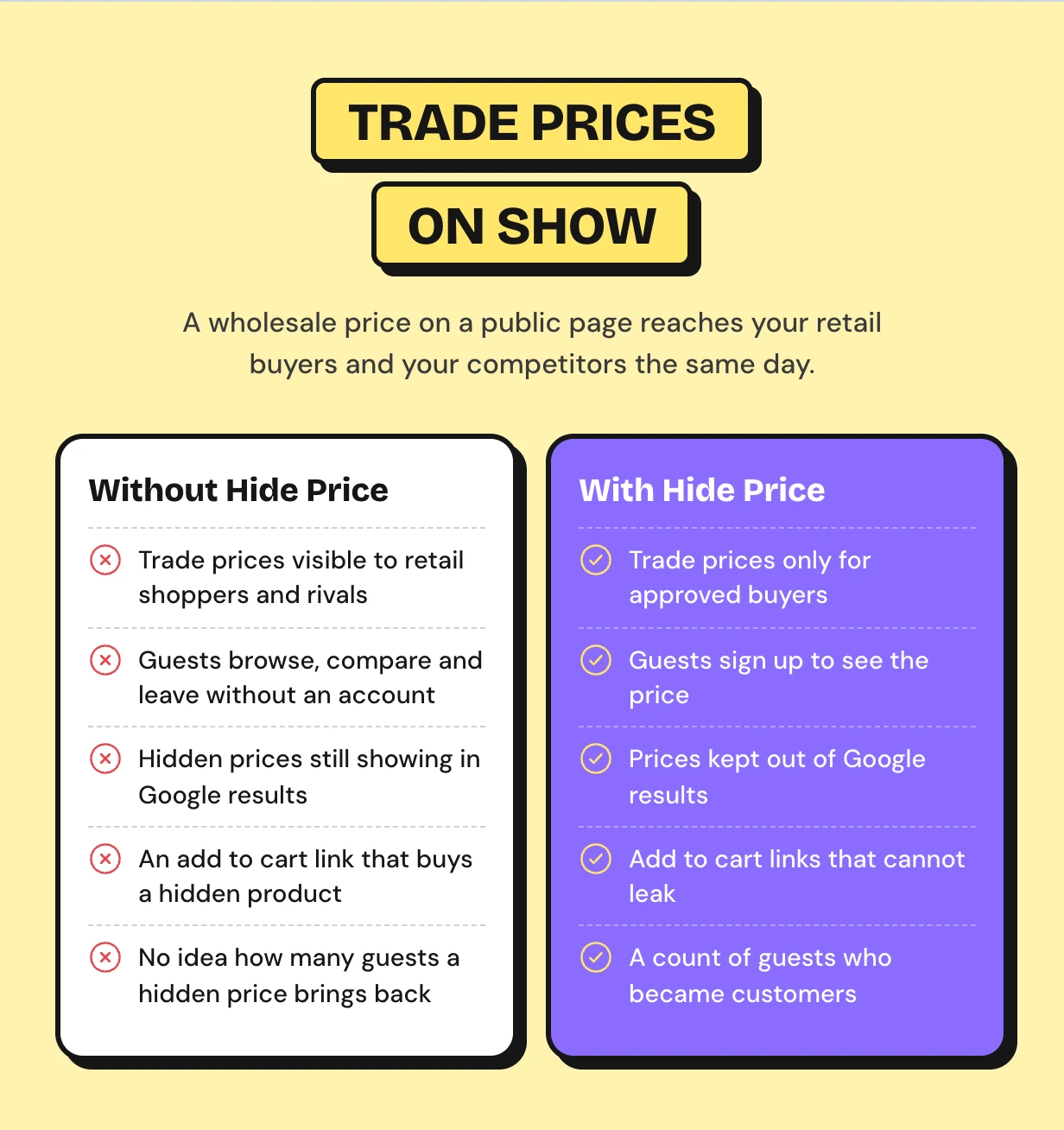
Trade prices on show to every visitor
Wholesale buyers and retail shoppers see the same price list. Without a way to hide prices from guests in WooCommerce your trade prices reach everyone.
Guests browse, see the number and leave without an account. You never get their email and never learn who wanted what.
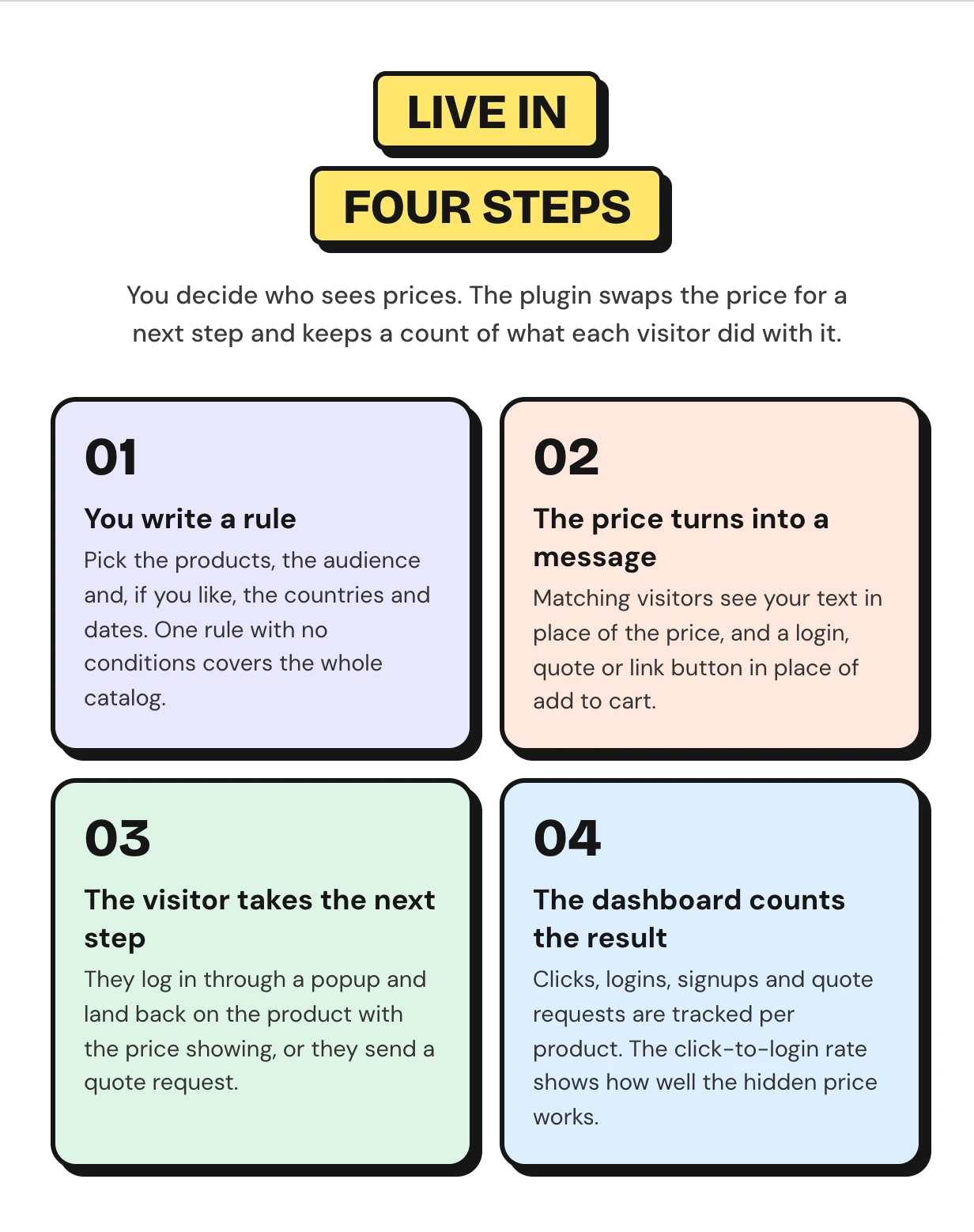
How WooCommerce hide price until login works
Four steps run on their own once a rule exists. The setup wizard picks who sees prices and what replaces them.
WooCommerce hide price features
Every feature below ships in this one download of the hide price for WooCommerce plugin. It covers the hidden price, what guests do next and the dashboard that shows how many became customers.
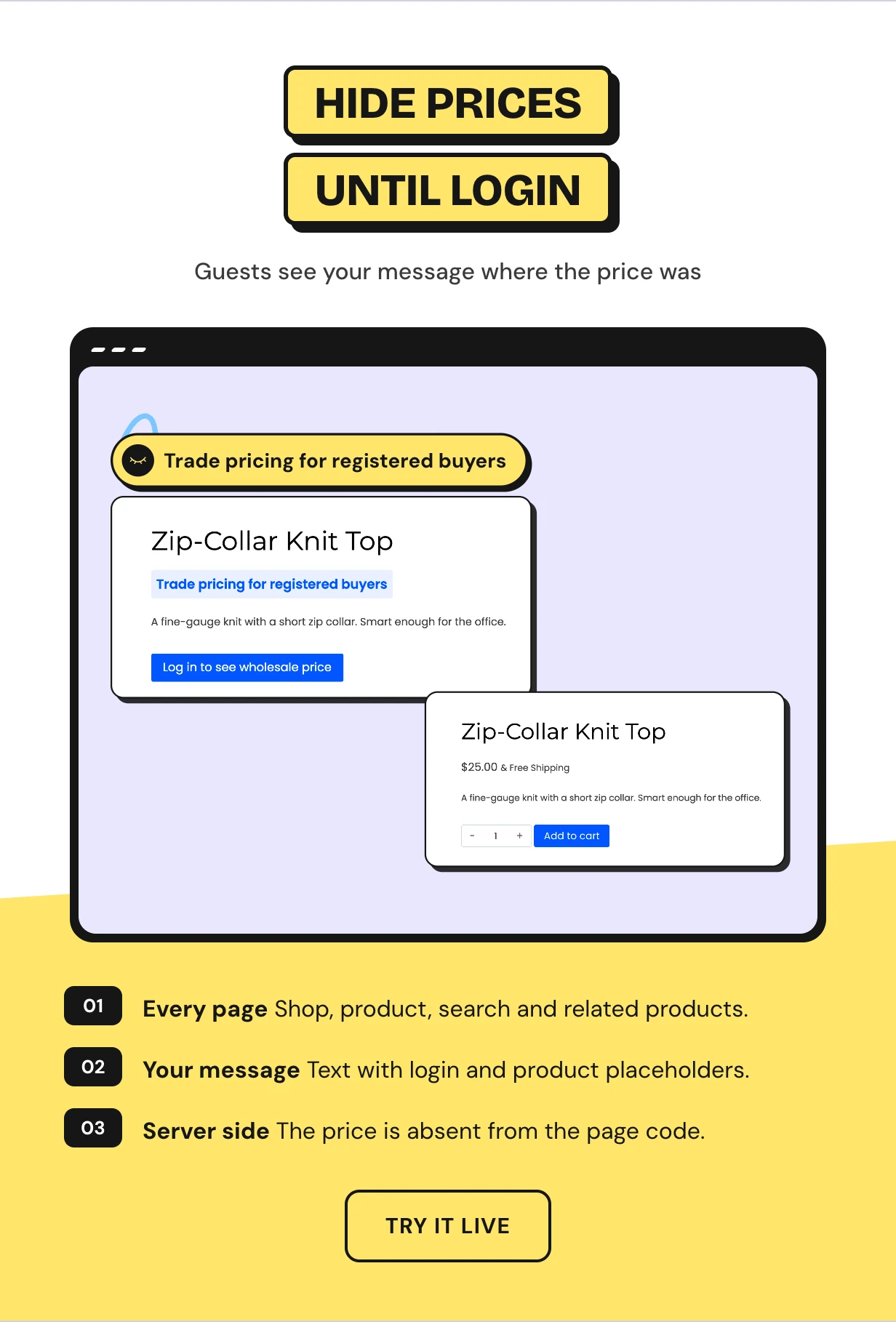
WooCommerce hide prices unless logged in on every page
Guests see your message where the price used to be. It shows on the shop page, the product page, search results, widgets and related products.
The moment a customer logs in the same product shows its price and the normal button. One catalog serves both audiences.
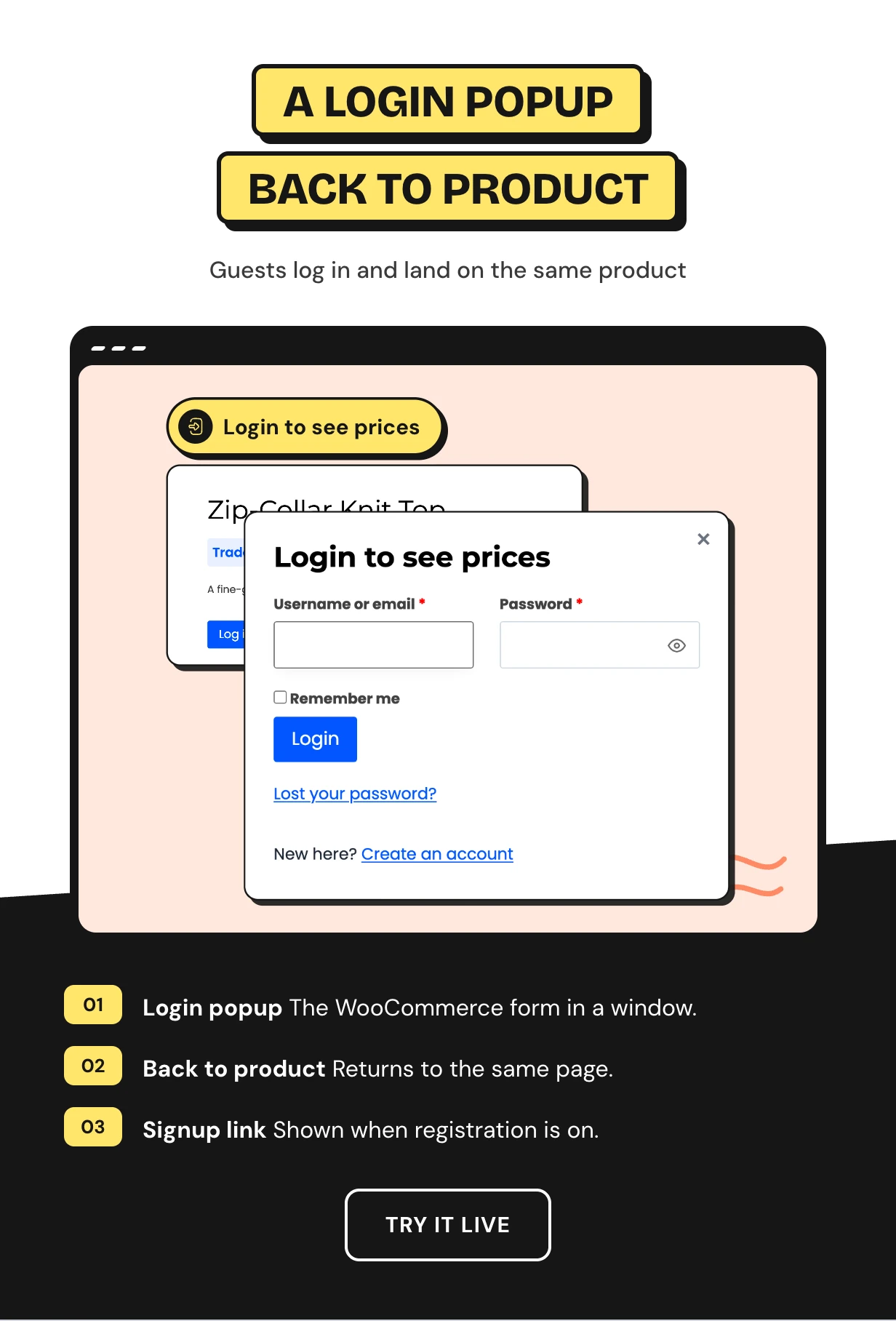
WooCommerce show price after login with a login popup
The login button opens the WooCommerce login form in a popup. The visitor signs in without leaving the page and sees the price right away.
A Create an account link shows when signups are open. After login or signup the visitor goes back to the product.
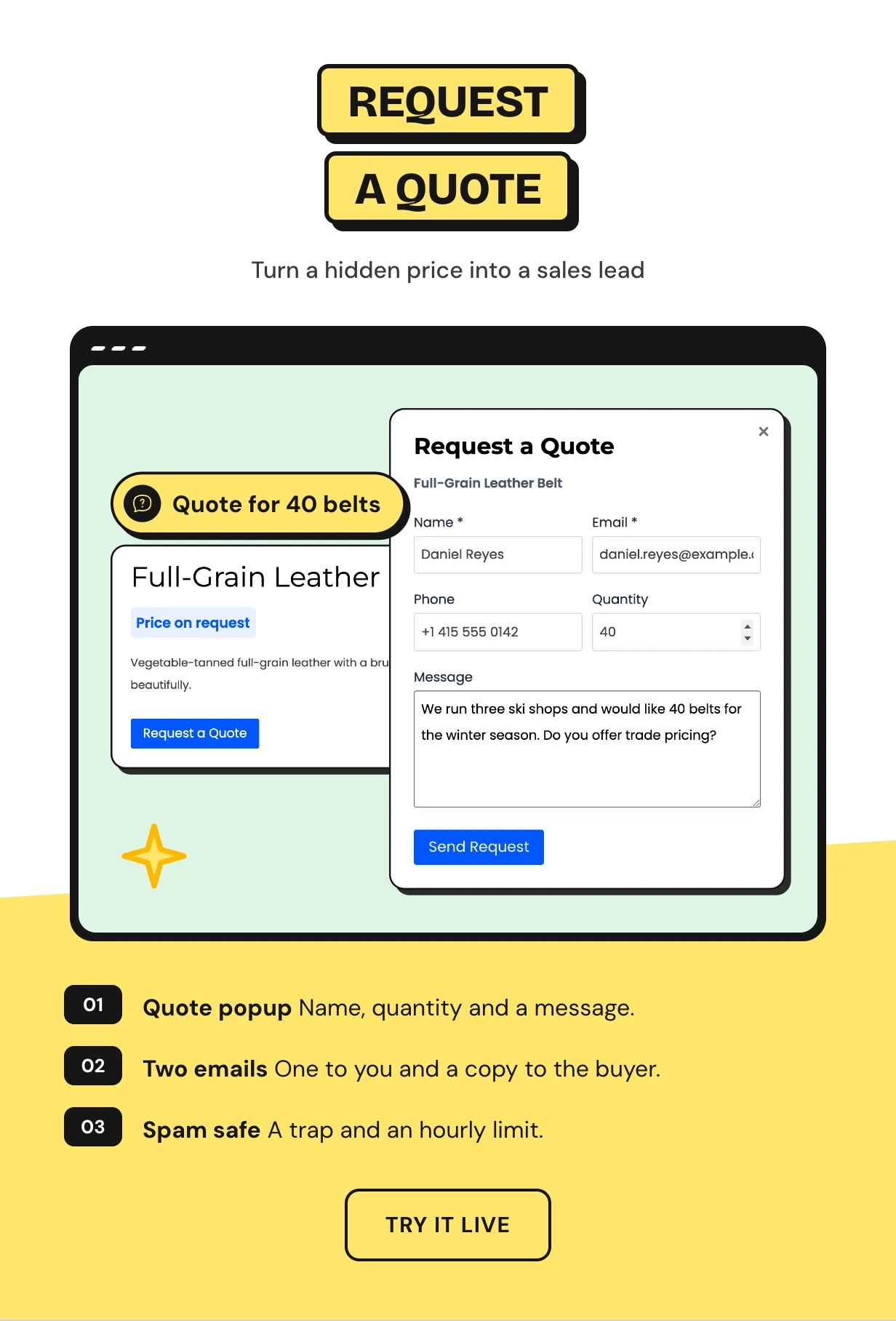
A WooCommerce request a quote button for call for price products
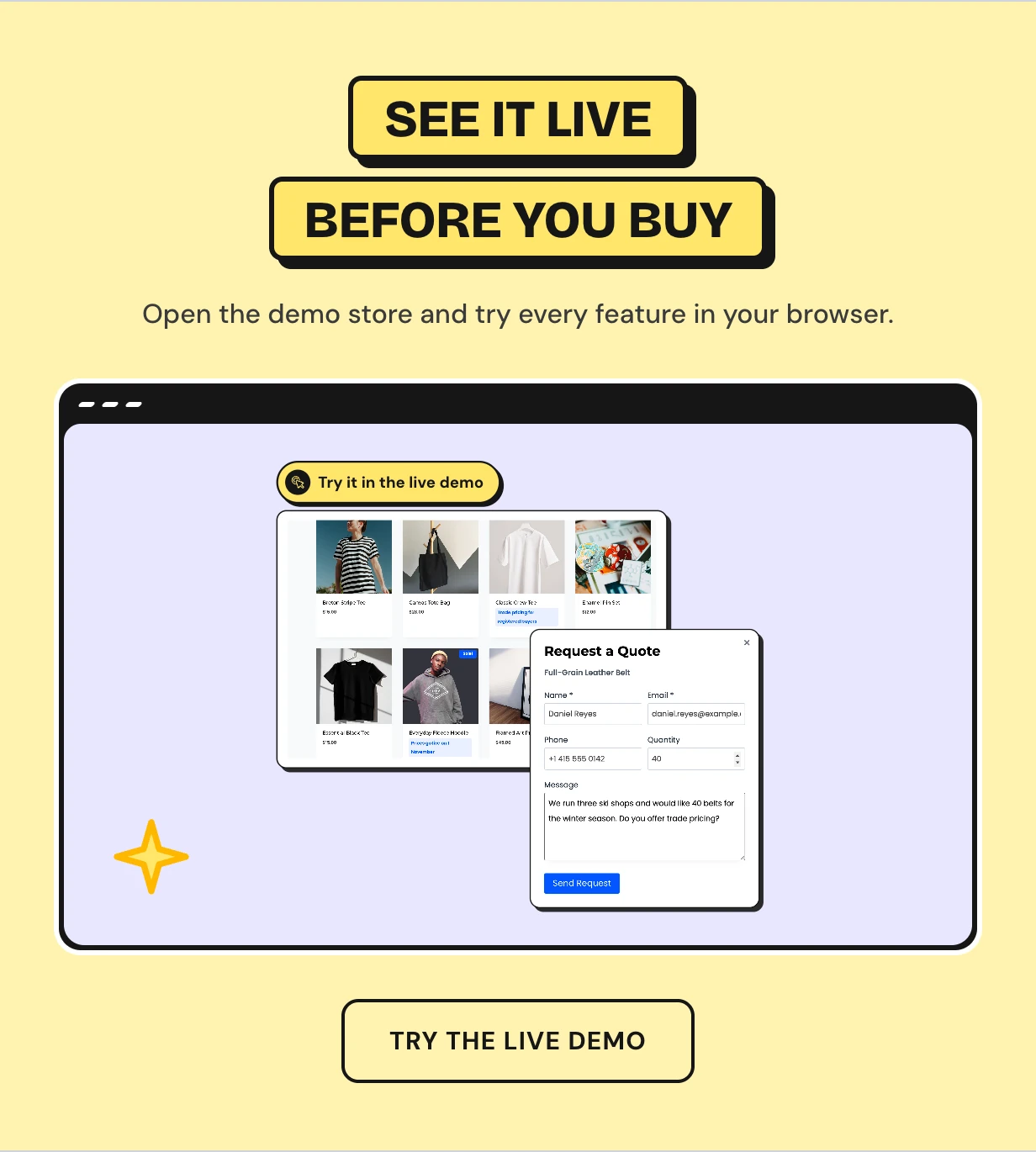
Swap the button for Request a Quote. Buyers send their name, email, phone, quantity and a message from a popup.
You get an email with reply-to set to the buyer and they get a copy. A spam trap and a limit of five requests per hour keep bots out.
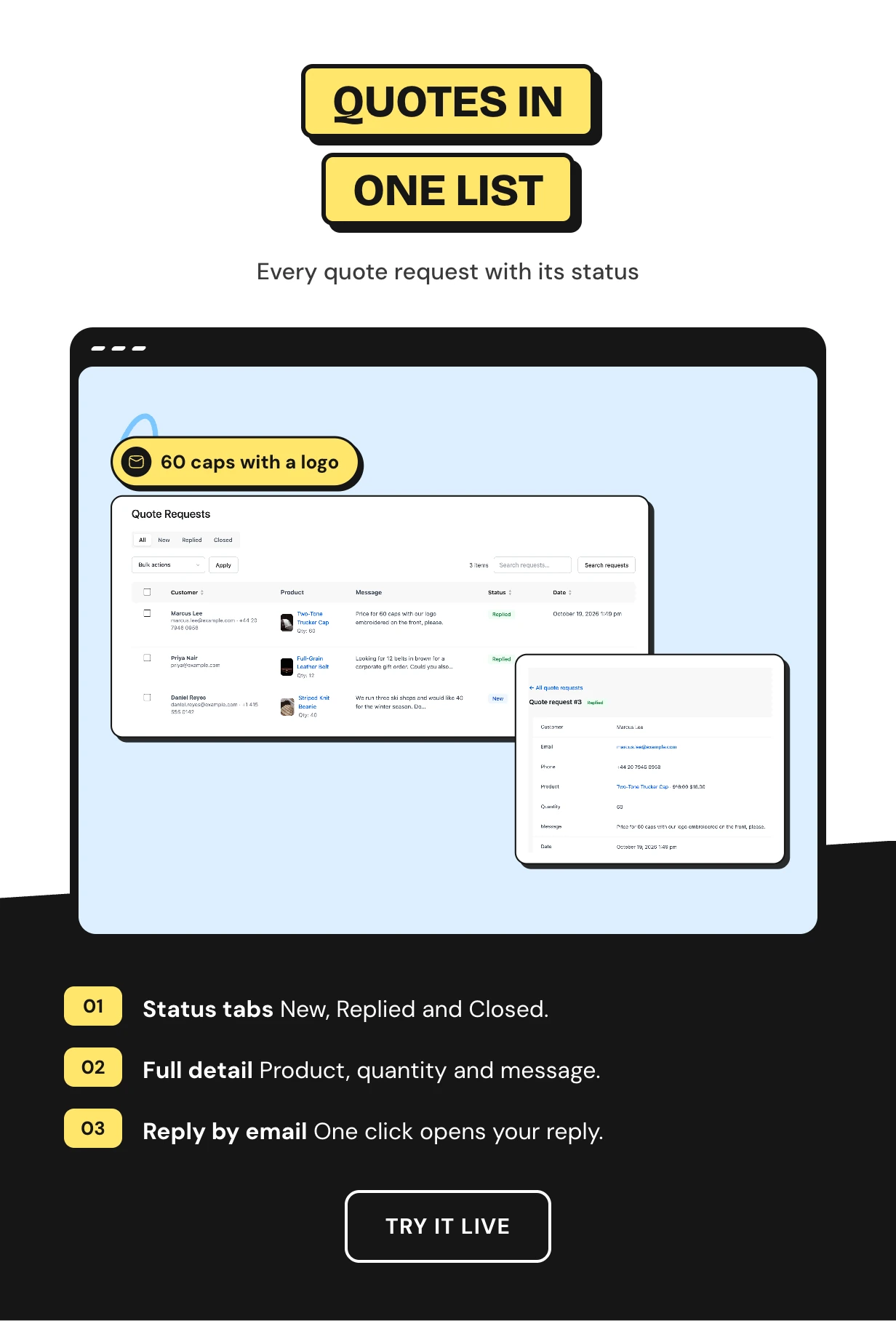
Quote requests you answer from one screen
Every request lands on a Quote Requests screen with New, Replied and Closed tabs. Search them and use bulk actions.
Open one to see the product, quantity and message. Reply by email in one click.
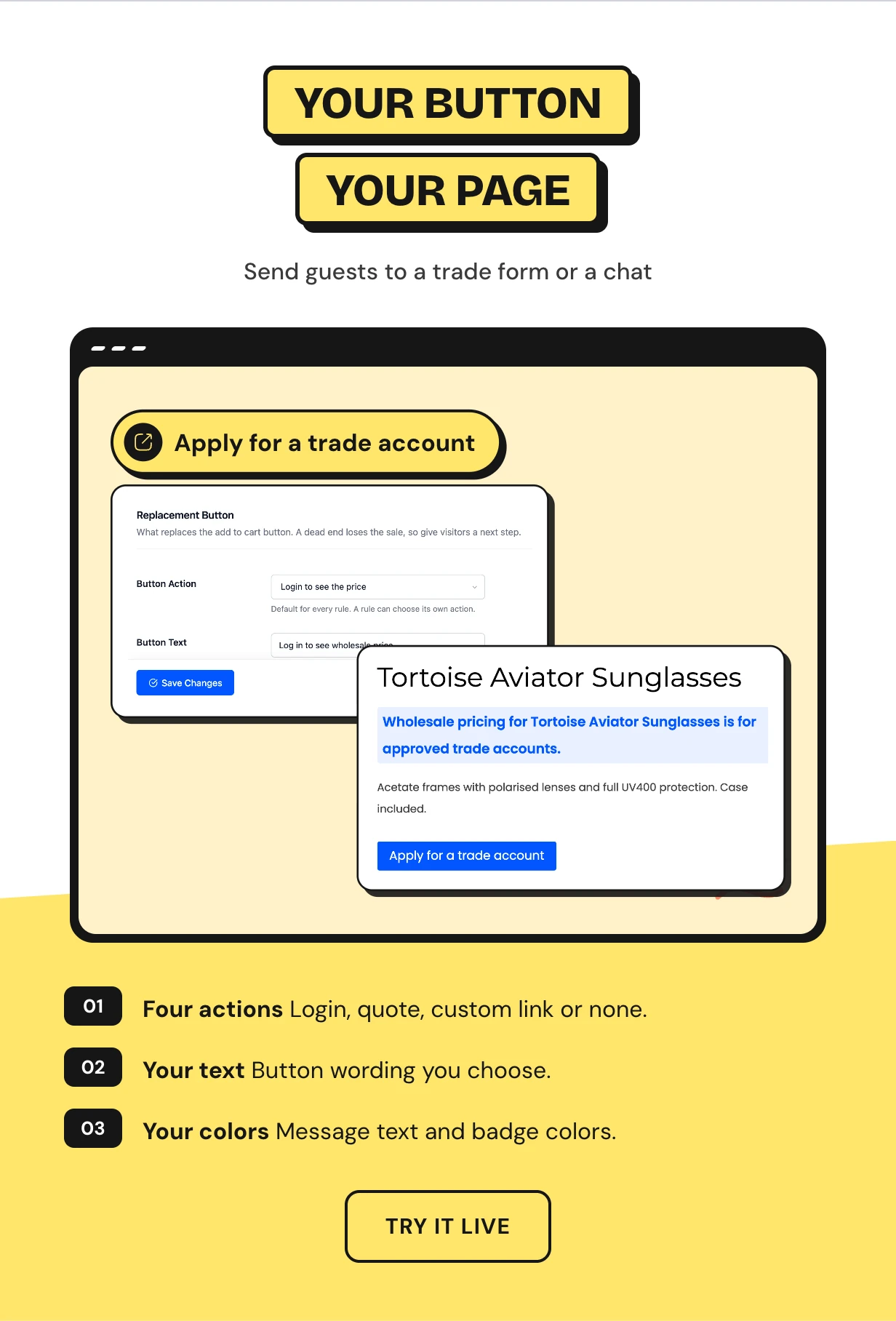
Hide add to cart button and send guests to your own page
Point the button at a wholesale application form, a contact page or a WhatsApp chat. Or remove the button and show only a message.
Write the button text in your own words and set the message colors to match your theme.
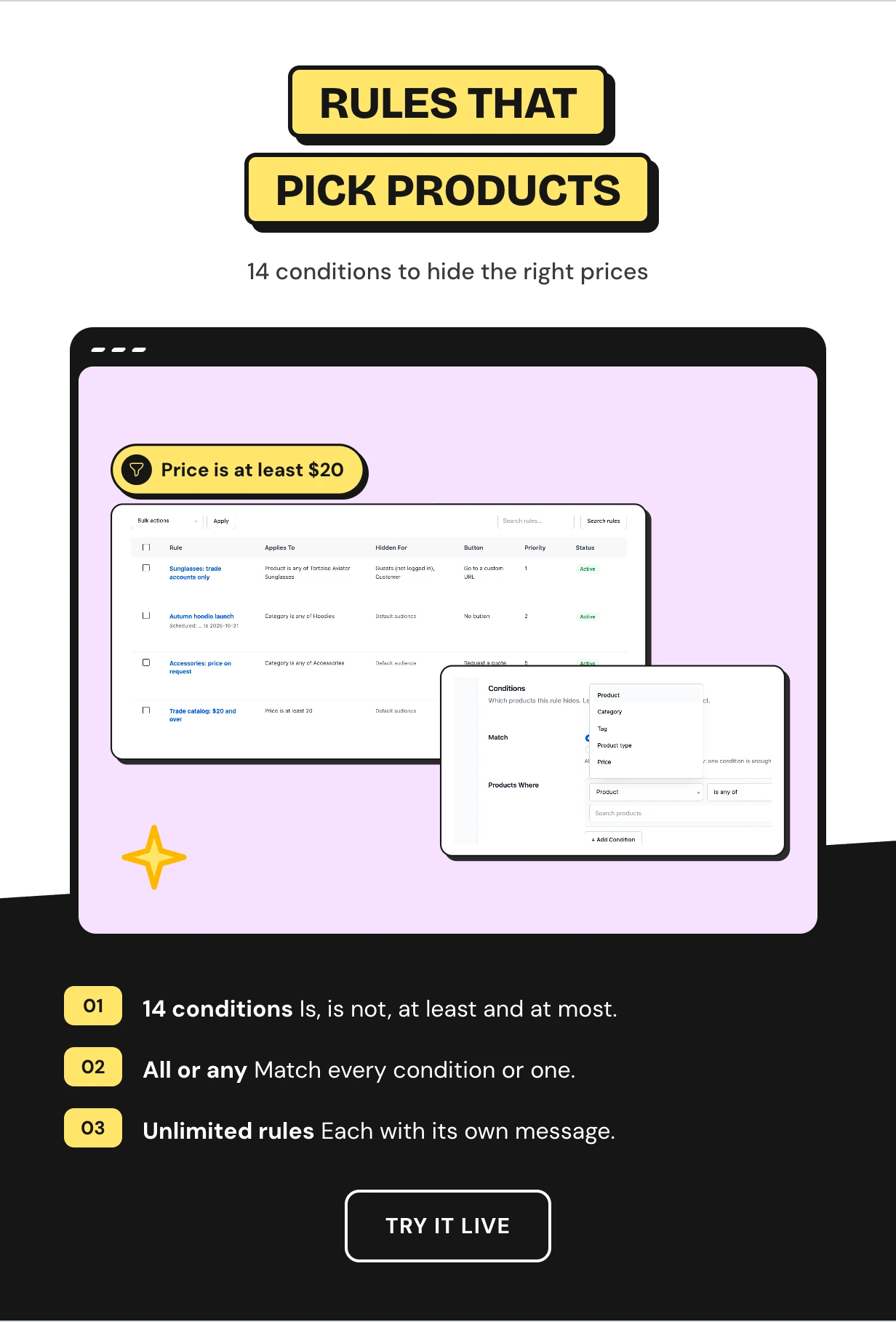
Rules with 14 conditions for exactly the right products
Hide prices by product, category, tag or type. Or go further with price, stock, on sale, featured, rating and published date.
Match all conditions or any one. Hide prices on products over $20 without tagging a single product by hand.
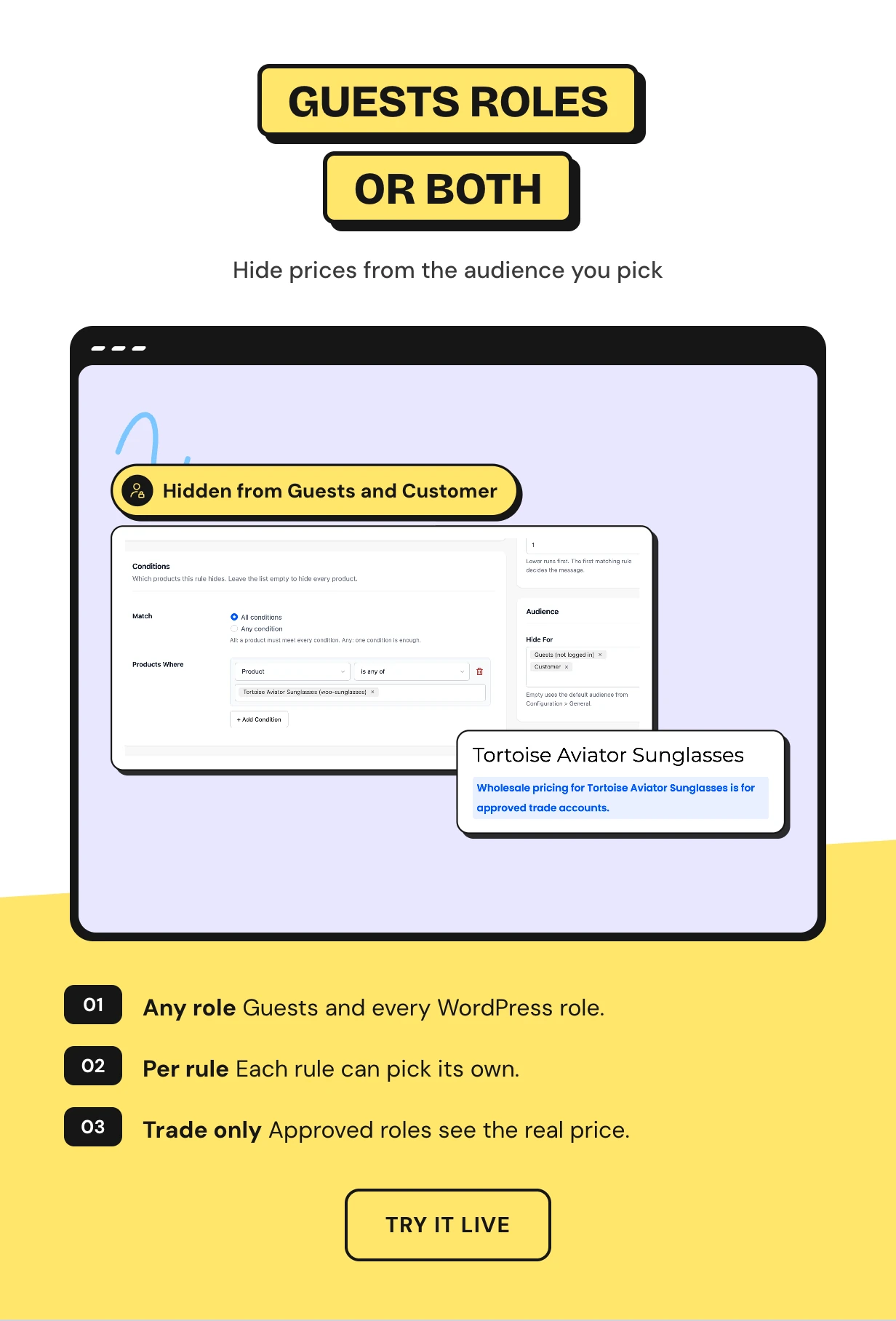
Hide price by user role for a WooCommerce B2B store
Most stores hide prices from guests. A WooCommerce B2B hide price setup also hides them from retail customers until an account joins a trade role.
Choose Guests, any WordPress role or a mix as the default. A rule can set its own audience.
Hide prices by country for distributor markets
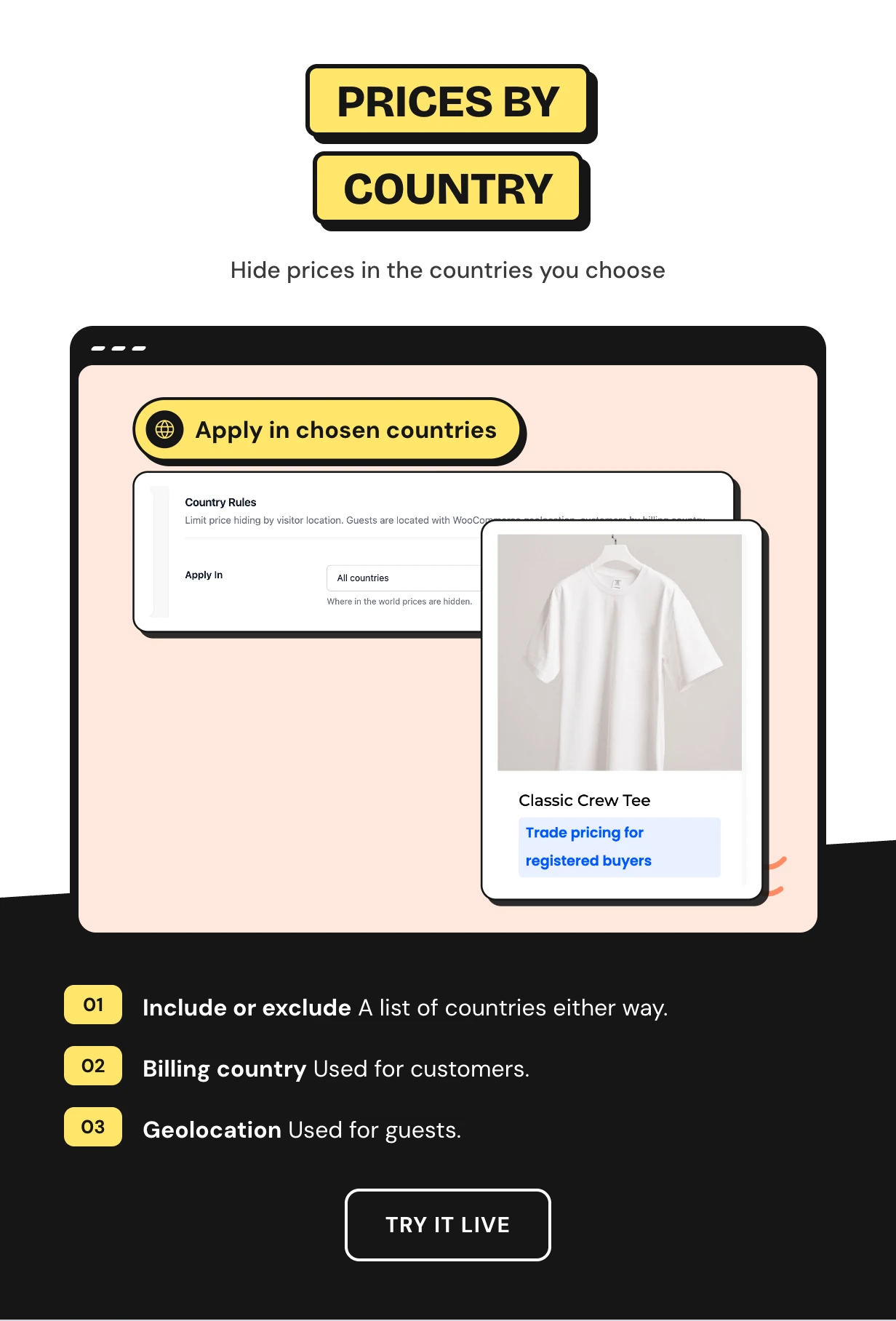
Hide prices only in the countries you choose or everywhere except them. It suits stores that sell retail at home and through distributors abroad.
Customers are matched on their billing country. Guests are matched with WooCommerce geolocation.
Schedule a price reveal and order rules by priority
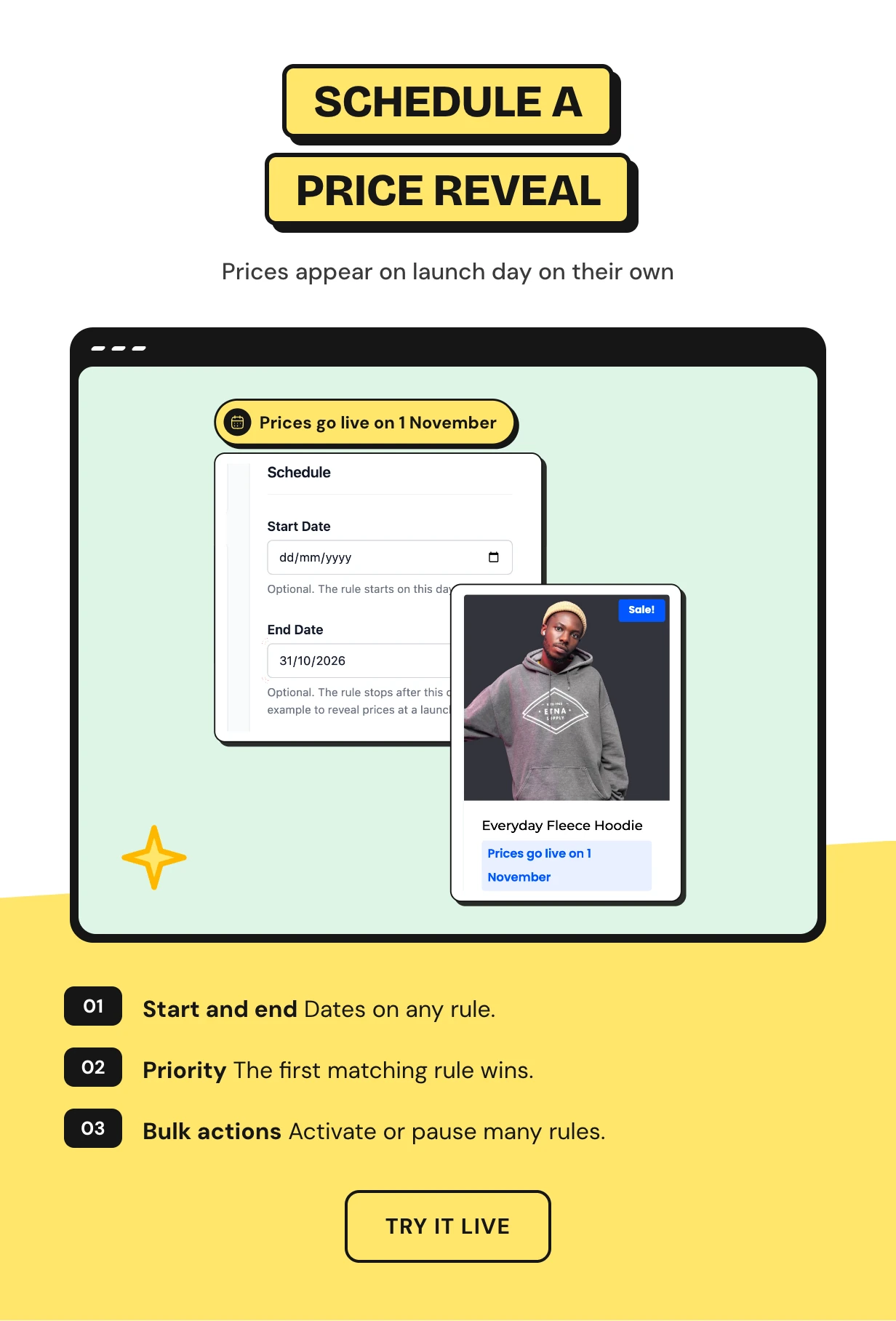
Give a rule a start and an end date. Keep a new collection hidden until launch day and let the price appear on its own.
Rules run top to bottom and the first match wins. A narrow rule sits above a broad one.
Exceptions that show or hide one product price
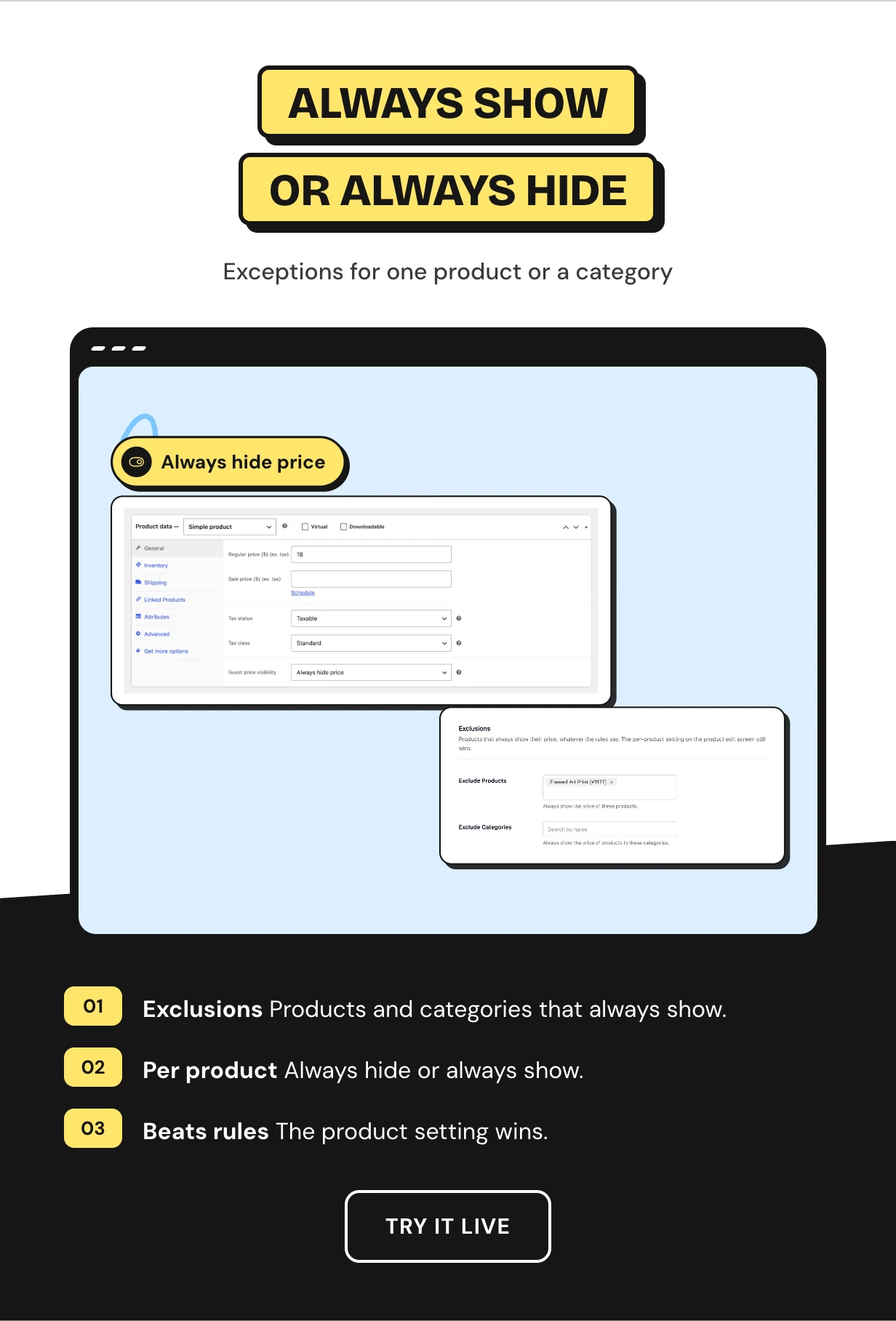
Keep prices visible on retail lines with product and category exclusions. Gift cards and samples stay buyable for everyone.
The product edit screen has Follow rules, Always hide and Always show. That choice beats every rule.
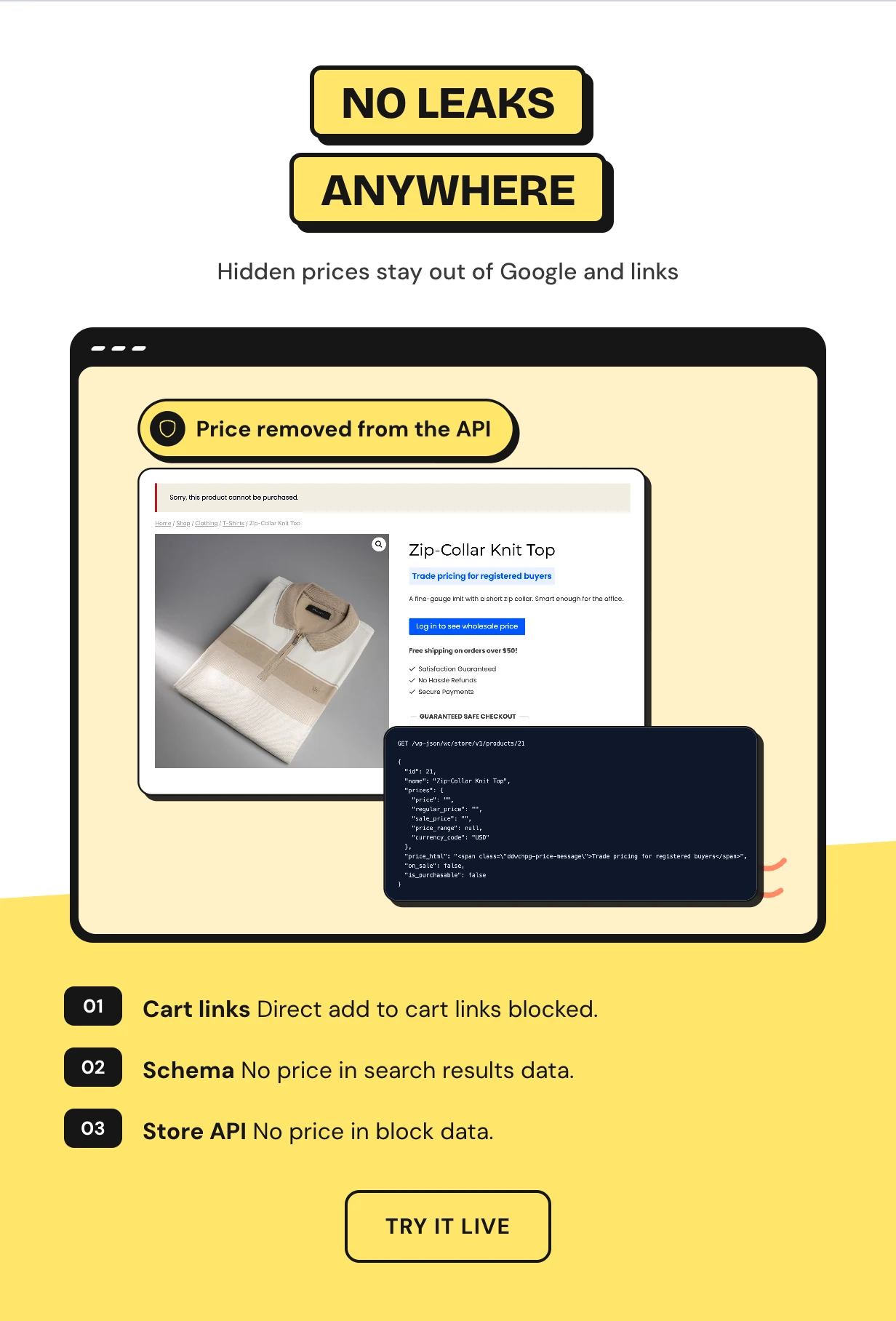
Leak protection that a code snippet misses
The plugin blocks purchases through ?add-to-cart= links and the block cart. A copied link cannot buy the product.
It also removes the price from product schema and from the WooCommerce Store API. All three are on from day one.
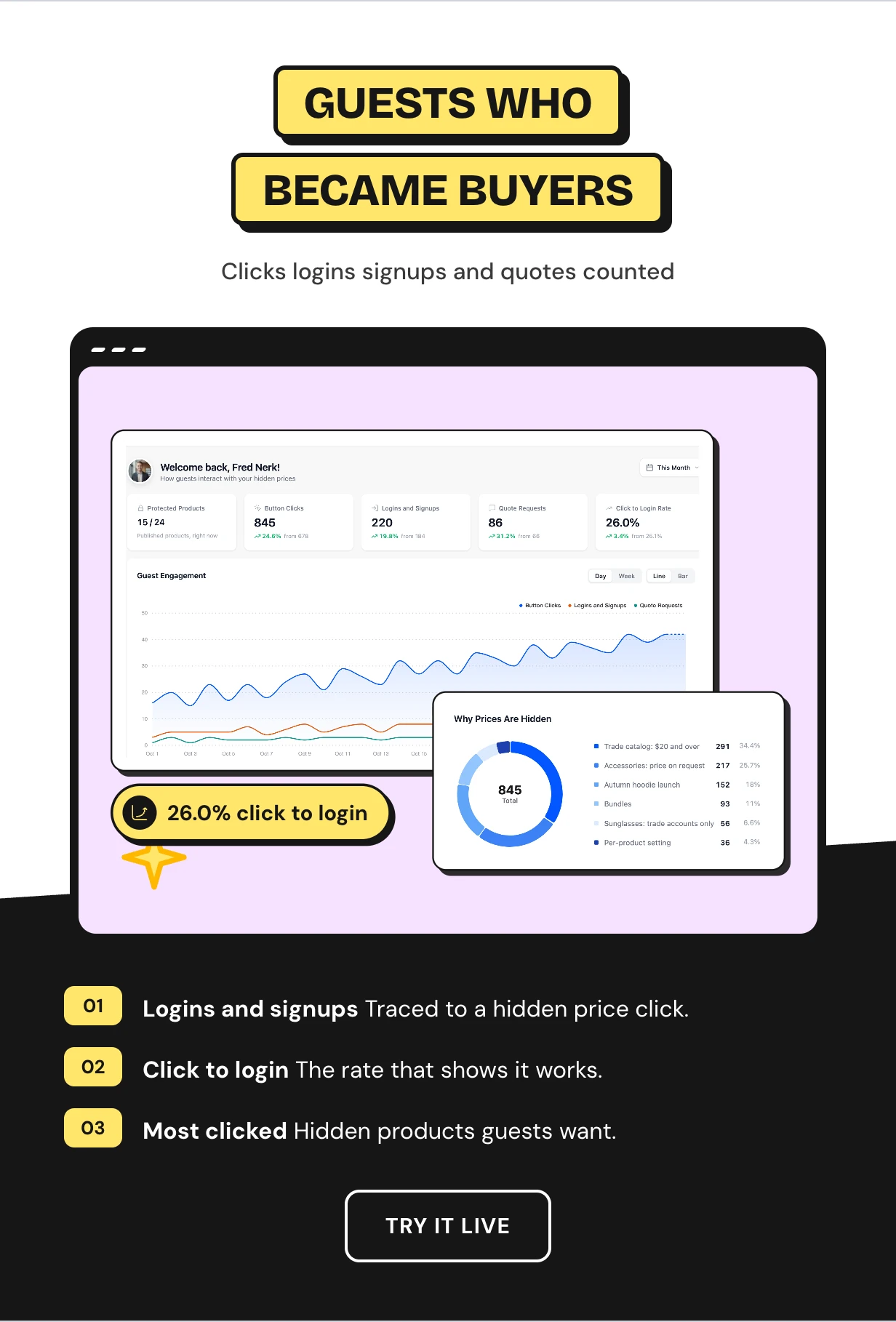
WooCommerce show prices only to registered users and count the signups
See protected products, button clicks, logins, signups and quote requests against the previous period. The click-to-login rate tells you if the hidden price works.
Charts show why each price is hidden. Lists rank the most clicked products.
Full feature list
Hidden prices
- Hide the price and add to cart together
- Catalog mode that hides only add to cart
- Shop, product, search, widgets and related products
- Message with HTML, placeholders and badge colors
- Variations hidden with the price range rebuilt
- Grouped products handled child by child
Buttons
- Login popup that returns to the product
- Request a Quote popup
- Custom URL button or no button
- Button text in your own words
Rules
- Unlimited rules run by priority
- 14 conditions with all or any matching
- Audience, message and button per rule
- Start and end dates for a price reveal
- Product and category exclusions
- Always hide or always show per product
Audience
- Guests and any WordPress user role
- Show or hide prices by country
- Billing country or geolocation matching
Protection
- Direct add to cart links blocked
- Price removed from product schema
- Price removed from the Store API
Quotes and reports
- Quote Requests screen with statuses and bulk actions
- Store and customer quote emails
- Dashboard with clicks, logins, signups and quotes
- Click-to-login rate and most clicked products
- Setup wizard
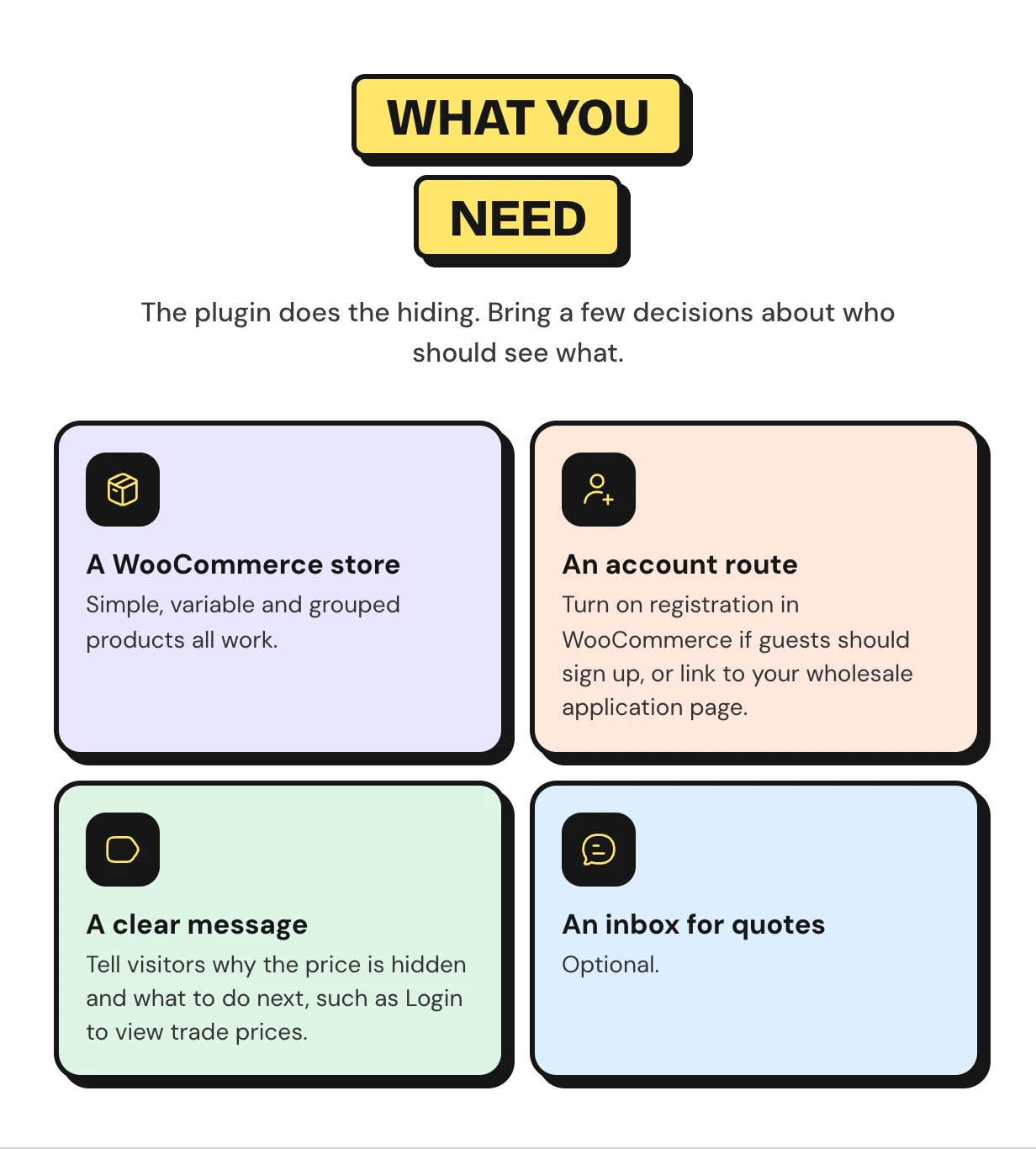
What you need to hide prices in WooCommerce
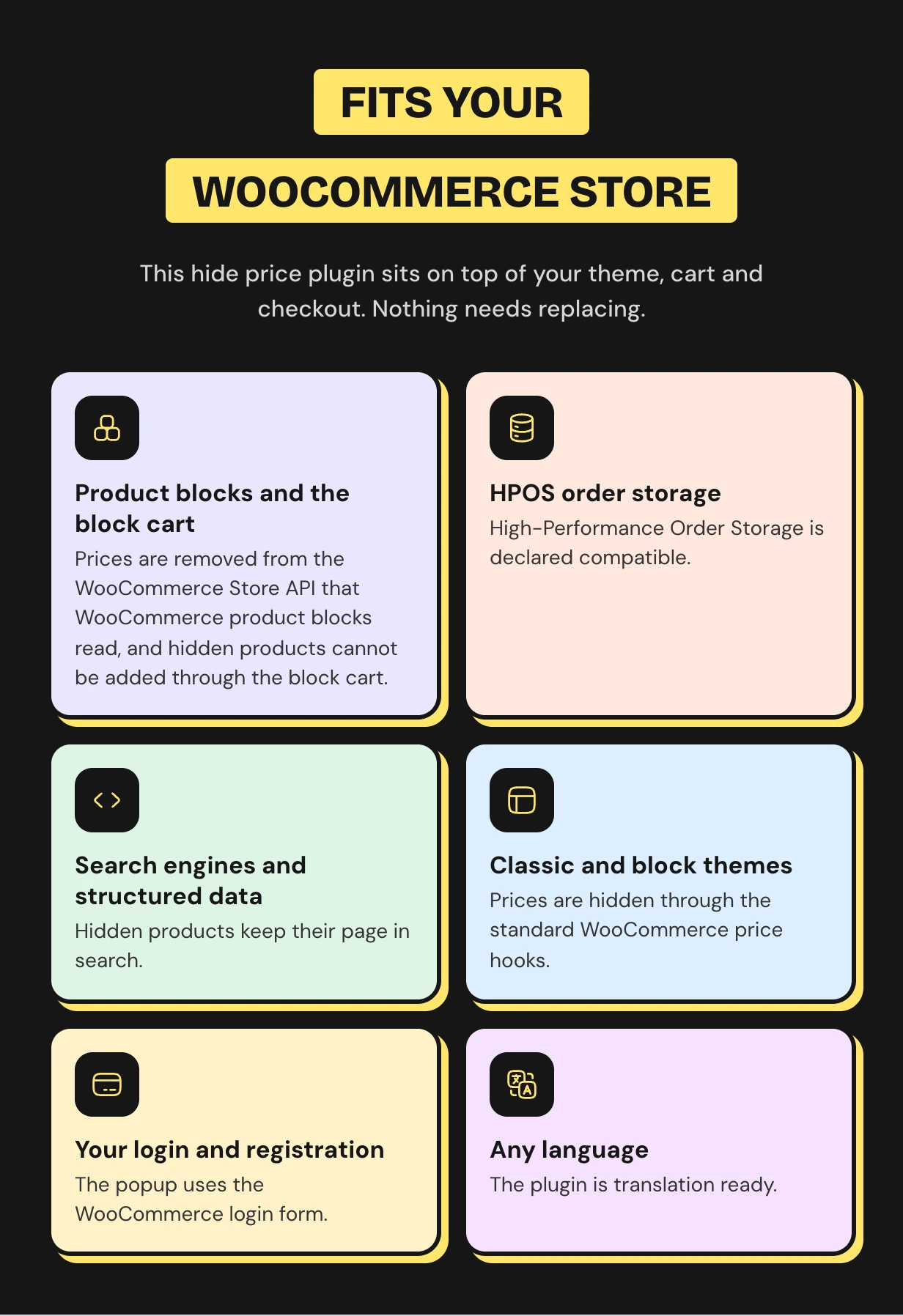
Works with the WooCommerce store you already run
Prices are hidden through the standard WooCommerce price hooks. Classic and block themes, variable and grouped products and HPOS all work.
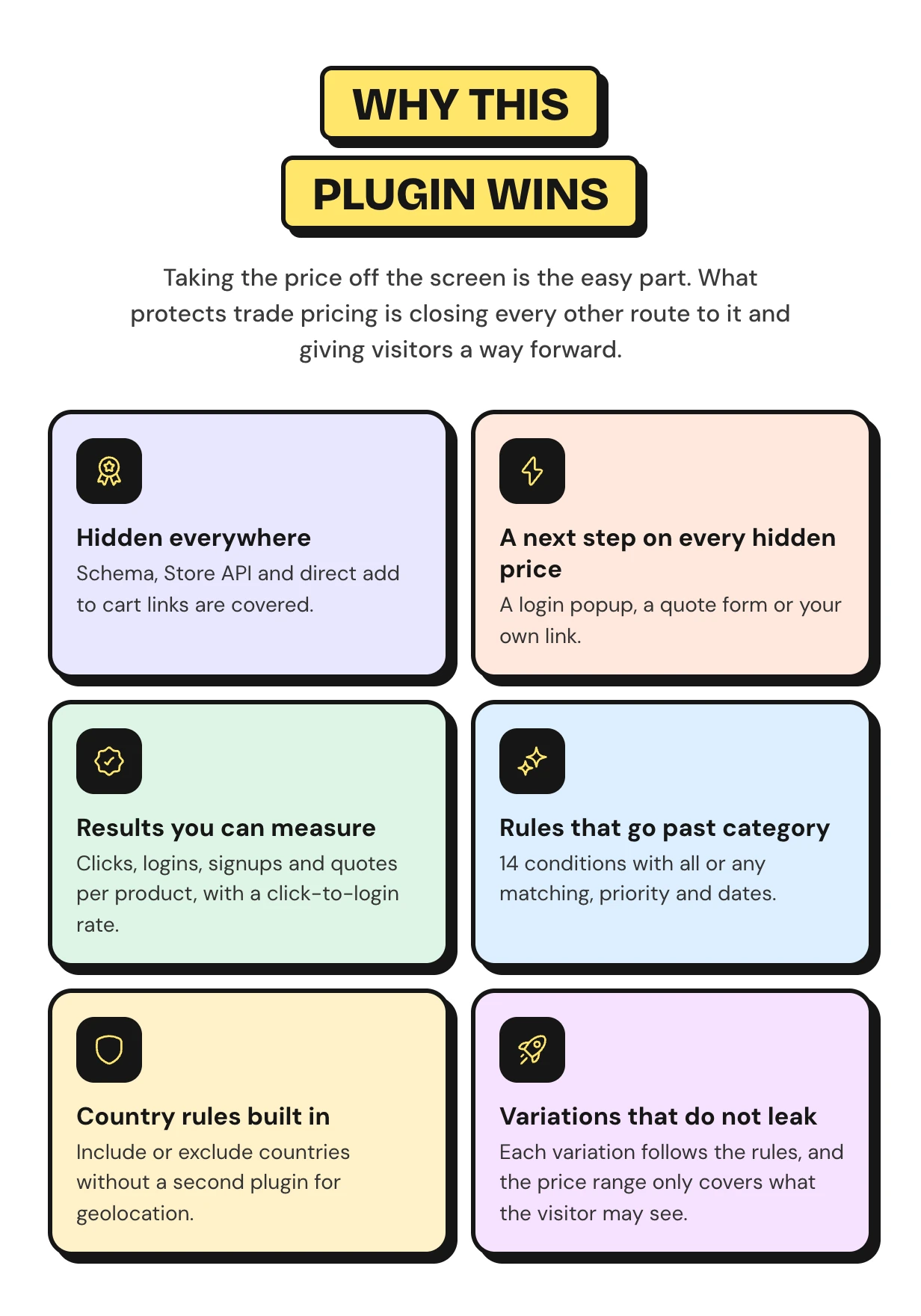
Why this hide price plugin goes further than a snippet
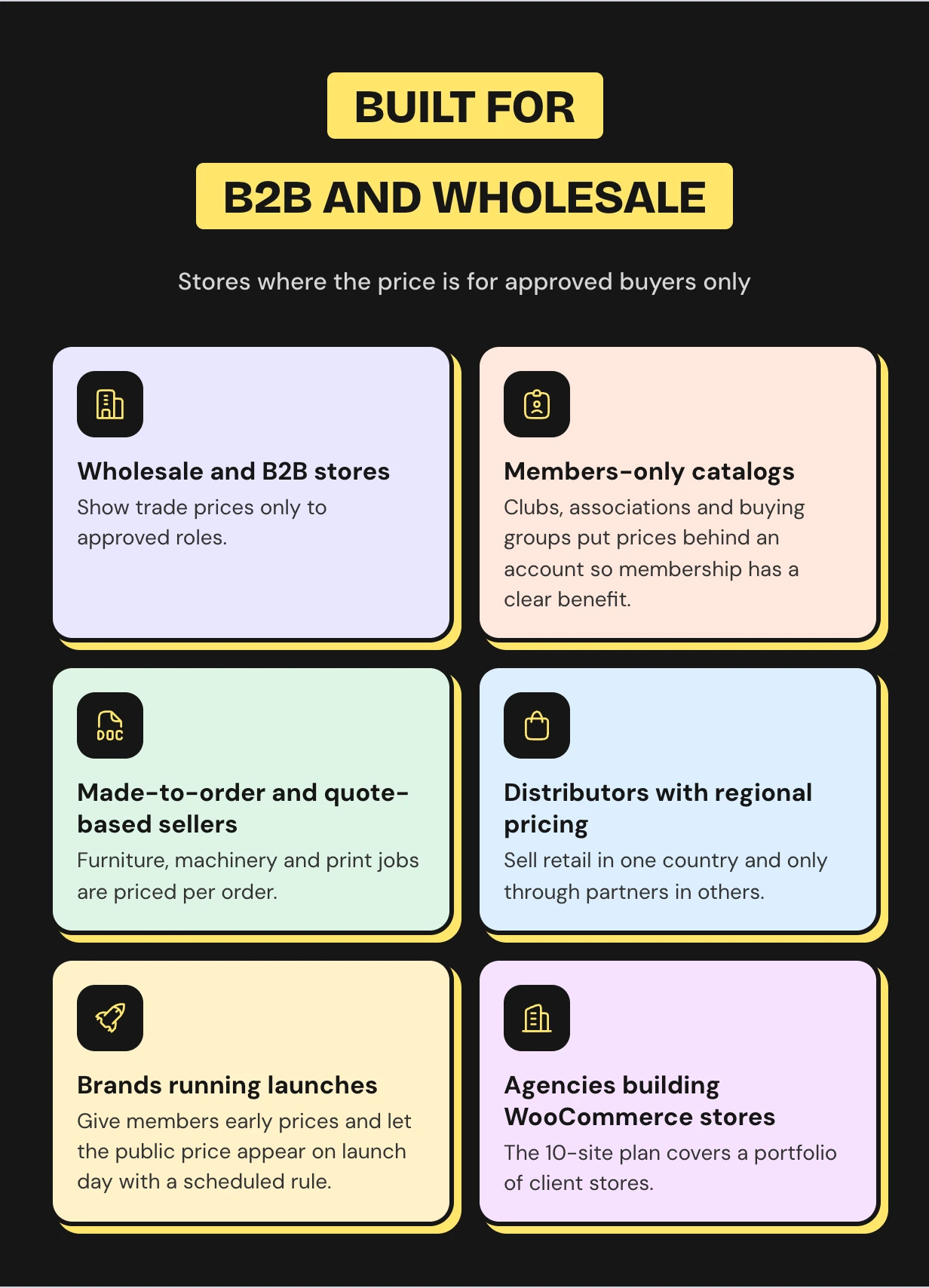
Who the WooCommerce hide price plugin is for
What buyers say
WooCommerce hide price questions
How to hide price in WooCommerce until login?
Install the plugin and run the setup wizard. Choose Guests and pick All products. This is how to hide price WooCommerce shows by default, with a login button in its place.
Can I hide the add to cart button as well as the price?
Yes. Both are hidden together. The button becomes a login, quote or custom link button, and direct add to cart links are blocked.
Can I hide only the add to cart button and keep prices visible?
Yes. Set What to Hide to Add to cart button only. This is catalog mode and it works in the free and Pro versions.
Can I hide prices for some user roles and not others?
Yes. Choose Guests, any WordPress role or both. Trade-only products stay hidden from retail customers while wholesale roles see the price.
Does hiding prices hurt SEO?
The product page stays indexable with its title, description and images. Only the price offer is removed from the structured data.
Can someone still buy a hidden product with an add to cart link?
No. Block Purchases is on by default. It refuses ?add-to-cart= links and the block cart for any product whose price is hidden.
Does it work with variable products and page caching?
Yes. Each variation follows the rules on its own. Caching plugins skip the cache for logged in users, which is what hiding prices from guests needs.
Is there a free version?
Yes. Hide Price for WooCommerce is free on devdiggers.com. It hides prices from guests or any role on all products or the ones you pick.
Do I lose my settings when I upgrade from the free version?
No. Pro reads the same settings and turns your protected products into its first rule. You can then delete the free plugin.
Support and custom work
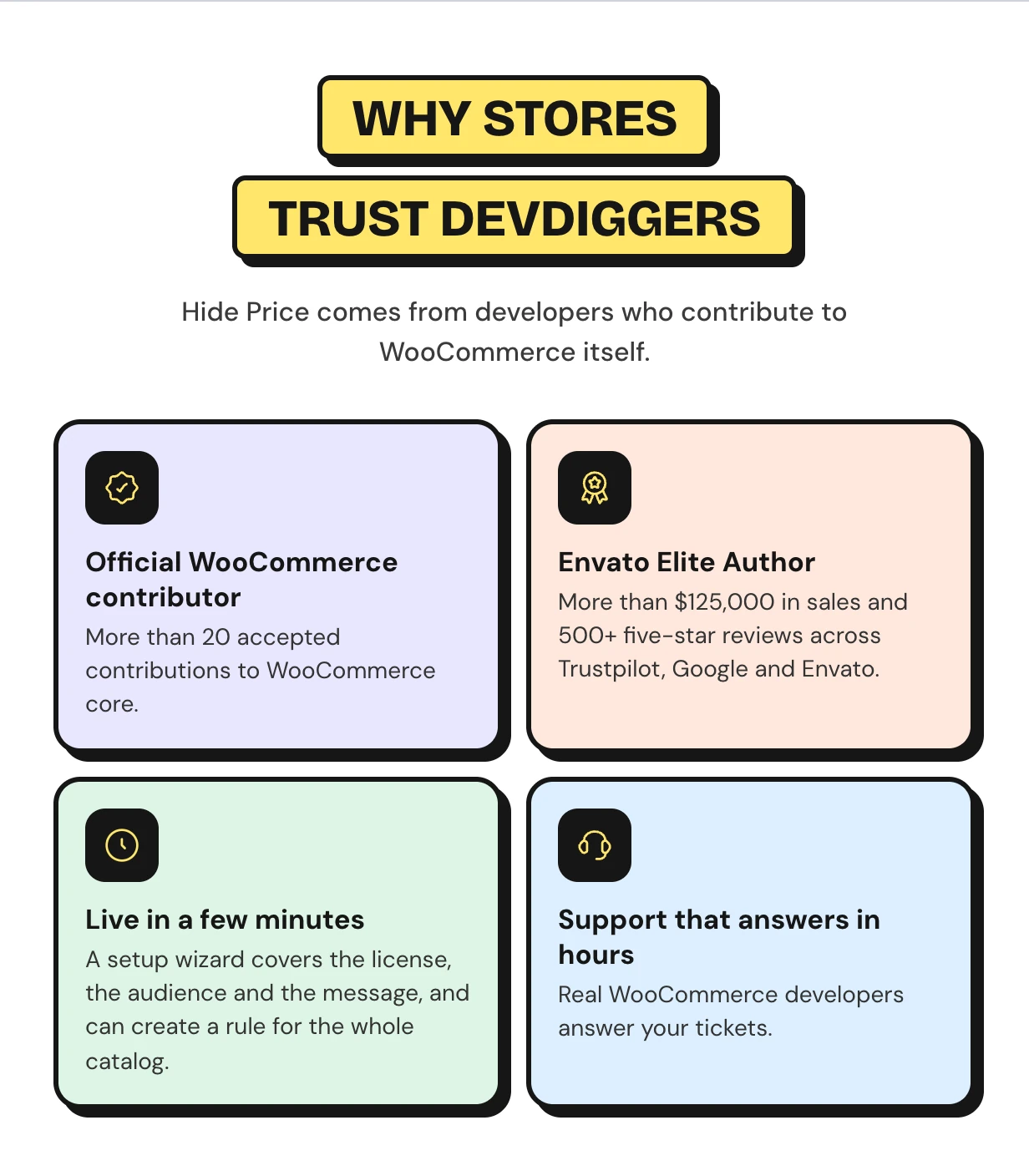
Support comes from the developers who wrote the code, usually within hours. Start with the Hide Price For Guest documentation or contact our team. See every feature on the WooCommerce hide price plugin page.
Need a wholesale signup flow or a CRM sync for quotes? Our WooCommerce development services team builds custom Hide Price features for you.
Requirements
- WordPress 6.5 or newer
- WooCommerce 9.0 or newer
Changelog
v 1.1.0
Added compatibility with latest WordPress and WooCommerce versions.
Added WooCommerce HPOS (High-Performance order storage) compatibility.
Added some new hooks in the core for customization.
Resolved security issues.
v 1.0.4
Added compatibility with latest WordPress and WooCommerce.
Resolved security issues.
v 1.0.3
Added compatibility with latest WordPress and WooCommerce.
Updated license API.
Resolved security issues.
v 1.0.2
Added compatibility with WordPress 5.8.x
Added compatibility with WooCommerce 5.7.x
Fixed security issues.
v 1.0.1
Added compatibility with WordPress 5.6.x
Added compatibility with WooCommerce 3.8.x
Fixed security issues.
v 1.0.0
Initial Release
Download Now
LIVE PREVIEWBUY FOR $99


