
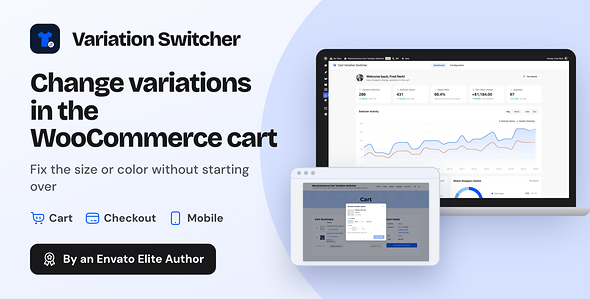
Cart Variation Switcher is a WooCommerce cart variation switcher that lets shoppers fix the wrong size or color without leaving the cart. A Change options button sits under every variable product. One click opens a popup and the cart line updates in place.
WooCommerce cannot change a variation in the cart on its own. The shopper has to remove the item, find the product again and add it back. Plenty of them leave instead.
It works as a variation switcher in cart for WooCommerce, at checkout and in the mini cart. It covers the Cart and Checkout blocks and the classic pages, and a dashboard shows what every switch was worth.
Every plan and the latest features: Variation Switcher plugin page




A wrong size in the cart is a sale about to leave
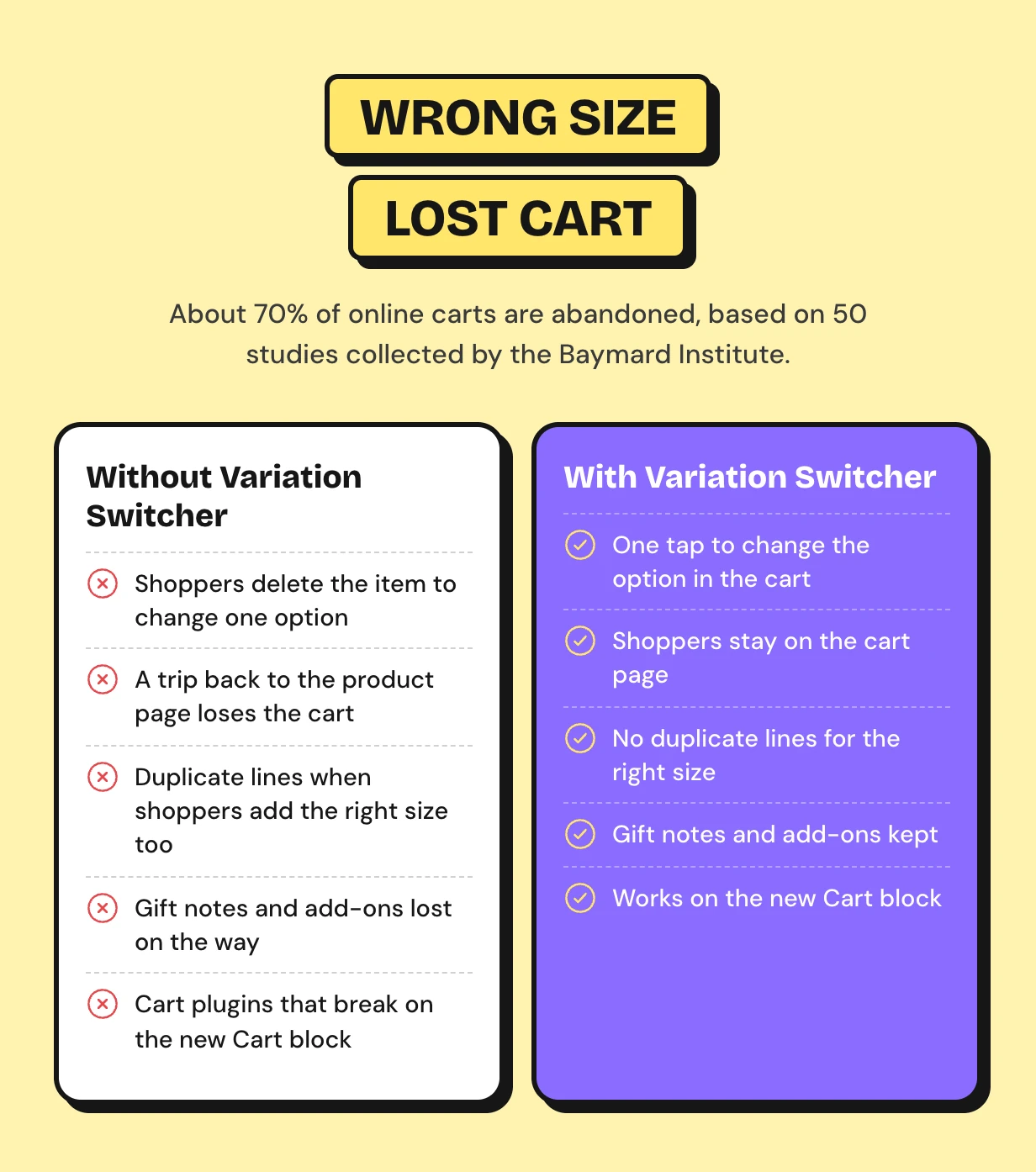
A shopper picks Medium, opens the cart and sees they wanted Large. There is no way to change it there. They delete the line, hunt for the product and start over, or they just leave.
Wrong sizes that get through cost you again as returns. Size and fit is the top reason for apparel returns.
How the WooCommerce cart variation switcher works
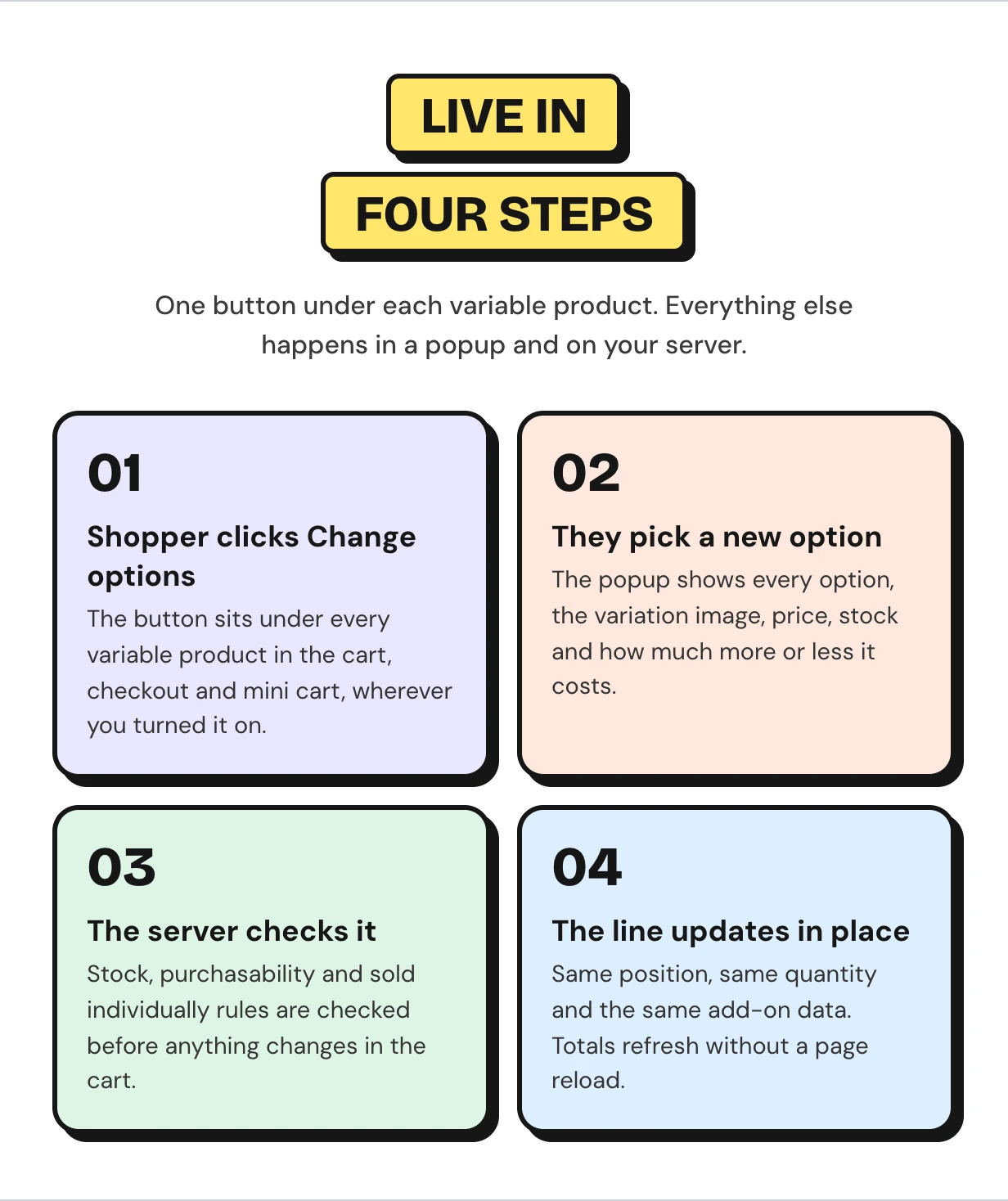
One button sits under each variable product. The shopper picks a new option, the server checks stock and the cart line updates in place. The setup wizard picks where it shows on first activation.
WooCommerce cart variation switcher features
Every feature below ships in this one download. It turns the WooCommerce edit cart page into a place where shoppers fix their own mistakes.
It works on all your WooCommerce product variations, in the cart, at checkout and in the mini cart.
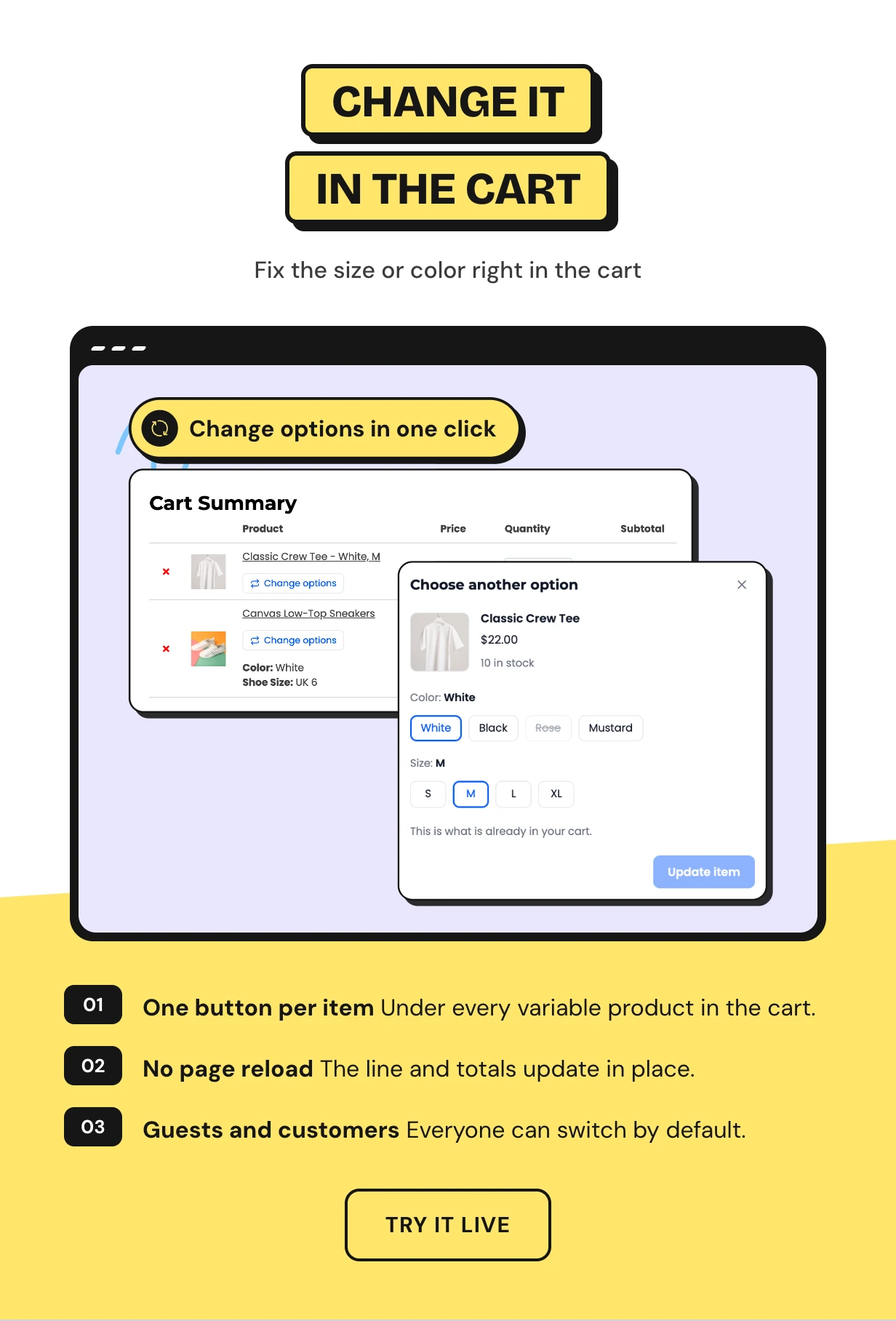
Change variation in cart without removing the item
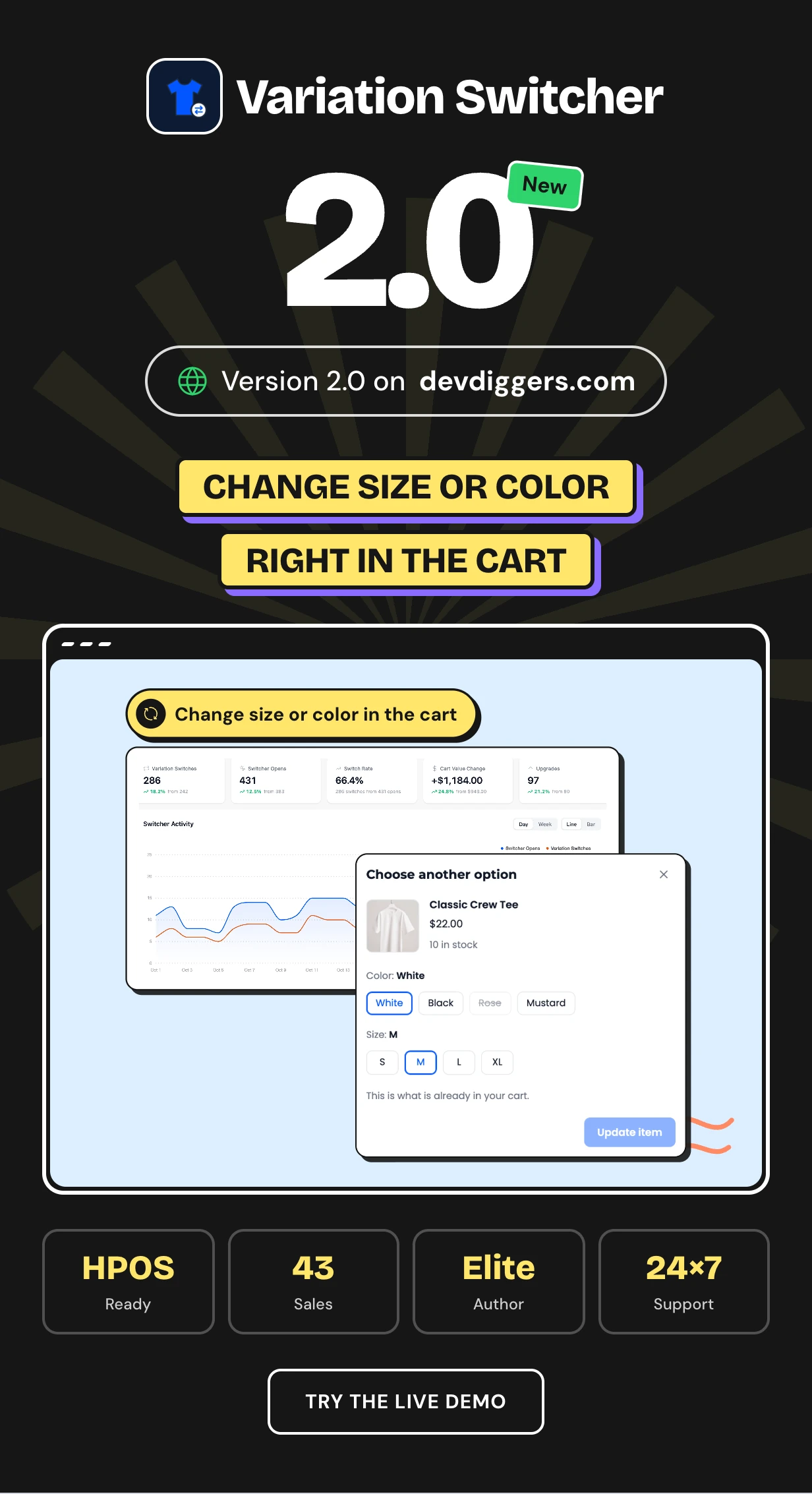
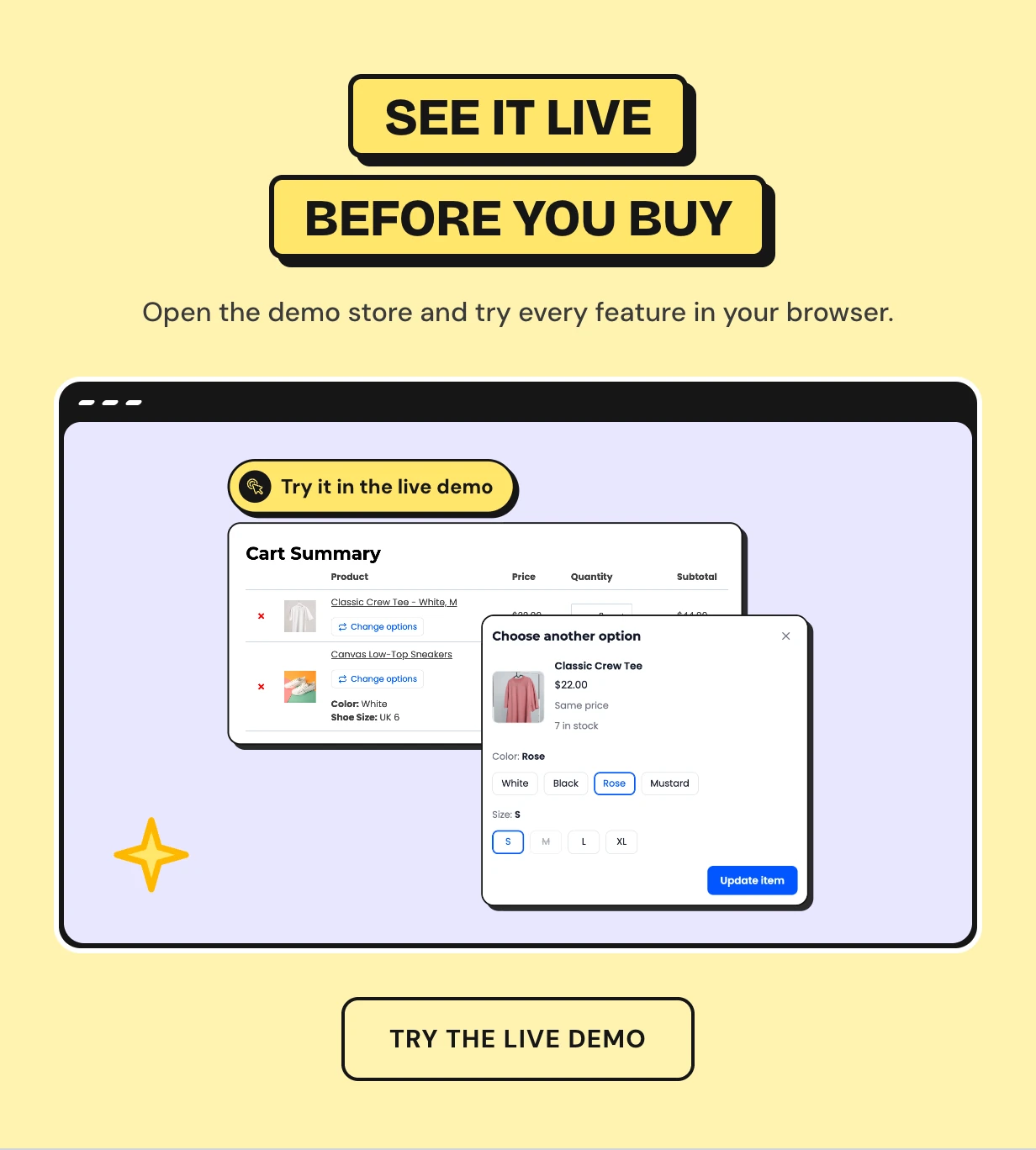
Every variable product in the cart gets a Change options button. One click opens a popup with the current choice already selected.
The shopper picks a new size or color and clicks Update item. The line changes on the spot with no Update cart click and no page reload.
A variation switcher for the Cart and Checkout blocks
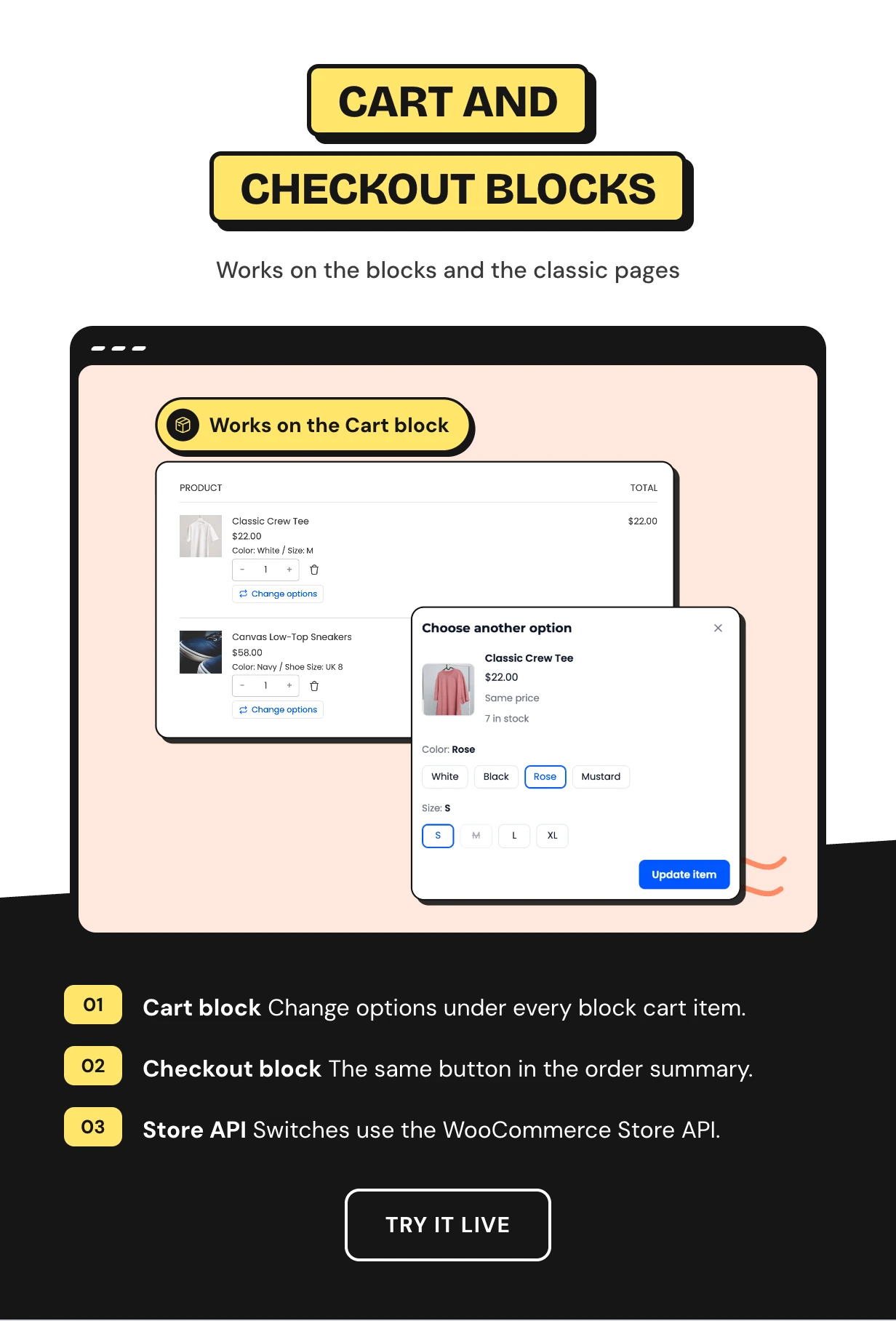
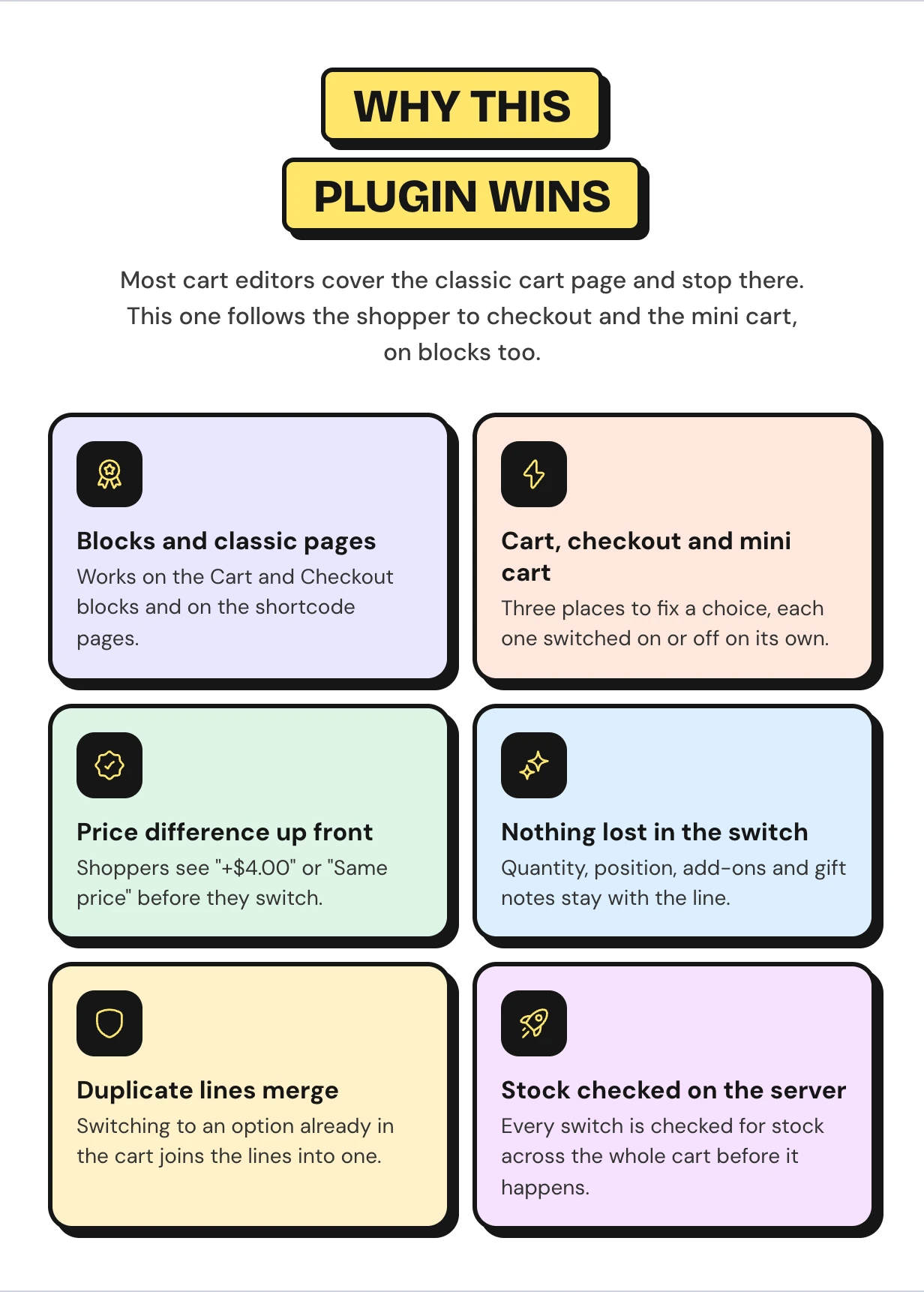
New WooCommerce stores ship with the Cart and Checkout blocks, and many cart editors stop working there. This one works on the blocks and on the classic shortcode pages.
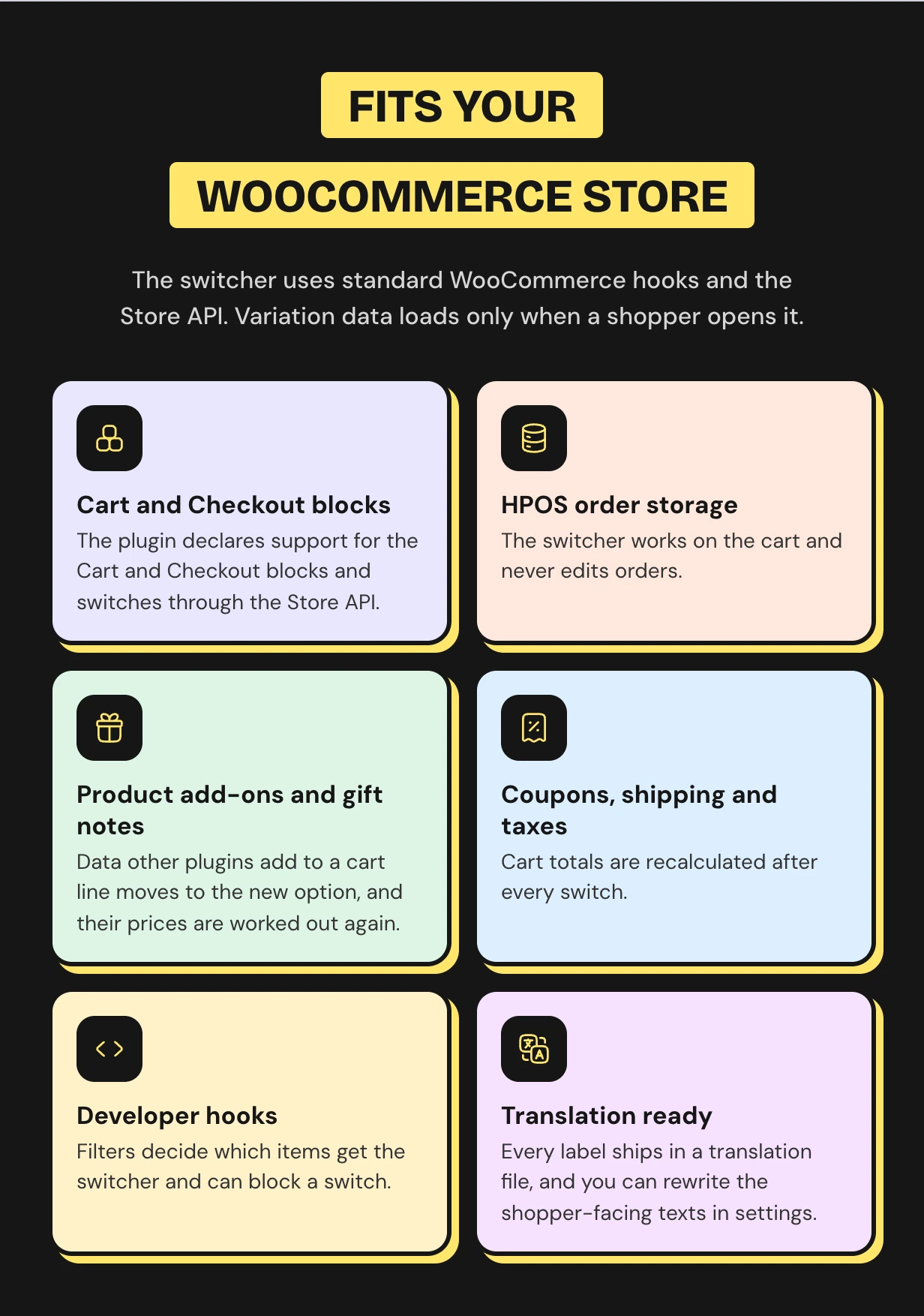
On the block cart every switch goes through the WooCommerce Store API. The block refreshes its own totals during the switch.
Change options at checkout before the order is placed
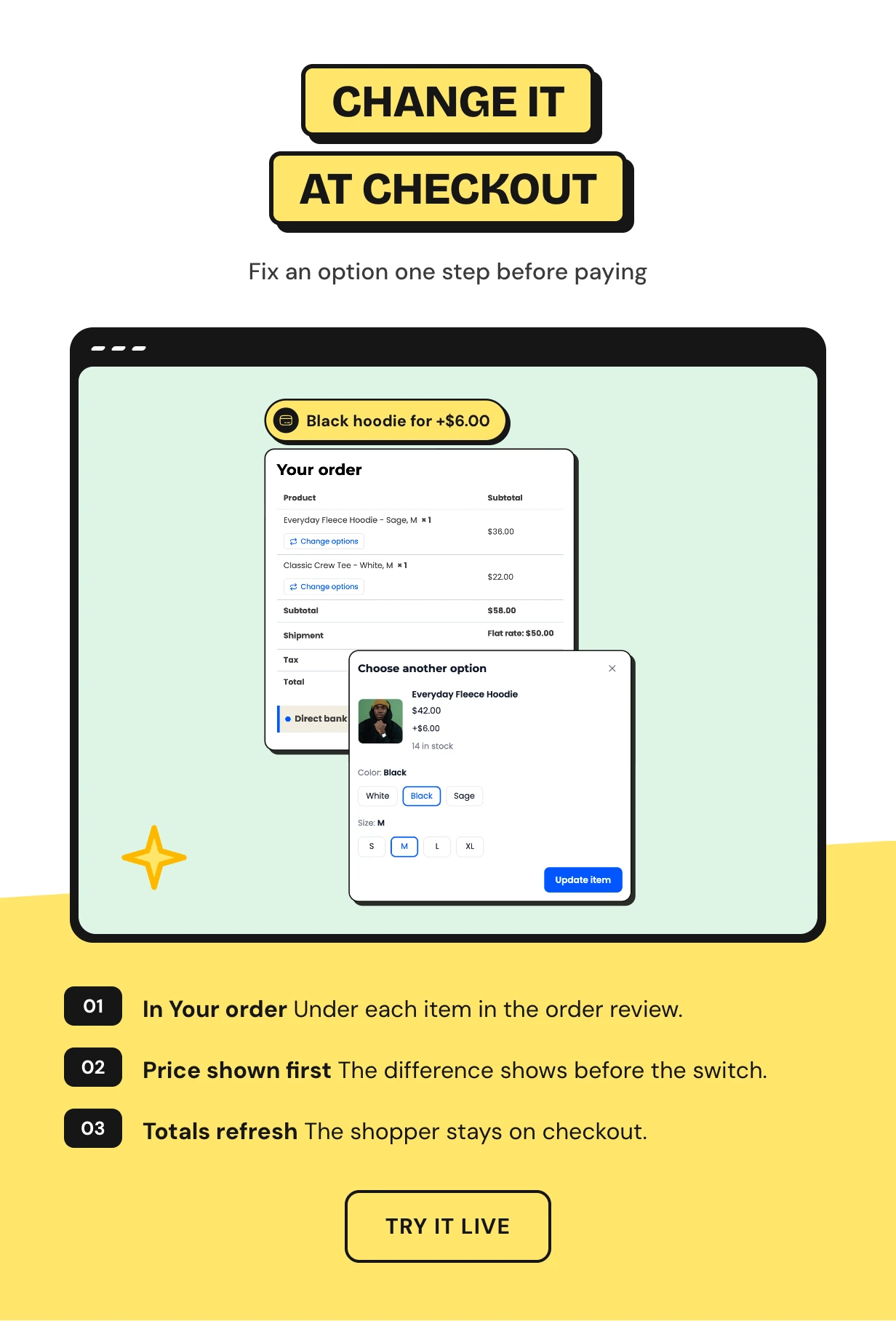
Shoppers often spot a mistake in the order summary, one step before paying. The button sits right there under each item in Your order.
The popup shows what the change costs before the switch. The order total refreshes and the shopper never leaves checkout.
Change options from the mini cart on any page
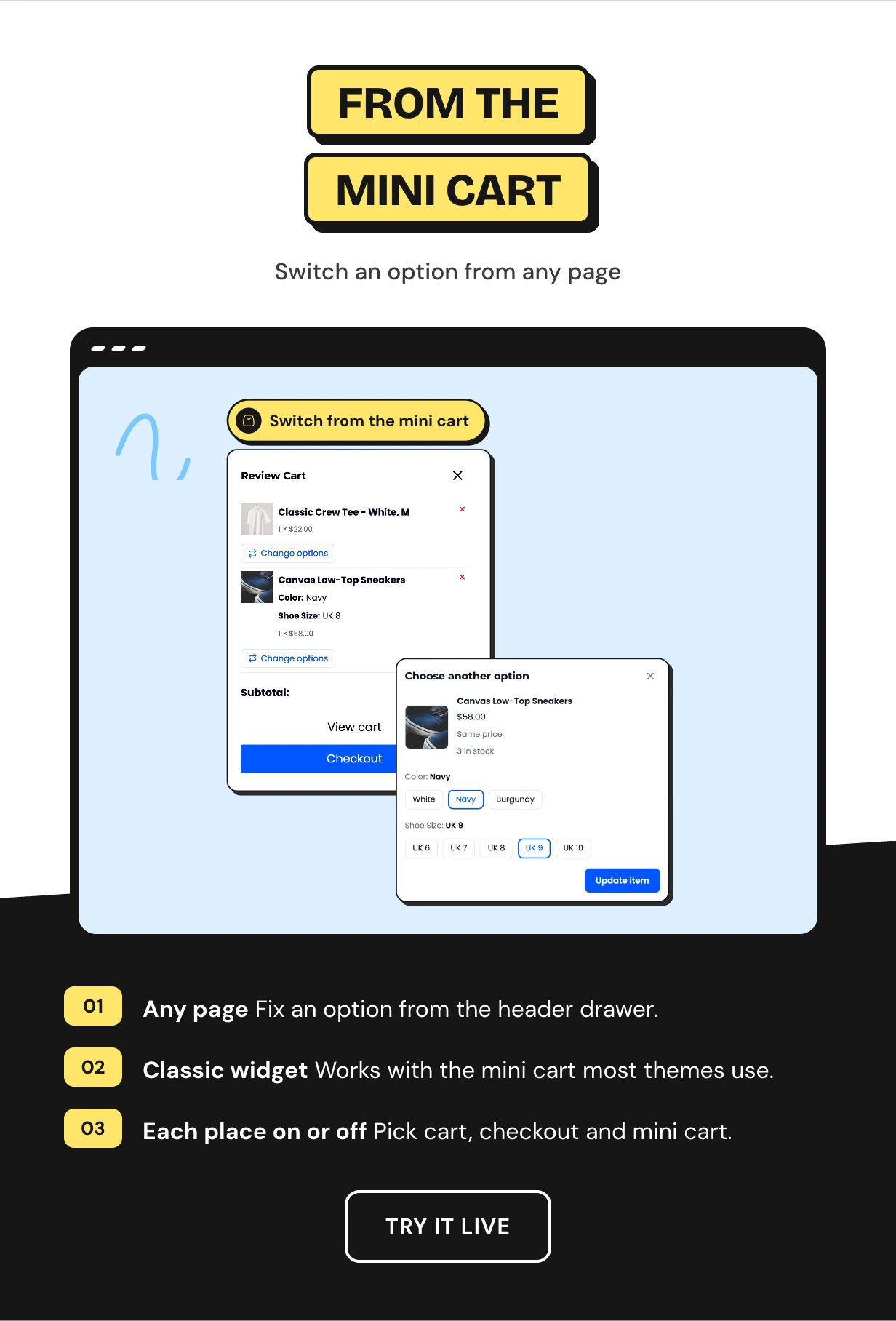
Turn on the mini cart and shoppers can fix an option from any page. The button sits under each item in the cart drawer in your header.
It covers the classic mini cart widget most themes use. The mini cart refreshes as soon as the switch is saved.
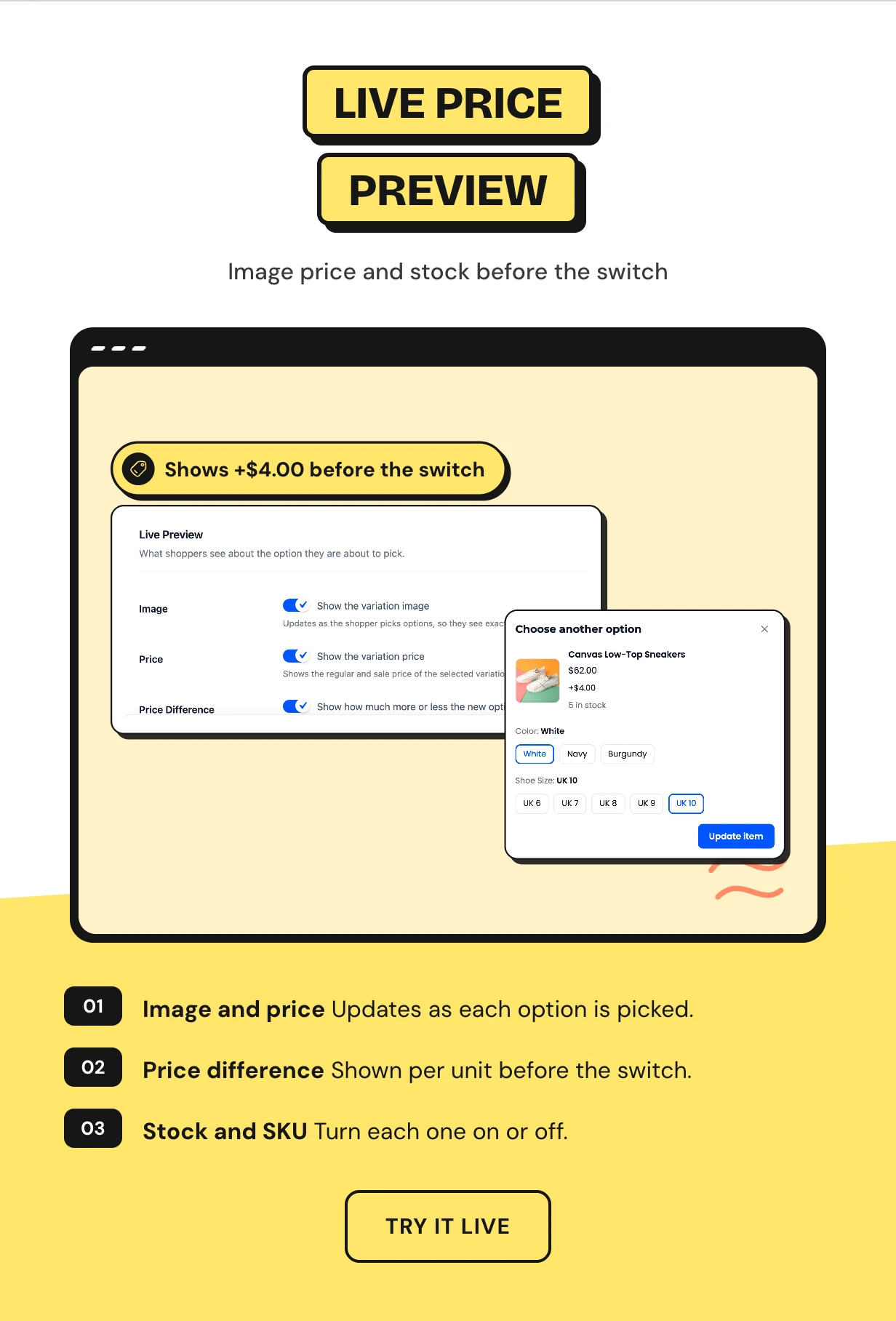
A live preview with the price difference for each option
As the shopper picks options the popup updates the variation image, price and stock. You can add the SKU for B2B and parts stores.
It also shows what the change costs, such as +$4.00 or Same price. Nobody gets a surprise at checkout.
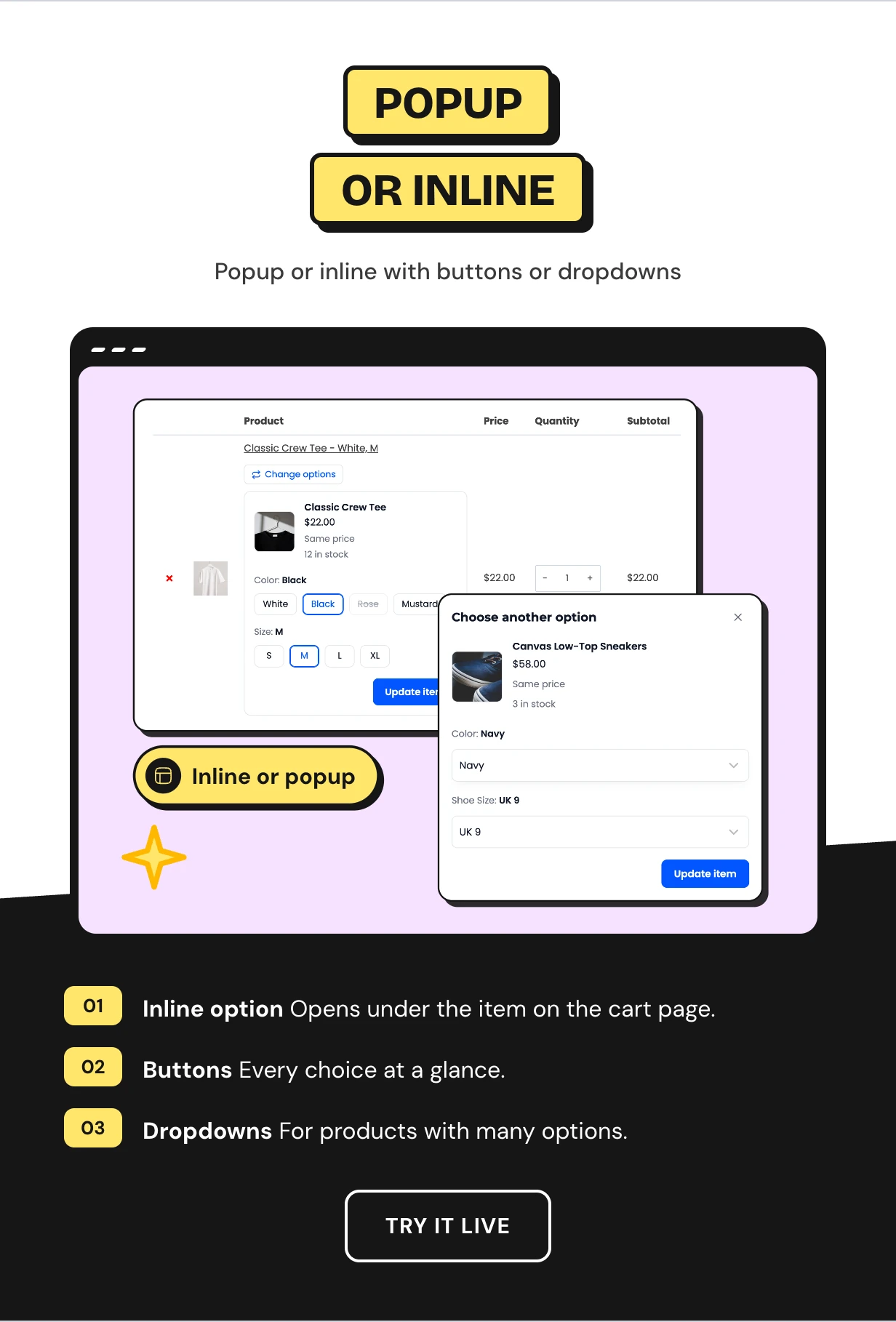
Edit cart variation inline or in a popup
Open the switcher in a popup, or inline right under the item on the classic cart page. Checkout, the mini cart and the blocks always use the popup.
Show options as buttons that cross out unavailable combinations. Switch to dropdowns for products with many options.
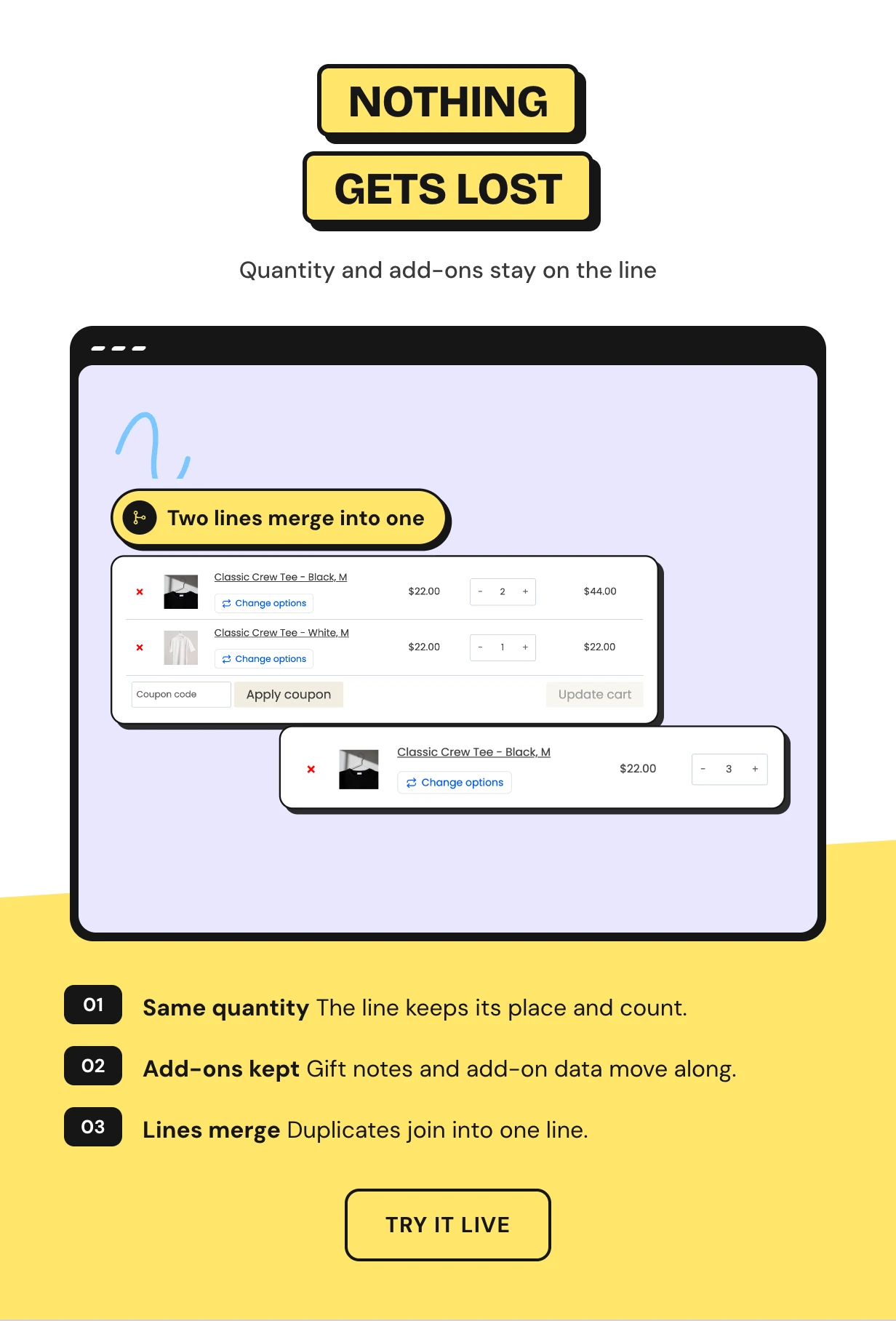
WooCommerce update cart item variation and keep its data
The line stays where it was with the same quantity. Data other plugins attached to it, such as product add-ons or a gift note, moves with it.
If the new option is already in the cart, the two lines merge into one with the quantities added up. Your orders never list the same item twice.
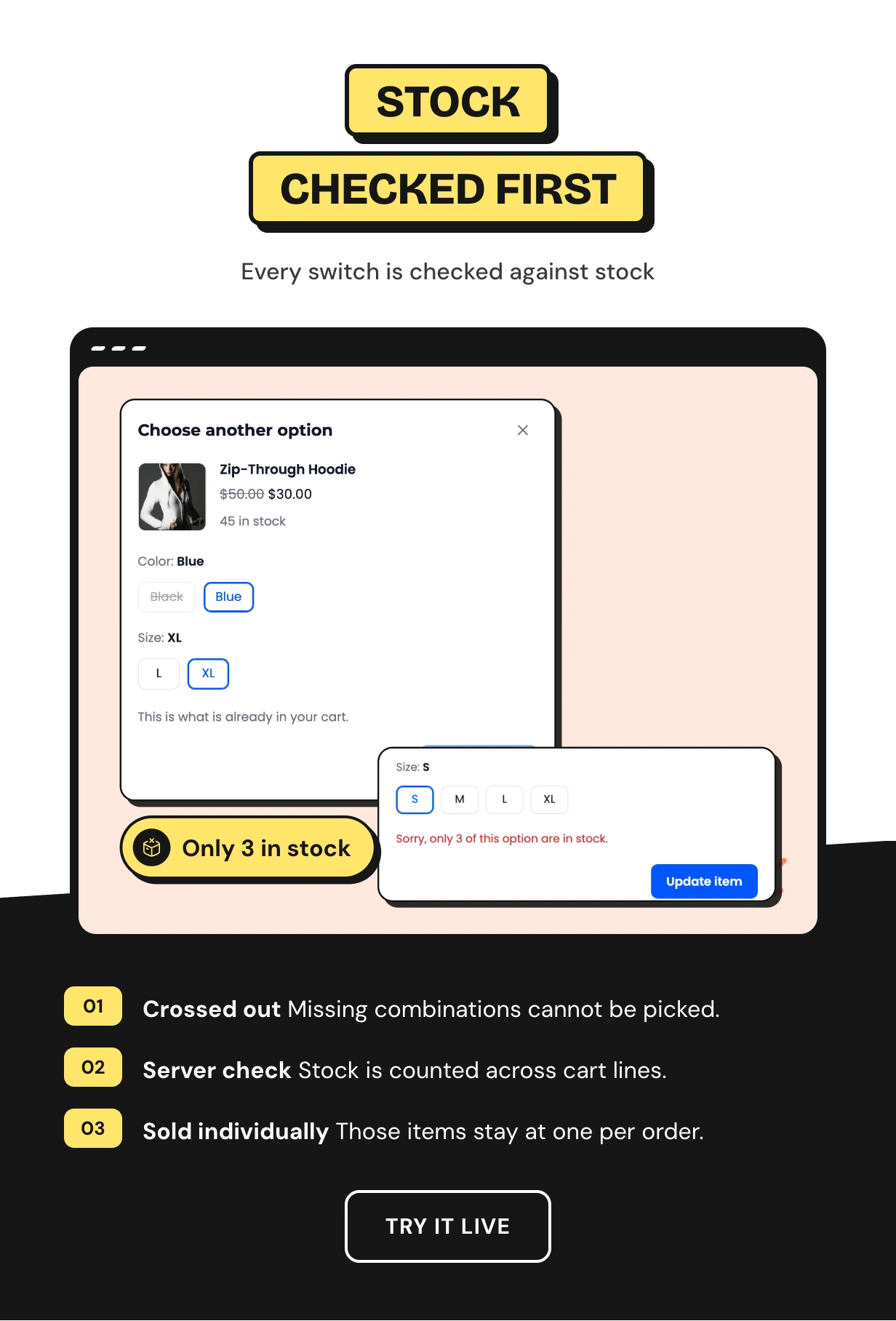
Stock checked before every change variation request
Out of stock options are disabled and combinations that do not exist are crossed out. The server checks every switch again before the cart changes.
It counts other lines of the same option. A shopper can never hold more than you have, and sold individually items stay at one.
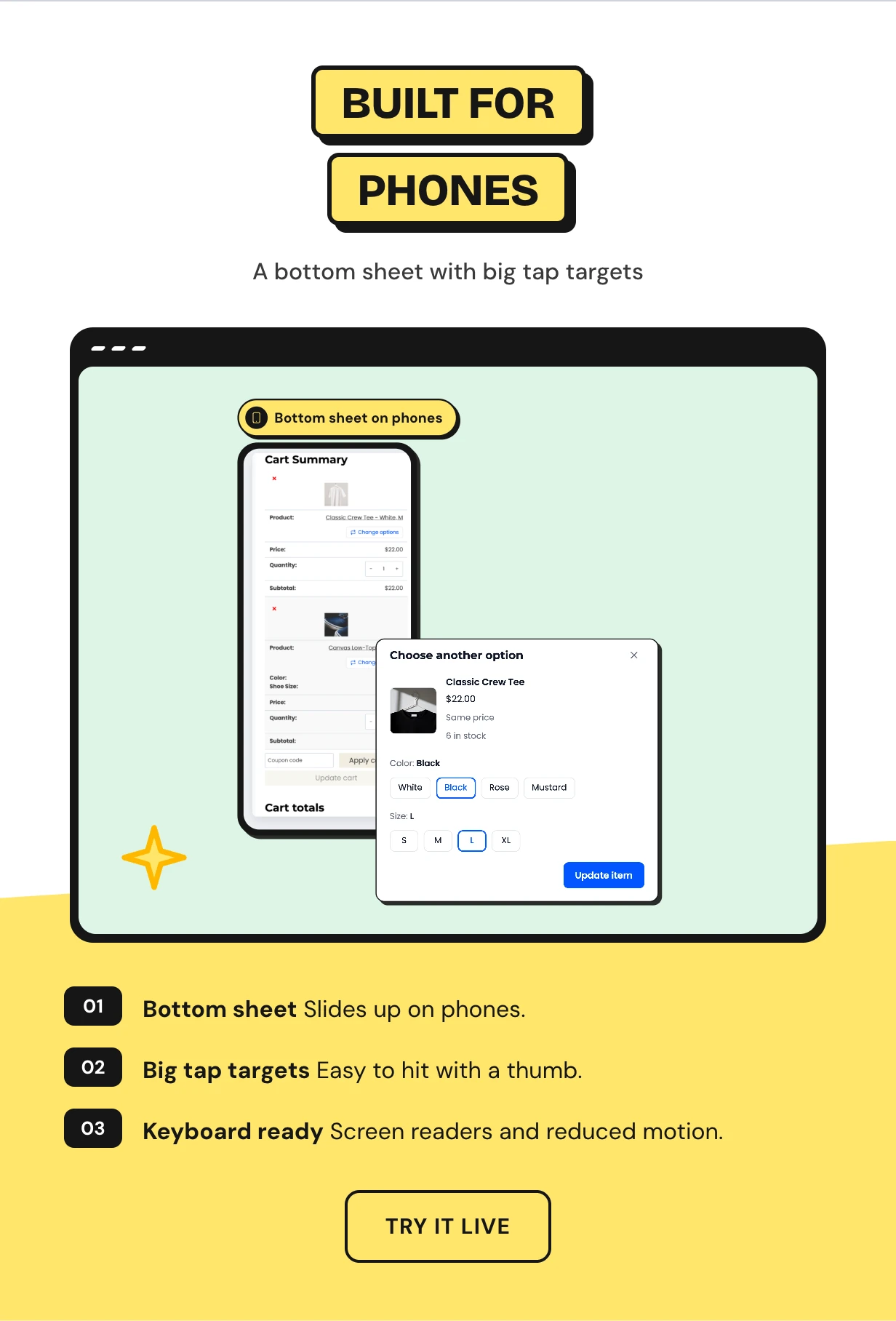
A mobile switcher that opens as a bottom sheet
On small screens the popup slides up from the bottom with big tap targets for every option. The cart stays visible behind it.
The switcher works with a keyboard and screen readers. Focus moves into the popup and back to the button.
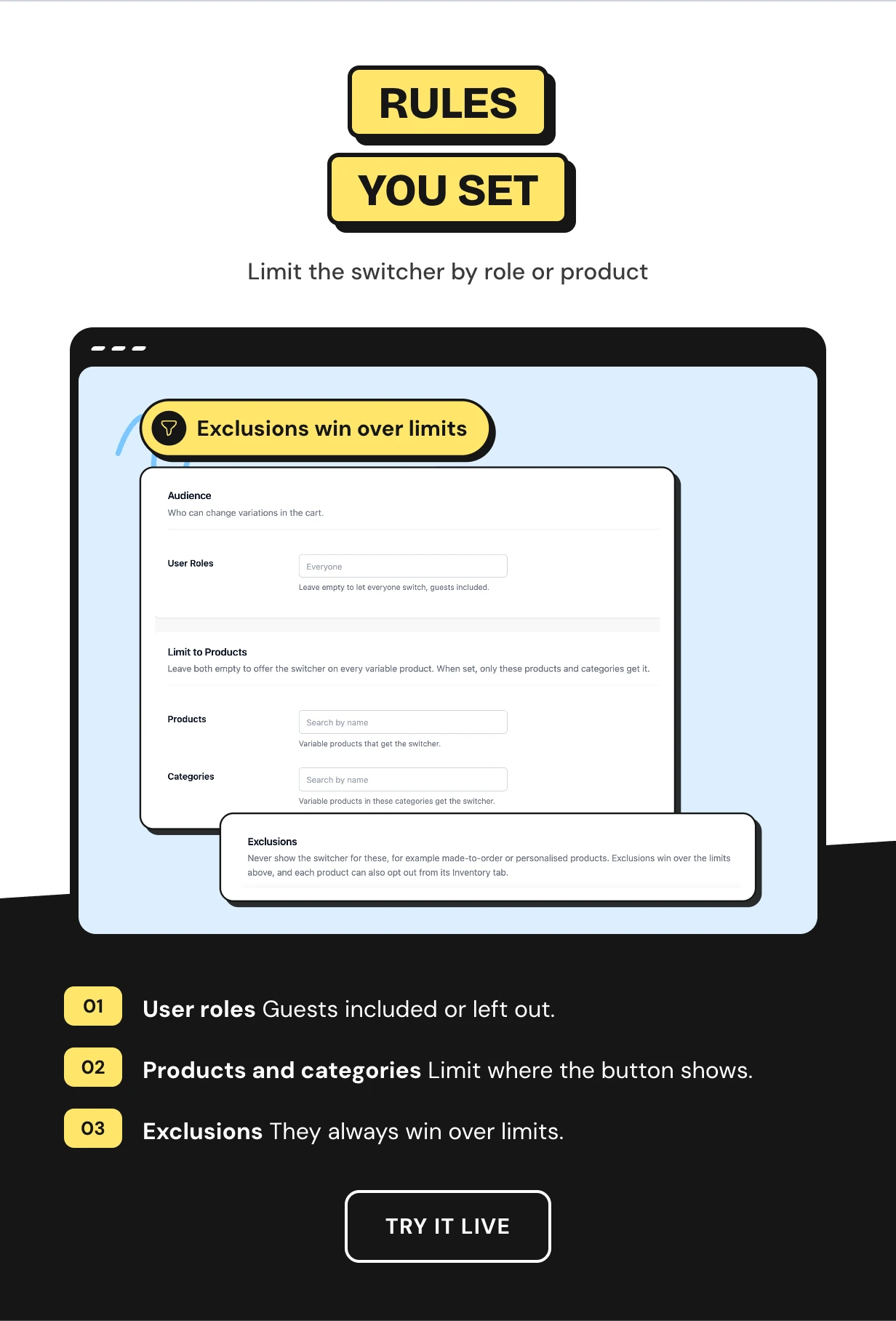
Edit cart rules for user roles and products
Offer the switcher to every shopper, or only to the user roles you pick, guests included. Limit it to chosen products or categories.
Exclude made-to-order or personalized items. Exclusions win over limits, and any product can opt out from its Inventory tab.
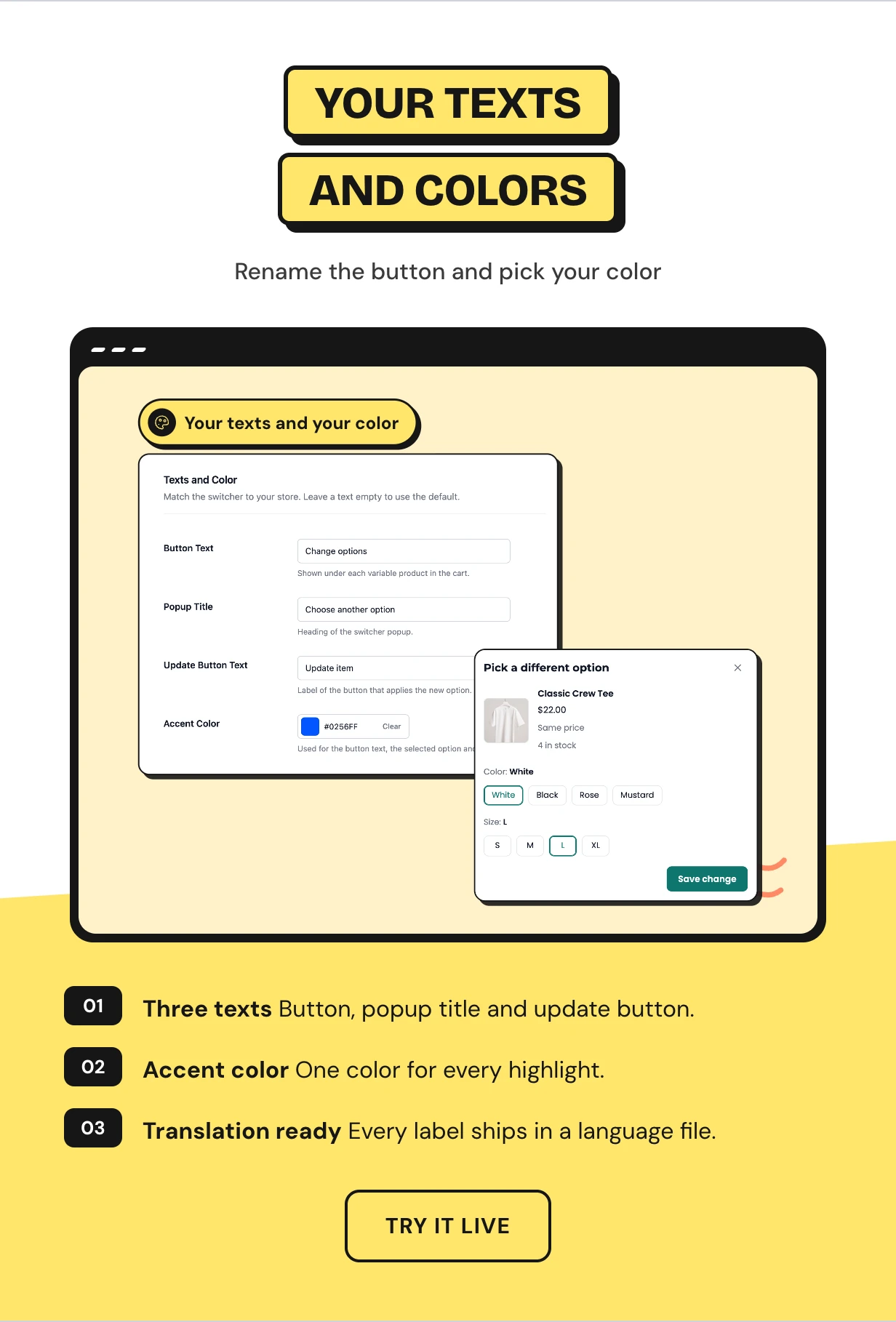
Change size or color in cart with your own wording
Rename the button, the popup title and the update button to match your store. Change size or color often reads better on apparel stores.
Pick one accent color for the button text, the selected option and the update button. Leave a field empty to keep the default.
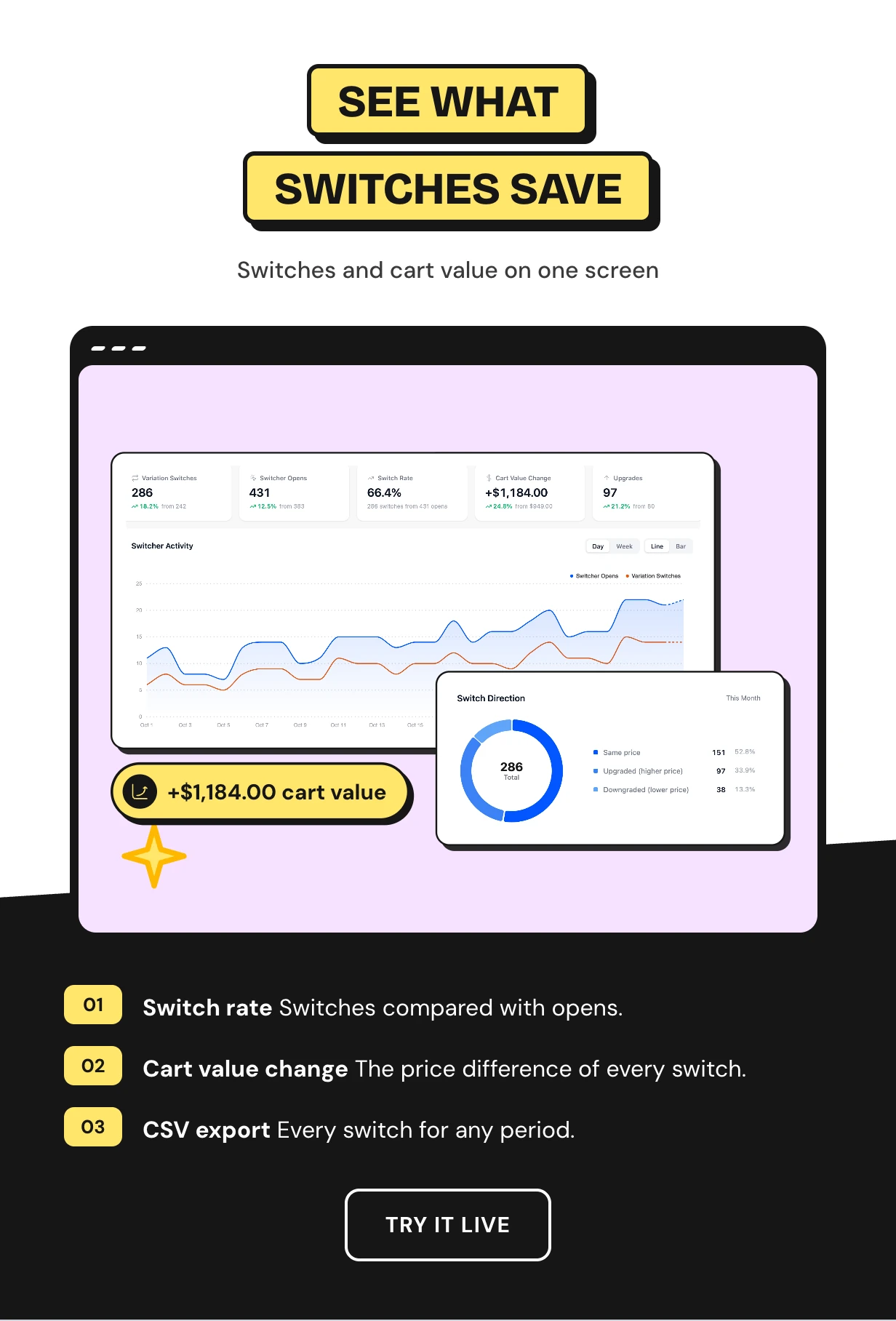
A cart variation dashboard with switches and cart value
Five cards show variation switches, switcher opens, switch rate, cart value change and upgrades. Each one compares with the period before.
Switch Direction shows how many shoppers moved to a pricier, equal or cheaper option. Most Switched Products and a CSV export show the rest.
Full feature list
Where shoppers switch
- Change options button in the classic cart
- Cart block and Checkout block through the Store API
- Order review on the checkout page
- Classic mini cart widget on any page
- Each place turned on or off on its own
Switcher popup
- Popup or inline under the cart item
- Option buttons or dropdowns
- Unavailable combinations crossed out
- Live image, price, stock and optional SKU
- Price difference per unit
- Bottom sheet on phones
Safe switching
- Stock checked on the server across cart lines
- Sold individually rules respected
- Same position and quantity after a switch
- Add-on and gift note data kept
- Duplicate lines merged into one
- Totals, coupons, shipping and tax recalculated
Rules
- Limit to user roles with guests included or not
- Limit to products or categories
- Exclude products or categories
- Per-product opt out from the Inventory tab
Texts and look
- Rename the button, popup title and update button
- One accent color
- Translation ready
Dashboard and reports
- Switches, opens, switch rate, cart value change and upgrades
- Switcher Activity chart by day or week
- Switch Direction and Where Shoppers Switch
- Most Switched Products and Recent Switches
- CSV export of every switch
- Switch tracking can be turned off
Setup and developers
- Setup wizard on activation
- HPOS compatible
- Filters to choose items and block a switch
- An action after every switch
- Shop managers can manage settings
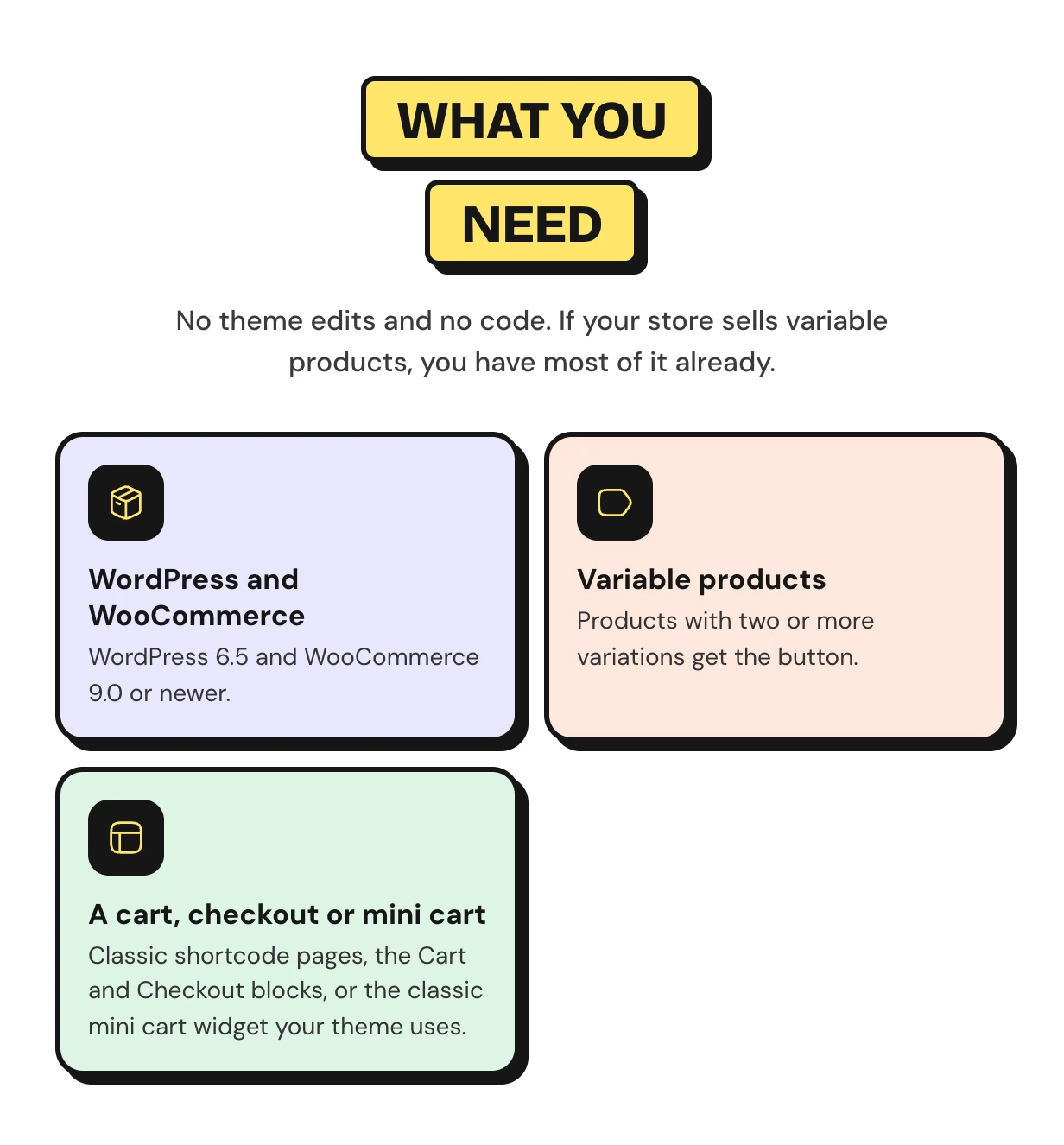
What you need to change variations in the cart
Works with the WooCommerce store you already run
The switcher uses standard WooCommerce hooks and the Store API. Variation data loads only when a shopper opens it, and HPOS is declared compatible.
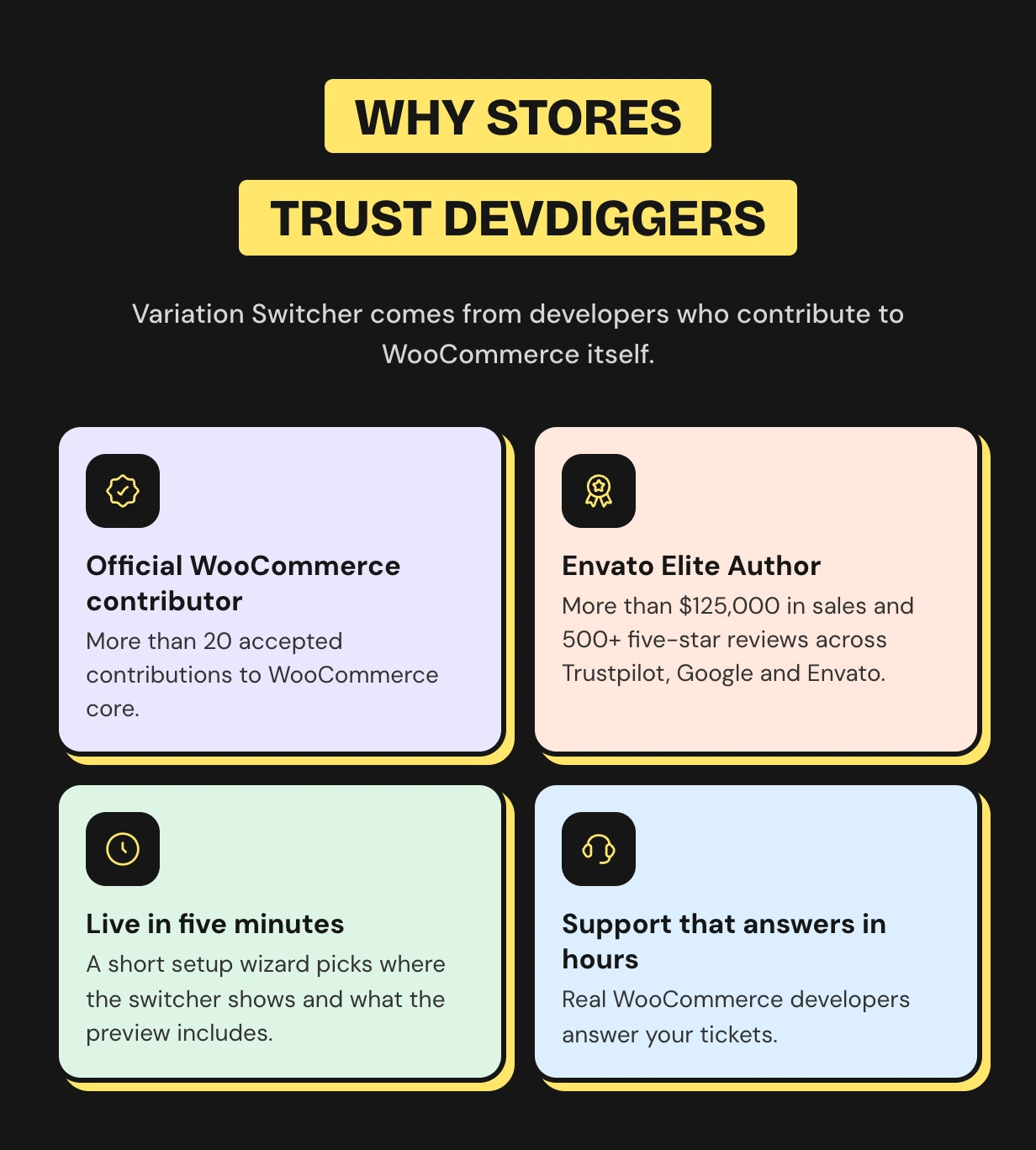
Why this WooCommerce edit cart variation plugin is different
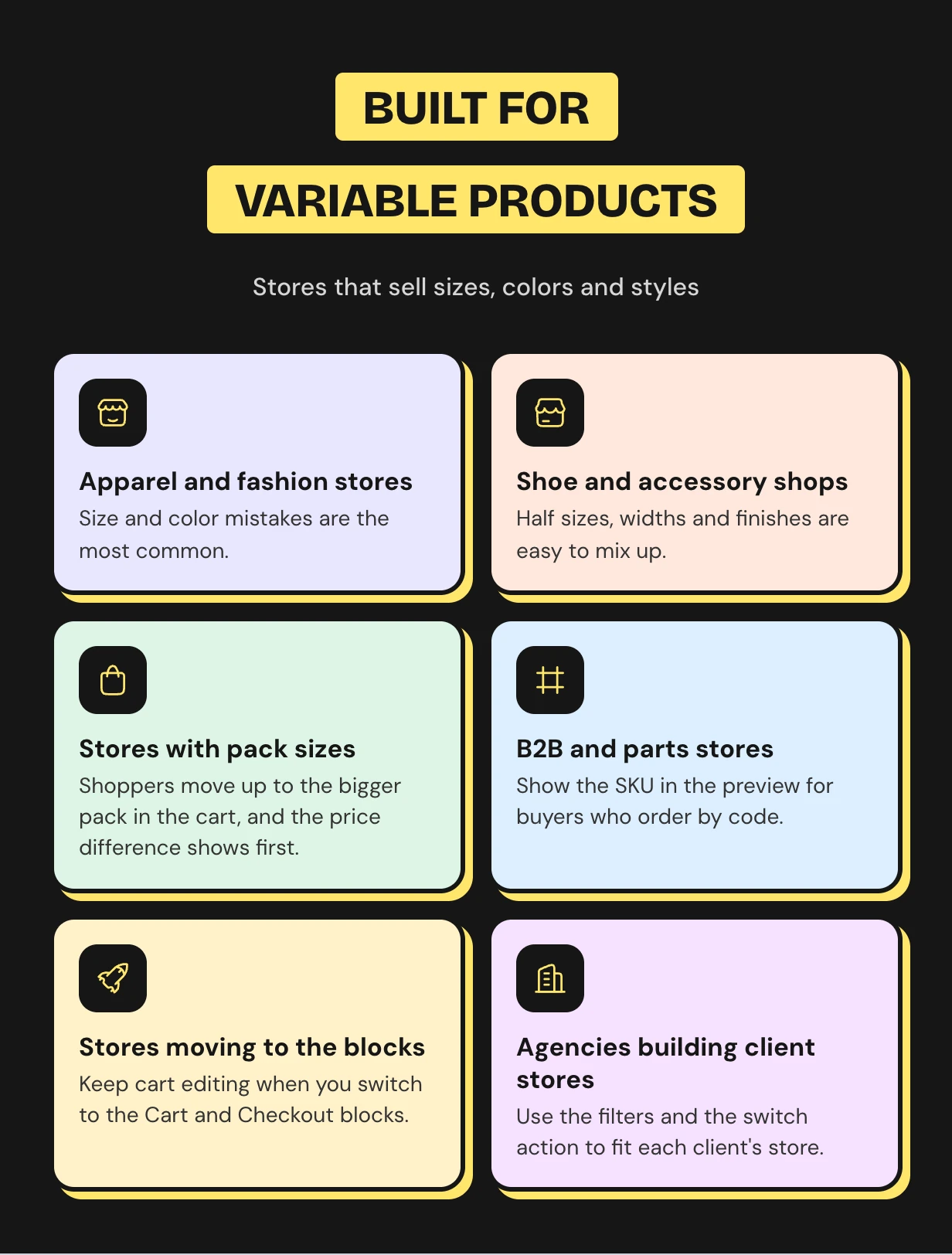
Who the cart variation switcher is for
WooCommerce cart variation switcher questions
Can customers change a variation in the WooCommerce cart without removing it?
Yes. A Change options button sits under each variable product. The shopper picks a new option in a popup and the same cart line updates.
How do I edit the cart variation in WooCommerce?
WooCommerce has no way to do it on its own. Install this plugin and run the setup wizard. The button shows in the cart right away.
Does it work with the Cart and Checkout blocks?
Yes. It works on the Cart block, the Checkout block and the classic shortcode pages. Block switches go through the WooCommerce Store API.
Does WooCommerce update cart automatically after a switch?
Yes. The line and the totals refresh without a page reload. Shoppers never need to click Update cart.
Can I add a WooCommerce change variation button without code?
Yes. The plugin adds the button for you with no theme edits. Every WooCommerce cart update runs through standard hooks.
Does changing a variation keep the quantity and add-on data?
Yes. The line keeps its position and quantity. Product add-ons and gift notes move to the new option.
What happens if the new option is out of stock?
Out of stock options are disabled by default. The server also checks stock for the full quantity and refuses the switch if there is not enough.
Which products can be switched?
Variable products with two or more variations, including attributes set to any value. Simple, grouped and bundle products do not get the button.
Is this the same as a variation swatches plugin?
No. Swatch plugins change how options look on the product page. This plugin works after the product is in the cart.
Support and custom work
Support comes from the developers who wrote the code, usually within hours. Start with the Cart Variation Switcher documentation or contact our team. See every feature on the WooCommerce cart variation switcher plugin page.
Need a quantity editor or a custom cart layout for your own store? Our WooCommerce development services team builds custom switcher features for you.
Requirements
- WordPress 6.5 or newer
- WooCommerce 9.0 or newer
Changelog
v 1.0.1
Added compatibility for latest WordPress and WooCommerce.
Resolved security issues.
v 1.0.0
Initial Release
Download Now
LIVE PREVIEWDownload Now


