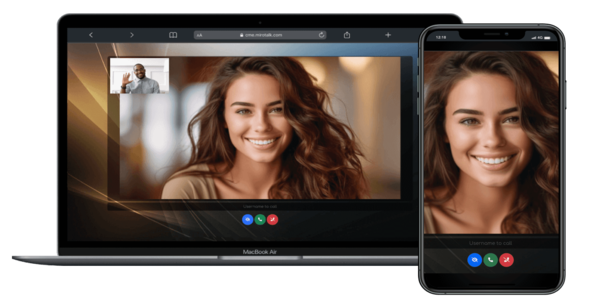
Call-Me – Self-Hosted WebRTC Click-to-Call Video App
Self-hosted WebRTC video call app. Instant 1-to-1 calls via click-to-call links – no signup, no installs, no monthly fees.
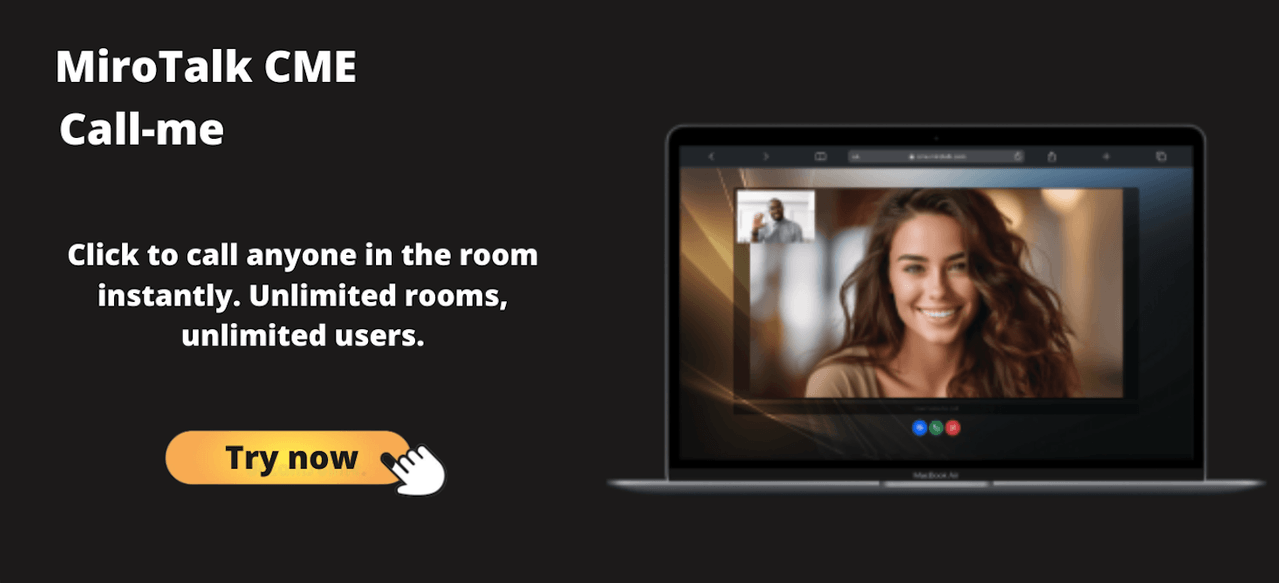
► Try the Live Demo – No signup required
One-to-One Video Calls from a Shareable Link
Add browser-based video calling to your website, support portal, or marketplace with a shareable link. Guests can open the link and join without installing a dedicated app or creating an account.
- ✘ No per-user MiroTalk fees
- ✘ No recurring MiroTalk platform subscription
- ✘ No dependency on a hosted MiroTalk calling service
- ✔ One-time license with full source code
Perfect for SaaS, support desks, education, and marketplaces.
How Call-Me Click-to-Call Works
1. Sign in
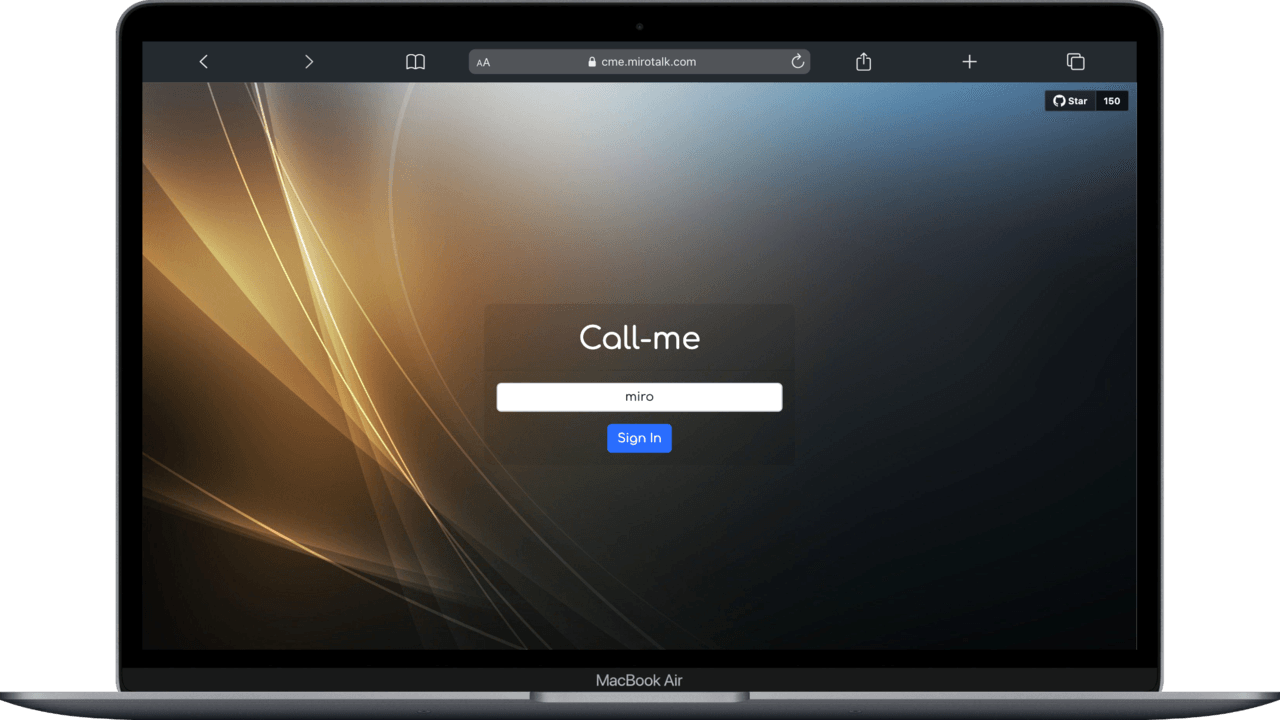
2. Call a user
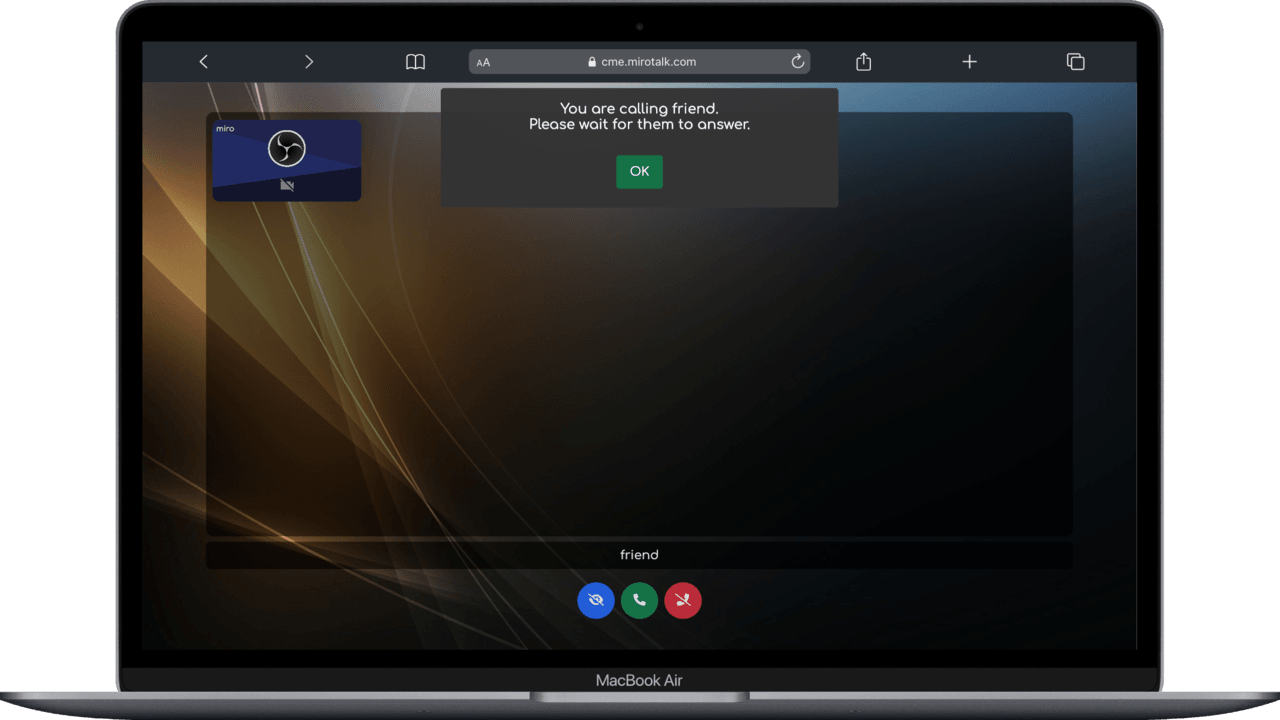
3. Start the call
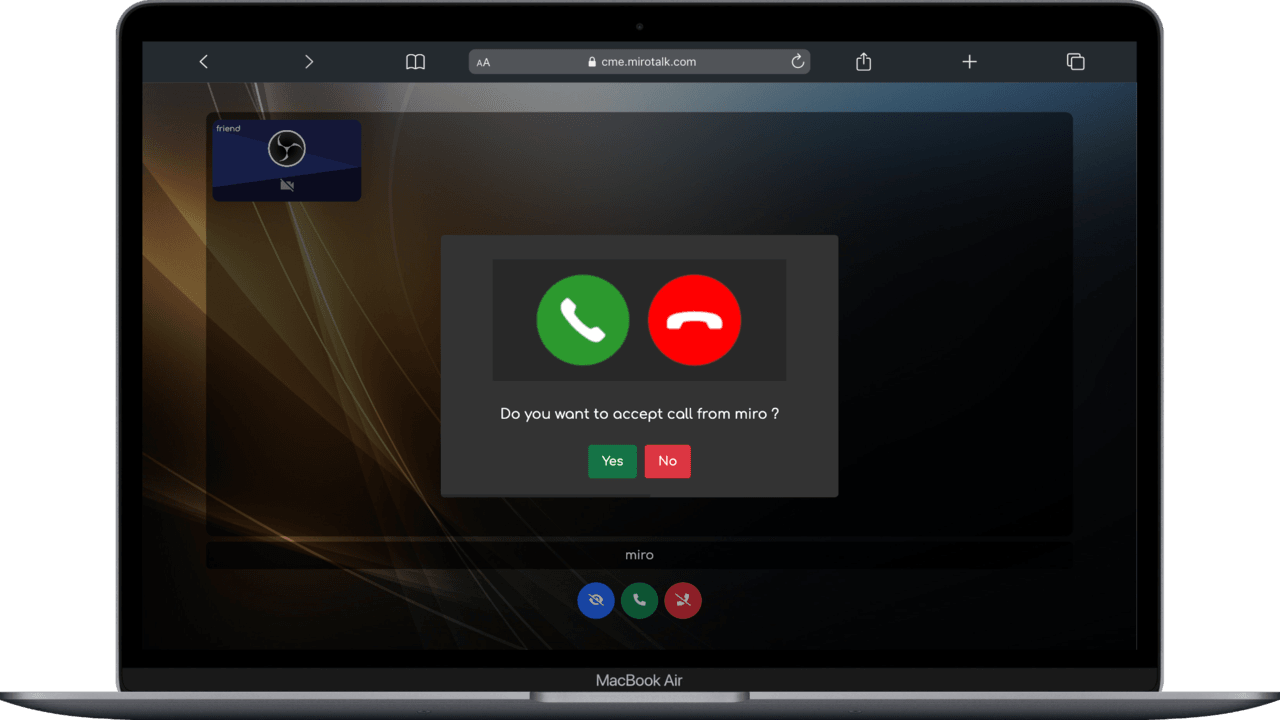
Shareable Click-to-Call Video Links
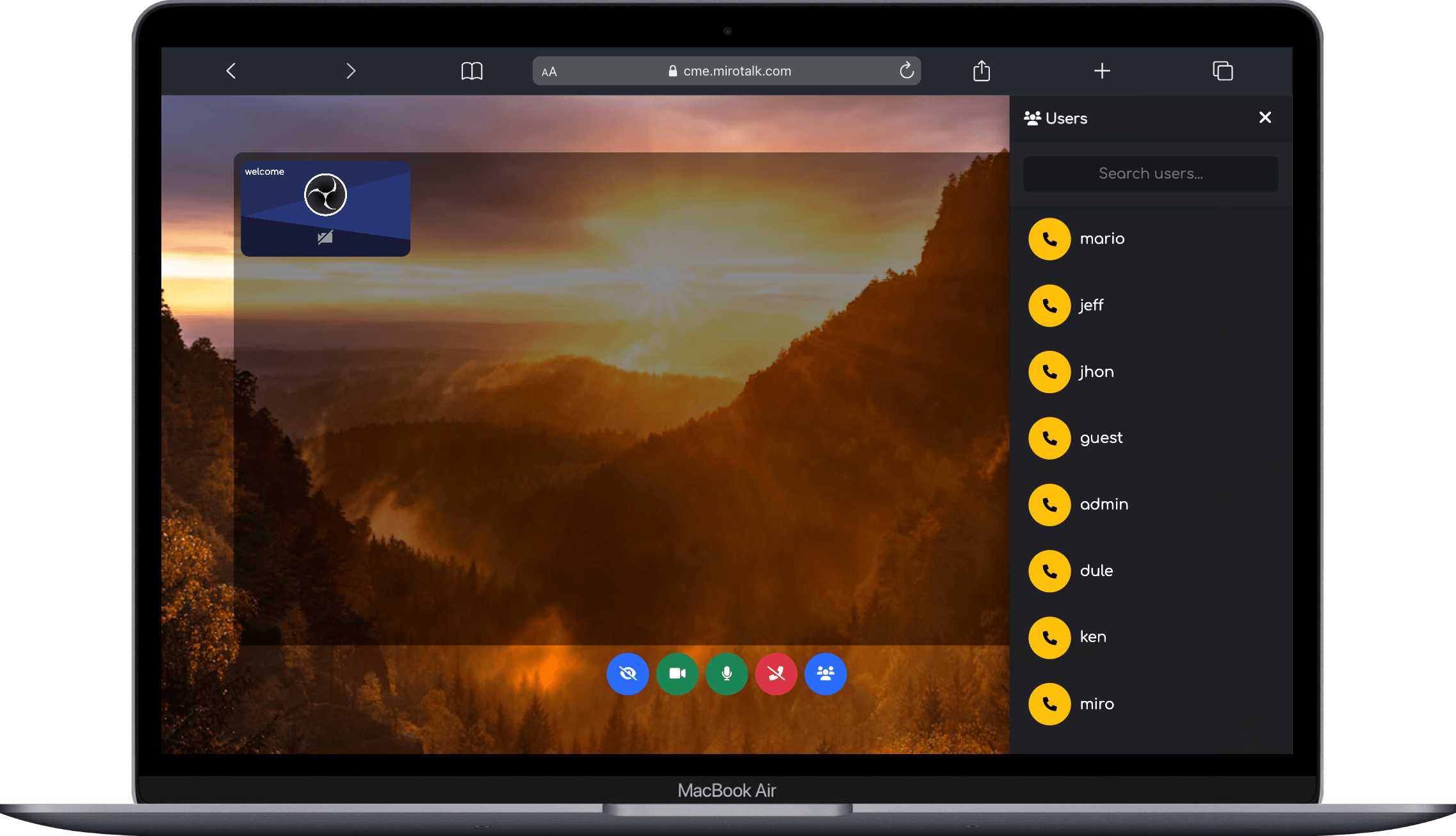
Generate instant call links for your users:
- User 1 joins: cme.mirotalk.com/join?user=user1
- User 2 calls User 1: cme.mirotalk.com/join?user=user2&call=user1
Embed these links in emails, support tickets, or booking confirmations to start calls instantly.
What Is Included with Call-Me
- ✔ Full source code – customize anything, white-label ready
- ✔ REST API with documentation
- ✔ Docker support – streamlined deployment
- ✔ Iframe integration – embed in any website or app
- ✔ Step-by-step documentation
- ✔ Future product updates made available through CodeCanyon
- ✔ Product support via CodeCanyon and Discord
Why Choose the Call-Me Video App
- ✔ Click-to-call – users join instantly via URL
- ✔ Self-hosted – control deployment, configuration, and stored application data
- ✔ Guest-friendly – callers can join from a shared link without creating an account
- ✔ Browser-based – no dedicated desktop application required
- ✔ Encrypted media – WebRTC protects audio and video in transit
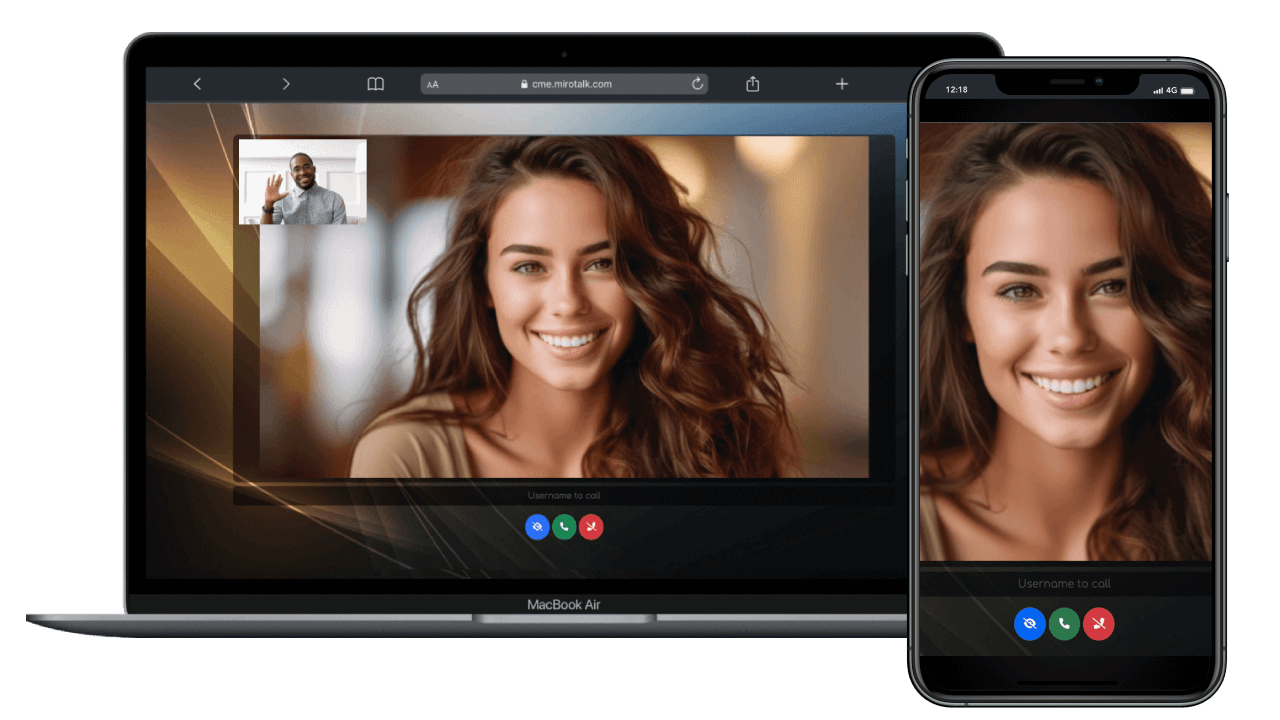
- ✔ Cross-platform – responsive mobile and desktop browser experience
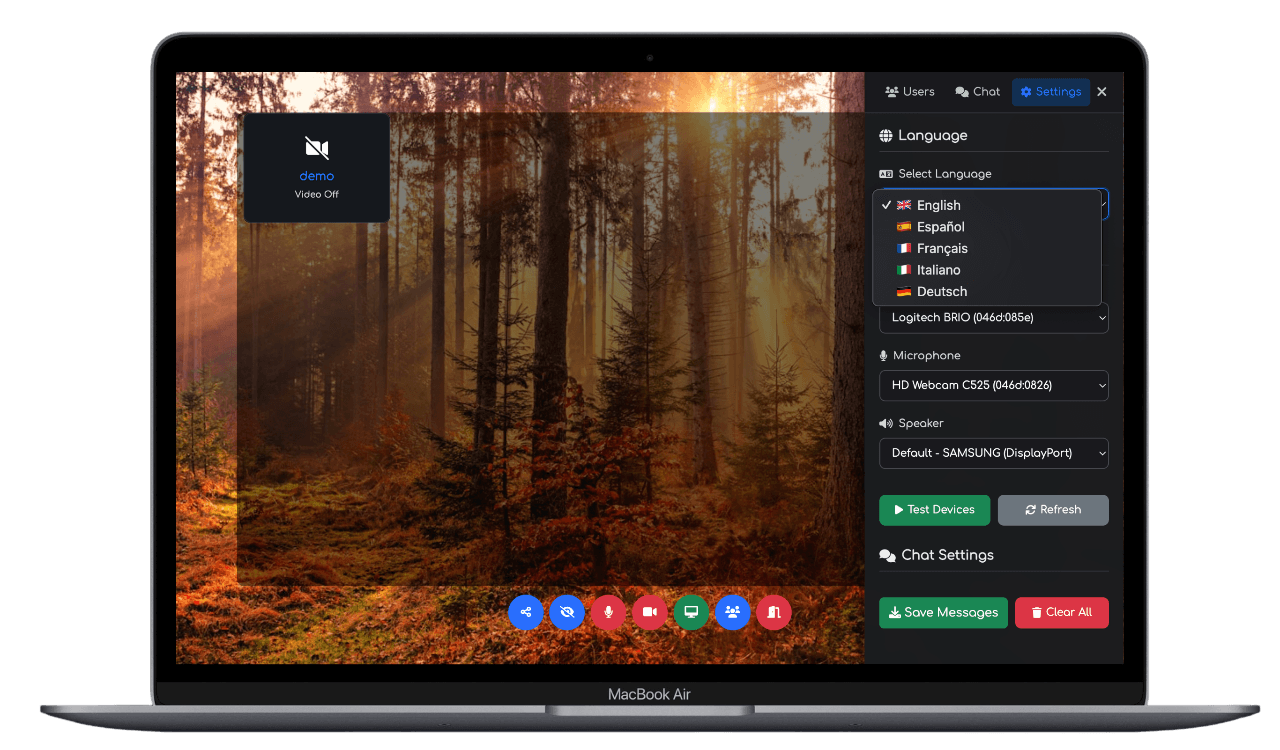
- ✔ Multi-language – internationalization built-in
- ✔ One-time license – no recurring MiroTalk platform subscription
Call-Me One-to-One Video Calling Features
- ✔ HD video & audio – quality adapts to devices and network conditions
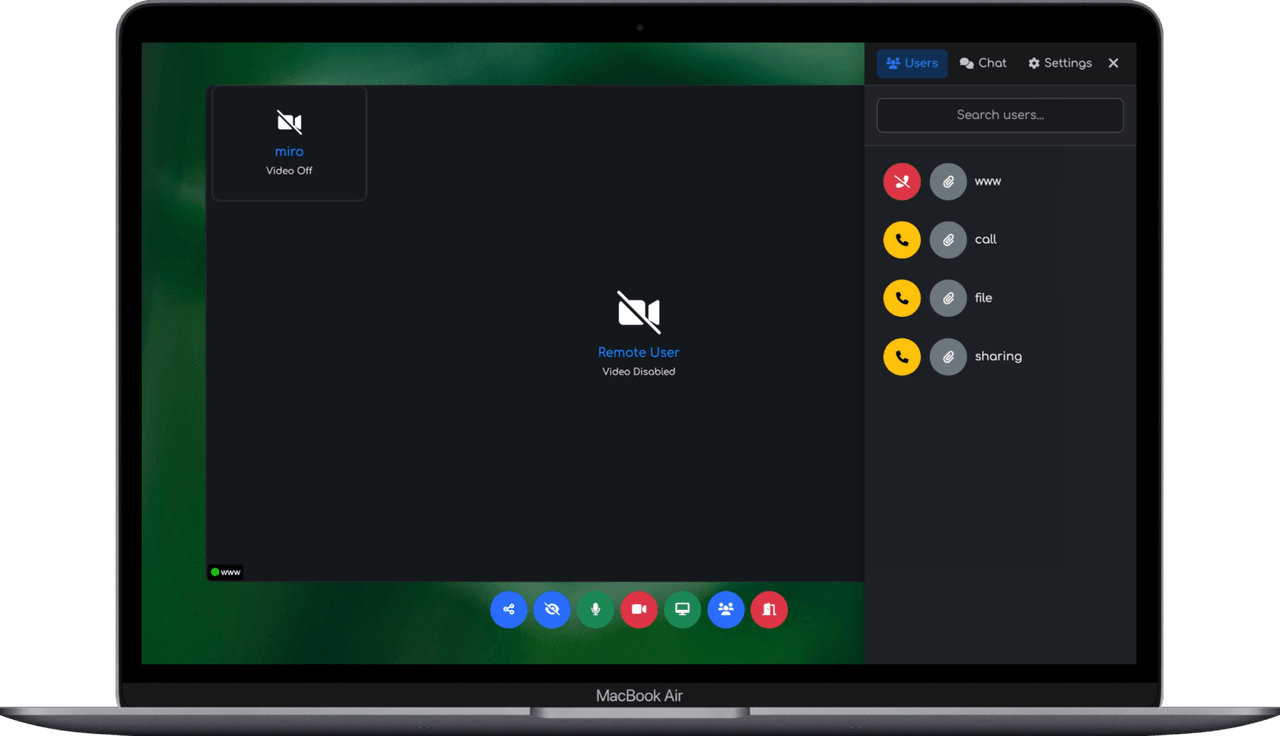
- ✔ Chat messaging – text alongside video
- ✔ File sharing – send documents during calls
- ✔ Device settings – camera, mic, and speaker selection
- ✔ Multi-language – supports multiple languages
- ✔ Responsive UI – designed for mobile and desktop screens
- ✔ Secure transport – WebRTC encrypts media in transit
- ✔ Real-time performance – low latency WebRTC
Embed Call-Me in Your Website or App
Drop this into any HTML page, CMS, or web app:
<iframe
 allow="camera; microphone; speaker-selection; display-capture; fullscreen; clipboard-read; clipboard-write; web-share; autoplay; picture-in-picture"
 src="https://your-domain.com"
 style="height:100vh;width:100vw;border:0;">
</iframe>
Call-Me Server Requirements
Deploy on a Linux VPS or dedicated server with Node.js or Docker. Infrastructure and TURN usage depend on expected traffic and user connectivity.
- ✔ Node.js v18+ or Docker
- ✔ Domain with DNS + SSL
- ✔ STUN/TURN server recommended for reliable NAT traversal (coturn)
Call-Me REST API
- Live API Explorer – try the REST API for programmatic user and call management
Call-Me Support & Community
- ✔ Product support through CodeCanyon
- ✔ Discord community – get help and share ideas
- ✔ Comprehensive setup and developer documentation included with purchase
Call-Me Buyer FAQ
Is Call-Me subscription-based?
No. It is a one-time CodeCanyon purchase under the selected license. You remain responsible for hosting, bandwidth, TURN, and other infrastructure costs.
Can I white-label and customize Call-Me?
Yes. Full source code is included for branding and custom development.
Does the person receiving a call need an account?
No. A guest can open a shared call link in a supported browser without creating an account or installing a dedicated app.
Are calls peer-to-peer?
Call media uses WebRTC peer-to-peer connections when direct connectivity is available. A configured TURN server can relay encrypted media when network conditions require it.
Can I charge end users for my final product?
CodeCanyon licensing depends on how the end product is distributed and monetized. Review the current Regular and Extended License terms before purchase.
Ready to Add WebRTC Click-to-Call Video?
One-time purchase. Full source code. Self-hosted one-to-one video calls.
Download Now
LIVE PREVIEWDownload Now