
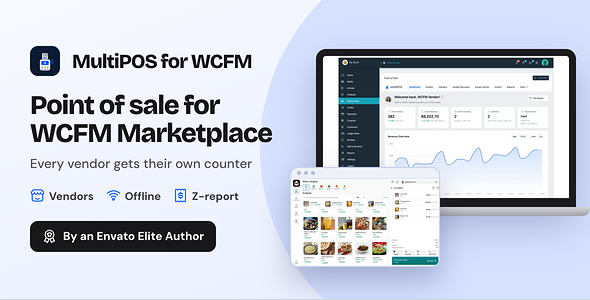
MultiPOS for WCFM is a WCFM POS that gives every marketplace vendor their own point of sale. Vendors sell in person at a shop, a stall or a cafe. Each counter sale is saved as a WCFM order with the normal marketplace commission.
WCFM Marketplace has no point of sale of its own. A single store WooCommerce POS treats the marketplace as one shop where every vendor sees every product. This plugin keeps every vendor apart and keeps their counter sales in WCFM.
It works as a multi vendor POS system, a WCFM marketplace point of sale and an offline POS for WooCommerce. Outlets, cashiers, X and Z reports and a kitchen screen come in the same download.
Every plan and the latest features: MultiPOS for WCFM plugin page
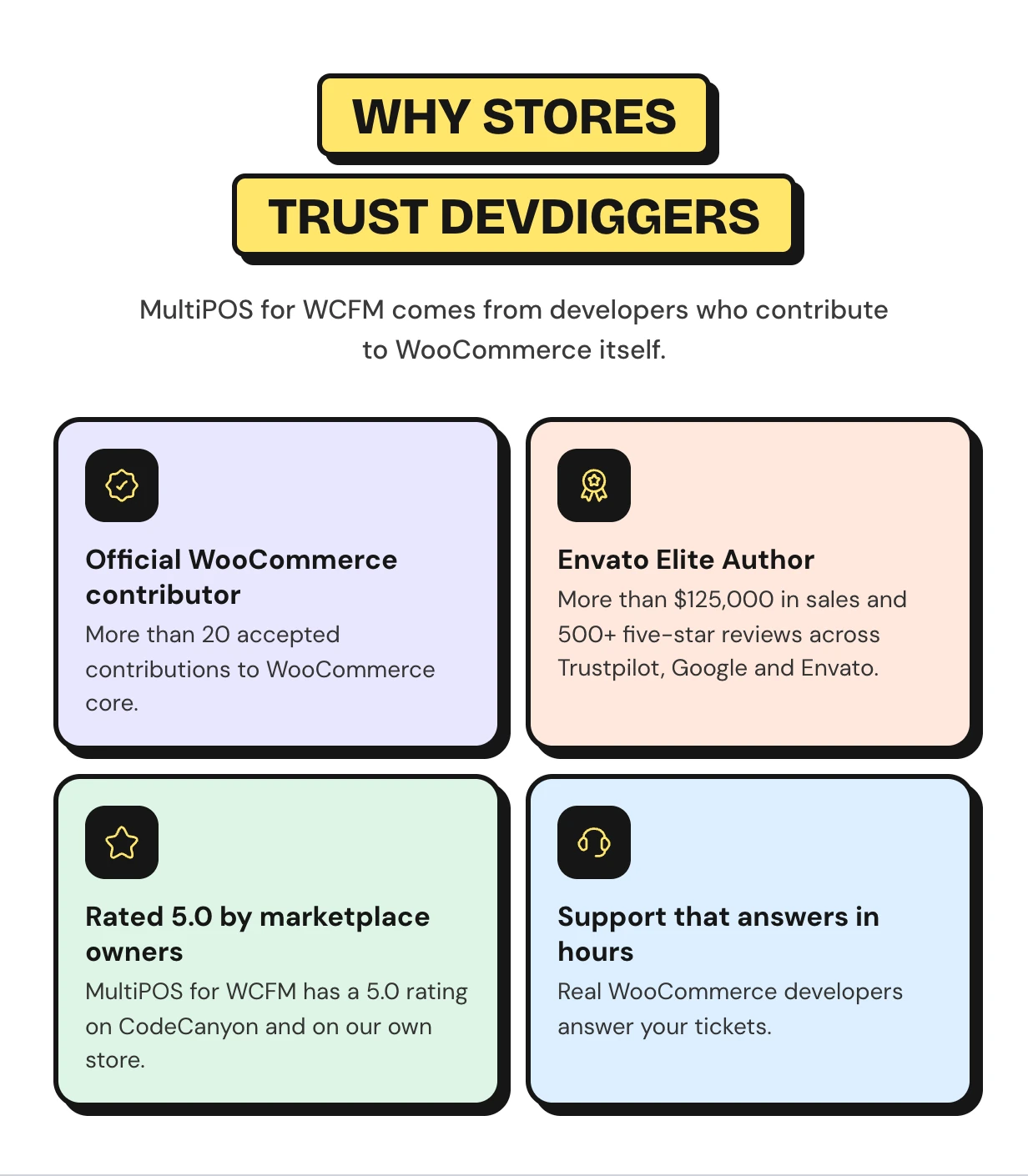
Rated 5.00 out of 5 by CodeCanyon buyers





Vendor counter sales never reach WCFM
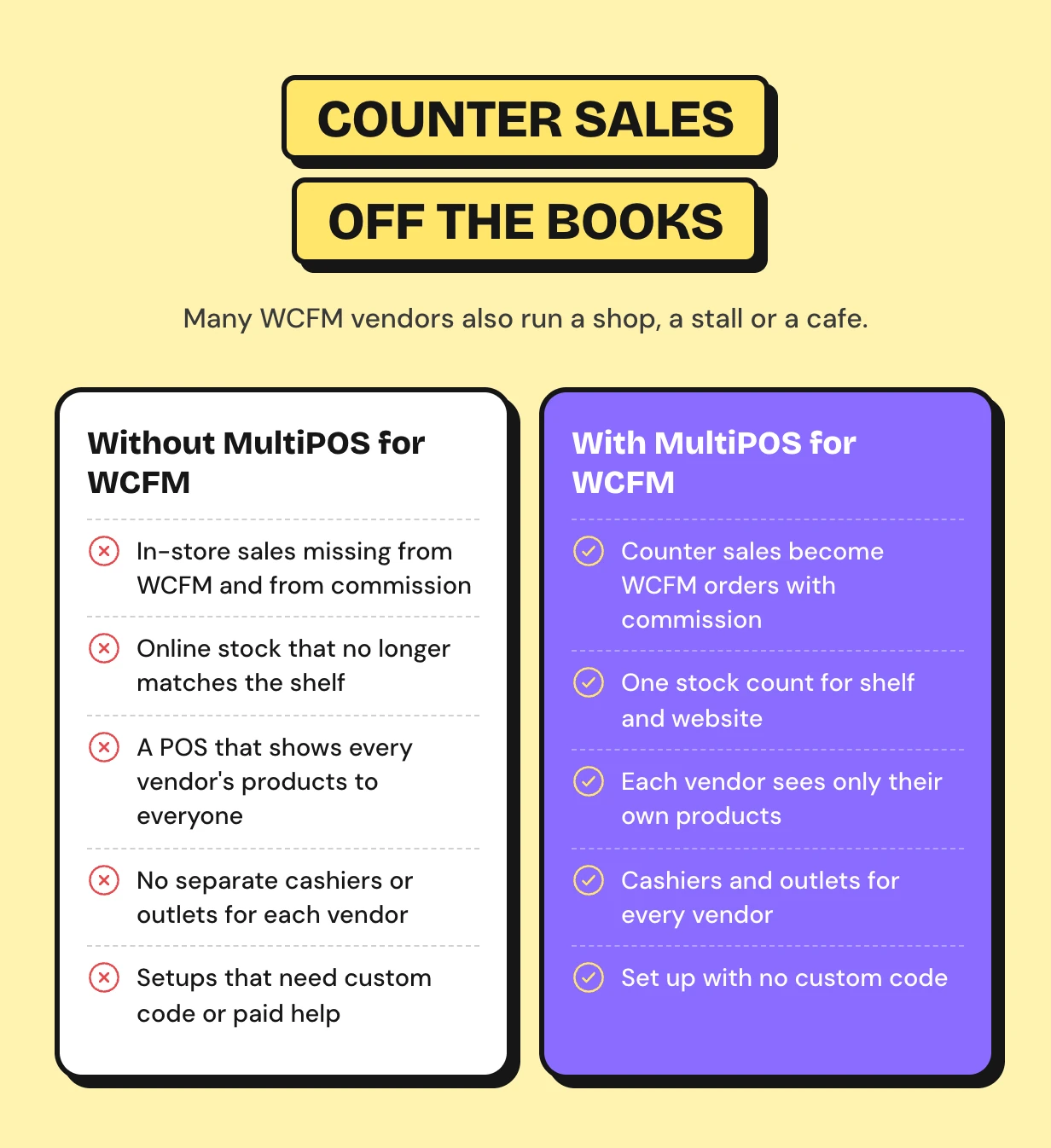
Many WCFM vendors also run a shop, a stall or a cafe. At the counter they use a separate till or a notebook. Those sales never reach WCFM and the commission is lost.
A normal WooCommerce POS treats the marketplace as one store. Vendors see each other’s products and customers, and no vendor order is created.
How the WCFM POS works for owners and vendors
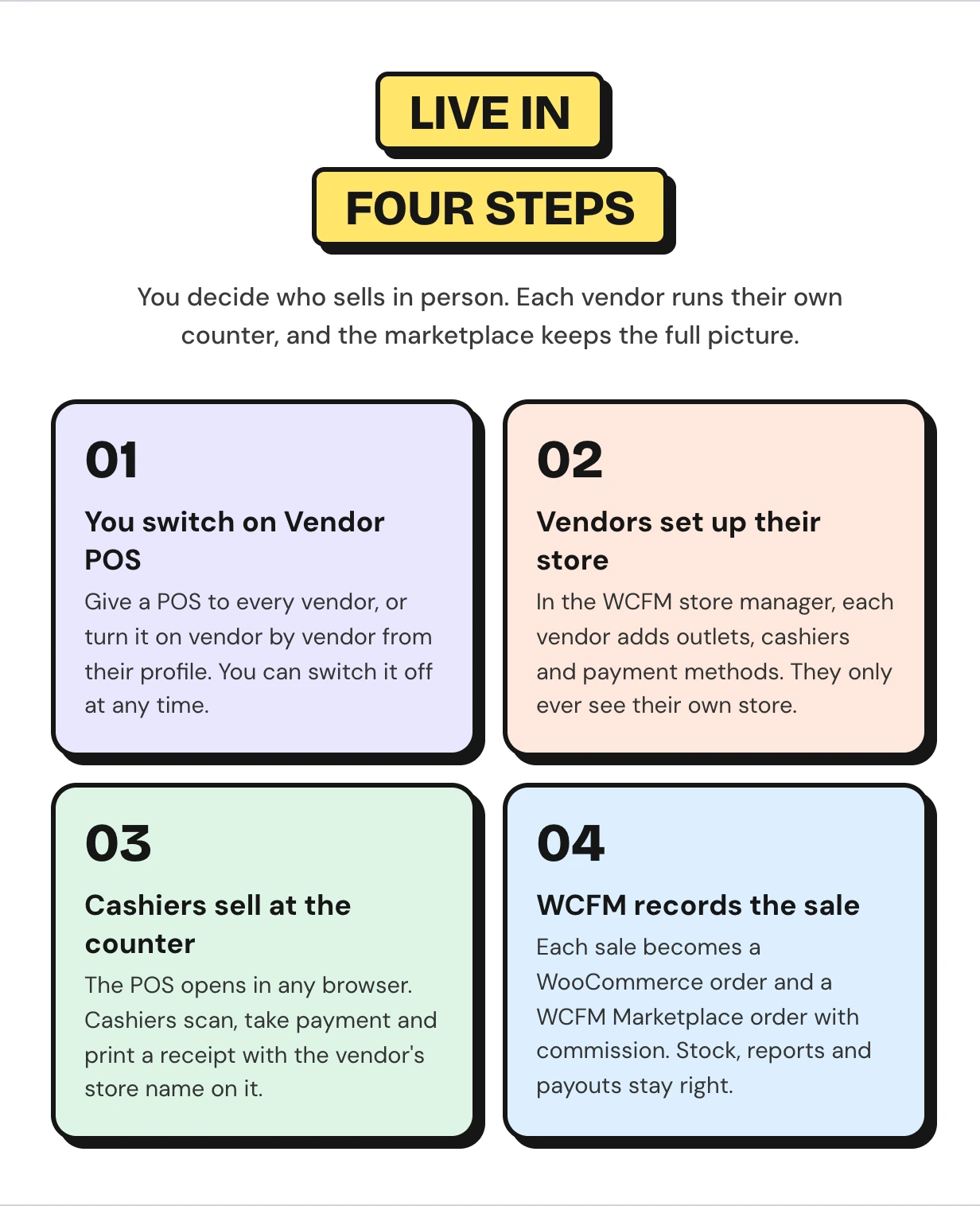
You decide who sells in person. Each vendor runs their own counter from the WCFM store manager. The setup wizard gets the marketplace side ready.
WCFM POS features
Every feature below ships in this one download as a point of sale for WooCommerce marketplaces. The owner runs the POS from wp-admin and every vendor runs it again in their own store.
A full point of sale for every vendor inside WCFM
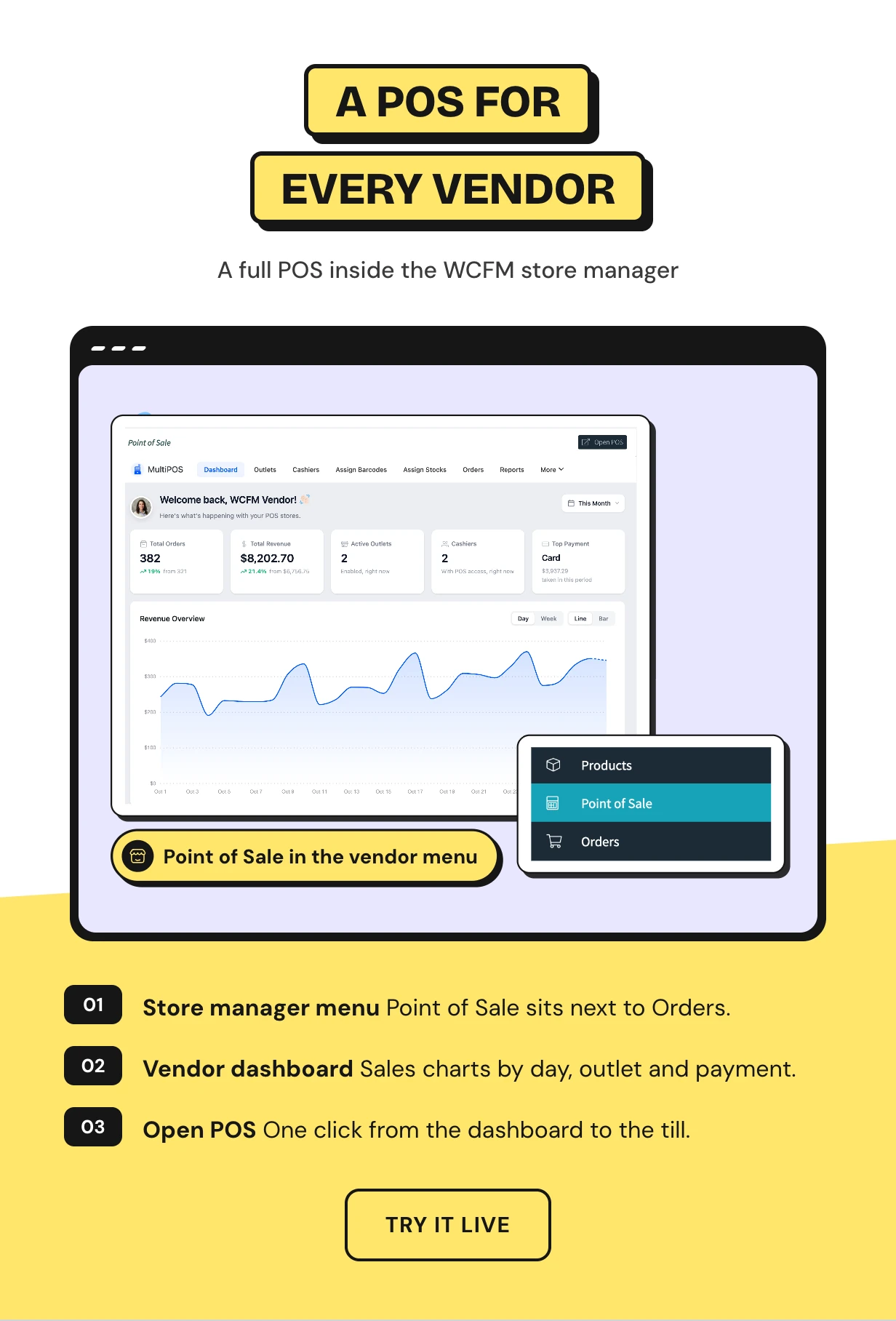
Vendors find a Point of Sale menu in the WCFM store manager they already use. It holds the same screens the owner has in wp-admin.
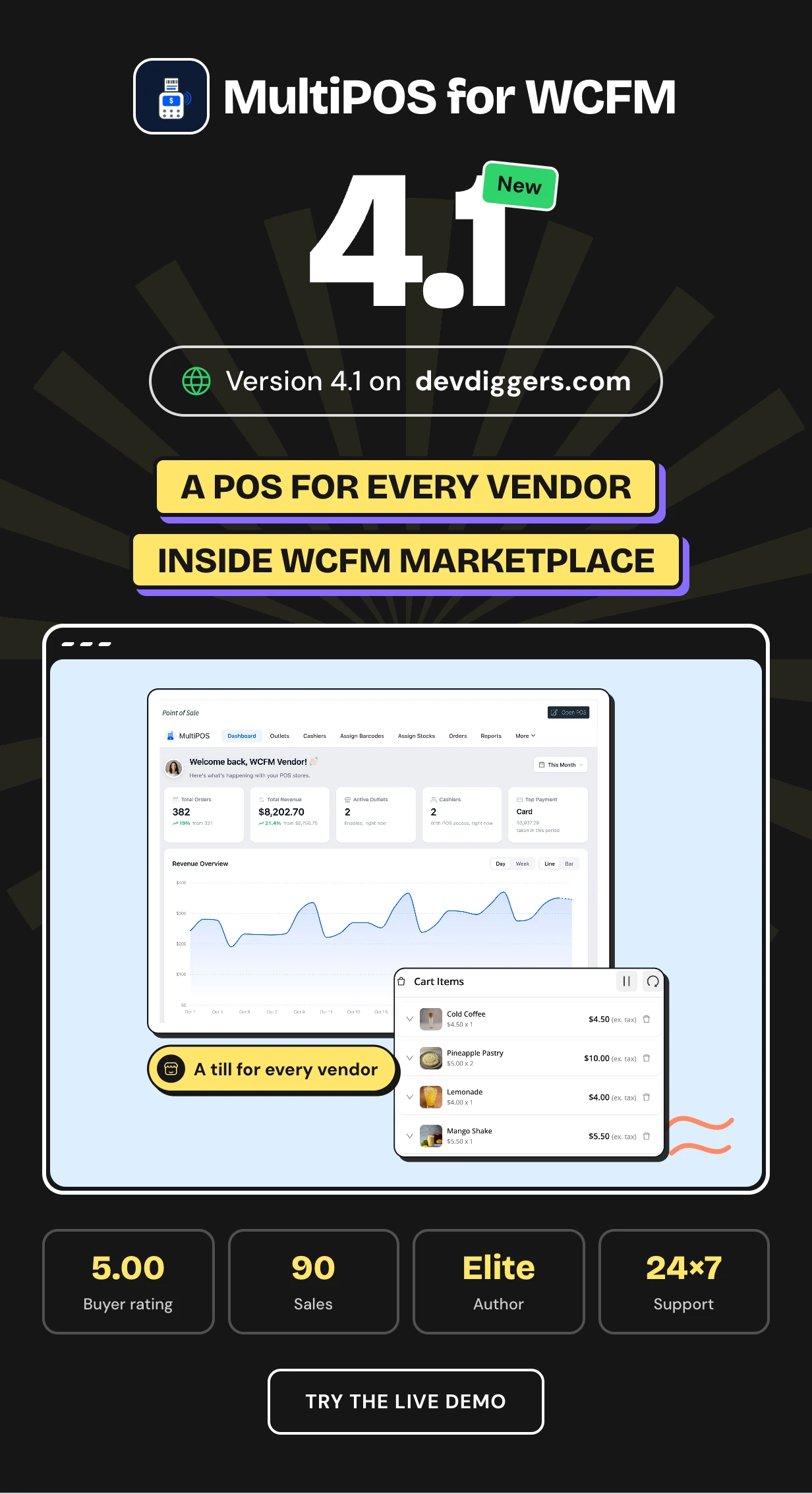
Their dashboard shows orders, revenue, outlets, cashiers and the top payment method. One click on Open POS starts selling.
A multi vendor POS that keeps every vendor apart
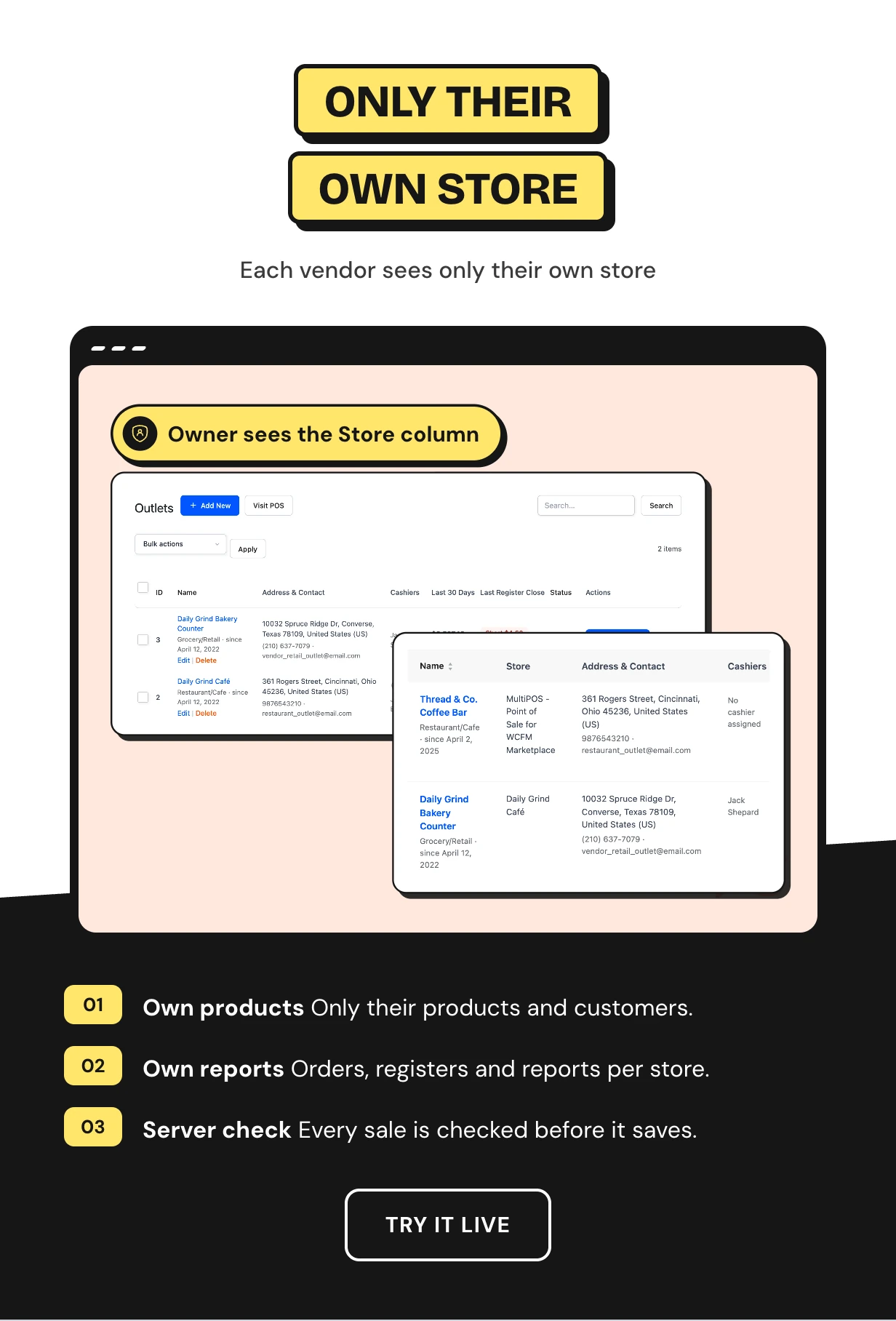
A vendor’s outlets list only that vendor’s products, categories and customers. Their orders, registers and reports stay in their store too.
The check runs on the server. If someone sends another store’s product to the till, the sale is refused.
Counter sales become WCFM orders with marketplace commission
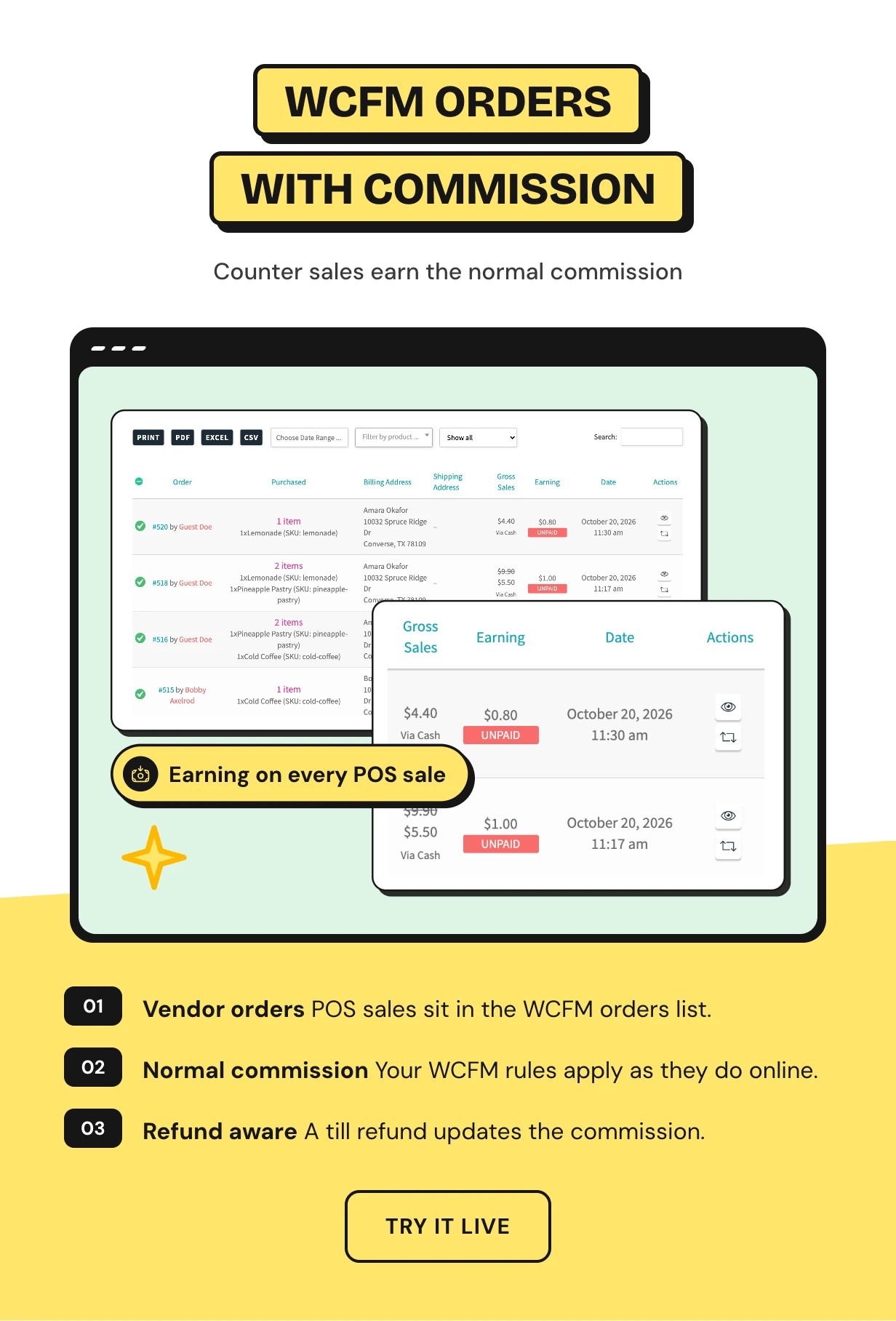
Every vendor POS sale is recorded in WCFM Marketplace. It shows in the vendor’s orders and earns the normal marketplace commission.
A refund at the till works the commission out again. Prefer to keep counter sales out of WCFM? Switch Marketplace Orders off.
Vendor POS access you switch on for all or a few
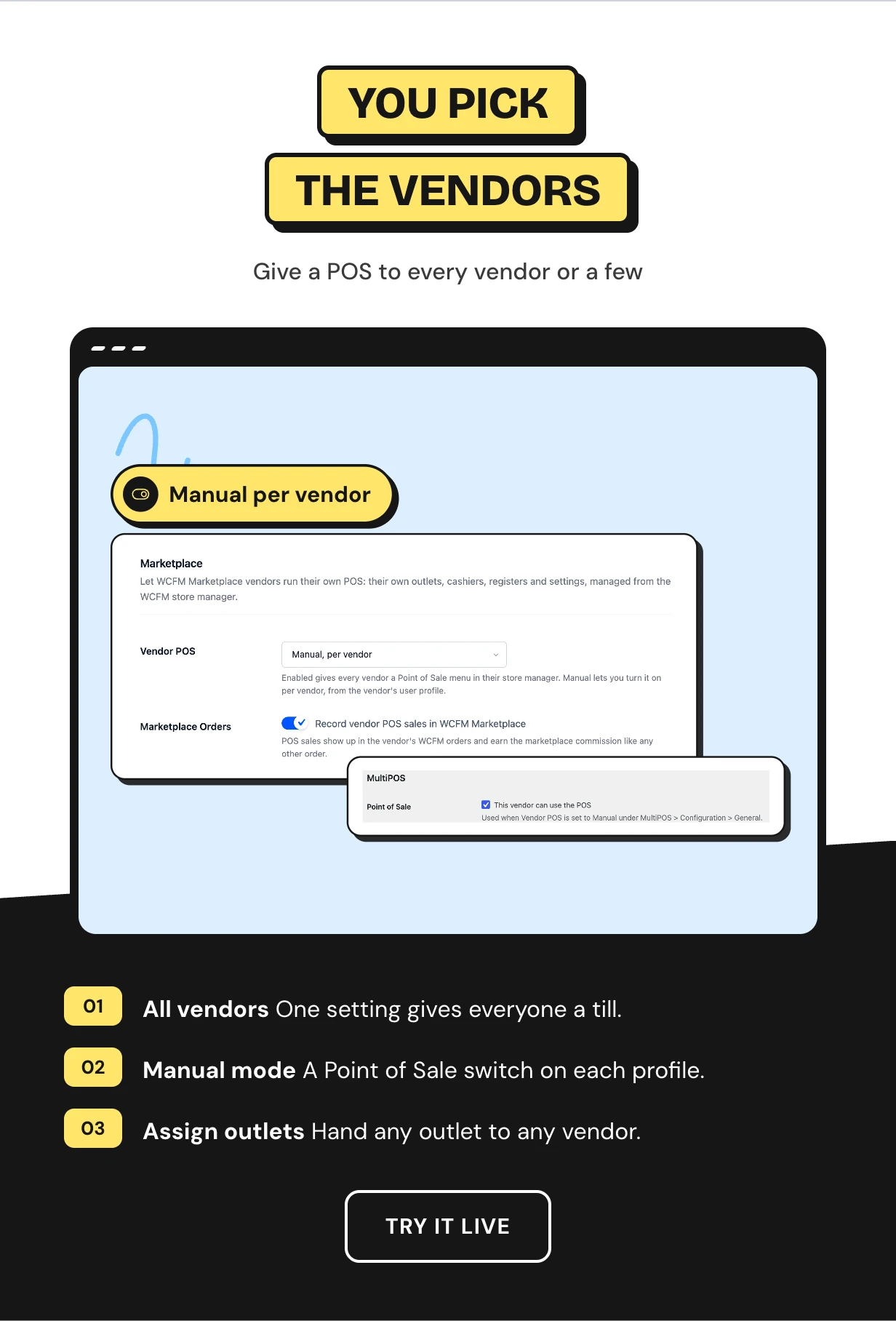
Give a POS to every vendor at once, or pick Manual and switch it on vendor by vendor. Disabled turns it off for everyone.
When a vendor loses the POS, their cashiers lose it too. You can also give any outlet to any vendor.
Outlet and cashier management for every vendor
Vendors add cashiers and assign them to their outlets. Cashiers work only at that vendor’s outlets.
A vendor sets their own Manager PIN and can mark a cashier as shift supervisor. A PIN from one store never approves anything in another.
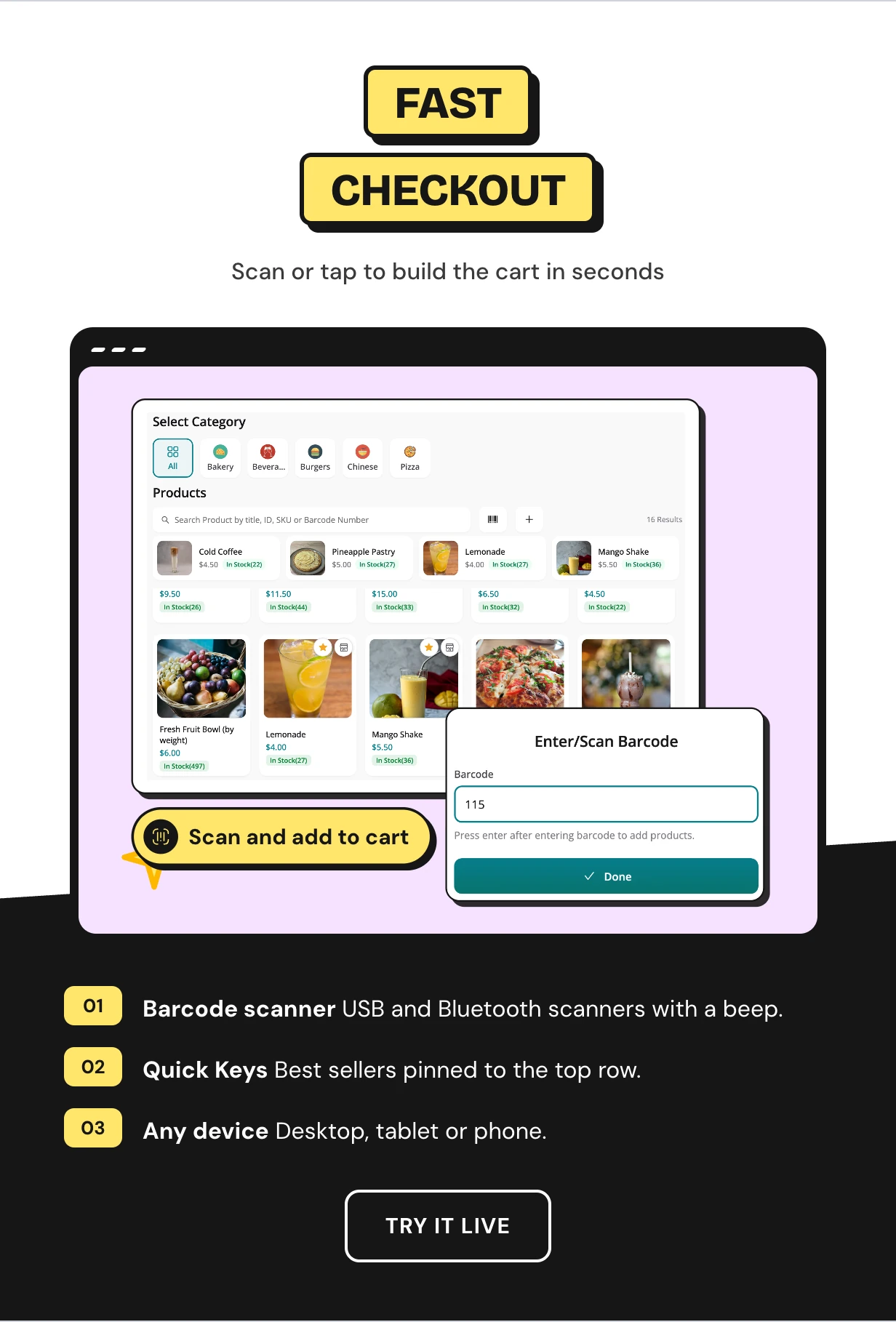
A fast WooCommerce POS checkout with a barcode scanner
Cashiers scan a barcode, search or tap a product card. Pin best sellers to Quick Keys and sell variations, weighed items and custom products.
The screen works on a desktop, a tablet or a phone. Install it as an app on the counter device.
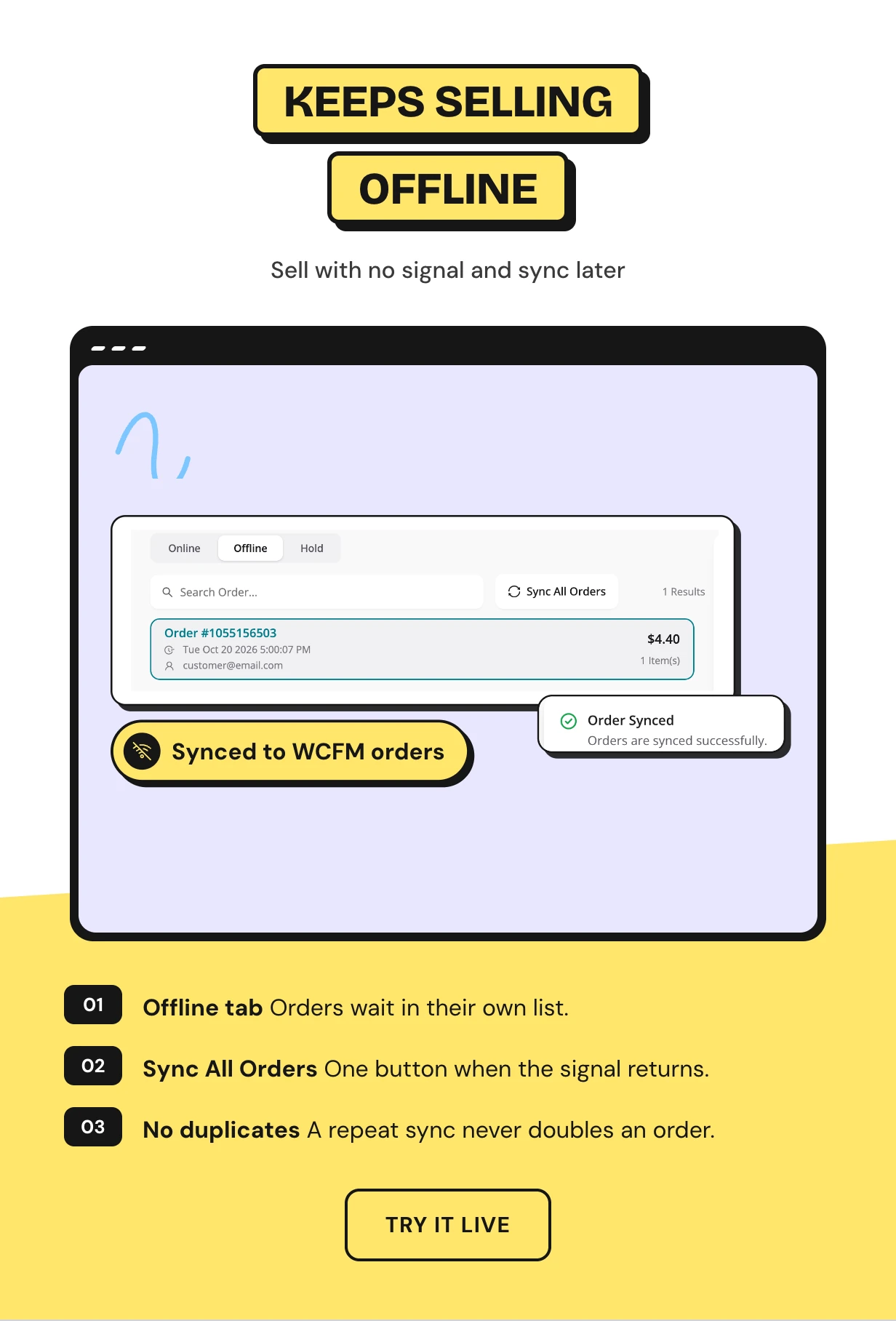
An offline POS for WooCommerce stalls and pop-ups
Market stalls and pop-up counters lose signal. The till keeps taking orders offline and lists them in their own Offline tab.
When the connection returns, the orders sync to WooCommerce and WCFM. A sync sent twice never creates the order twice.
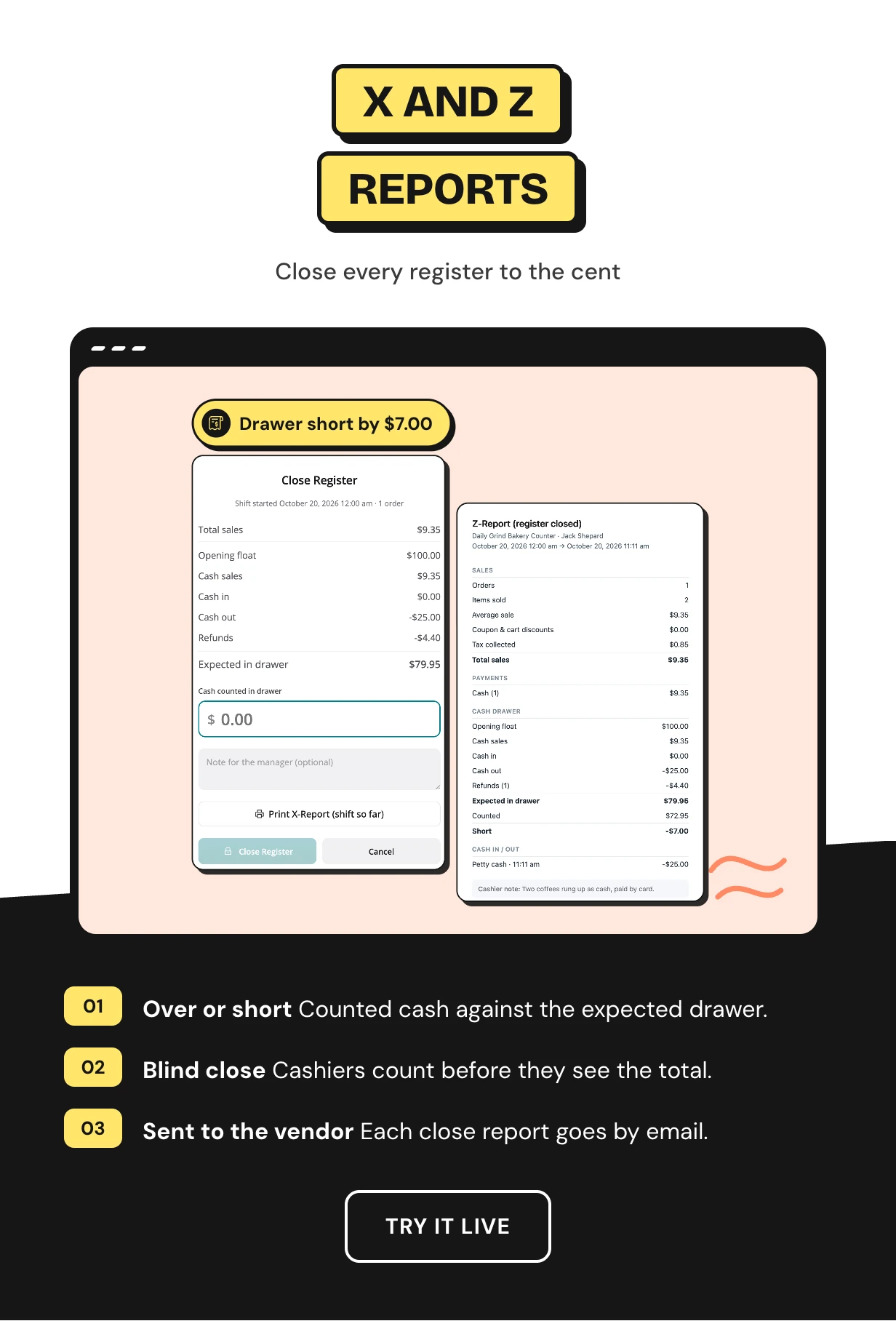
Close the till with an X report and a Z report
At the end of a shift the cashier counts the drawer. The POS shows whether it is balanced, over or short.
Print an X report mid-shift and a Z report at close. Each close is saved under the vendor’s Registers and emailed to the vendor.
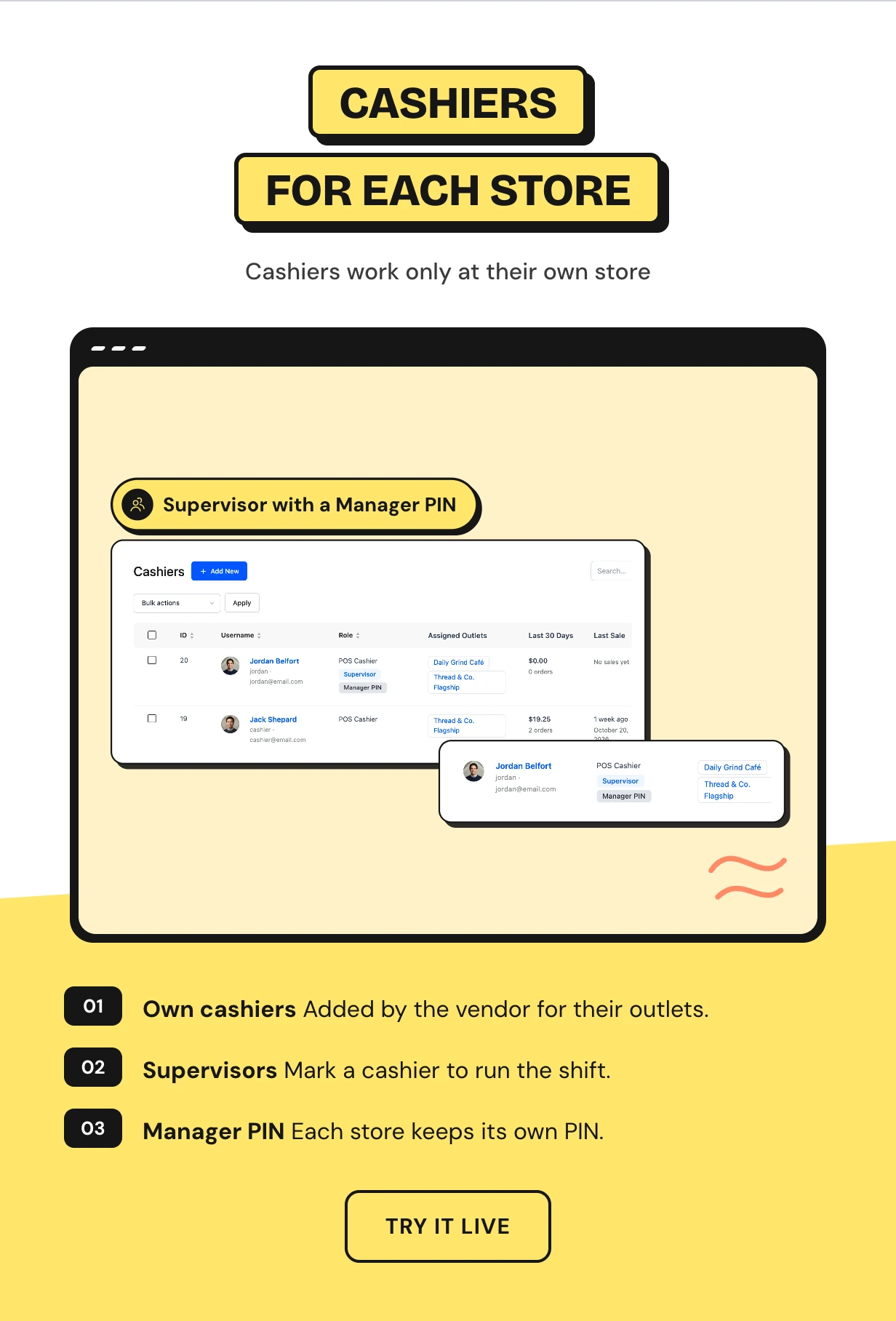
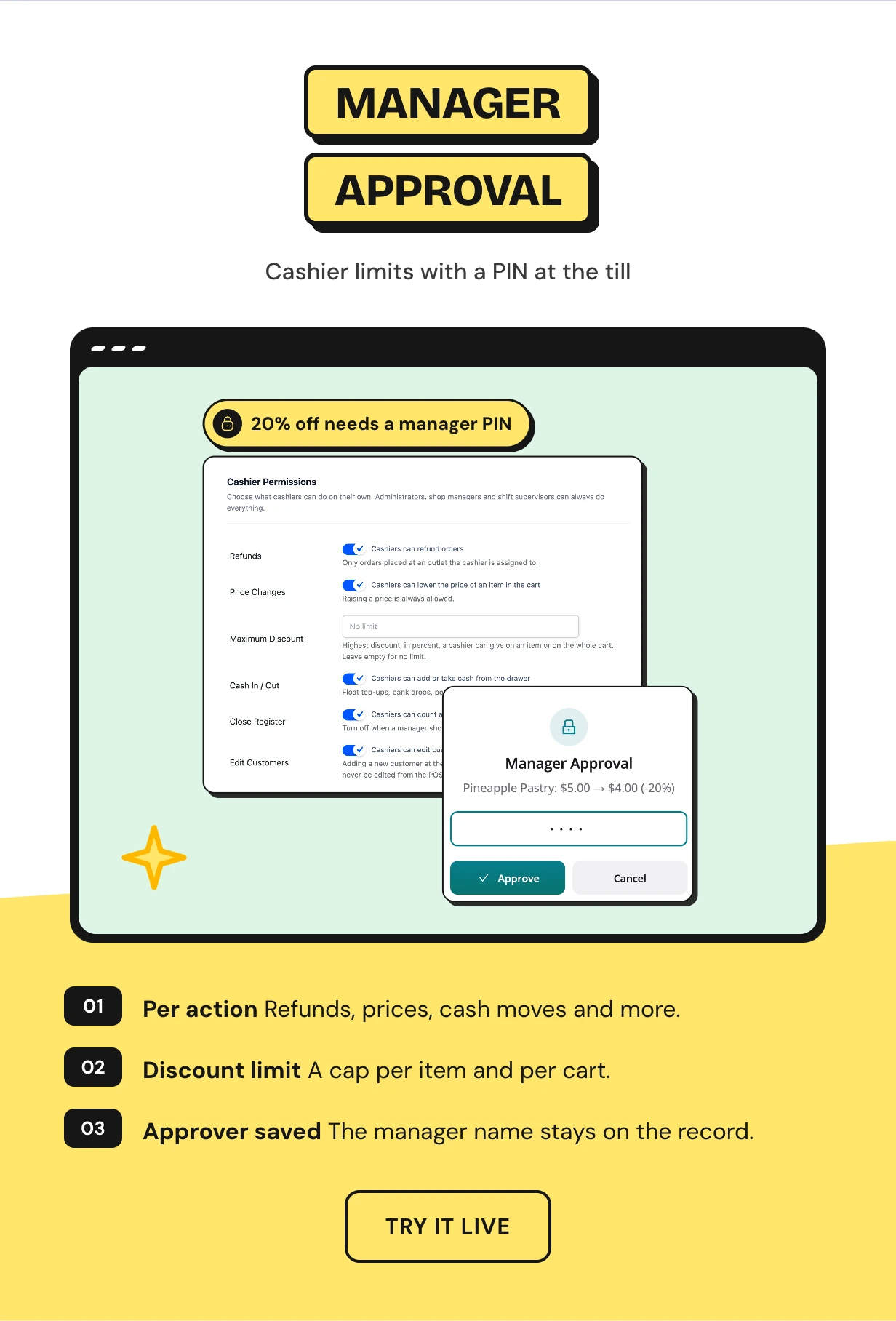
Cashier permissions with a manager PIN at the till
Choose what cashiers can do alone: refunds, price changes, cash in and out or closing the register. Set the biggest discount they can give.
For anything more, a manager types their PIN and the action goes through. Their name is saved on the record.
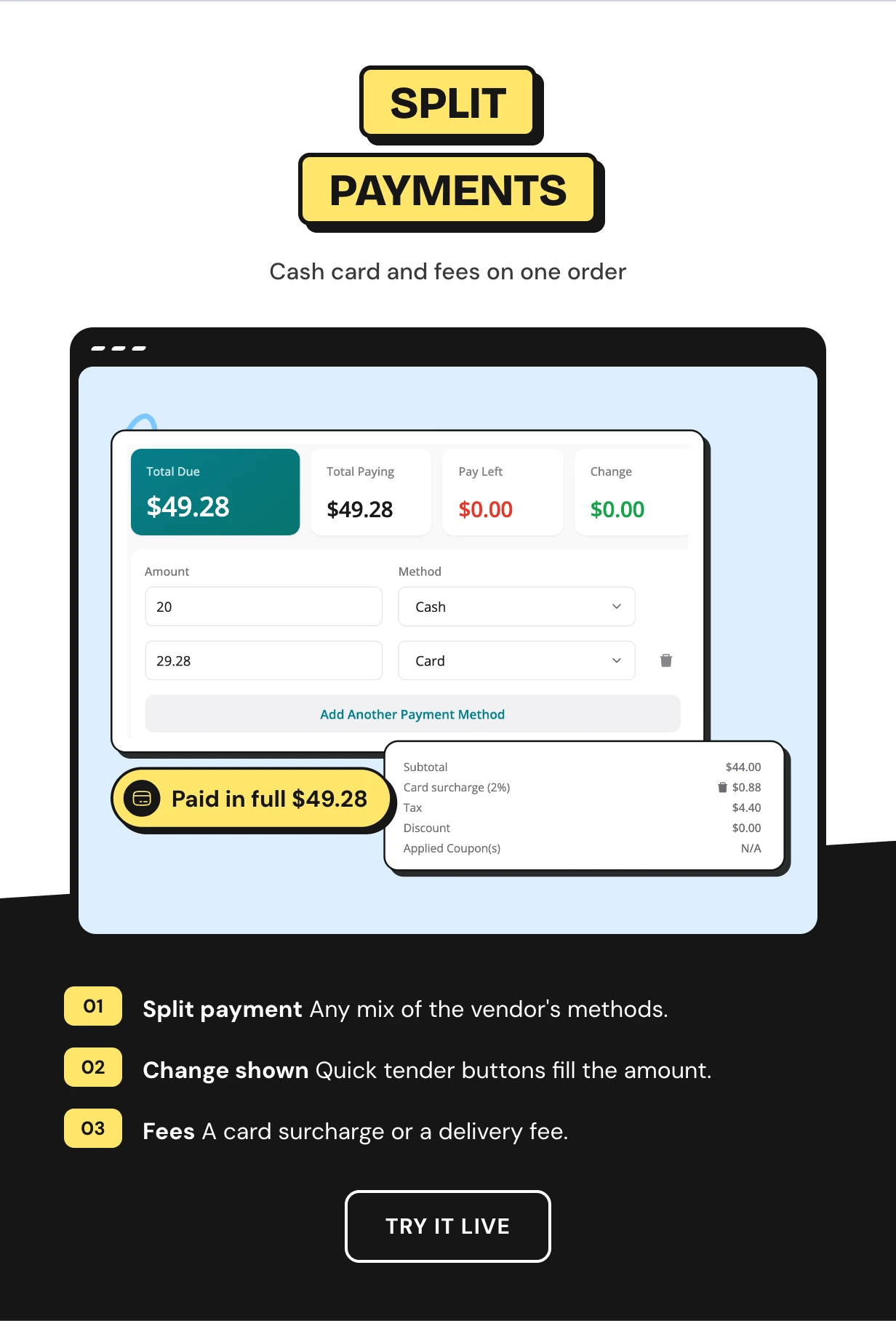
Split payment across cash and card with fees
Split one order across cash, card or any payment method the vendor adds. The numpad suggests the change to give.
Apply coupons and discounts, and add fees such as a card surcharge. Hold an order and finish it later.
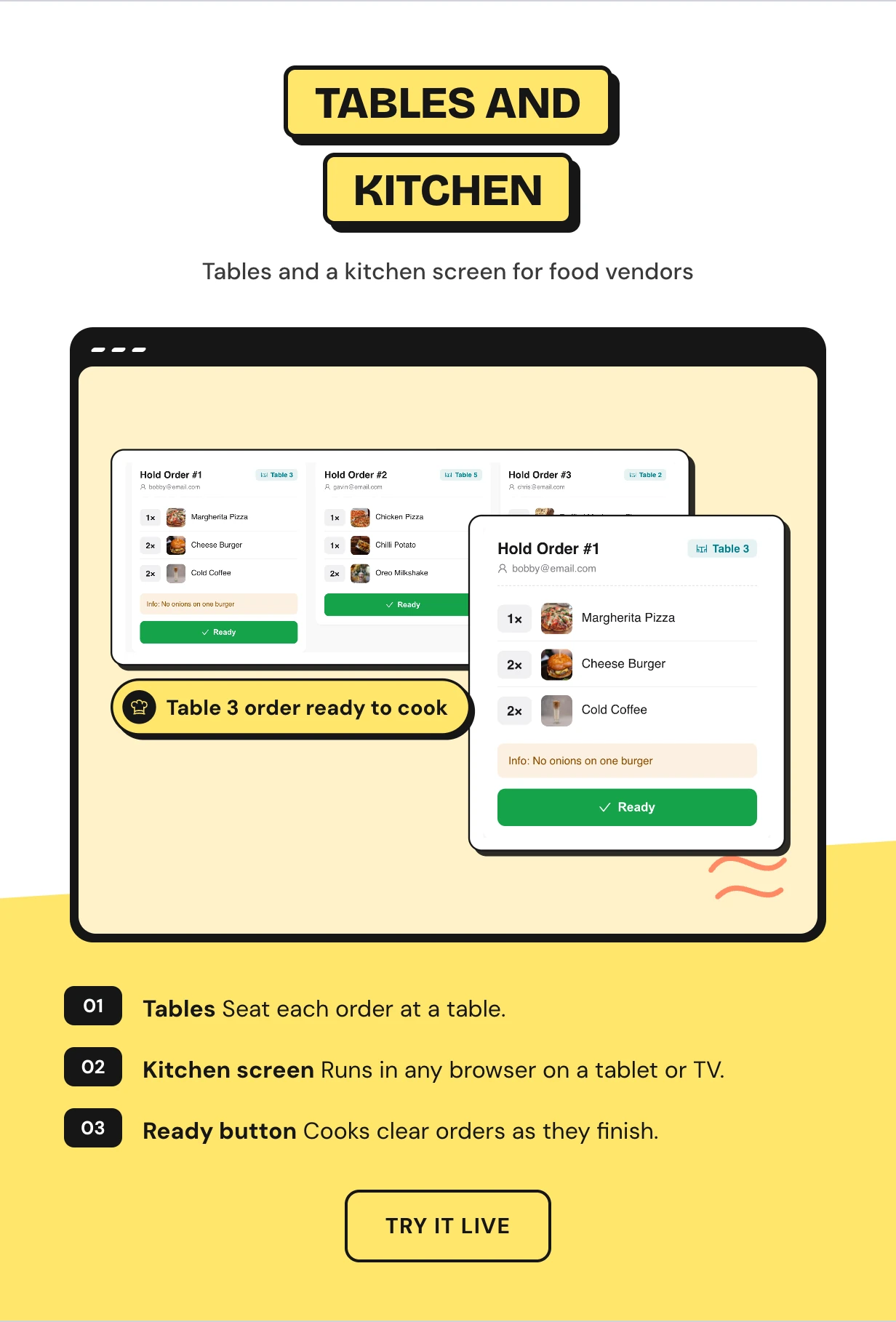
A restaurant POS with tables and a kitchen screen
Set an outlet to restaurant mode for dine in and take away. Cashiers seat orders at tables and send them to the kitchen.
The kitchen screen opens in any browser on a tablet or TV. Cooks mark orders ready and they leave the screen.
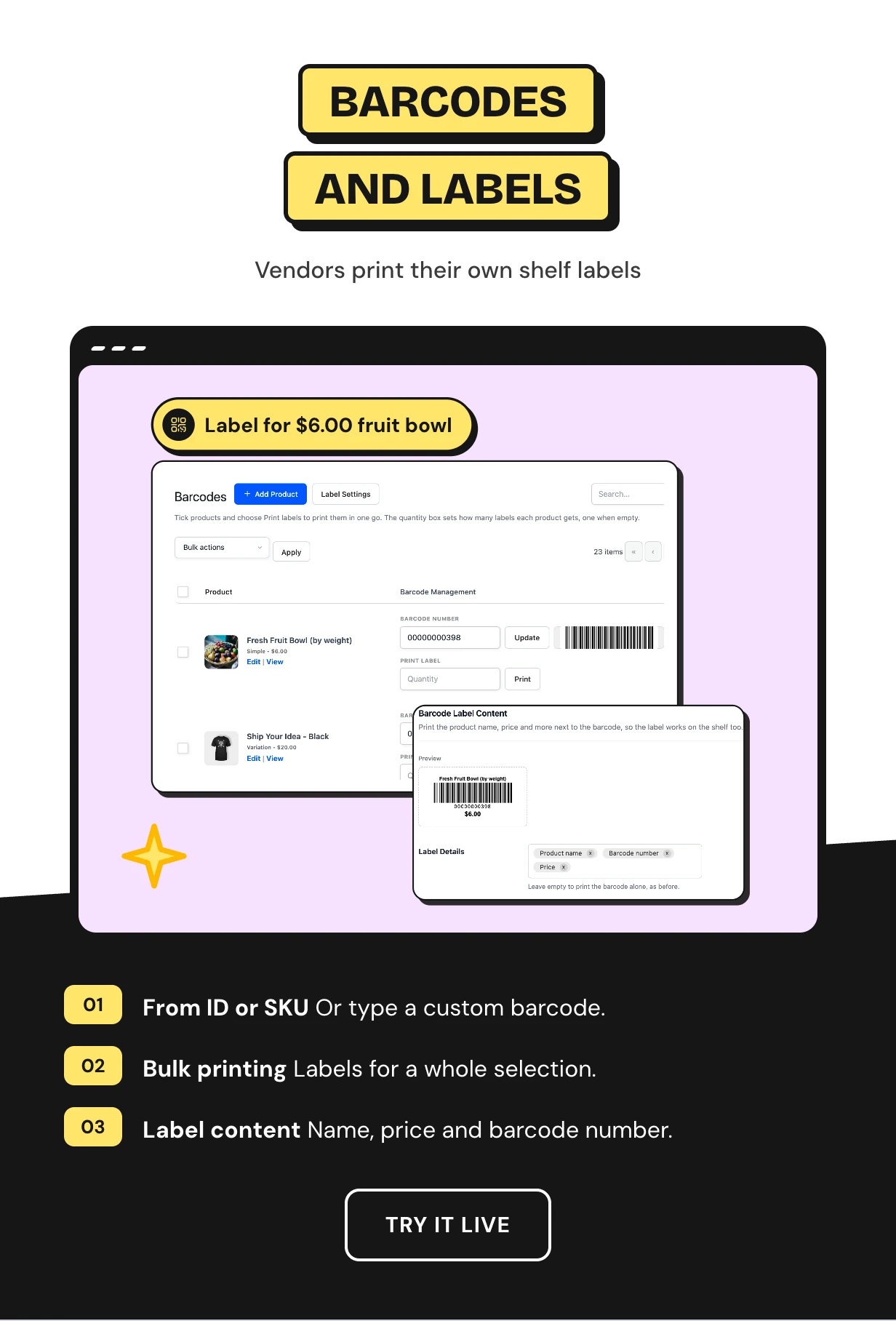
Barcodes and shelf labels for every vendor
Vendors give their products barcodes from the product ID or SKU, or type their own. Then they print labels for one product or a whole selection.
Choose what each label carries: store name, product name, barcode number and price. Set the size for your printer.
Full feature list
Marketplace control
- Vendor POS for all vendors or per vendor
- Point of Sale switch on each vendor profile
- Marketplace Orders switch for WCFM orders and commission
- Assign any outlet to any vendor
- Owner sees every outlet with its store
- Login, app, rewards and licence stay marketplace wide
Vendor store
- Point of Sale menu in the WCFM store manager
- Vendor dashboard with sales charts
- Own outlets, cashiers, orders and reports
- Vendor settings that fall back to the marketplace values
- Per-outlet stock or shared WooCommerce stock
- Receipt templates with a live preview at printer width
Checkout
- Barcode scanning with a sound
- Quick Keys for best sellers
- Variations, weighed items and custom products
- Split payments, coupons, discounts and fees
- Hold orders and finish them later
- Installs as an app on a tablet, phone or desktop
Cash and staff
- Opening float, cash in and cash out
- X and Z reports with blind close
- Close report emailed to the vendor
- Cashier permissions and discount limits
- Manager PIN and shift supervisors
Restaurant
- Dine in and take away
- Tables for each outlet
- Kitchen screen in any browser
Reports and customers
- Staff and Payments report with a cashier leaderboard
- Payment method split and busiest hours chart
- Customer profiles with lifetime spend and staff notes
- Loyalty points at the counter with our loyalty plugin
- Receipts on WhatsApp with our WhatsApp plugin
Offline and developers
- Sell offline and sync later with no duplicate orders
- HPOS ready
- Translation ready with right-to-left support
- REST routes and hooks for vendor scope and order checks
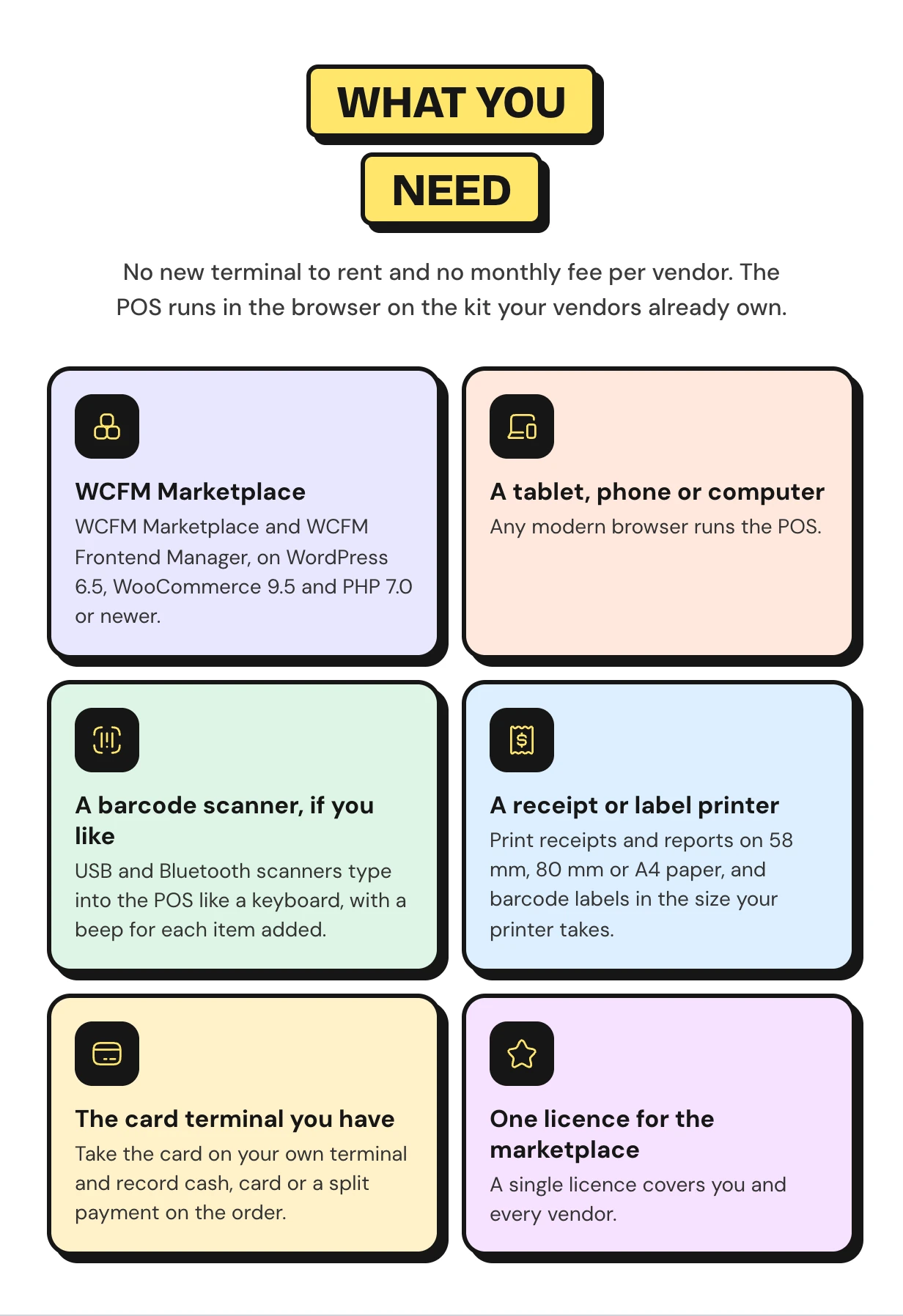
What you need to run a multi vendor point of sale
There is no terminal to rent and no fee per vendor. The POS runs in the browser on the kit your vendors already own.
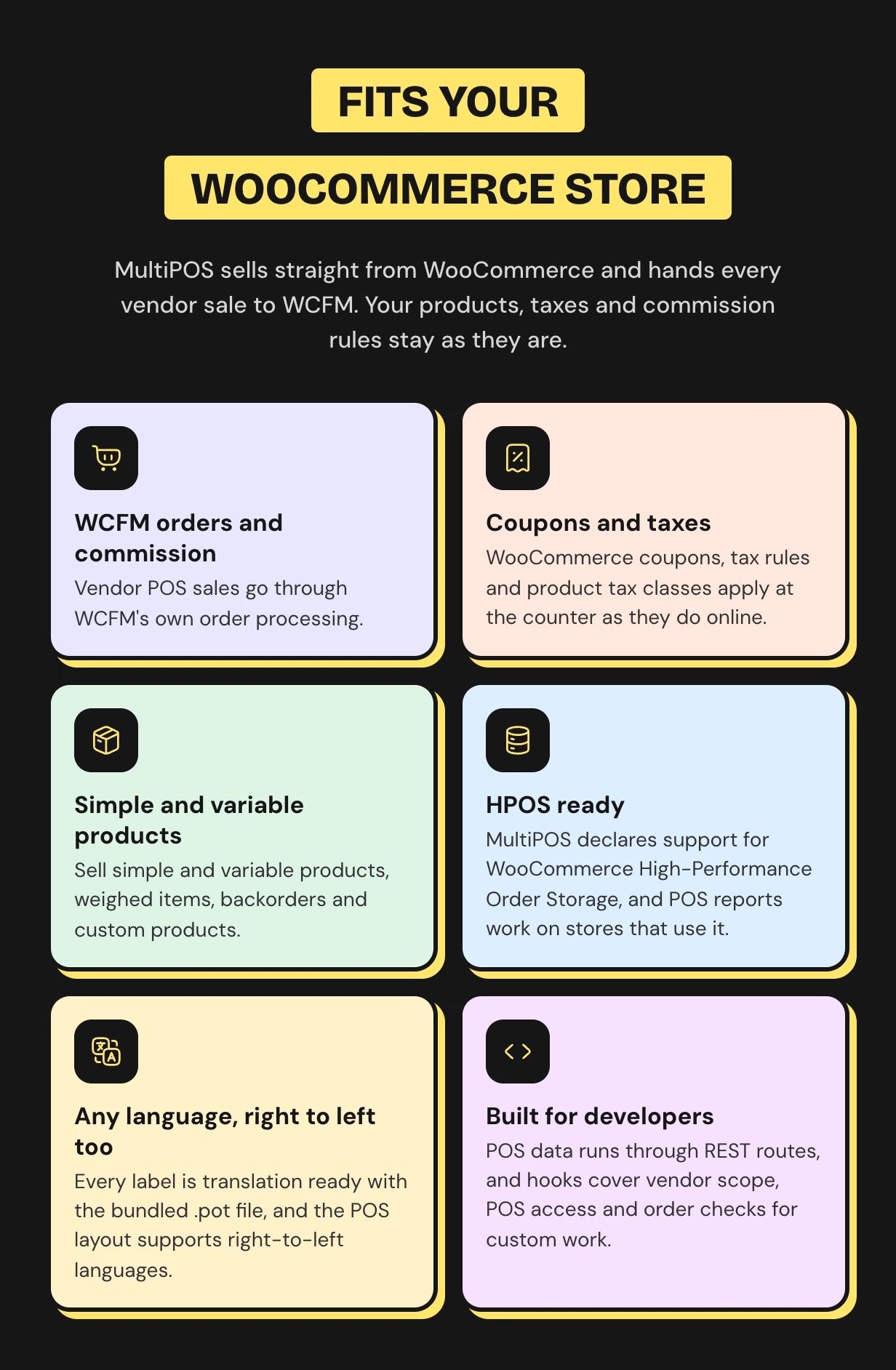
Works with the WCFM Marketplace you already run
Vendor sales go through WCFM’s own order processing. Your commission rules apply as they do online. WooCommerce coupons, taxes, variable products and HPOS are all covered.
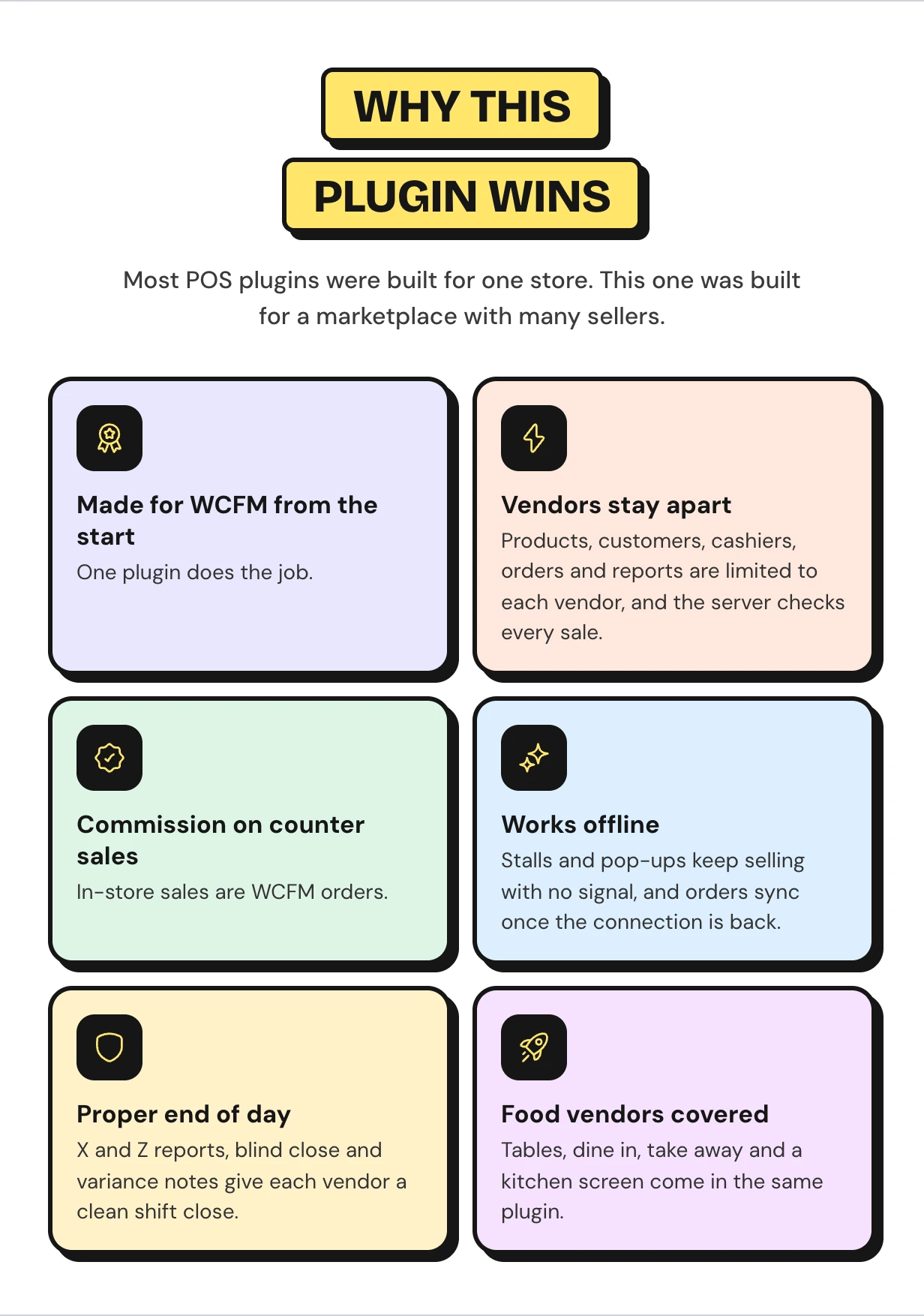
Why marketplace owners pick this WCFM marketplace POS
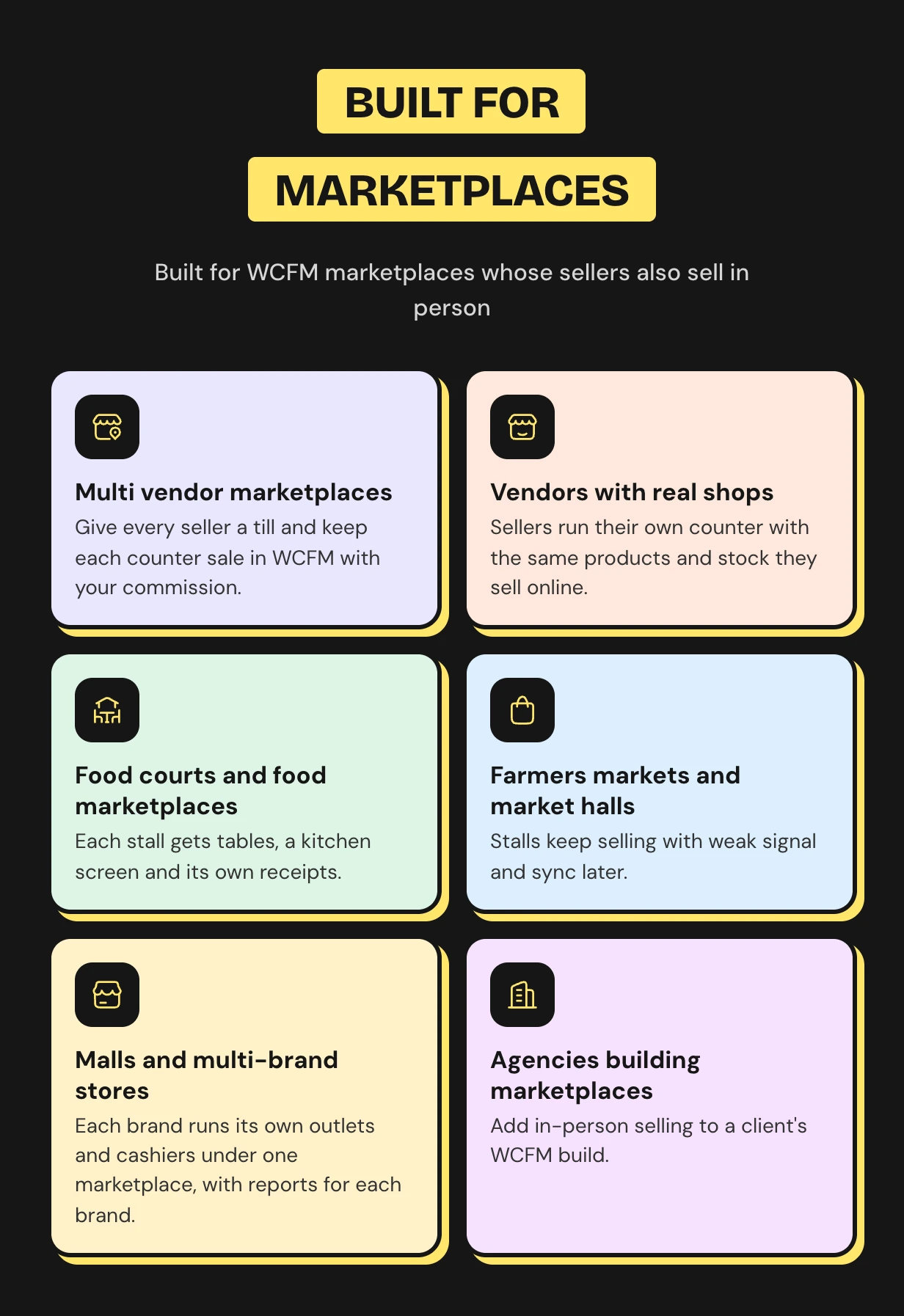
Who this POS system for multiple vendors is for
What buyers say

WCFM POS questions
Does WCFM Marketplace have a built-in POS?
No. WCFM Marketplace handles vendors, orders and commission online, but it has no point of sale. MultiPOS adds one for the owner and for every vendor.
Can each WCFM vendor run their own POS and outlets?
Yes. Each vendor gets a Point of Sale menu in the WCFM store manager. There they create outlets, add cashiers, set payments and open their own till.
Are POS sales recorded as WCFM orders with commission?
Yes, by default. Each vendor POS sale earns the normal marketplace commission. You can switch Marketplace Orders off to keep counter sales out of WCFM.
Can vendors see other vendors’ products or customers?
No. A vendor’s POS lists only their own products and customers. The server also refuses a sale with another store’s product or customer.
Can I give the POS to some vendors only?
Yes. Set Vendor POS to Manual and switch it on from each vendor’s user profile. When you switch it off, that vendor’s cashiers lose access too.
Does the WCFM POS work offline?
Yes. The till keeps taking orders without a connection and syncs them when it comes back. A sync sent twice never creates a duplicate order.
Is there a WCFM POS app for tablets and phones?
The POS is a web app that installs from the browser on a tablet, phone or desktop. There is nothing to download from an app store.
Which hardware do vendors need?
A device with a modern browser. Barcode scanners, receipt printers, label printers and card terminals are optional and work as they are.
Does it work with Dokan or MultiVendorX?
No. This edition is built for WCFM Marketplace only. For a single store without vendors, see MultiPOS for WooCommerce.
Support and custom work

Support comes from the developers who wrote the code, usually within hours. Start with the MultiPOS for WCFM documentation or contact our team. See every feature on the WCFM marketplace POS plugin page.
Need a custom commission rule or a report for your marketplace? Our WooCommerce development services team builds custom MultiPOS features for you.
Requirements
- WordPress 6.5 or newer
- WooCommerce 9.0 or newer
Changelog
v 3.1.0
Added WooCommerce HPOS (High-Performance order storage) compatibility.
Added compatibility with latest WordPress and WooCommerce.
Added new hooks for the customization compatibility.
Resolved security issues.
v 3.0.0
Added new product layout.
Added new product variation layout.
Added support for backorders.
Added option to send placed orders to kitchen screen.
Added barcode scanning by default without opening the popup.
Added option to show or hide product stocks at the POS end.
Added item percentage discount option.
Added option to load guest/default customer only.
Added option to load only specific days old orders.
Added order type in WooCommerce orders list.
Added improvement in suggested payments.
Added compatibility with latest WordPress and WooCommerce.
Added new hooks for the customization compatibility.
Resolved security issues.
v 2.3.0
Updated the backend configurations layout.
Added compatibility with latest WordPress and WooCommerce.
Resolved vendor menus listing issue.
Resolved security issues.
v 2.2.0
Added categories loading vendor wise.
Added compatibility with latest WordPress and WooCommerce.
Resolved security issues.
v 2.1.0
Added layout for the mobile screens.
Added compatibility with latest WordPress and WooCommerce.
Added new hooks for the customization compatibility.
Resolved security issues.
v 2.0.0
Added compatibility with latest WordPress and WooCommerce versions.
Added view table order button in the tables menu.
Cashier can modify the table order, delete and sent it to the kitchen from the tables menu.
Added kitchen order status in the POS either preparing or ready.
Added new hooks for the customization compatibility.
Added customer creation and fetching as per the vendor only.
Resolved security issues.
v 1.0.0
Initial Release
Download Now
LIVE PREVIEWDownload Now