
Adcraft | AI Ad Creator and UGC Video Studio
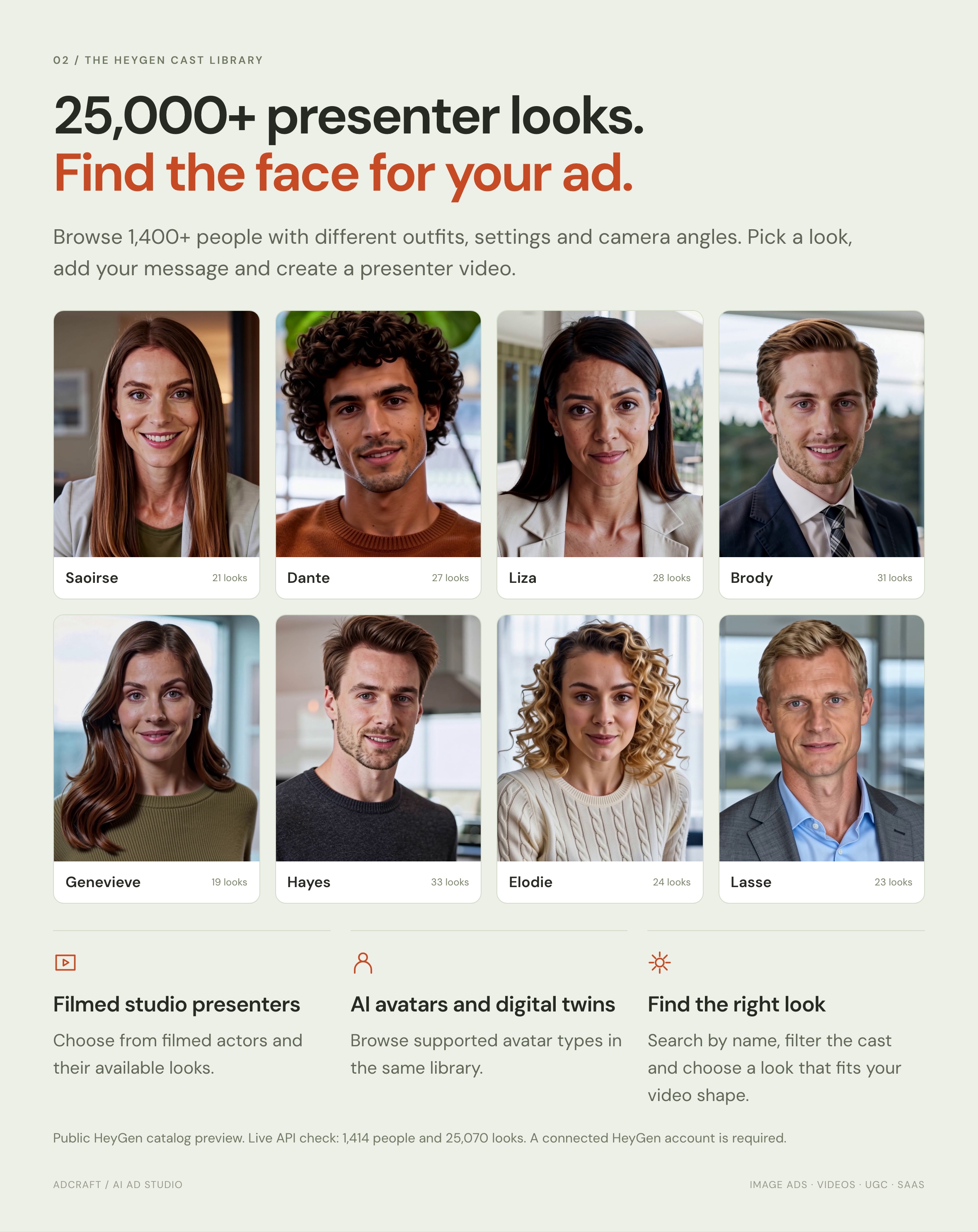
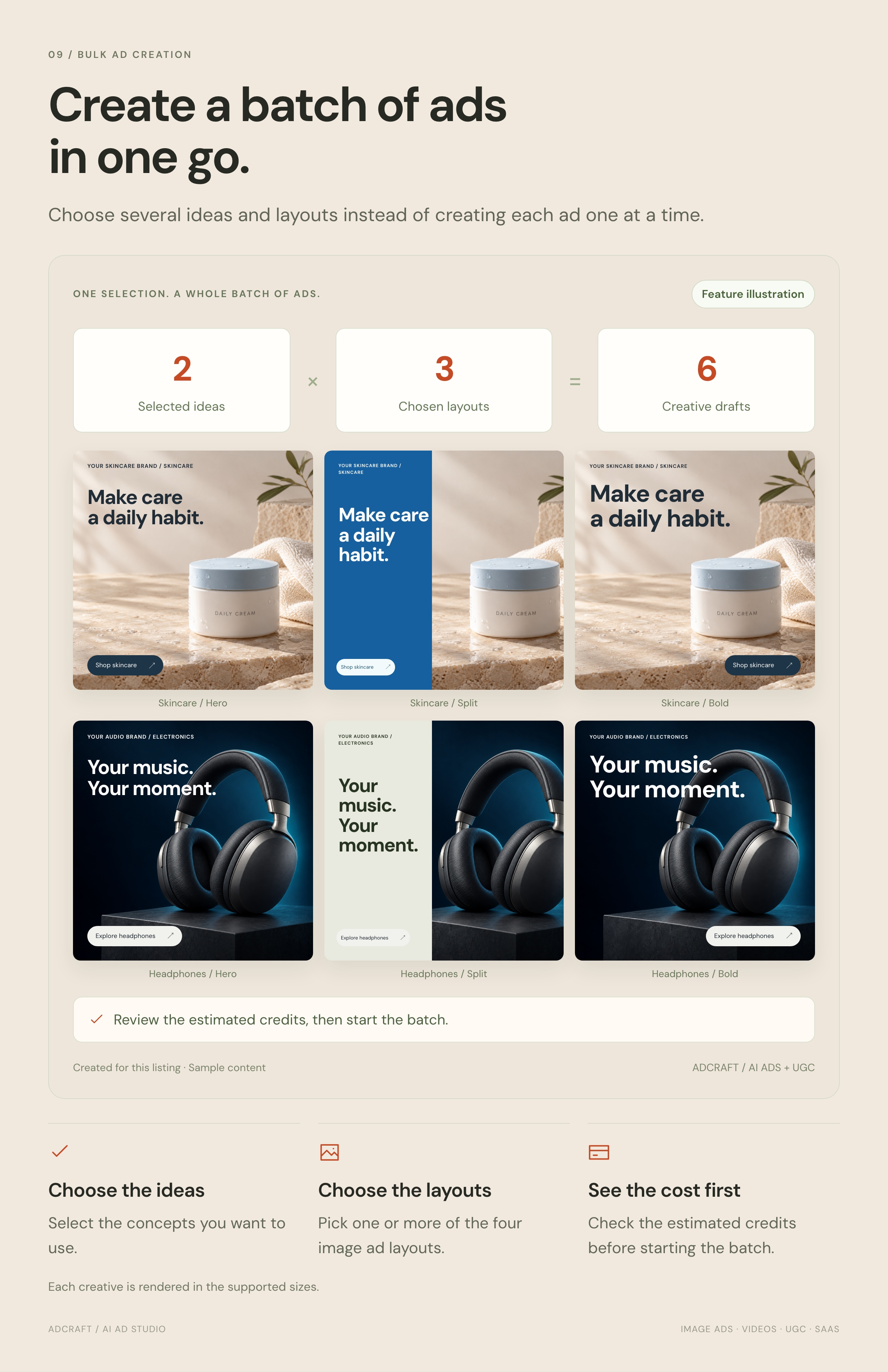
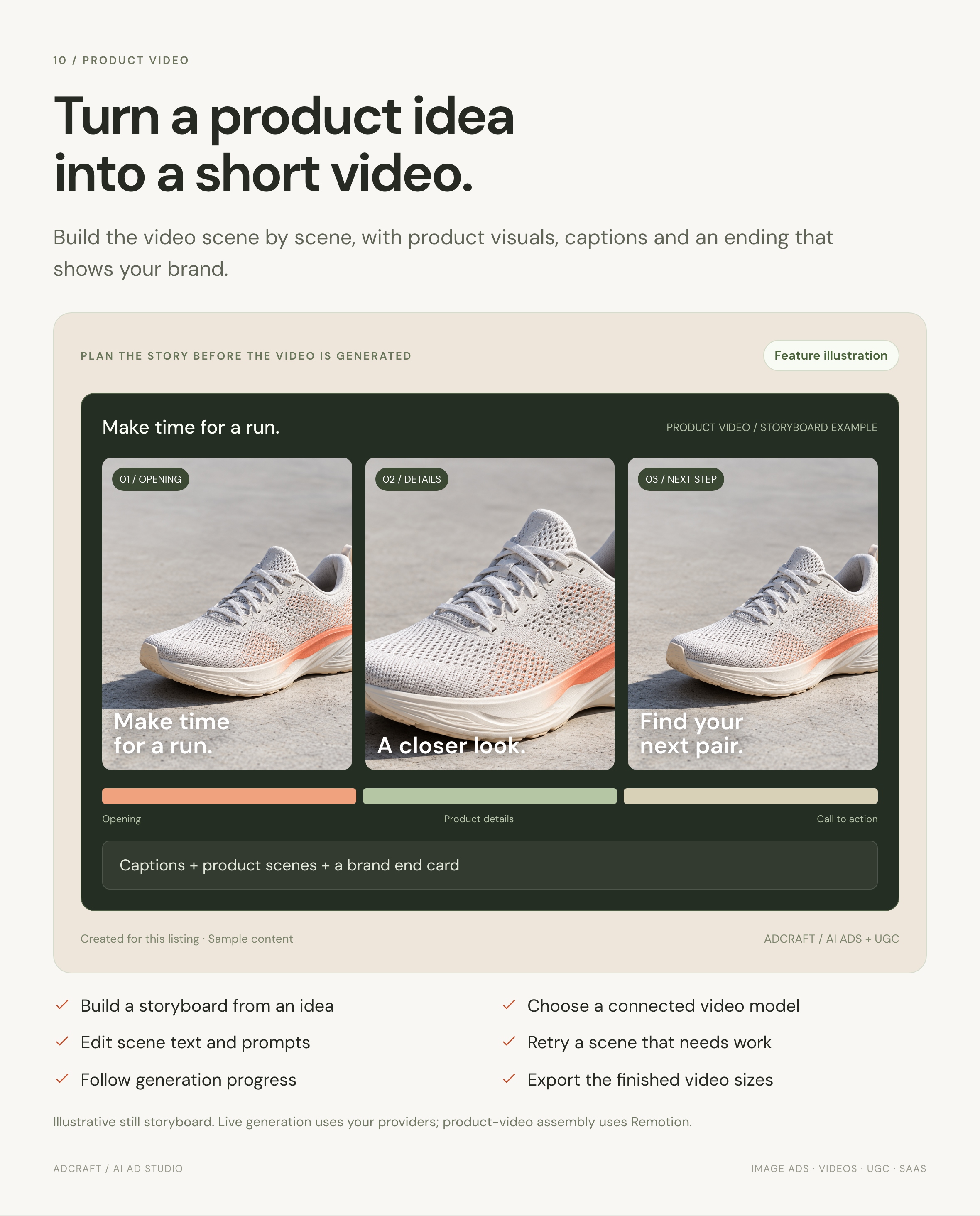
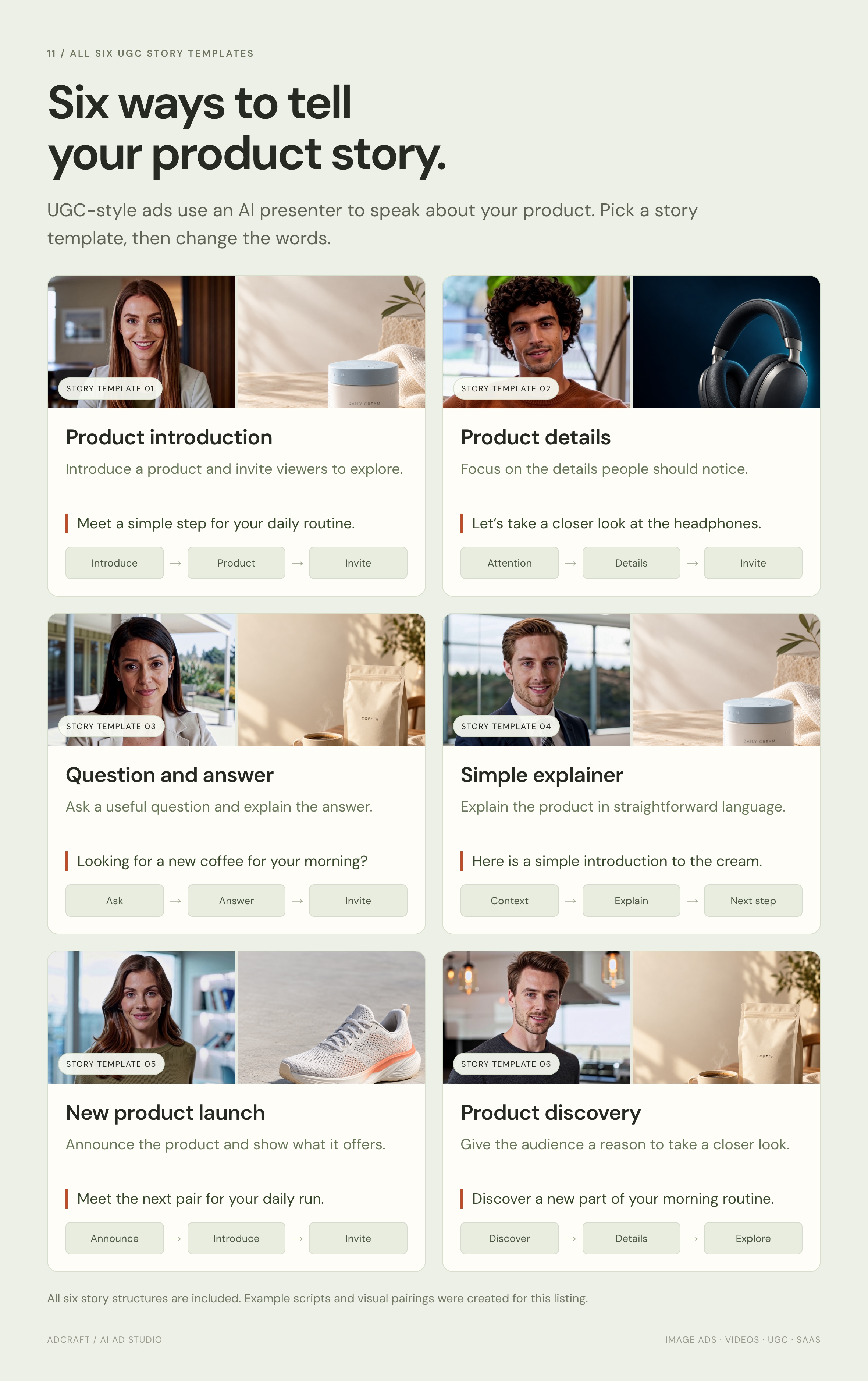
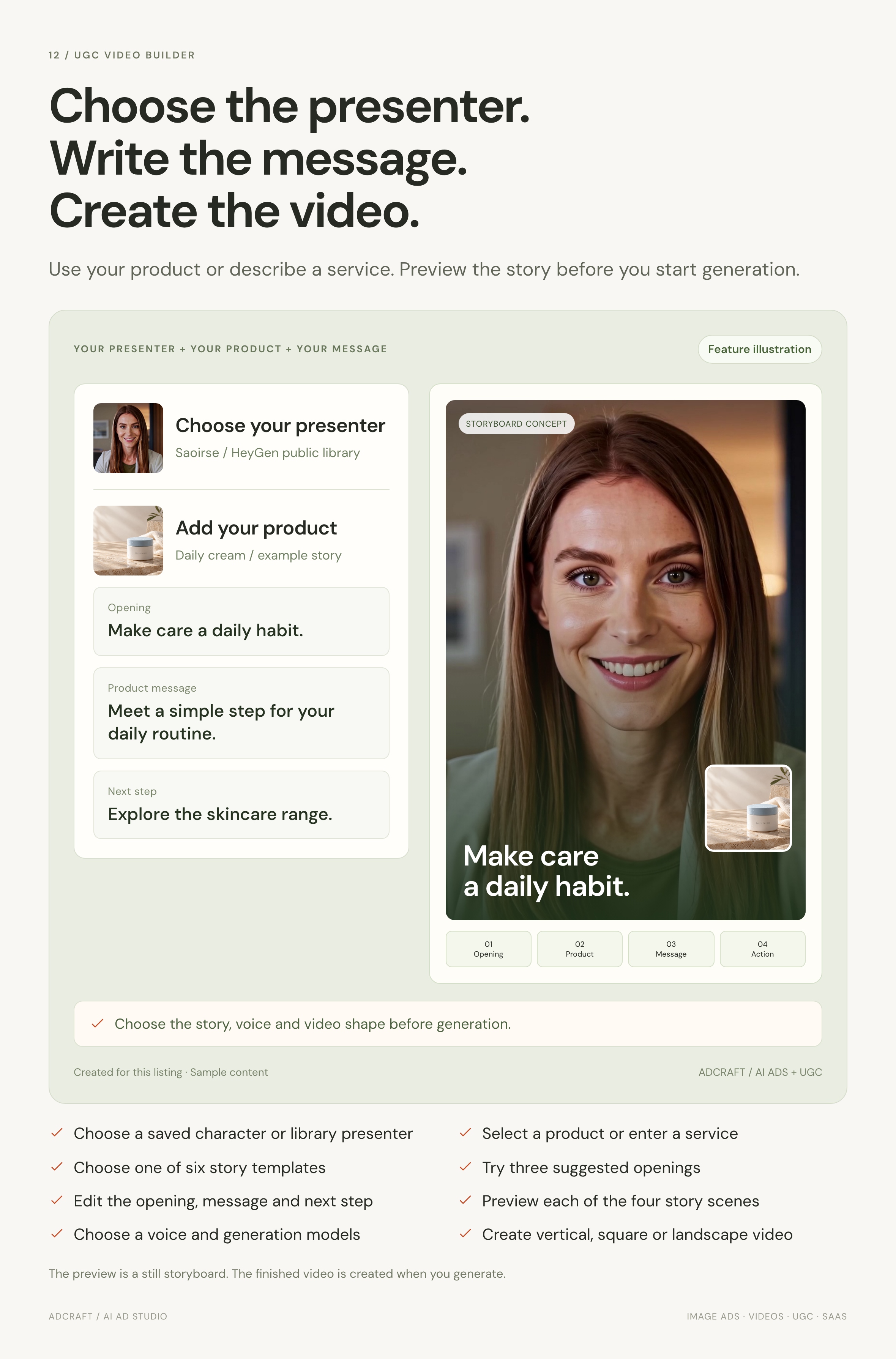
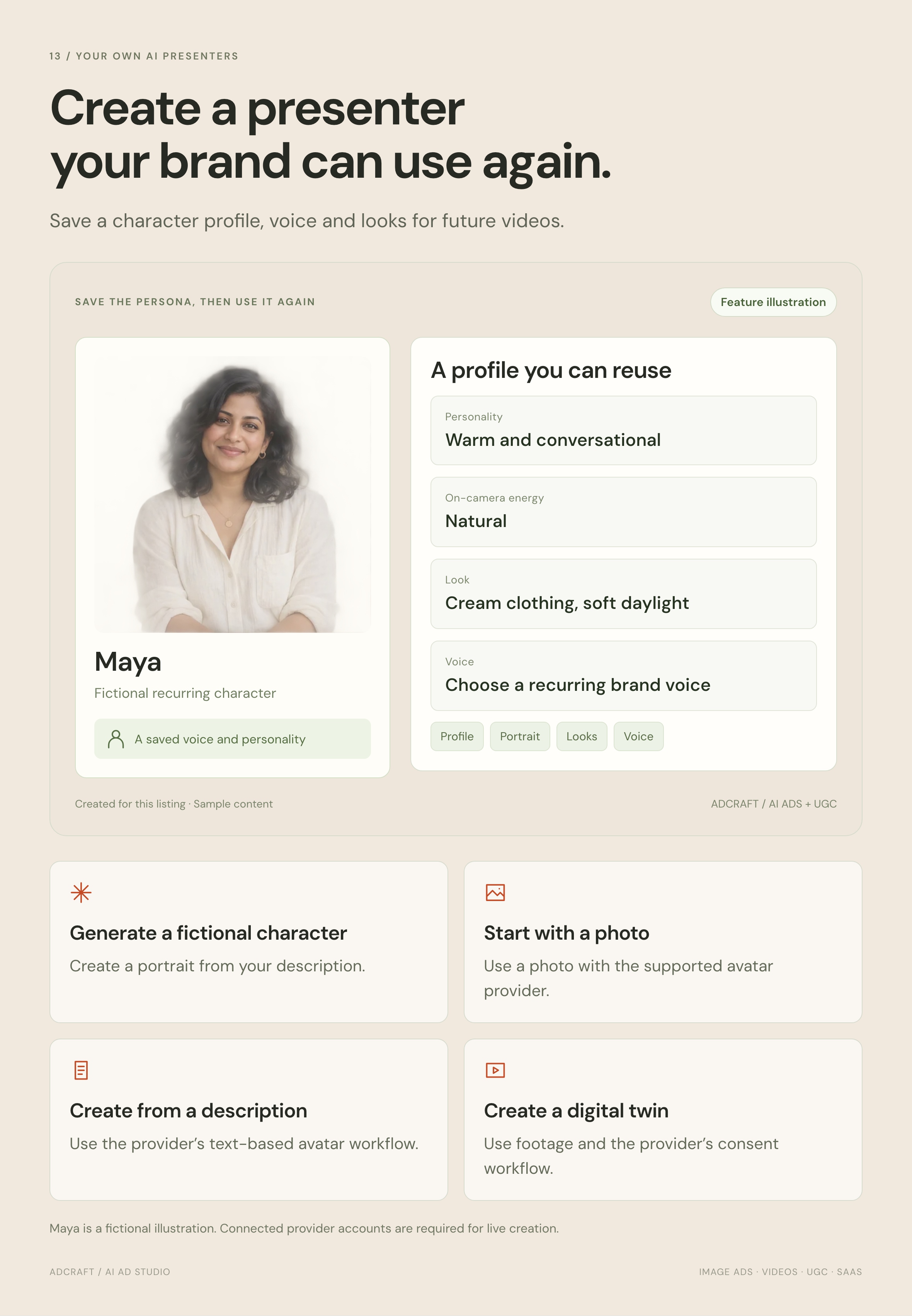
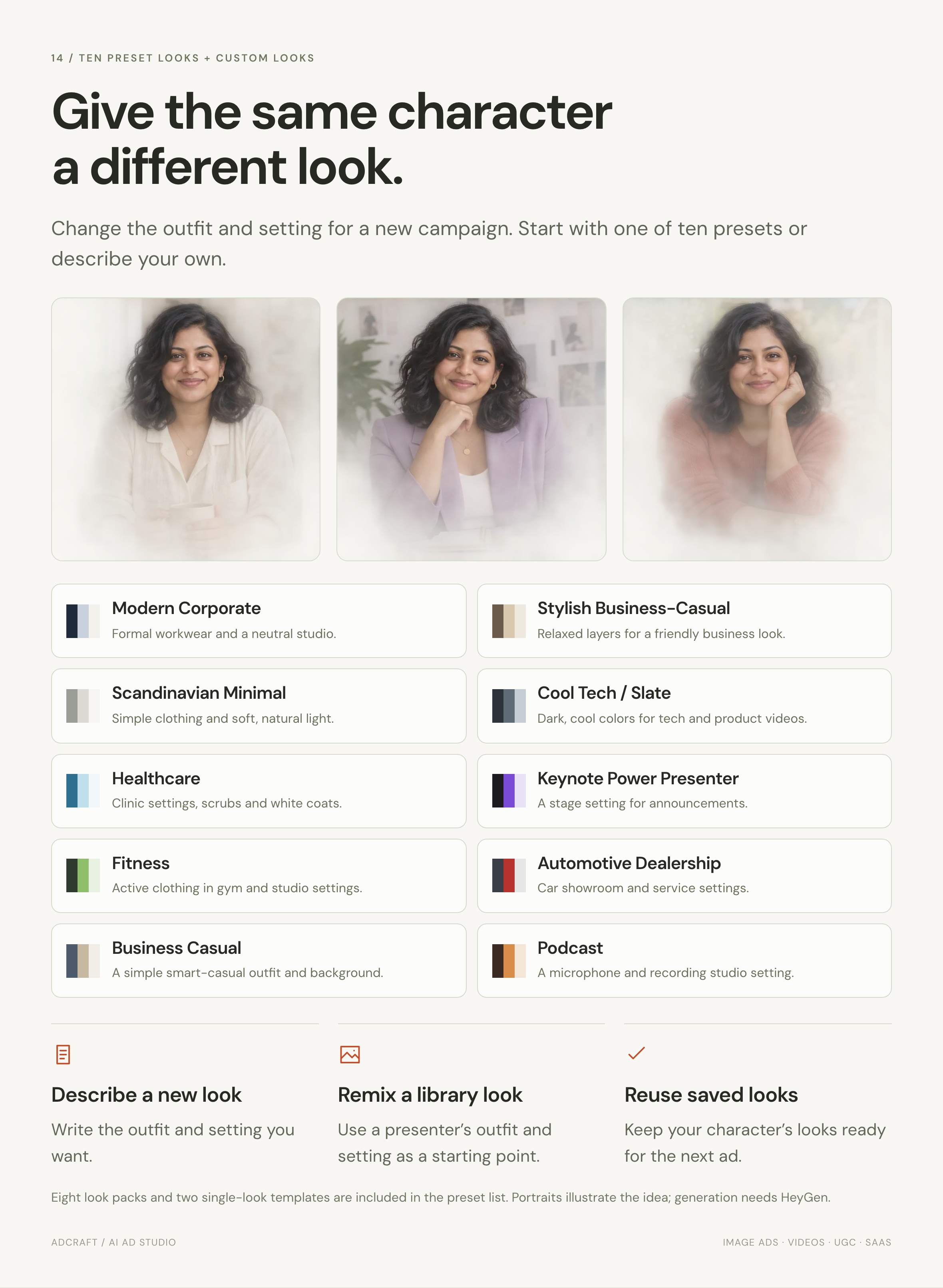
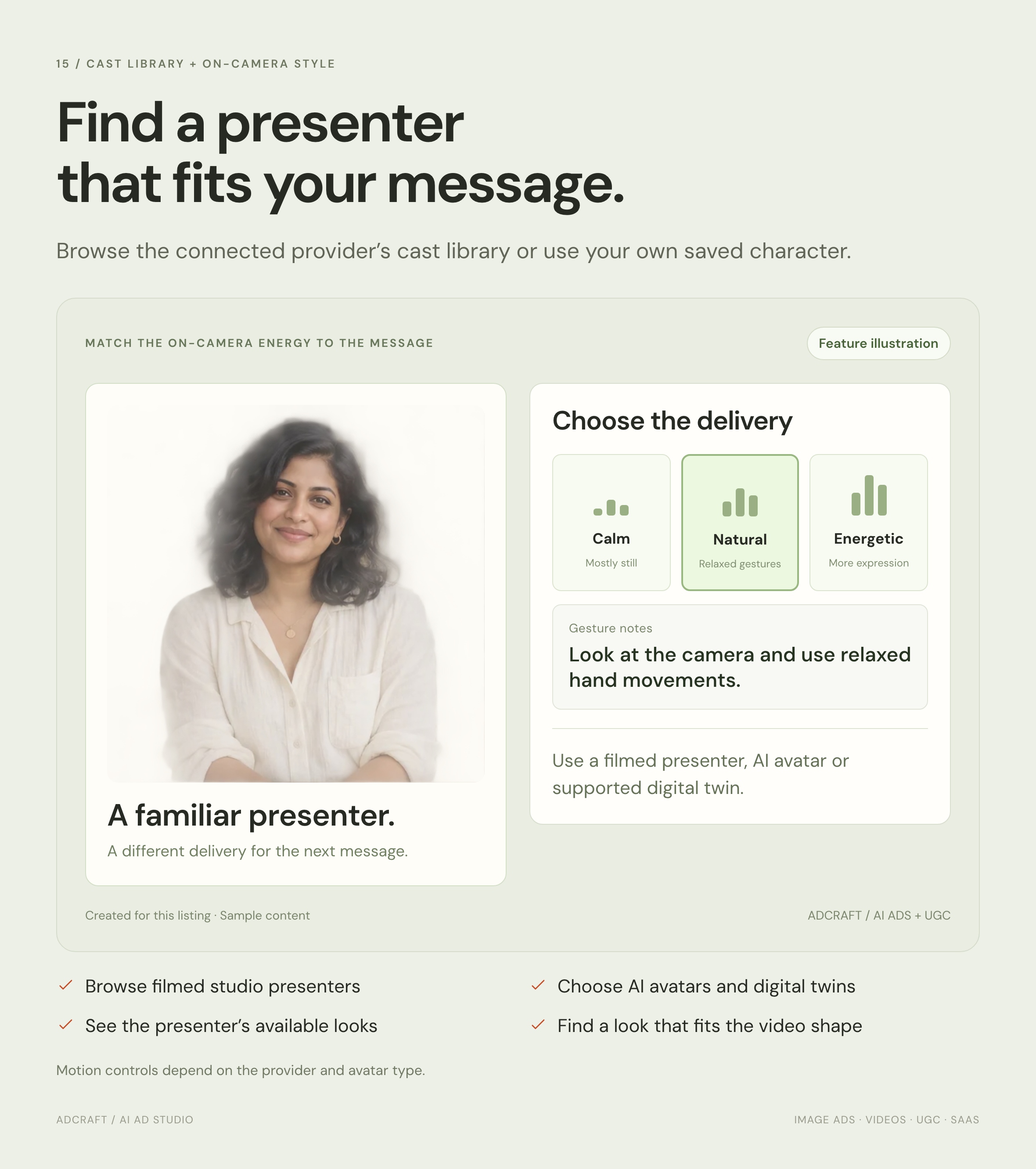
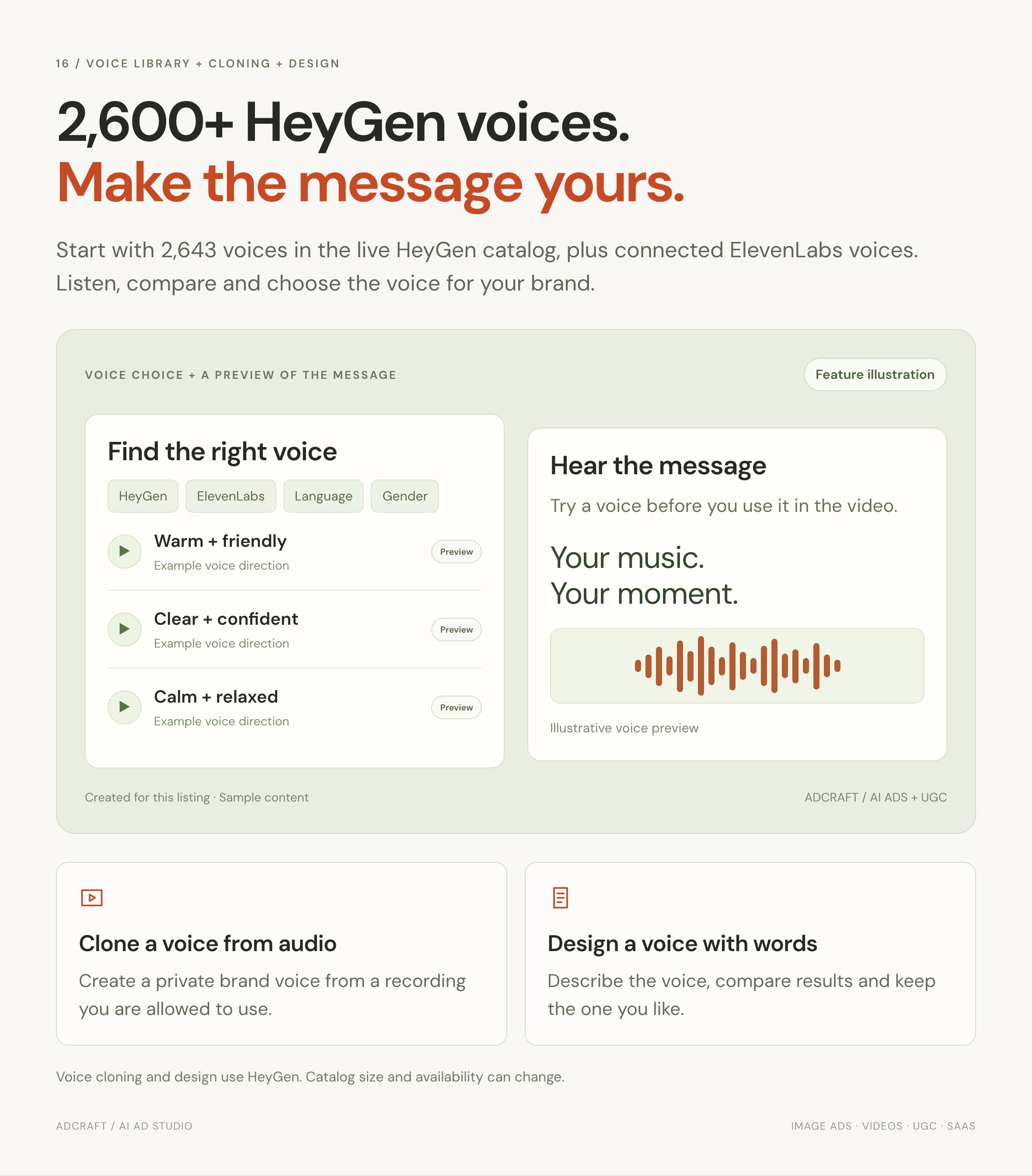
Create image ads, product videos and presenter videos in your own platform. Choose from 25,000+ presenter looks through your connected provider account, start with six UGC templates and use AI to plan your ads.
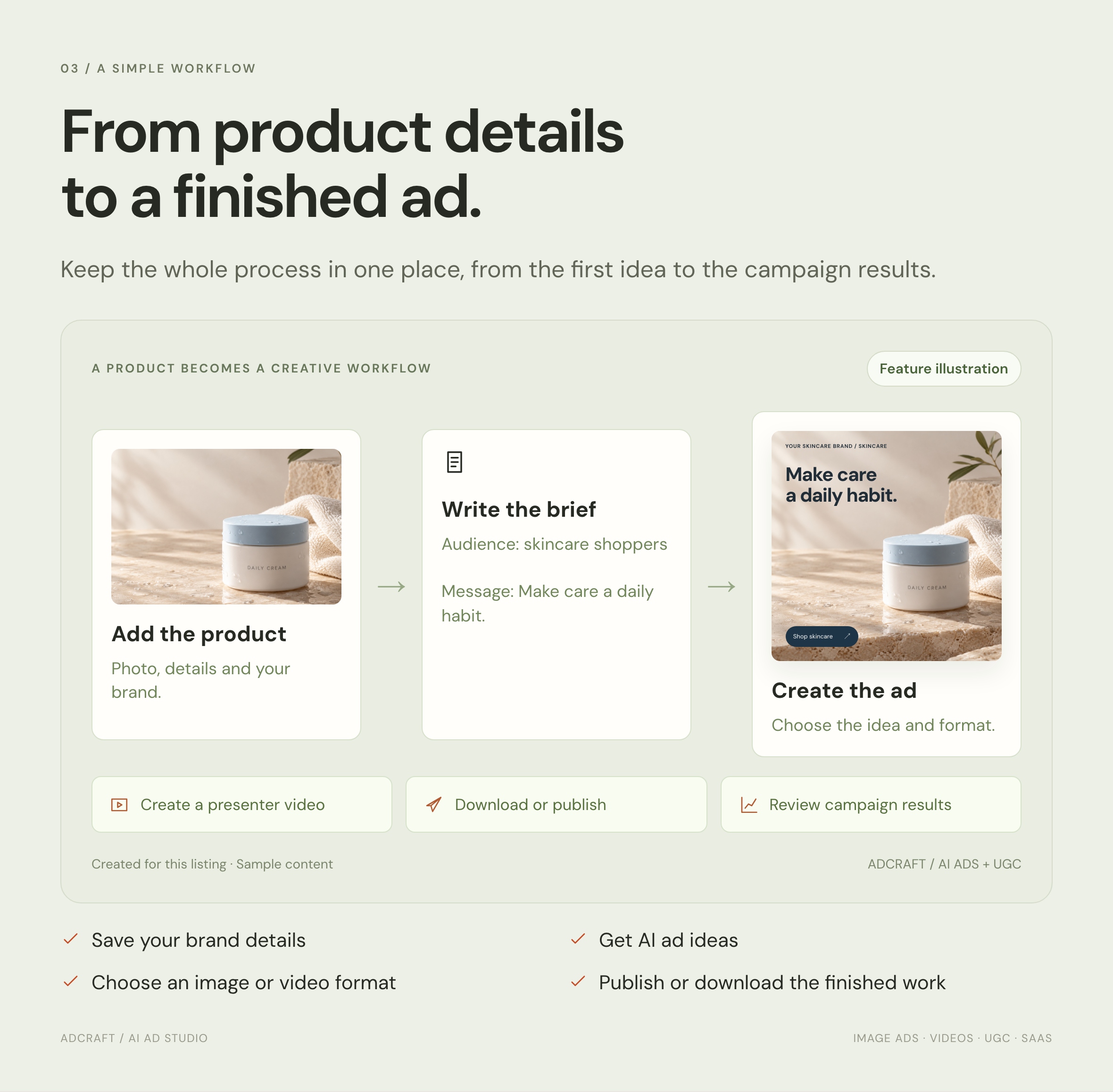
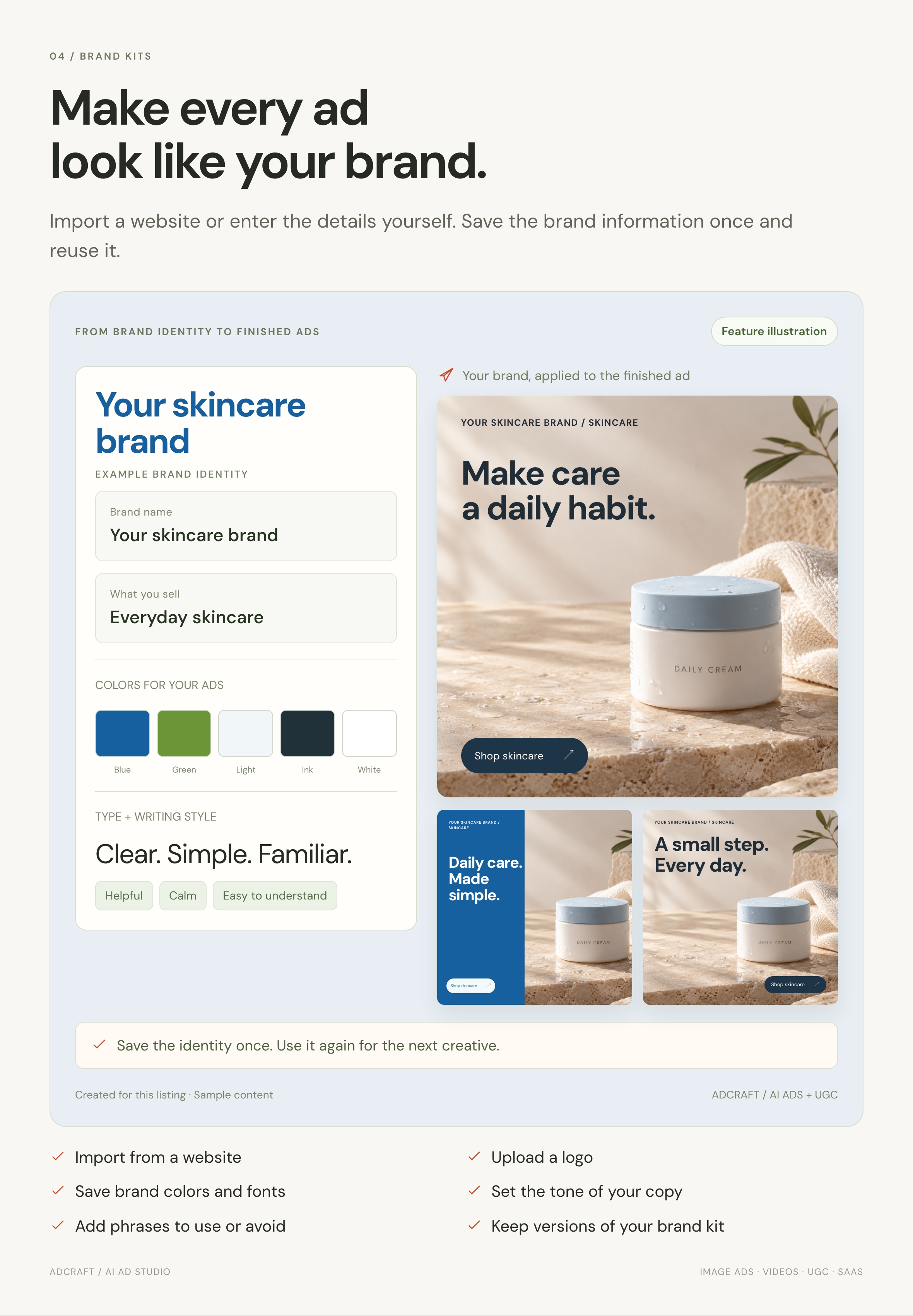
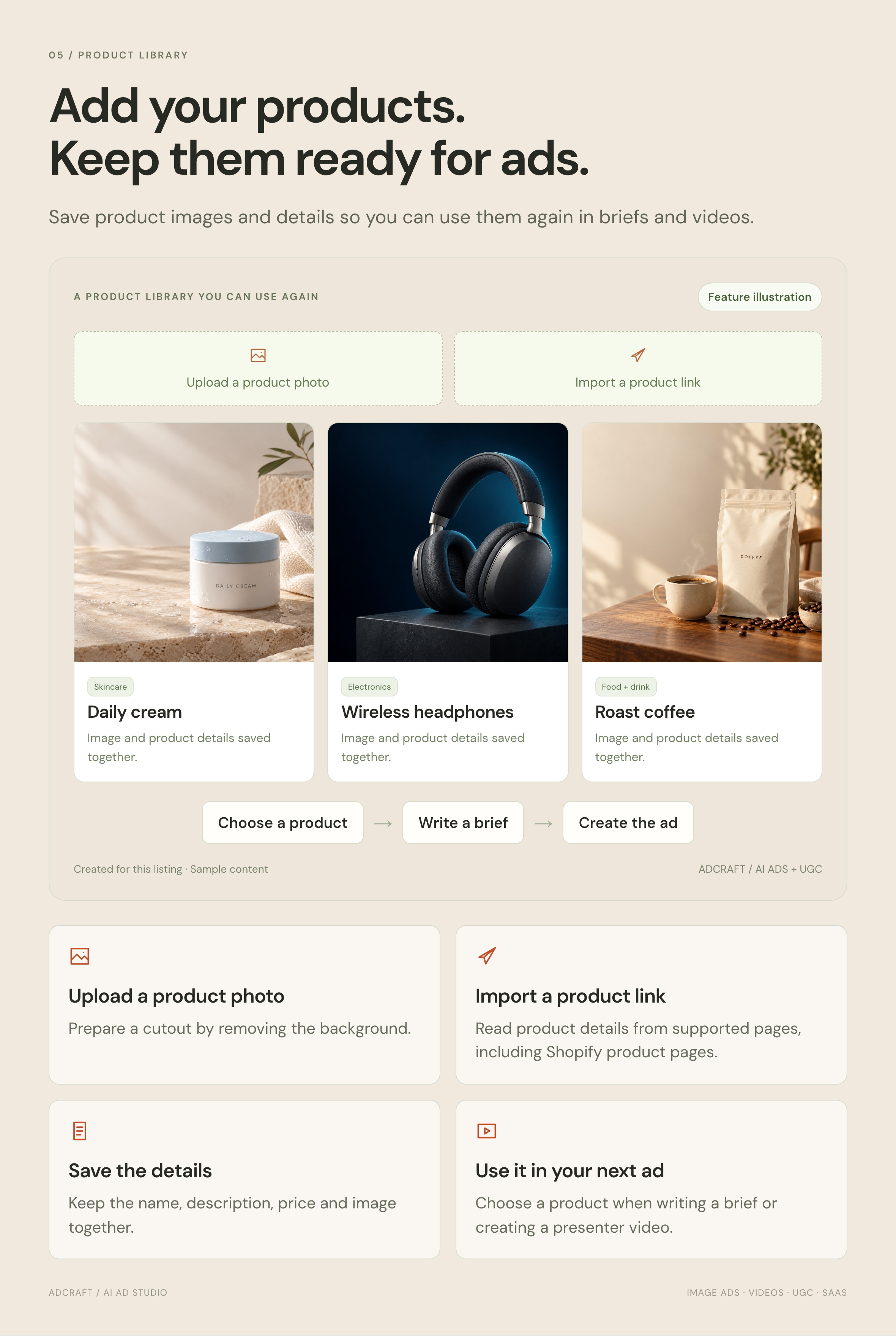
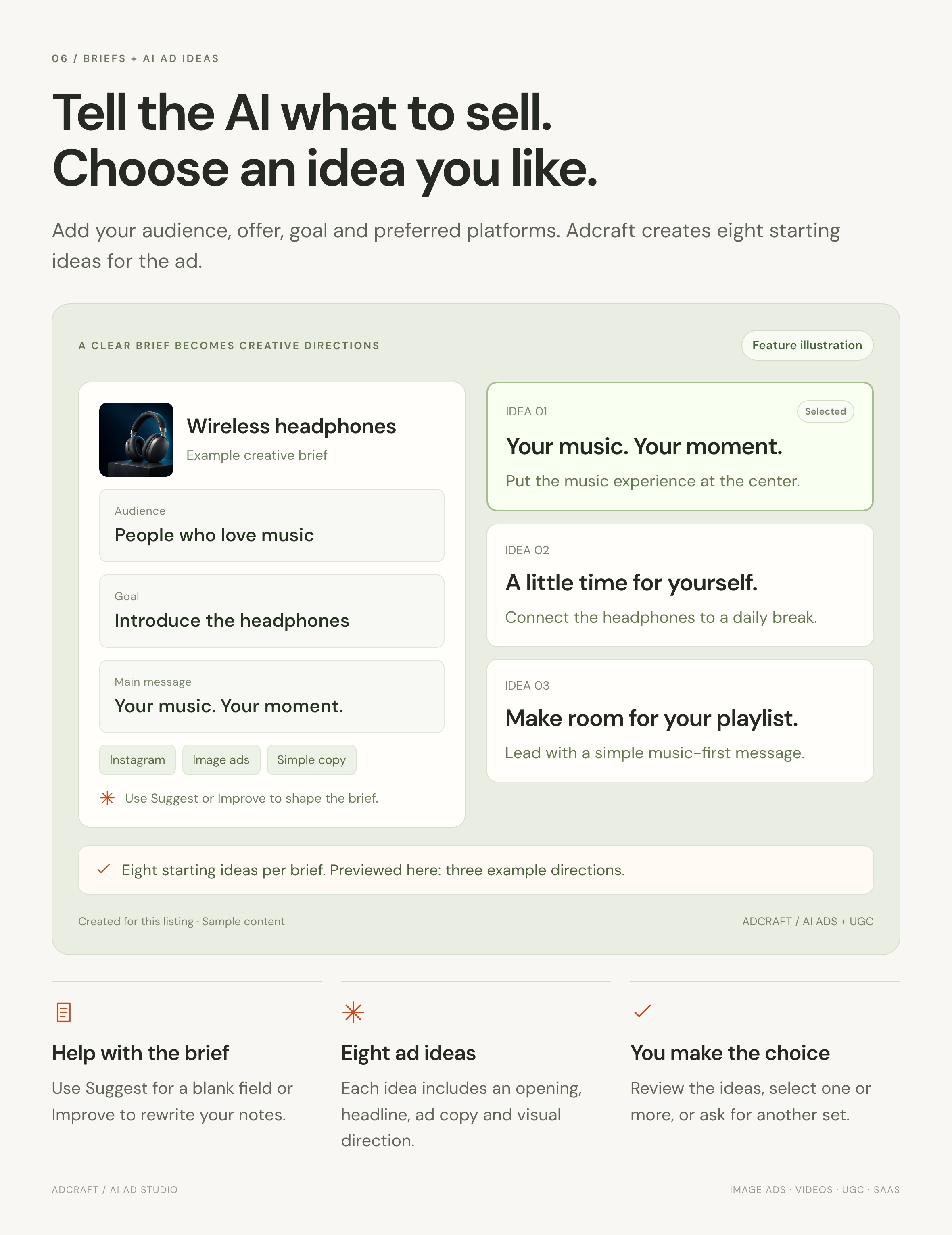
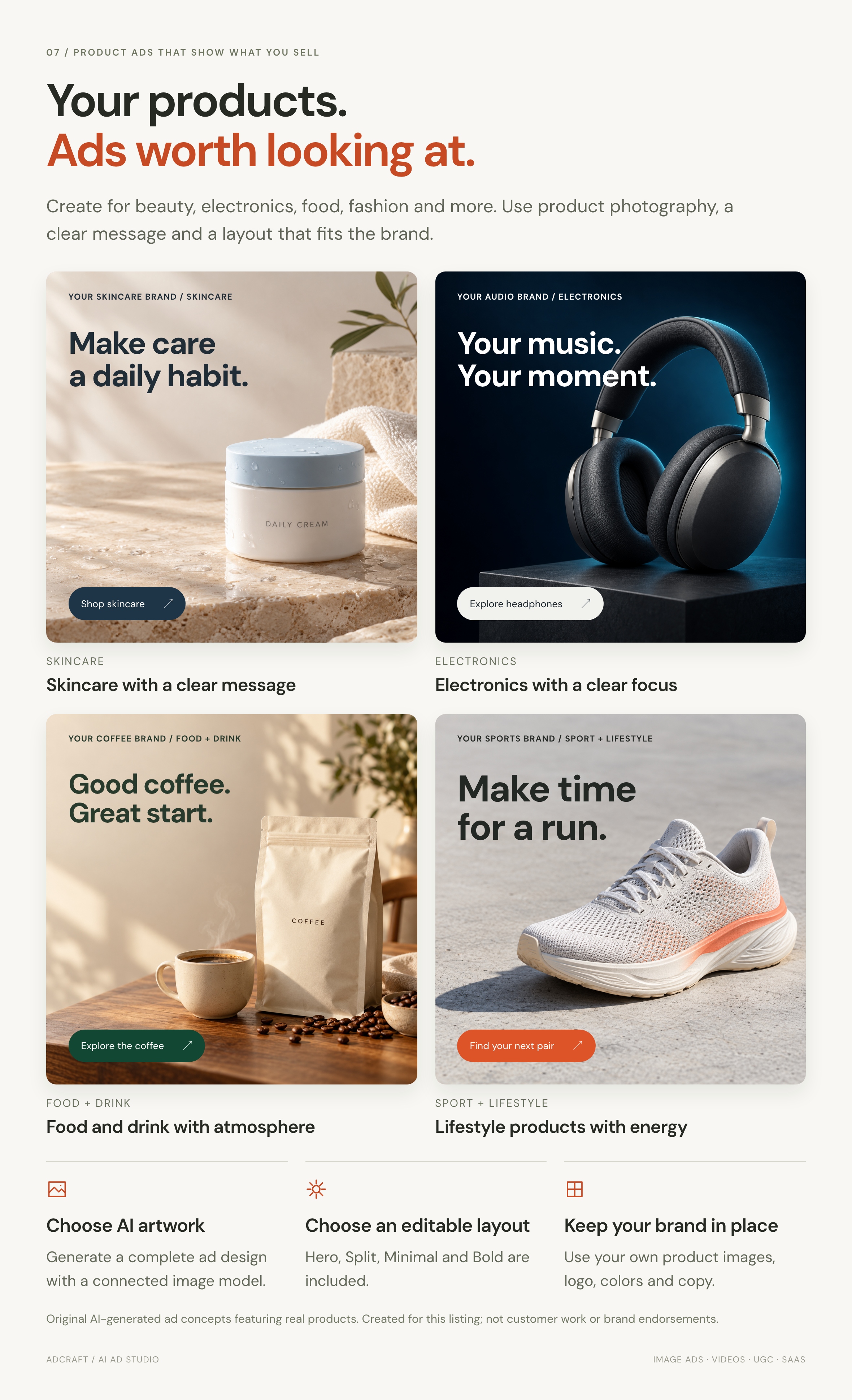
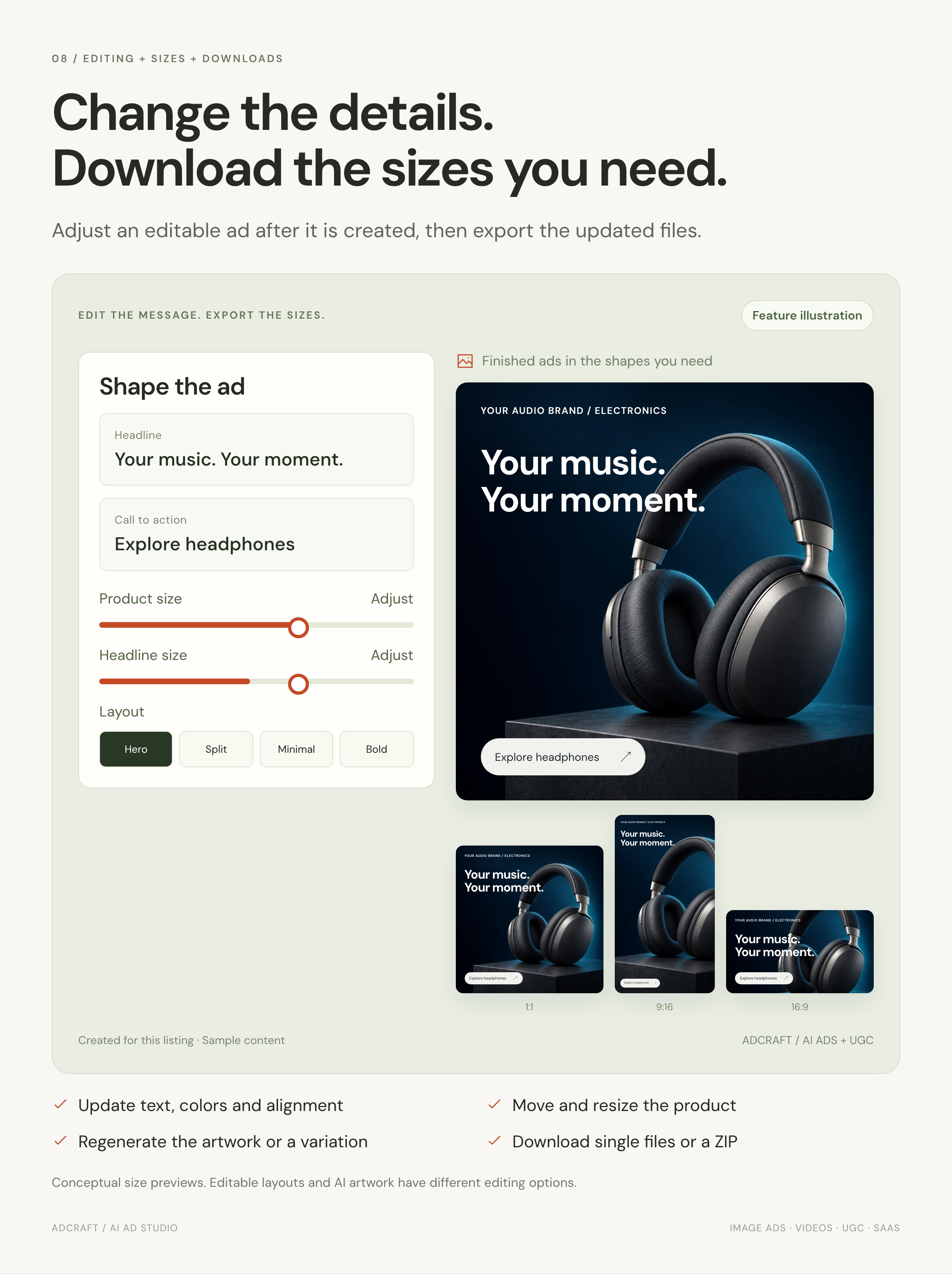
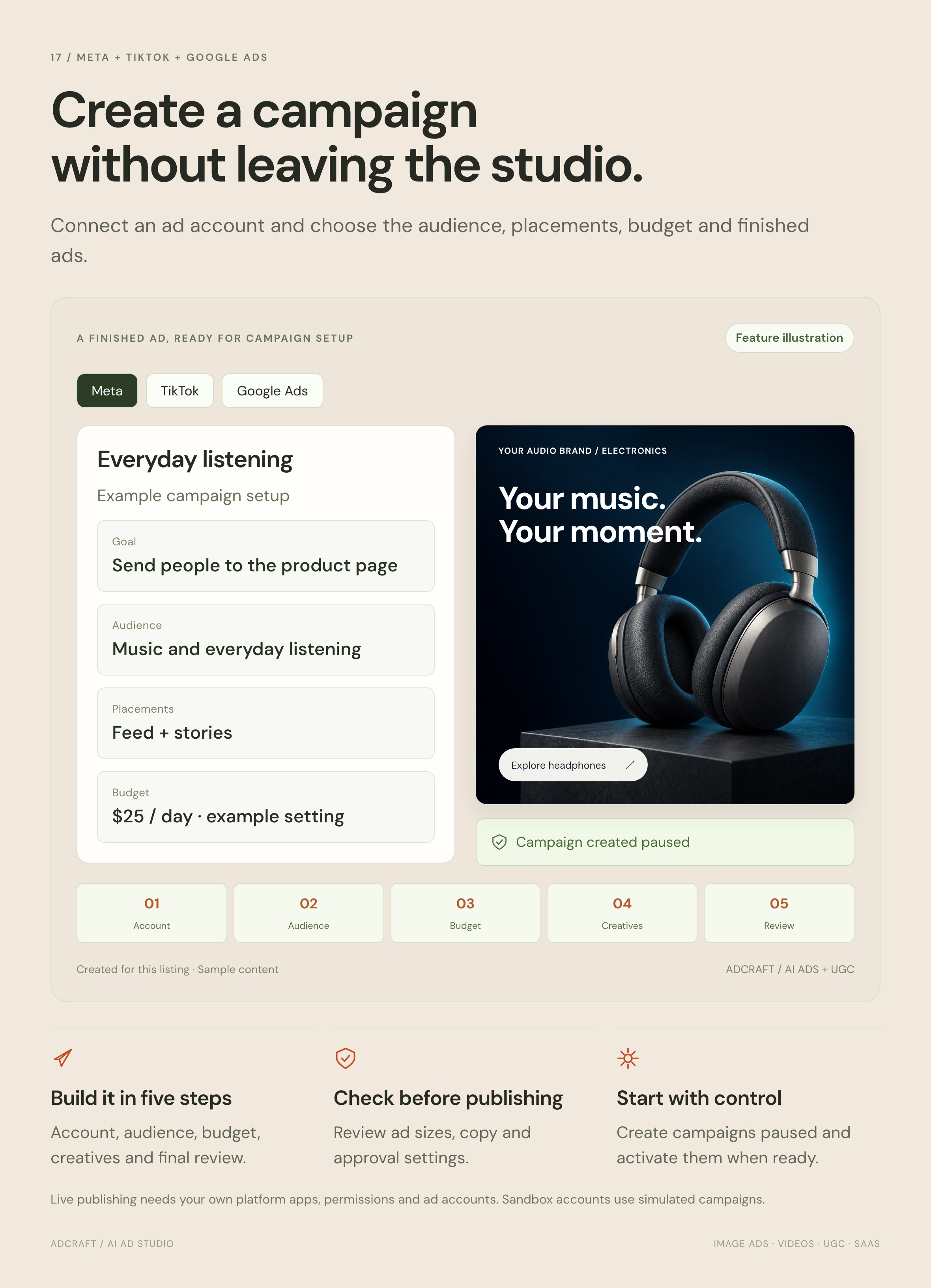
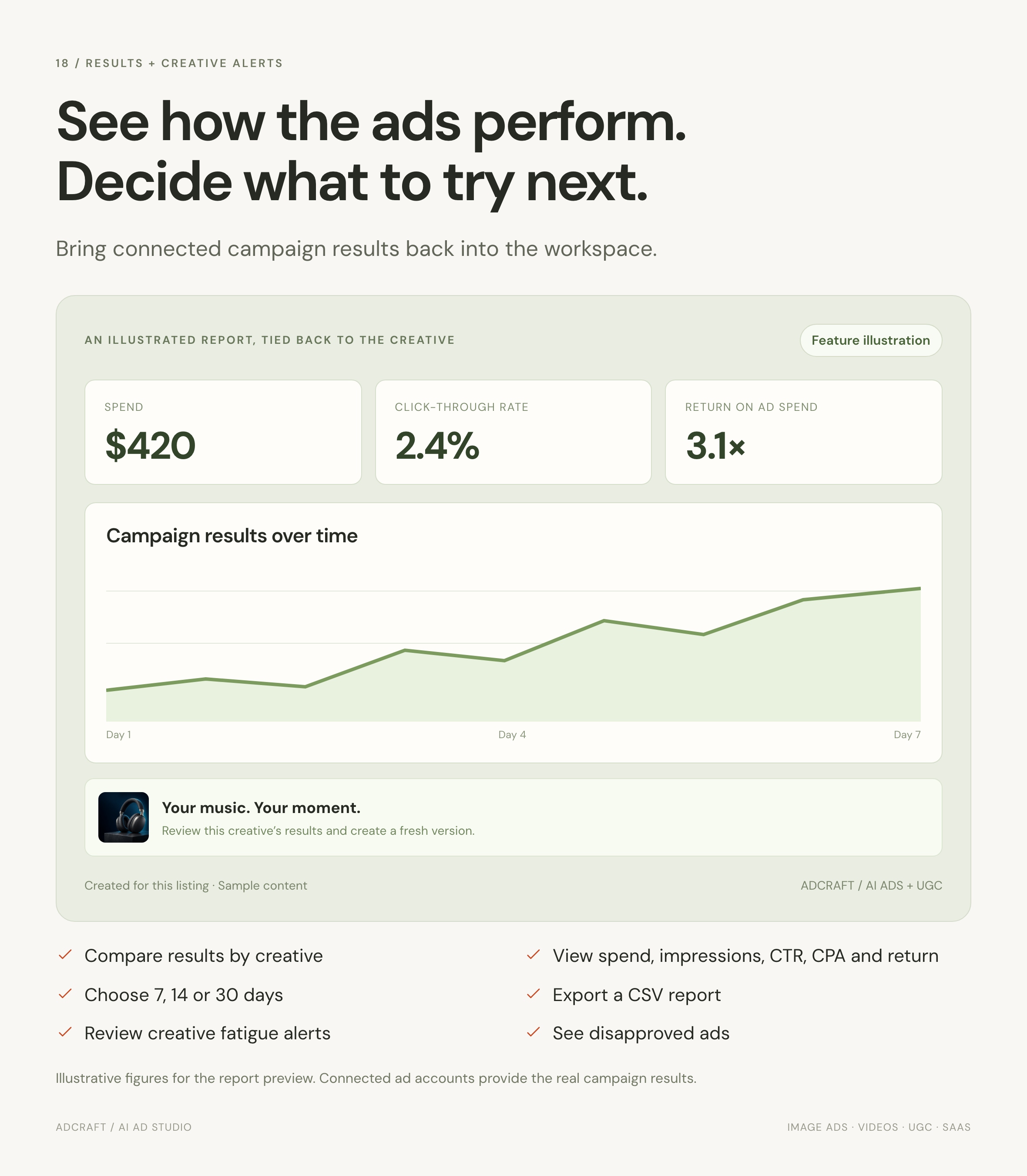
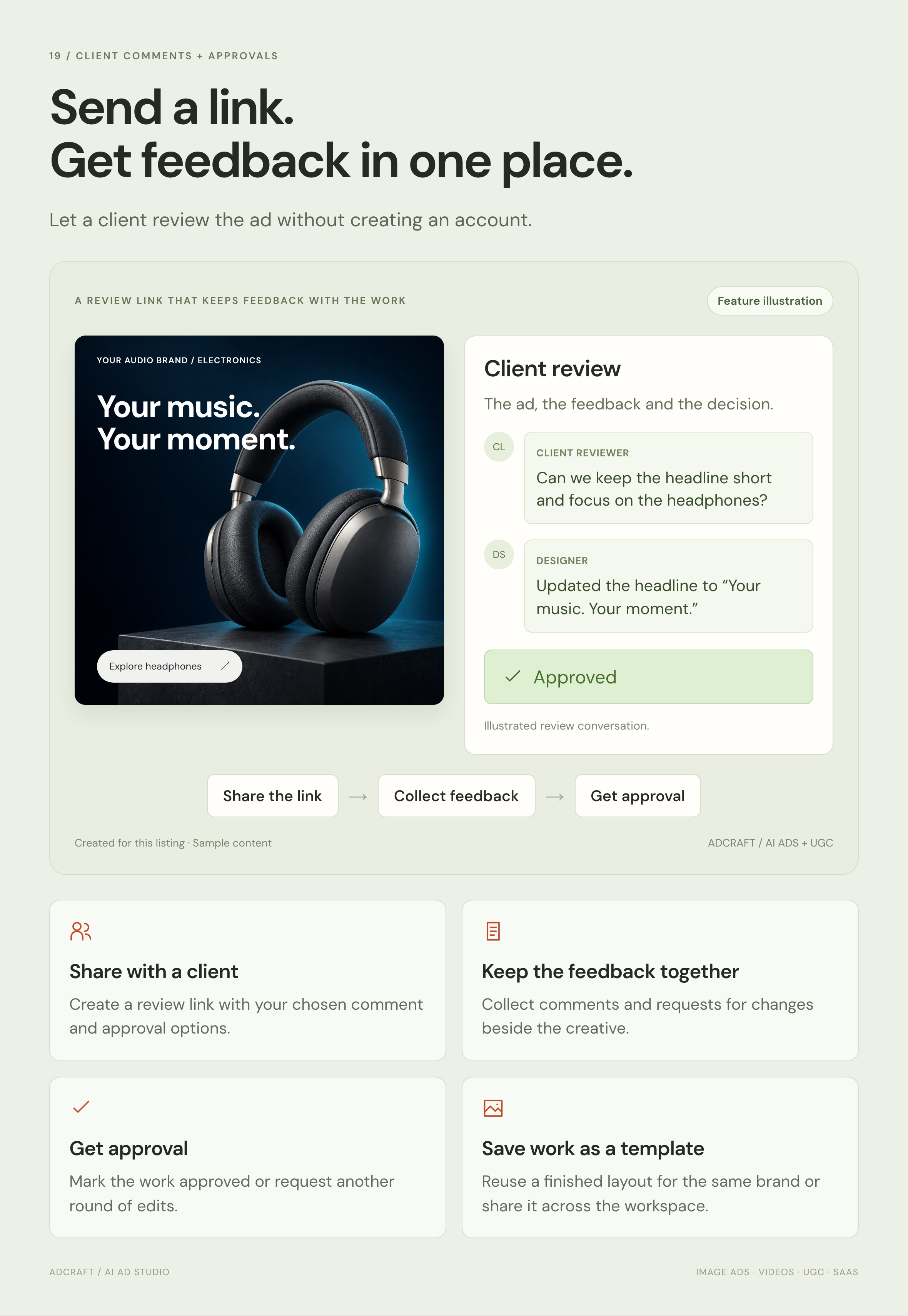
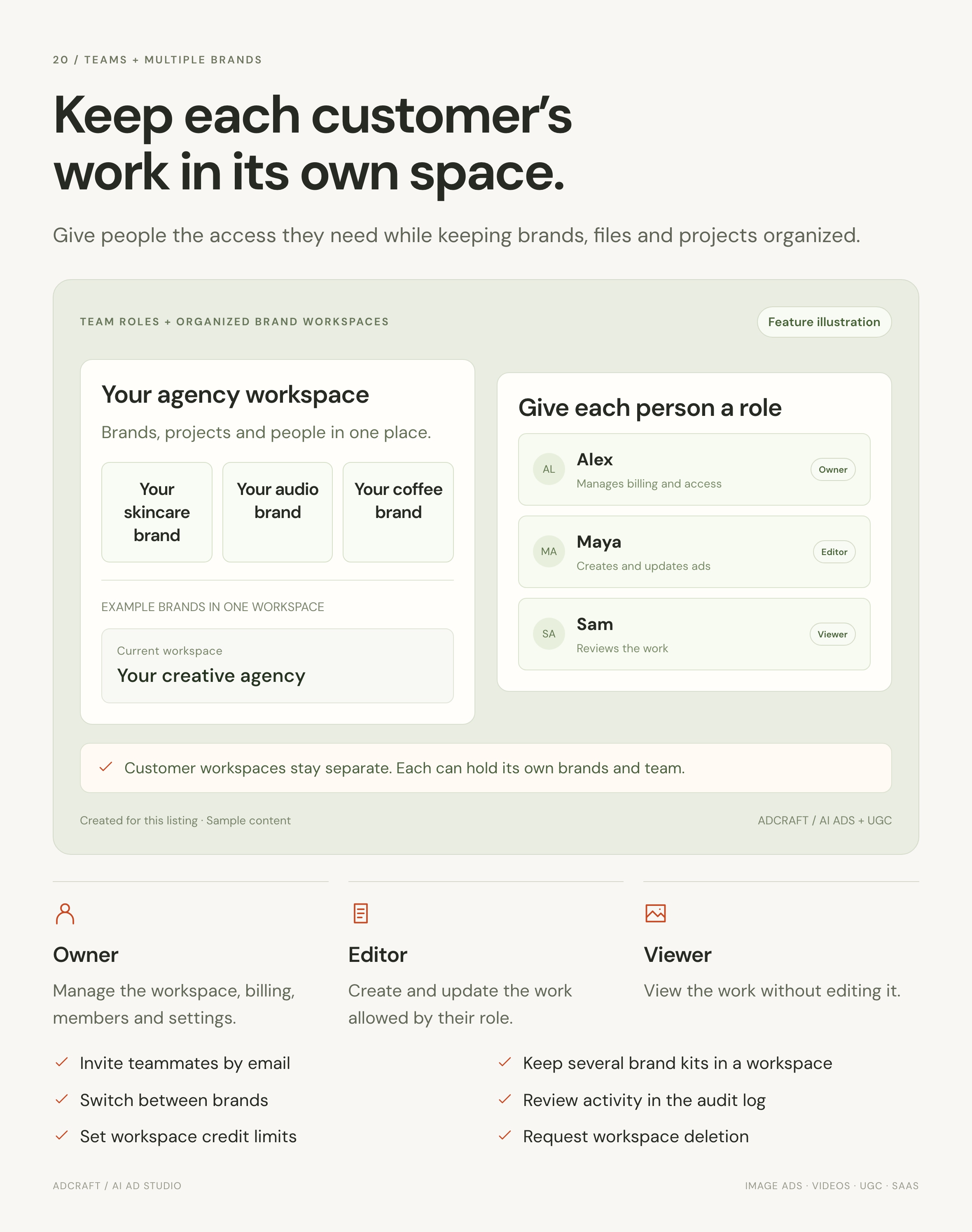
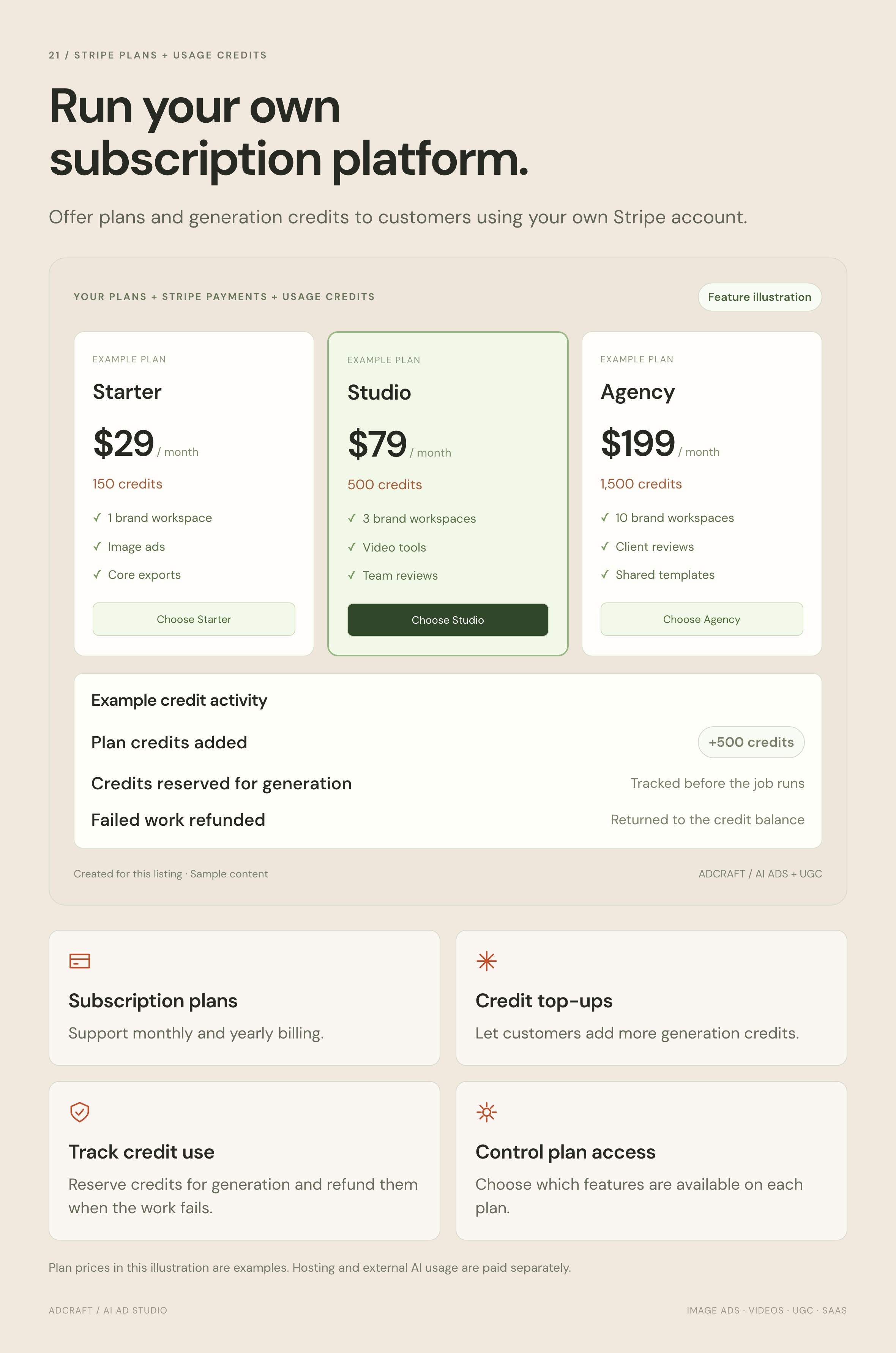
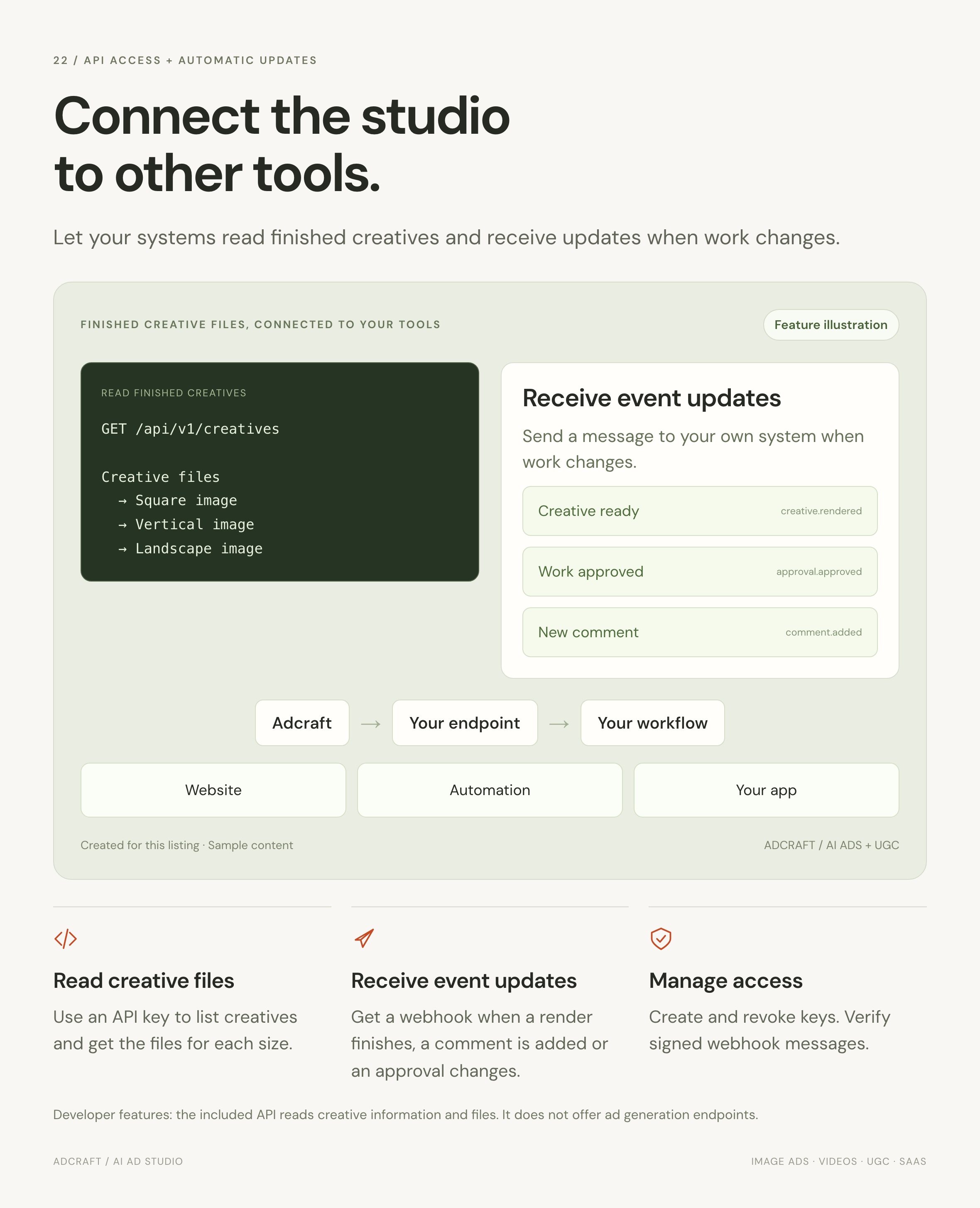
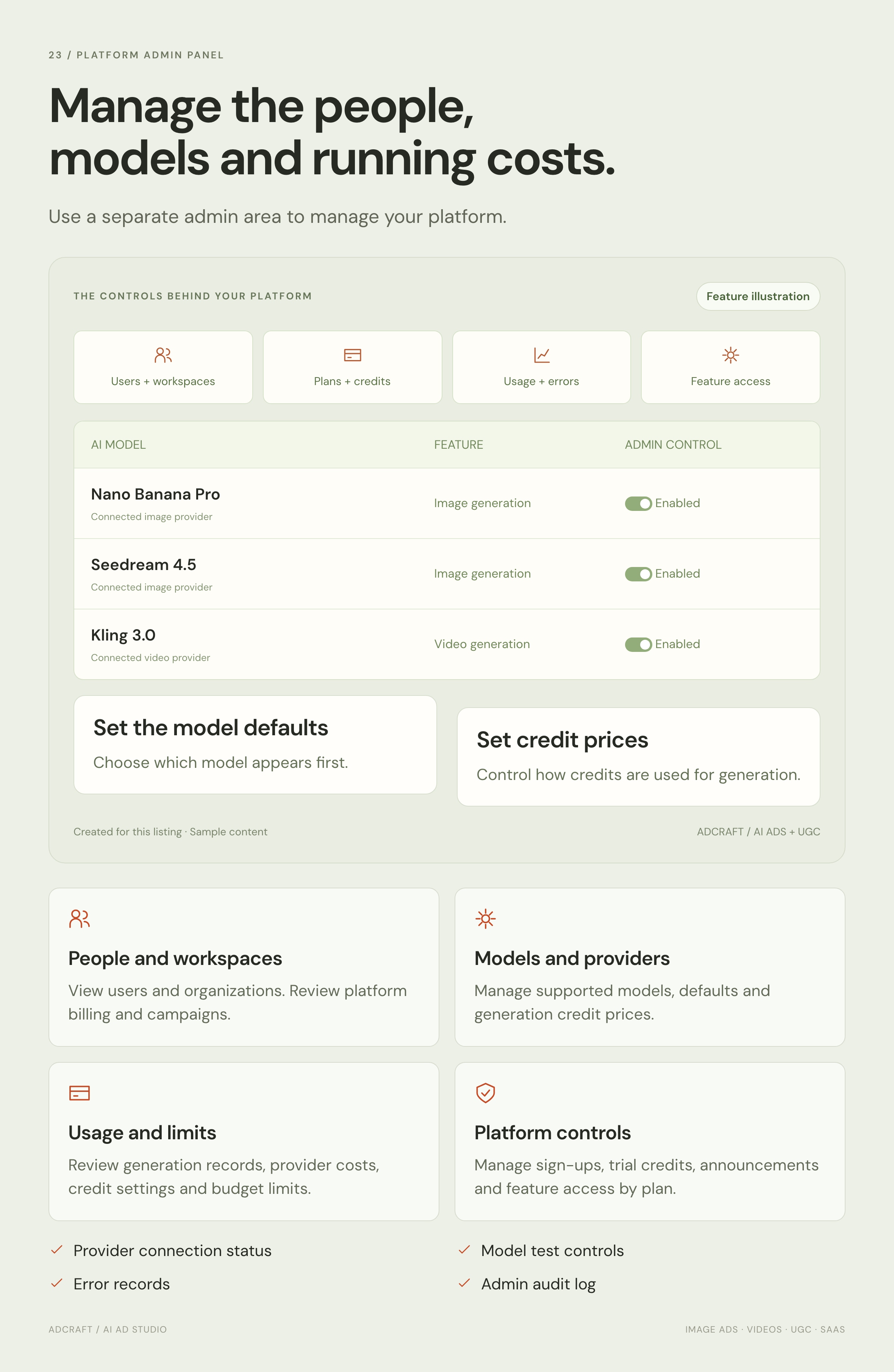
Includes brand kits, a product library, eight AI ad ideas per brief, four image layouts, bulk creation, character and voice tools, campaign setup, reports, client reviews, teams, Stripe plans and credits, a read API, webhooks and an admin panel.
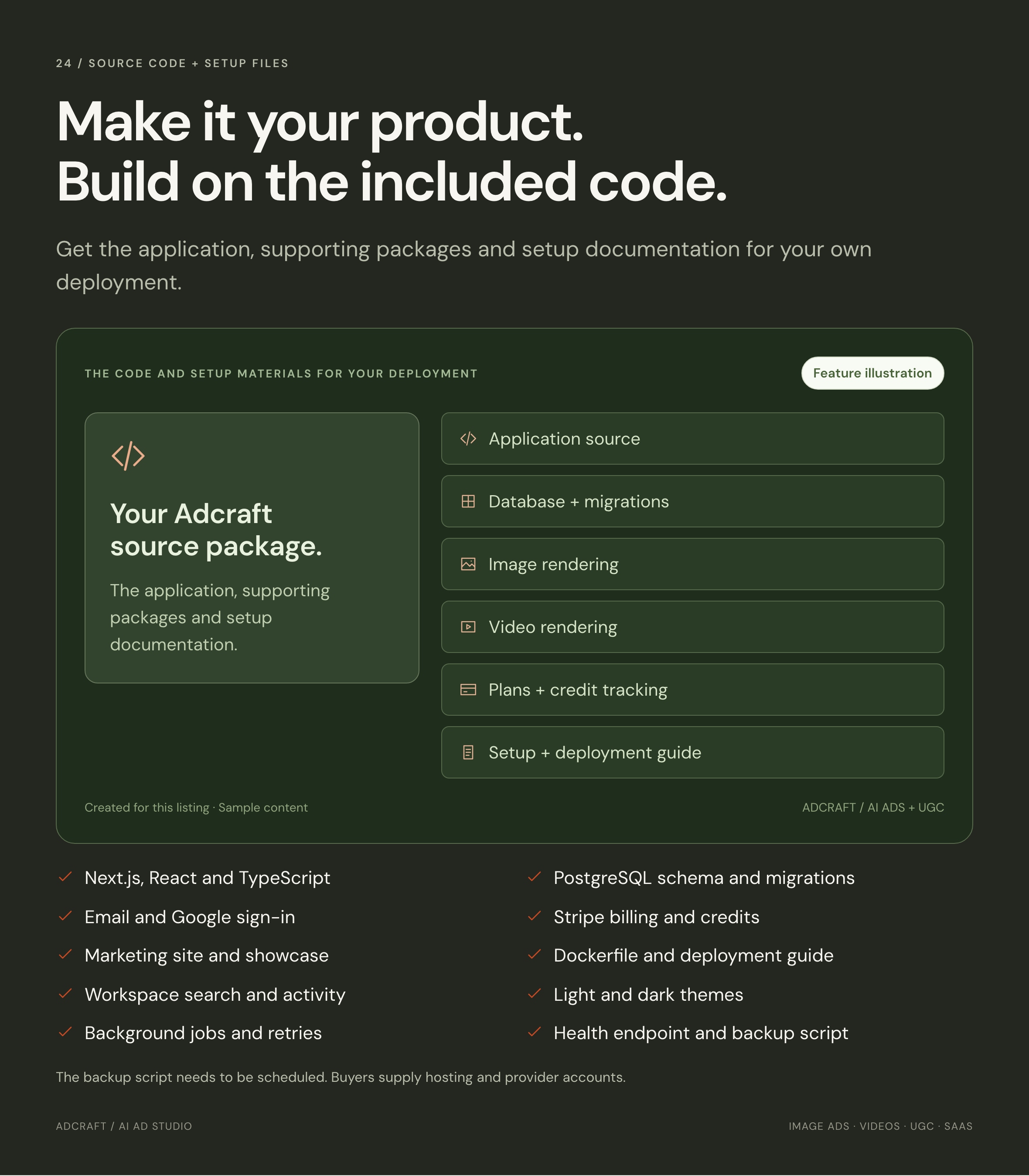
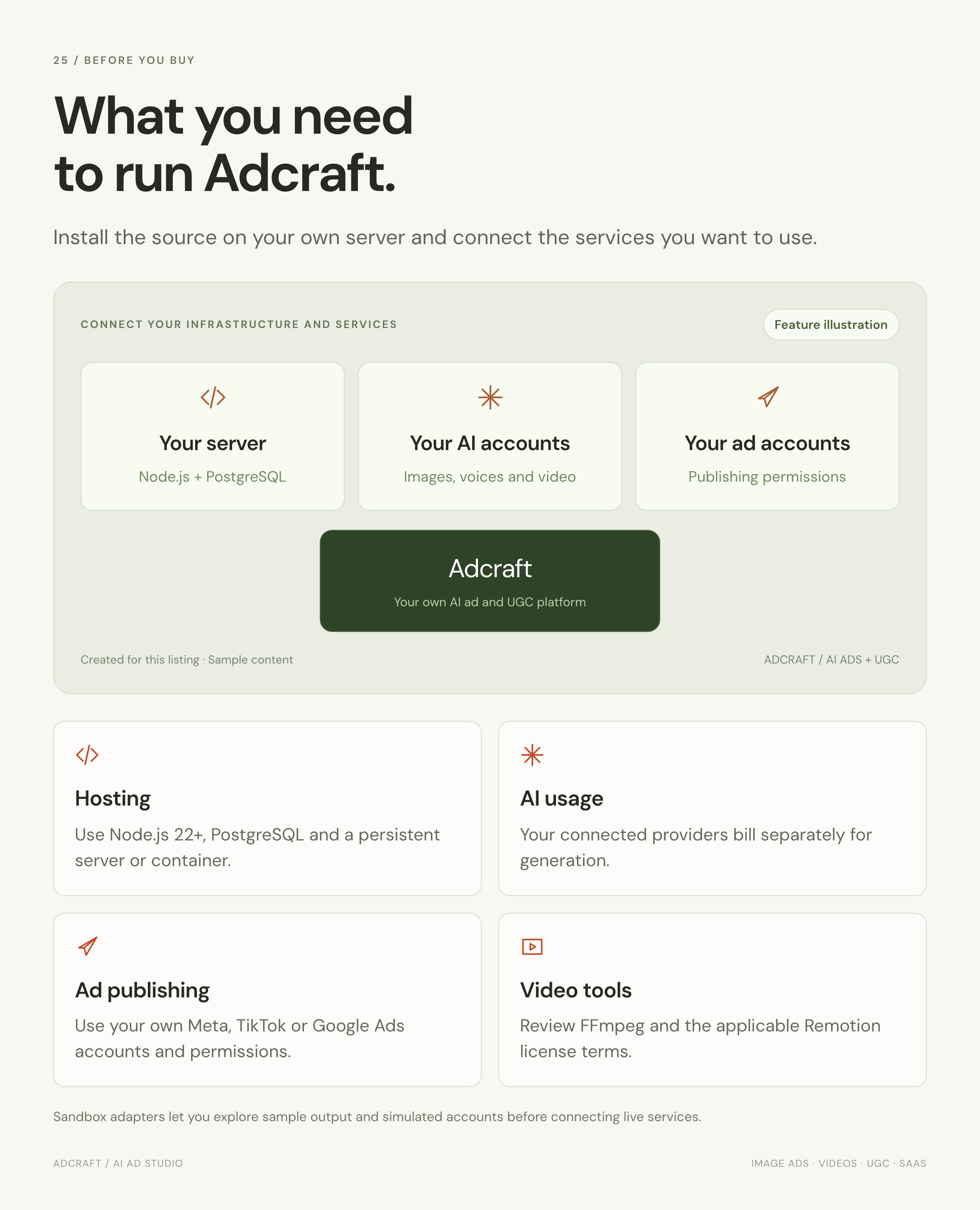
Requirements: Node.js 22+, PostgreSQL and a persistent Node server. Live generation needs your own provider accounts and paid usage. Ad publishing needs platform apps and permissions. Review the included third-party notices for video rendering terms.
Preview media: Photos and videos shown in the previews are not included in the buyer download. Editable SVG placeholders are included. The feature panels use illustrative sample content, not customer campaign results.

Installation and setup
The full guide also ships as documentation/index.html inside the download, so everything is available locally.
What you need
- Node.js 22 or newer and pnpm 9.15.9 (
corepack enableinstalls the pinned version). - PostgreSQL 15 or newer. Optional on your own machine: leave
DATABASE_URLblank and an embedded database starts automatically. - A persistent Node server or container. Shared hosting and cPanel cannot run this item; it is a Node.js application, not PHP. A Dockerfile is included.
- About 1 GB of RAM to run, 2 GB or more if you render video on the same machine.
Install it
- Unzip the download and open a terminal in the
adcraftfolder. - Run
corepack enableand thenpnpm install. - Copy the environment template:
cp .env.example .env - Open
.envand setAUTH_SECRETto the output ofopenssl rand -base64 32. That is the only value required to start. - Start the application:
pnpm --filter @adcraft/app dev - Open
http://localhost:3000for the website and/dashboardfor the product. With no email provider configured, the sign-in page accepts any address so you can look around immediately.
Point it at a real database
Set DATABASE_URL in .env, then apply the schema with pnpm --filter @adcraft/db db:migrate. Until you do, an embedded PostgreSQL runs from a local folder, which is fine for evaluation but not for production.
Connect the services you want
None are required. Adcraft ships sandbox adapters for every AI provider and ad platform, so with no keys at all the whole product is explorable and returns clearly labelled sample output. Add keys one at a time in .env to switch each piece on:
- Ad ideas and copy —
ANTHROPIC_API_KEY - Images, video and background removal —
FAL_KEY - Presenters, looks and avatars —
HEYGEN_API_KEY - Voice-over and voice cloning —
ELEVENLABS_API_KEY - Sign-in emails —
RESEND_API_KEYandEMAIL_FROM - Subscriptions and credits — the
STRIPE_*keys;node scripts/stripe-setup.mjs --url https://your-domain.comcreates the products, prices and webhook in your own Stripe account - Ad publishing —
META_*,TIKTOK_*andGOOGLE_ADS_*credentials from your own developer applications
.env.example documents all 59 settings with comments, and Admin → Providers shows the same list with live status once you are signed in.
Deploy it
- Build the included Dockerfile:
docker build -t adcraft . - Provision PostgreSQL and set
DATABASE_URL. Migrations run automatically at startup. - Set
AUTH_SECRET,AUTH_URL(your public address),ADMIN_EMAILSandDEV_LOGIN=0. - Attach durable storage: either a mounted volume at
LOCAL_STORAGE_DIR, or the fourR2_*variables for any S3-compatible bucket. A container filesystem is wiped on every deploy. - Check
/api/health, which reports the database, storage and job runtime with latency.
Make it yours
Colours and type live in packages/ui/src/tokens.css; change them once and the whole application follows. The wordmark is a single component, the favicons sit in apps/app/public, and the marketing website is plain HTML and CSS with no build step.
Third-party terms worth reading first
Remotion, which renders the product-video composition, is free for individuals and organisations of up to three people; larger organisations need a licence from remotion.pro. This affects the product-video feature only — image ads, presenter video, publishing and reporting never load it, and the application builds and runs without it. FFmpeg is fetched at install time for presenter video assembly, or point FFMPEG_PATH at your own build. Full detail is in THIRD-PARTY-NOTICES.md inside the download.
AI generation and ad spend are billed to you by those providers; no provider accounts, credits or API keys are included with this item.
Download Now
LIVE PREVIEWBUY FOR $99


